Embrace the festive season with a 3D printed appearance calendar: Your ultimate DIY guide
The holidays are a time of miracle, anticipation and creativity. Is there any better way to calculate Christmas than a custom advent calendar? Forgot store-buyed paper version – 3D printing allows you to design unique reusable masterpieces. In this guide, we will take you through making your own 3D printed appearance calendar, from concept to assembly. Whether you’re an amateur or design professional, the project combines holiday joy with cutting-edge technology.
Why 3D printed a calendar?
- Endless customization: Design compartment shaped like stars, trees and even personalized icons. Add a name, date, or holiday message.
- Durability: Plastic or metal 3D printed calendars last for years, unlike fragile cardboard alternatives.
- Sustainability: Reuse the calendar every year to reduce waste.
- Educational fun: Great for introducing CAD design and 3D printing to your kids (or yourself!).
Design Points: Plan your calendar
Before hit "Print," Consider the following factors:
- structure: Select a grid (such as a 6×4 drawer), a tree-like lattice or interlocking tiles.
- size: Make sure the compartment is large enough for treatment (approximately 30x30x40mm).
- Printability: Avoid overhang > 45° to eliminate support; design interlocking parts with 0.2–0.4 mm tolerance to smooth the assembly.
- Material selection:
- PLA:Environmentally friendly and easy to print (suitable for beginners).
- Petg/nylon: Highly durable parts.
- Metal (e.g., aluminum): for high-quality weight and durability.
Step by step DIY guide
-
Design your model:
Use free tools like Tinkercad or Fusion 360. Draw the base plate with 24 numbered slots and model a single drawer. Tip: Add finger dents to open easily!
choose: Download prefabricated designs from Thingiverse or Printables. -
Printing Tips:
- Layer height: 0.15–0.2 mm for details.
- filling: 15–20% lightweight strength.
- support: Only when essential (e.g., complex engraving).
- Print time: ~1-2 hours per drawer; use batch printing to save time.
-
Post-processing:
- Sand seams with 200–400 sandpaper.
- Use a fill primer spray for a smooth finish.
- Paint with acrylic or spray paint (try metal red/green for holiday gifts!).
- For prompts: For metal prints, the vibrating tumbling creates a beautiful professional look.
- Assembly and personalization:
Insert the drawer into the base, fill it with chocolate or small gifts, and decorate it with LED lights or holiday stickers. Add parchment lining for rustic charm.
Improve your project with professional support
If your goal is a museum quality result or desires exotic material, Great Bridging the gap between DIY and industrial-grade manufacturing. As a leader in rapid prototyping, we offer:
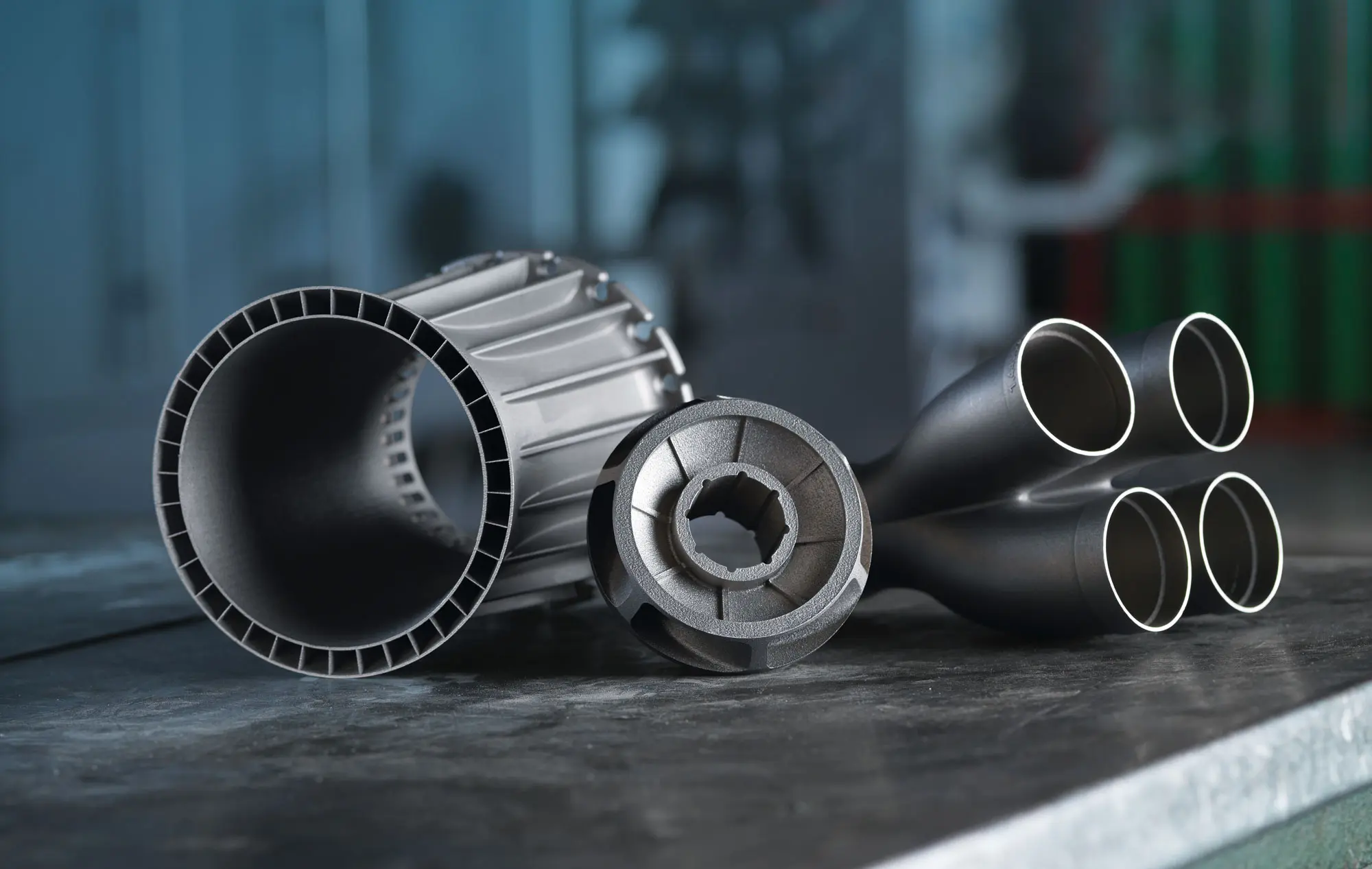
- SLM 3D Printing: Precision metal calendar for stainless steel or aluminum.
- Post-processing:Smooth, anodized, powder coating and custom finishes.
- Speed and scalability: Great for bulk orders or complex designs – ideal gift!
- Material flexibility: From plastic to titanium, all of these can be customized to your specifications.
Customize your advent calendar with Greatlight now! (Call action link)
in conclusion
A 3D printed advent calendar blends tradition and innovation to create a core season of joy. While DIY printing promotes creativity, working with professional services like Greatlight ensures the perfect execution of exquisite or metallic designs. Whether you are making a family heirloom or a corporate giveaway, this project proves that Christmas magic can be paired with engineering. Start designing and let the countdown begin!
FAQ
Q1: Can I print a safe advent calendar?
A: Although PLA itself is non-toxic, the miniature multiples of 3D printed parts can contain bacteria. Use food-safe epoxy paint or insert it into a resealable bag for snacking. For metal versions, food-grade finishes are available.
Q2: How to avoid drawer jam?
Answer: The design drawer has a 0.3 mm gap on all sides. Test the fit prototype early and gently sand the edges when needed.
Question 3: What is the cost difference between DIY and professional printing?
A: DIY costs about 10–$20 in PLA. Professional metal prints around $100, but offers unparalleled durability and finish.
Question 4: How long does it take for professional 3D printing?
A: In Greatlight, the typical delivery time is 2-5 days for the plastic prototype and 7-12 days for the metal (including post-processing). The RUSH option exists!
Q5: Can Greatlight handle complex art design?
Answer: Absolute. Our SLM printers reduce details to 0.05 mm. Share your .step or .obj file, which we optimize for production.
Question 6: Do you need to draw after printing?
A: Not mandatory, but it can enhance aesthetics. Start the hidden layer line; UV-resistant paint prevents color from fading.
Question 7: How should I store my post-Christmas calendar?
A: Remove the drawer, pack it in acid-free tissue, and store it in a dry place. The metal version does not require special care.
Bring your holiday vision to life – contact quick prototyping that combines precision with celebrations. 🎄🖨️