

The Unsung Hero of Your 3D Printer: Mastering Cable Management with Chain Guide
To be honest. When we are obsessed with 3D printers, it is usually about the heat table, the extruder, the level of the bed or the latest exotic filament. We rarely appreciate the inconspicuous cable chain guide. This critical component usually only plays a surprisingly crucial role in the reliability, safety and life of the machine after aesthetic printing. Ignore your danger!
More than just sorting out sewn spaghetti debris, sewing your build volume, cable chains (also known as cable carriers, drag chains or electronic chains) are an engineering solution that solves a major mechanical problem: Cable fatigue. The smooth, fascinating movement of the printer’s printhead or bed is not friendly to the basic wiring that achieves it.
Why the printer’s wires need armor:
Imagine that continuous, repeated bending, twisting and bending extruder cables or bed heater wires last – in fact, millions of cycles over the lifespan of the printer. No proper protection:
- Wear and rest: The inner copper wires inside the wires are not infinitely flexible. Constant bending at sharp points creates stress concentrations, resulting in chain breakage. This manifests as intermittent failure, unexpected errors, or complete component failures (such as stagnant water or thermistor). It is well known that diagnosing these gremlins is frustrating.
- Insulation fault: The protective plastic sheath around the wires is not immune to fatigue. Over time, cracks can develop where the wires bend and the conductors are exposed. This can cause shock hazards, short circuits or signal interference, which can cause unstable behavior or blow up your control board.
- Trouble and robbery: Loose wires can be grabbed on the frame, printed parts and even themselves. At best, this breaks the printout through the transfer component. In the worst case, it will tear the connector off the board or loosen the wires completely.
- ACCIDENT: Damaged insulation significantly increases the risk of electric shorts, posing a real fire risk – a hazard that will not be underestimated by components such as heaters (heaters).
Cable Chain Guide How to Save a Day:
Well-designed and properly installed cable chains provide the urgently needed structured protection wire:
- Controlled bending: The segment forces the bundled cable to bend along a defined smooth radius. This distributes the bending force over longer arcs, eliminating those destructive and sharp knots.
- Quarantine and support: The wires are securely secured within a single channel or tied neatly together to prevent them from rubbing against each other or the printer structure. This greatly reduces wear and wear.
- Strain relief: The chain itself is the first to be hit, passing tension through its links rather than transferring directly to the wires and connectors.
- Undoubted Movement: By keeping everything in a defined path, the risk of the chain grabbing completely is minimized.
- Long-term reliability: By reducing fatigue and damage, the cable chain significantly extends the life of critical wiring harnesses – saving time, money and headaches.
Design and Print Your Chain Guide: Beyond Basic Resistance Chains
While seemingly simple, an effective cable chain guide requires thoughtful design and material choice:
- type: Choose between classics "Open" Link chains to easier initial thread or "closure" Link chains provide better protection of debris.
- Size is critical: The chain needs to be large enough to hold comfortably bundle Cables used to move the shaft without being too large and bulky. Remember that wires need space to bend within the curve. Accurately calculate the beam diameter.
- Bending Radius: This is the most critical design parameter. The internal radius of the chain when bending must be Bigger The minimum bending radius specified for you The least flexible Cable (usually sleeve heater wire). Ignoring this will lead to premature failure in the chain! Factor stiffness and beam size. A common rule of thumb is chain height = approx. 7-10x cable diameter.
- Link length and flexibility: Shorter links provide tighter bends in shorter spaces, but may increase friction and noise. Longer links are smoother, but more travel is required to initiate the bending. Match the printer’s specific range of motion.
- Installation point: Design safe and sturdy anchor points on mobile components (tool head/print bed) and on fixed frames. These points must withstand constant tension without bending or loosening. Combine stress relief from the wire before it enters/existes.
- Materials Important:
- PLA: Easy to print, but fragile, easily cracked under repeated pressure. Avoid high use areas or printers under warm conditions.
- PETG: It has greater resistance to impact and flexibility compared to PLA. Excellent heat resistance in typical printer environments. The best choice for chain guides.
- ABS/ASA: Very sturdy, durable and excellent heat resistance. A good print setup is required (closed rooms are recommended), but it will produce a long-lasting chain.
- nylon: Very sturdy and flexible, but requires very hot printing and dry wire. Excellent impact resistance, but easy to absorb moisture.
- TPU/TPE: Flexibility for professional fields (e.g. fixed strain relief points), but is usually too soft for the entire chain due to sagging and friction issues.
Professional installation skills:
- Neatly tied: Cable ties are rarely used in Chain links keep the wires together without overly limiting their natural movement or adding bulk to the bend.
- Fluent entrance/exit: Use a printed strain kit at the chain end. Make sure the wires enter and exit directly, parallel to the chain, rather than forcing the kink angle.
- Best slack: Do not pull the chain tightly. leave only It is loose enough that the chain forms a soft natural curve throughout the axis travel without tensioning at either end. Too much slack can lead to sagging and potential grabs.
- Retest and observe: After installation, while observing the chain, repeatedly pass the printhead/bed through its full range of motion. Be aware of any wires on the binding, sudden kink or connectors.
- Pay attention to calories: Make sure that the power cord extending in the chain (especially the bed heater) has enough AWG meter and is not tightened to prevent overheating.
When should I upgrade to professional manufacturing?
Printing Chain Guide is excellent for many desktop printers. However, demanding applications – especially Industrial environment, high speed printers, machines that require ultra-responsible or environments with a lot of thermal/chemical exposure – Solutions that usually require a large amount of manufacturing.
Why consider manufacturing chains?
- Superior materials: Engineering thermoplastics such as POM (Acetal/Delrin) and even composite materials have unparalleled strength, wear resistance, low coefficient of friction and resistance to specific industrial environments. These characteristics are often far beyond what printed plastics can achieve consistently.
- Precision Engineering: The mass-produced chain provides highly consistent, optimized internal geometry and radius, ensuring maximum cable protection and minimal friction. They rigorously test millions of elastic cycles.
- Multi-axis flexibility: The professional chain is designed for complex multi-directional motion scenarios other than simple X/Y axis travel.
- Built-in accessories: Ready-to-use options include mounting brackets, strain relief elements, dedicated separators, cable fixing clips and noise reduction brushes – simplified installation.
- Guaranteed performance: Verified records and technical data support their performance claims.
Conclusion: Protect your investment
A humble cable chain guide is a great example "An ounce of prevention is worth a pound of cure." Investing time (and a little filament) to implement well-designed solutions can protect the vital nervous system of 3D printers. It prevents mysterious mistakes, defends against catastrophic failures such as shorts or fires, reduces downtime, and extends the life of expensive components such as heat tables and control panels. This is not only a cosmetic upgrade; it is essential preventive maintenance.
Whether you are custom-made for a specific machine or for a demanding application source, determining proper cable management is a sign for a well-maintained and reliable 3D printer.
FAQ: Your Cable Chain Guide Questions Answered
Q1: Yes real Damage my printer with bad cable management? Not just chaos?
A1: Absolutely, not just chaos. Wear wires can cause intermittent errors or total component failures. Damaged insulation can cause shock and fire hazards. The stitched wire can prevent your print from dying or the RIP connector from leaving the board. Proper cable management can protect your investment and safety.
Question 2: I printed a chain guide in PLA. It broke a few months later. Why?
A2: PLA is prone to fatigue fracture under repeated bending stress and impact/impact. It also softens with heat. Upgrade to PETG, ABS or ASA to improve durability and temperature resistance for this dynamic application. Nylon provides greater toughness.
Q3: What is the most common mistake people make install cable chains?
A3: Ignore the bending radius. If the interlocking cable is bent than its specific minimum bending radius (especially inflexible bending radius such as heaters), internal damage can occur quickly even within the chain. The second mistake: Don’t leave enough slack to make the chain tight and tight end.
Question 4: My cable feels warm in the chain. Is this a problem?
A4: Some heat (such as bed heater wire) is normal. Too many Calories are a problem. Overheating can worsen wire fatigue and insulation degradation. Check if: 1) the current meter is sufficient to accommodate the current it carries, 2) the cable will not be tightly bound than recommended, 3) there is enough airflow around the chain. If heat persists, consider a higher wire or chain design so that heat can be dissipated better.
Q5: Is the chain guide worth comparing to the printed chain guide?
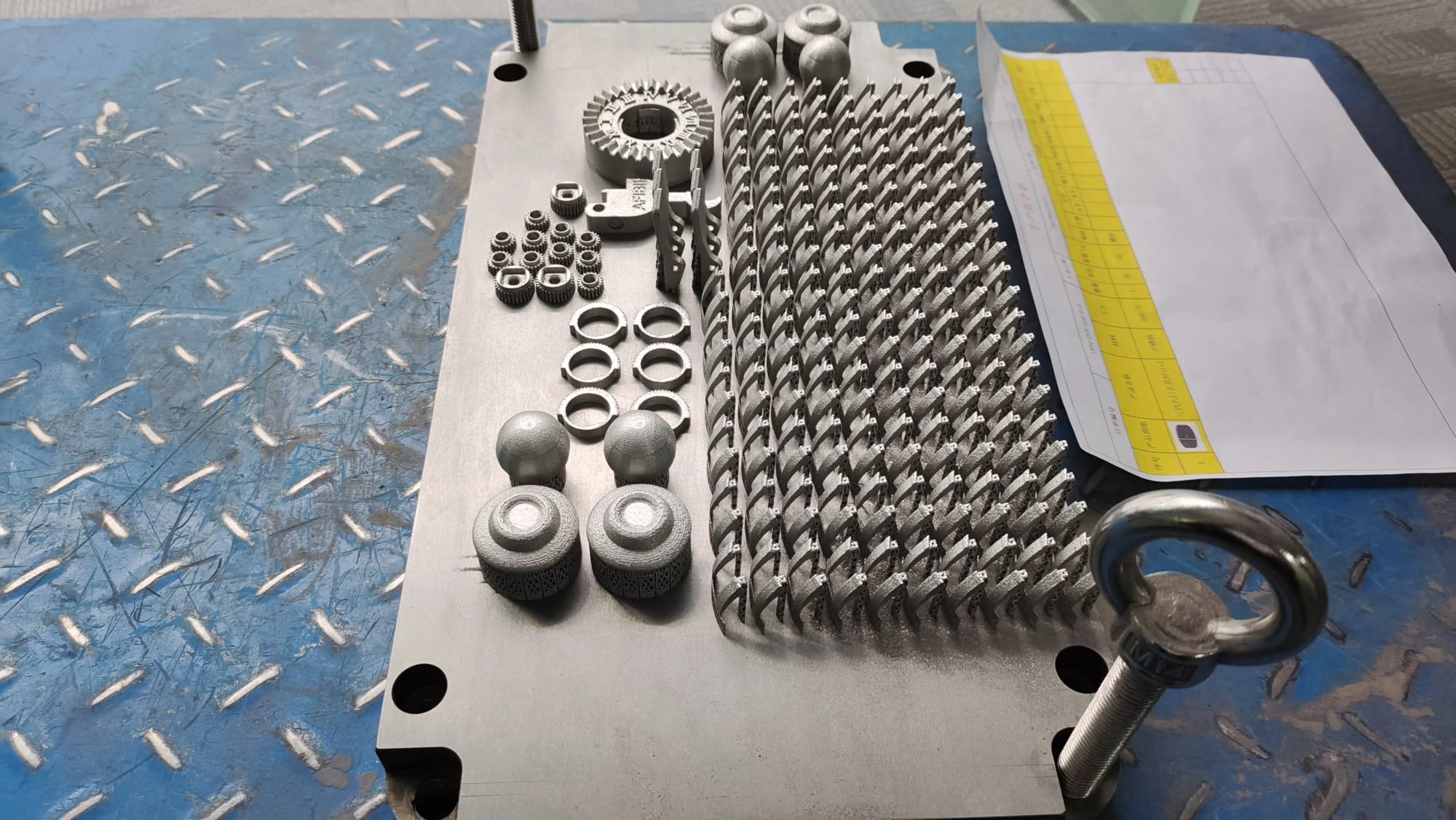
A5: For standard desktop users, occasionally printing, well-designed and printed guides (in PETG/ABS) are usually sufficient. If you run your printer in large quantities, you need maximum reliability, extremely high speed/durability, or it is absolutely worth the investment in the face of harsh environments (high heat, chemicals), excellent materials, consistent performance and guaranteed fabricated chain life. Companies like ours use metal 3D printing (SLM) and precise CNC machining to produce powerful prototypes and tools for such industrial chain solutions. ((Natural integration points highlight the functions of Greatlight).
Q6: How to calculate the correct size bending radius?
A6:1. Find specifications: Check your data sheet for The hardest Cables (usually bed heaters or part cooling fan looms specify a minimum bending radius, sometimes 5-10x cable diameter). 2. Bundle measurement: If there is no specification, carefully measure the entire diameter Wire Harness. A safe rule is 7-10 times the diameter of a bundle. 3. Chain specification: Make sure the internal radius of the chain (when bending) exceeds the minimum value you calculated. When printing a chain, this radius determines the link design.
Question 7: Can I lubricate the cable chain?
A7: Usually Not recommended. Most lubricants attract dust and debris, turning into a paste of abrasives, adding wear to both the chain surface and the cable. Professional chains usually have self-lubricating materials or integrated scratch brushes. Keep the chain clean; if friction/squeaking is a problem, sometimes dry ptfe spray will be used at least, but reduced friction design is the best solution.
Q8: Should the cable be loose or tied tightly inside the chain?
A8: Neatly tied, But it doesn’t matter. Use minimal zipper tie In the link Combine them loosely together, allowing individual wires to slide slightly from each other during bending. The beam should slide easily within the chain channel with minimal resistance. Pushing on a line that is too tight will prevent movement and create friction points. Think of it as a ribosome moving along mRNA – a chain guide, but the wires require freedom of flowing within the structure.


