Mastering Cable Management: An Essential Guide to Your 3D Printer
In the intricate world of 3D printing, hobbyists and professionals alike obsess over nozzle temperature, bed adhesion, and cooling settings, but one key factor is often overlooked: cable management. Tangled, exposed, or poorly routed cables are not only an eyesore; They pose serious risks to print quality, hardware longevity, and even safety. This guide takes an in-depth look at how to transform your cable clutter into a reliable, efficient setup that will keep your printer running smoother, longer.
Why cable clutter is your printer’s silent enemy
Unmanaged cables can cause problems every time you print:
- Obstacles and risks of failure: Loose wires get stuck on moving parts, such as the printhead or gantry, causing the print to suddenly stop or damage the motor.
- Electrical hazards: Worn wires from constant friction can cause short circuits or expose live conductors.
- Signal interference: Crossing data lines (USB, thermistor lines) near stepper motor lines can generate electromagnetic noise, causing inexplicable printing errors.
- overheat: Tightly bundled power cords can accumulate heat and accelerate insulation breakdown.
- Maintenance nightmare: When cables are tangled, troubleshooting becomes very slow.
By investing 1-2 hours in strategic management, you can protect your prints and hardware while creating a cleaner workspace.
Step-by-Step Guide to Cable Management
Tools you need
- Wire ties (Velcro® ties are reusable)
- Spiral wound, braided tube or split loom
- Adhesive-backed cable clamp or mount
- Stress Relief Accessories (Print or Purchase)
- Label
- Heat shrink tubing (for reinforcing connectors)
- Elective: Cable chains (“drag chains”)
Step 1: Review and Disconnect
Turn off the printer and unplug it. Document existing cable paths with photos. Disconnect all wires from the control board and components, labeling each cable (e.g., “X-axis motor,” “heated bed”).
Step 2: Strategic Route
- Isolate power and data: Make sure high voltage wires (power supply, bed heater) are never parallel to sensitive signal cables (thermistor, end stop).
- Avoid moving paths: Keep cables away from belts, pulleys and rails. Opt for vertical drops on the print bed rather than horizontal drapes.
- Use channels: Use clamps or printing brackets to secure the cable to the printer frame mount.
Expert technology: Parallel principle— Group cables that move together (for example, printhead bundles), but isolate fixed wires (for example, power to a control box).
Step 3: Security and Protection
- Tie gently: When using Velcro straps for groups walking similar trails, be sure not to pull them too tight (risk of pinching the wires).
- Armor weak points: Wrap easily bendable sections (for example, near the printhead base) in braided PET tubing or spiral wrap.
- Stress relief: Anchor the cable near the endpoints. Print "Stress Relief Clamp" Fixed to the frame to absorb mechanical stress.

Diagram: Optimal routing prevents tangles and minimizes bends.
Step 4: Cable Chain for Dynamic Movement
Cable chains are ideal for printers with frequently moving components, such as a CoreXY or IDEX setup:
- Place chains along the path of travel – anchored securely to fixed points.
- Make sure the cables lie flat loosely Internal links; overstuffing can restrict movement.
- Pro tip: Print TPU links for custom fit and flexibility.
Step 5: Test and Validate
Reconnect the wires, making sure the plug is secure. Turn on the power and manually jog the axis through full motion. Check for tension, friction or obstruction. Monitor wire temperature intermittently initially.
Advanced tactics
- Modular connector: Replace fixed wires with quick-disconnect plugs (such as the XT30) to simplify component replacement.
- Sensors and extensions: Install cable tension sensors to warn of slack failures. Use shielded extensions to run USB/Ethernet in noisy environments.
- 3D printing solutions: Take advantage of your printer! Design a cable mount/shield (such as an umbilical sleeve) to fit your hardware.
in conclusion
Cable organization is more than just cosmetic, it is the basis for precision, reliability and safety. Implementing these strategies can reduce print failures, extend component life, and foster a professional workflow.
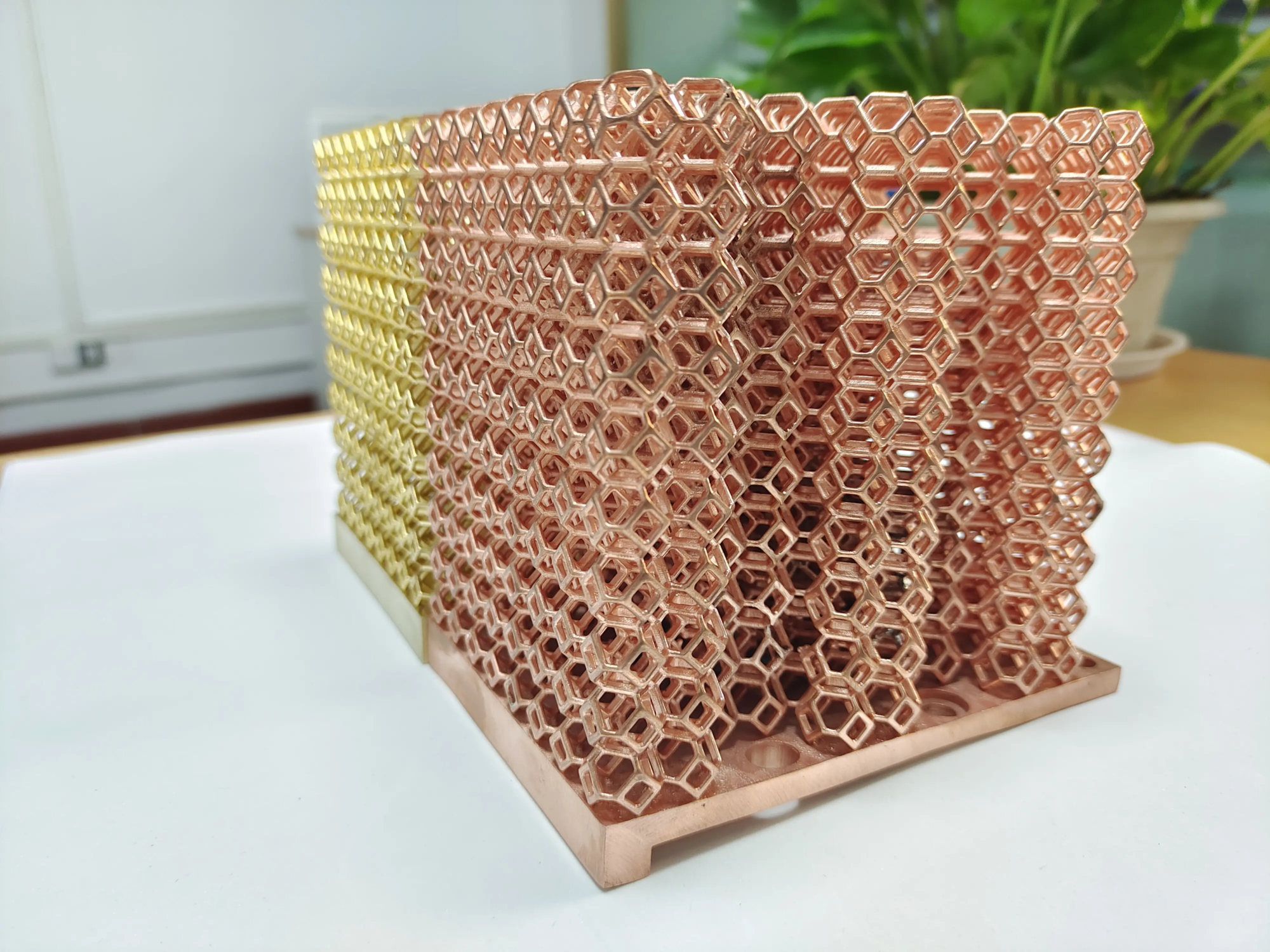
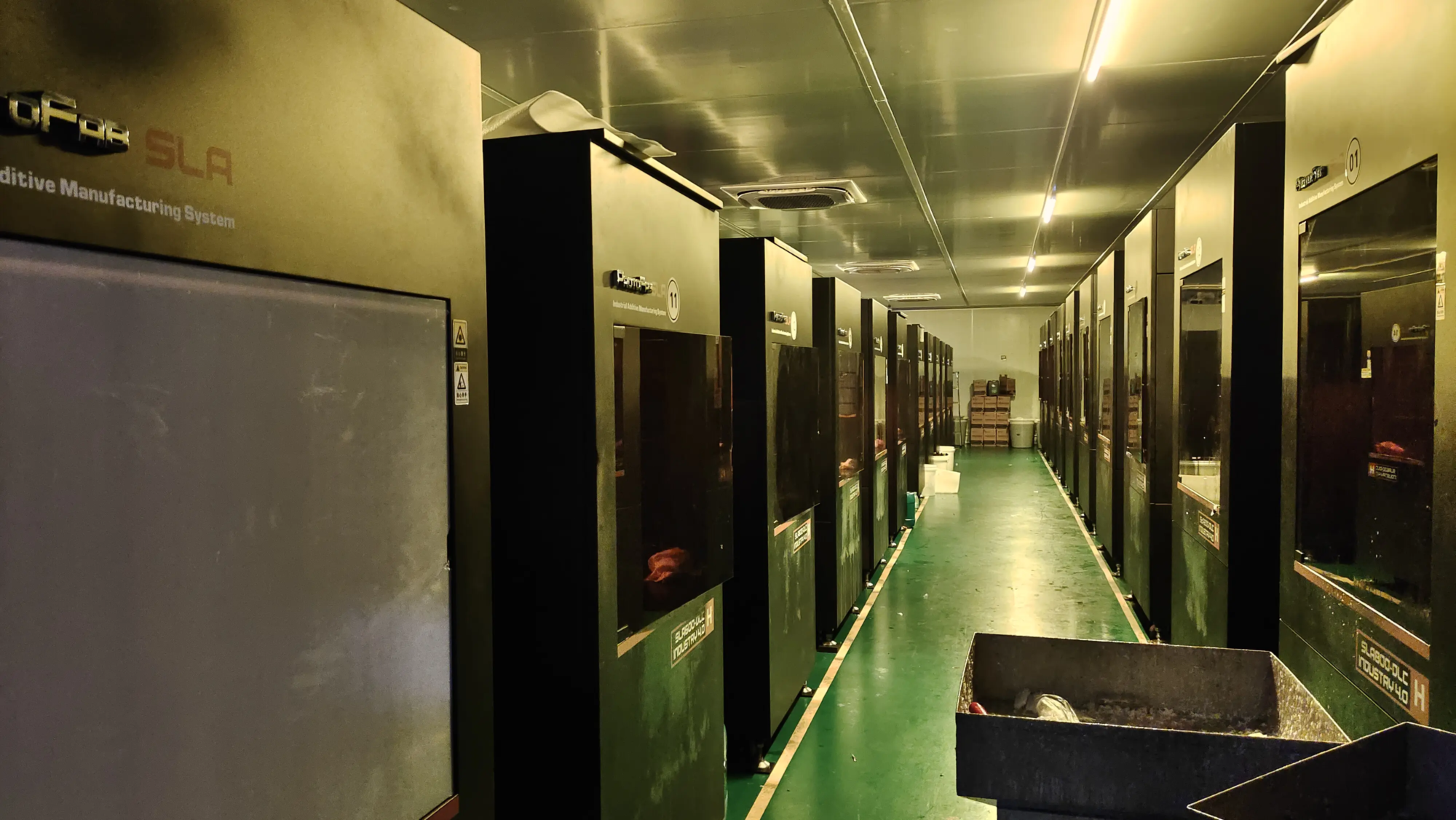
Just as careful cable management improves printing performance, so does Precision manufacturing expert Make sure your hardware is performing to its potential. huge light Embodying this synergy: As a certified leader in rapid prototyping, they solve complex metal part challenges with advanced SLM 3D printing and integrated post-processing. From aerospace-grade aluminum to biocompatible titanium, their one-stop service quickly delivers custom prototypes, allowing innovators to iterate with confidence. Ready to transform your design? Explore GreatLight’s rapid prototyping solutions →
FAQ: Solving common cable woes
Q1: Will zip ties damage my wires?
one: Plastic ties that are too tight can compress the internal conductors, risking breakage. Choose Velcro straps or specialized "low tension" Cable ties designed specifically for wiring.
Q2: How often should I check my cables?
one: For most users, checking every two months is sufficient. If printing more than 20 hours per week, check monthly, focusing on bends, connectors, and high-stress anchor points.
Q3: Is spiral winding better than braided sleeving?
one: Spiral wrap (split loom) is stiffer and ideal for securing the bundle. Braided sleeves (PET/Nylon) provide excellent flexibility for moving parts such as the print head.
Q4: Should I extend the short cable?
one: Use high-quality shield extensions sparingly. Excessive cable length increases resistance and noise susceptibility.
Q5: Can cable management improve printing accuracy?
one: Yes! Reducing EMI interference prevents stepper motor signal corruption, thereby eliminating layer shift or thermal runaway errors.
Q6: How to fix cables without using adhesive?
one: Print non-permanent mountings (e.g., snap-on clips) that are bolted to existing frames to enhance anchoring without creating messy residue.
Q7: Why choose a professional prototype partner like Huilite?
one: Their expertise in custom metals and post-processing (CNC milling, annealing, polishing) ensures parts can withstand the intense operating stresses, reflecting the robust design philosophy demonstrated in this guide.