

Transform your garage into a 3D printing factory: A guide to DIY success
Garages have evolved from dusty storage spaces into the ultimate DIY sanctuaries, and 3D printing is leading the way. Whether you’re a hobbyist prototyping custom parts or an entrepreneur building prototypes for a startup, your garage can become a cost-effective center for innovation. This guide will walk you through creating a functional, efficient, and safe 3D printing workspace—no engineering degree required.
Why a garage?
Garages have unique advantages: they are separated from living space (reducing noise and smoke), provide ample space for large printers, and allow for customization without reconfiguring your home. With 84% of DIY enthusiasts saying using a garage setup speeds project turnaround, this guide focuses on optimizing your space for precision, repeatability, and scalability.
Step-by-step DIY setup guide
1. Pre-installation planning
Space allocation and security zoning
- Space requirements: Allow an area of at least 8×10 feet. Prioritize printing, post-processing and raw material storage segments. Place the printer away from high traffic areas to prevent accidents.
- Fire safety: Use drywall (Class A) fire-resistant walls and install UL listed smoke detectors. Have an ABC-rated fire extinguisher ready – thermoplastics such as ABS emit volatile fumes when they overheat.
- Moisture control: Install a dehumidifier (target relative humidity 30-40%) to prevent filament absorption. Store hygroscopic materials (e.g., nylon, PVA) in a sealed box with silica gel.
2. Necessary equipment
Core tools for optimal performance
- Printer selection: For garages, prioritize enclosed printers (e.g. Prusa i3 MK3S+ for thermoplastics; Elegoo Mars 3 for resins) to control temperature fluctuations.
- Air filtration: Pair the printer with a HEPA activated carbon filter. SLA printers require dedicated fume evacuators – no exception.
- workstation: Choose a stainless steel table: chemically resistant and shock-absorbent. Includes ESD safety mat for electronics assembly.
3. Climate and ventilation systems
Solve garage-specific challenges
Garages can be affected by temperature fluctuations. Here is your solution blueprint:
- insulation: Line the walls with 2-inch polyurethane foam board to stabilize the ambient temperature (ideal: 20–25°C).
- ventilation: Install a dual-port exhaust system: one near the resin printer that exhausts outdoors, and another with a carbon filter for the FDM printer. Use inline fans (≥200 CFM) for cross ventilation.
- Heating/cooling: Mini-split HVAC units provide precise climate control. Avoid using portable heaters near the printer – there is a fire hazard.
4. Electricity infrastructure
avoid overload
- Circuit diagram: Dedicated separate circuits are provided for printer (20A), HVAC (30A) and tools (15A). Mark vandals clearly.
- UPS backup: Use an uninterruptible power supply (≥1500VA) for the printer to cope with power outages during printing.
- wiring: Conduit protected wiring minimizes dust exposure. A GFCI outlet near the wet aftertreatment station is mandatory.
5. Workflow optimization
Streamline production like a pro
- Filament management: The wall-mounted spool above the printer has PTFE ducting to minimize dust. Color-coded storage bins provide instant identification of materials.
- Post-processing center: Designate space for messy tasks: resin wash/curing station, sanding room, and ultrasonic cleaner. Use a polypropylene sink for chemical baths.
- Tool organization: Magnetic tool holders and drawer-style cabinets for nozzles/wrenches increase accessibility. Implement a billboard system for tracking consumables.
6. Calibration and Maintenance
Ensure printing integrity
- Weekly tasks: belt tensioning, bed leveling, nozzle cleaning.
- Monthly tasks: linear guide lubrication, firmware updates, optical sensor recalibration.
- Pro tip: Use an infrared thermometer to verify the uniformity of the heated bed (±2°C tolerance).
in conclusion
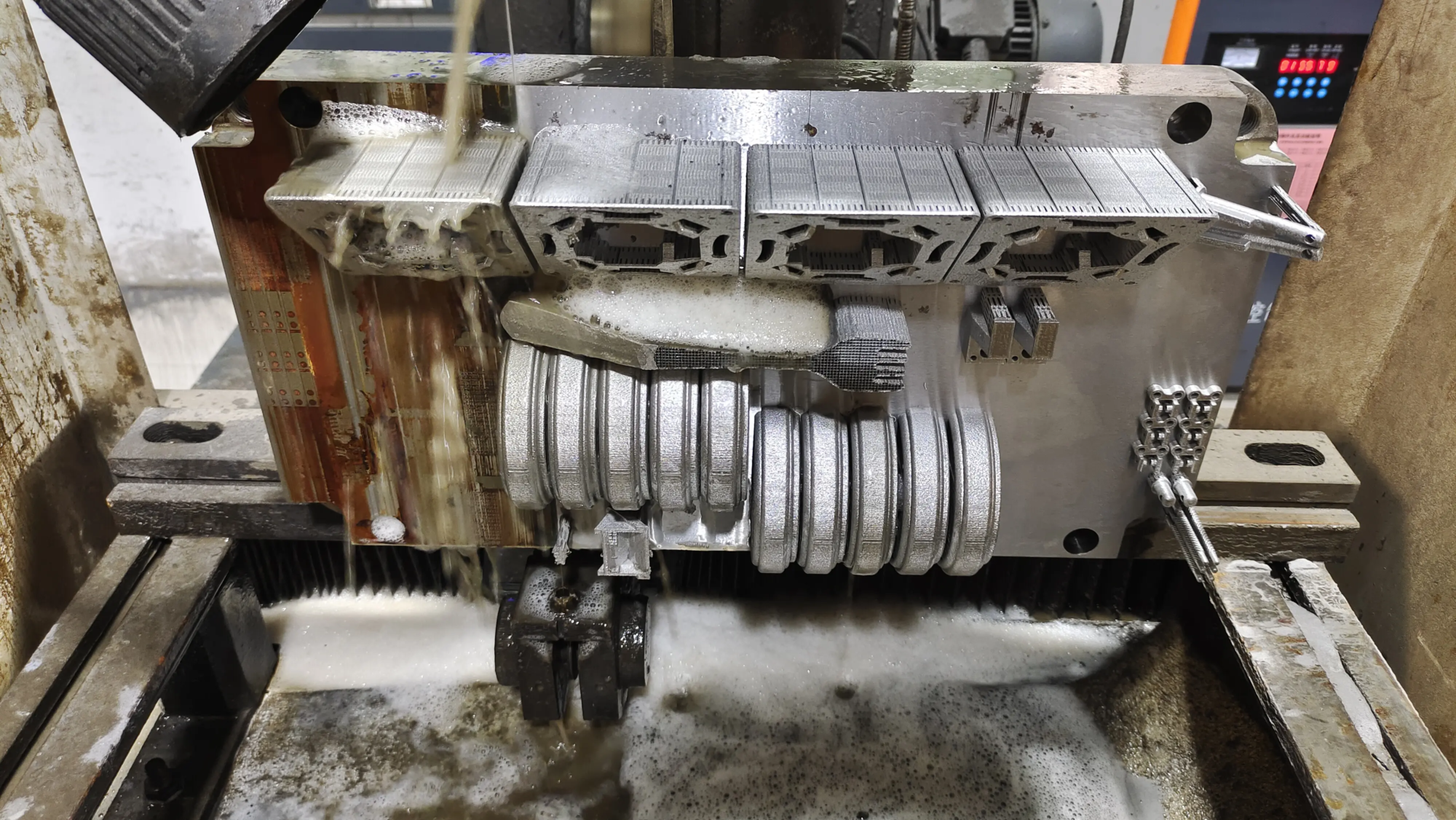
When executed well, DIY garage 3D printing workshops connect imagination with tangible innovation. By prioritizing safety protocols, environmental controls, and organization, garage printers rival professional labs in reliability. However, complex geometries requiring industrial-grade precision require advanced capabilities beyond DIY setups. This is the advantage of GreatLight.
With cutting-edge Selective Laser Melting (SLM) printers, aerospace-grade materials (titanium, Inconel) and ISO-certified workflows, GreatLight provides rapid prototyping solutions for engineers who require micron-level precision, superior surface finishing or structural resiliency. We turn digital designs into market-ready parts faster than DIY experimentation allows, combining cost efficiency with uncompromising metallurgical integrity. Whether you’re scaling a prototype or optimizing an assembly for end use, GreatLight simplifies the process from CAD to completion.
[ Explore Our Capabilities: GreatLight Rapid Prototyping ]
FAQ
Question 1: Can I print metal parts in a garage setup?
Traditional fused deposition modeling (FDM) printers cannot process metal, and they require specialized SLM/SLS systems equipped with inert gas chambers and lasers that exceed 1000°C. For chrome-plated stainless steel or aluminum parts, trust a certified service like GreatLight.
Q2: How much does it cost to set up a garage?
Estimated $1,500 to $15,000:
- Budget: $1500 (entry printer + basic ventilation)
- Prosumer: $5K (industrial printers, filtration, cabinets)
- Elite: $15K (climate control, UPS, resin curing station)
Q3: Is PLA filament safe in the garage?
Yes – PLA has low toxicity but still emits ultrafine particles. Always use a ventilator or filter. Avoid using ABS that has not been heavily filtered; its styrene fumes can pose health risks.
Q4: Why choose GreatLight instead of my DIY printing?
For end-use parts that require compression resistance (±0.02mm tolerance), biocompatibility, or iterative prototyping, GreatLight reduces risk. We handle post-processing (CNC, anodizing, heat treating), material certification (ISO 10993) and 5-axis machining from a single source—eliminating DIY trial and error.
Q5: How to maintain humidity control cheaply?
Seal doors and windows, install weatherstripping, and use a rechargeable desiccant dehumidifier in a filament box ($50). Monitor via Bluetooth hygrometer ($10/unit).
Your garage can unleash powerful creativity while proving feasibility. When project size exceeds DIY capabilities, engage in strategic collaboration to accelerate success.


