

Unlocking the perfect finish: The power of 3D printed iron-on explained
Have you ever marveled at the smooth, professional-looking top surface on a 3D printed part and wondered how it was achieved? It usually comes down to a clever slicer function called ironing. Ironing in 3D printing isn’t just about ironing clothes, it’s a complex technique designed to transform rough, textured layer lines into a smooth, near-perfect surface. It’s a way to dramatically enhance your appearance without hours of tedious sanding or filling. Let’s take a deeper look at how ironing works, its benefits, limitations, and when it’s really worth turning it on.
What is ironing and how does it actually work?
Ironing is not about adding an extra layer of plastic. Instead, it leverages the printer’s existing hot end in a novel way. Imagine printing a solid top layer. Normally, the print head retracts and moves to the next position. Ironing changed that. back Drop the top layer:
- Cooling and height adjustment: The printed layer cools slightly but remains tacky. Then the hot end nozzle is slightly lowered to a certain height more than Newly printed layer – usually just a fraction of the layer height (e.g. 0.1mm above 0.2mm layer).
- Smooth motion: Instead of squeezing out the plastic, the nozzle passes through all Use precise temperature control and slow overlapping motions to control the top surface area, similar to smoothing frosting on a cake.
- Ironing effect: The residual heat from the nozzle gently remelts the uppermost surface of the plastic. At the same time, the moving nozzle physically flattens any protruding ridges or tiny bumps. Surface tension helps the molten plastic flow into low spots before cooling, creating a more uniform surface.
- Minimum extrusion (optional): Some slicer settings allow slight "ironing extrusion," A small amount of extra filament is squeezed out during the passage. This acts like a micro-filler for any small gaps, further enhancing smoothness.
The result? The top surface is noticeably smoother, shinier and more professional.
Why embrace ironing? The main advantages are highlighted
- Unparalleled surface beauty: This is the main draw. Ironing significantly reduces the visibility of layer lines and inconsistencies in flat top surfaces. Part transition from appearance "Print" looking for "manufactured" Even injection molding.
- Reduce post-processing: Need a smooth surface for painting, decals or just looking for a premium look? Ironing can greatly reduce the time/cost of sanding, priming and filling. It is especially beneficial for complex models that are difficult to polish manually.
- Enhance text/label printing clarity: Printing text, logos or fine details on the top layer becomes clearer. Ironing prevents filaments from curling or bunching, blurring small features.
- Improve impermeability: A smoother top layer inherently has fewer microscopic gaps and cracks. For functional prints that need to be waterproof or require liquid tightness, ironing may be a useful first step (although sealing may still be required).
When should you use ironing? (and when to skip it)
Ironing excels in specific situations:
- Flat or large top surface: Large aircraft (e.g. boxes, bases, flat lids) benefit greatly. The larger the area, the more obvious the smoothing effect.
- PLA and PETG: Due to their good melt flow properties, these thermoplastics respond particularly well to remelting.
- Prints that focus on aesthetics: Mockups where top visual appeal is crucial – display pieces, tabletop minis (especially flat bases), decorations, customer prototypes.
- Printed text/recessed engraving: Crucial for a clear result on the top surface.
Ironing may not be your best option if:
- Print small details: The benefit of a very small top surface (for example, a small nail) is minimal and the extra time is not justified.
- Use certain materials: High-temperature materials like ABS or polycarbonate may not remelt effectively at typical ironing settings and nozzle temperatures. Flexible filament (TPU) can undergo unpredictable deformation.
- Speed is of the essence: Ironing can significantly increase the time (up to 20% or more!) as the printer carefully and slowly and repeatedly passes over the entire top area. For functional prototypes where speed trumps beauty, skip it.
- Sharp curves or complex geometries: Ironing works best on a relatively flat surface. Important curves or slopes will not see the same improvement and may become distorted.
- Design relies on textures: If you deliberately want to have texture "Print" See, ironing removes it.
Potential pitfalls and how to resolve them
Although ironing is powerful, it is not foolproof:
- Visible ironing patterns: Sometimes the pattern of the nozzle channels (especially overlapping lines) may be faintly visible, resembling brushed metal, but may be unintentional. Solution: Reduce the ironing flow rate (if applicable), slightly increase the nozzle temperature (within a safe range), slightly increase the overlap percentage. Test printing is crucial to finding the best settings.
- Overheating/deformation: Ironing thin-walled parts or large flat areas with too much heat can cause localized warping or sagging. Solution: Significantly lower the ironing temperature (for example, 10-20°C lower than the printing temperature), increase the cooling fan speed during the ironing phase, and limit the number of ironing times.
- Step/Nozzle Resistance: If the nozzle height is set too low or the material shrinks excessively, it can physically gouge or drag across the print surface. Solution: Gradually increase the ironing Z offset height. Make sure bed level/Z-axis offset calibration is perfect. Minimize cooling during the previous top layer printing process to reduce warping.
- Increase printing time: As mentioned before, ironing takes time. Solution: Reserve it for models where the surface finish is worth the wait. Fine-tune your ironing speed – find the balance between slow (for better smoothing results) and fast (to save time).
Conclusion: Improve finish quality and improve prototyping
Iron-on is an invaluable tool in slicer software, which is a testament to the continued development of accessible desktop 3D printing. By understanding its mechanics, advantages and best applications, you will be able to significantly improve the perceived quality and aesthetics of your prints, especially on the top surface. It bridges the gap between original prints and functional or displayable parts, minimizing labor-intensive processing.
However, achieving this level of finish consistently often requires precision equipment, in-depth material knowledge, and meticulous calibration—especially when going from prototyping to production-ready parts. This is where working with an expert becomes invaluable.
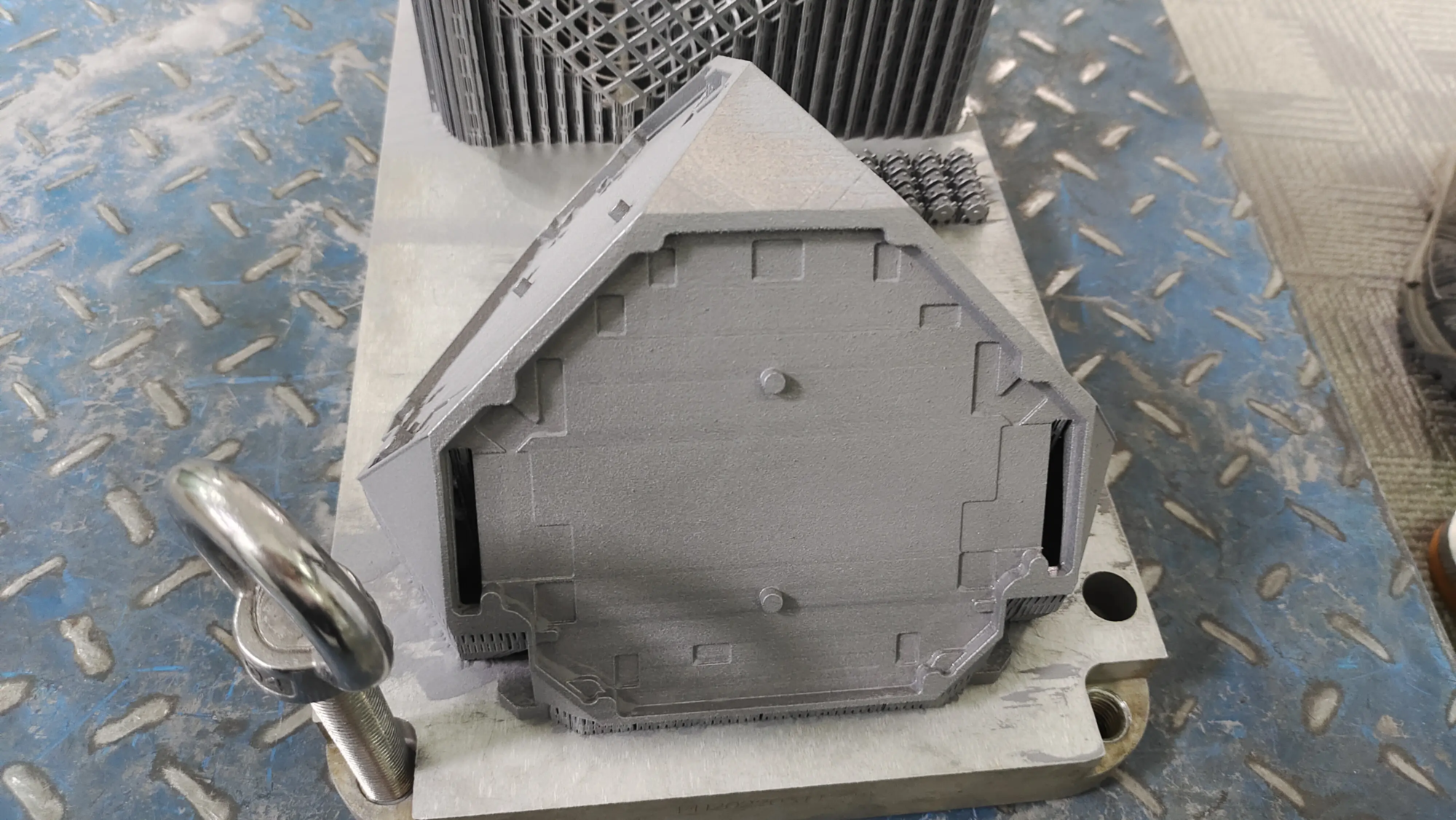
exist huge lightwe seamlessly integrate advanced technologies such as optimized ironing protocols into our professional production workflow. Leverage cutting-edge technology SLM (Selective Laser Melting) Metal 3D Printer In addition to our broad polymer capabilities, we can solve complex rapid prototyping challenges with precision and speed. Whether you require a raw polymer surface requiring complex ironing techniques or a direct-produced solid metal part, our expertise ensures the best results.
In addition to printing, our One-stop post-processing and finishing services Covering everything from advanced smoothing techniques (beyond basic ironing of complex shapes) and metal heat treatments to painting, plating and precision machining. We focus on custom madeoffering a wide range of materials tailored to your specific functional and aesthetic requirements and processed efficiently.
Don’t compromise on how complete the project should be. experience huge light The Difference: With innovative printing techniques like iron-on mastered, quality is critical, and customization can meet the requirements for quick turnaround. Choose one of the best rapid prototyping partners in China – Submit your design now Get a custom precision machining quote at the best price!
FAQ: Your ironing questions answered
Q: Will ironing significantly weaken the top layer?
Answer: Generally speaking, no, it will not be significantly weakened structural integrity A well designed part. It affects only the topmost surface microns. In theory, an overly aggressive setup could result in grooving and thus stress concentrations, but this is uncommon. Properly calibrated ironing often improves impermeability.
Q: Can I iron each layer?
Answer: Slicers usually only iron slices top solid layer. Applying it to every layer makes no sense and will significantly increase print time for no real benefit.
Q: Does ironing require special hardware?
Answer: No! Ironing is purely a software/slicing function compatible with almost all FDM/FFF printers. The key is precise nozzle height control.
Q: Why do I sometimes see "bruises" Or discolored spots appear after ironing?
A: This discoloration (usually darkening) is caused by localized overheating. Try gradually lowering the ironing temperature (for example, 5-10°C lower than the printing temperature) and ensuring consistent cooling.
Q: Is ironing worth the extra printing time?
A: It all depends on the purpose of the part. This is often not the case for functional prototypes where internal strength is more important than surface decoration. For display models, competition prototypes, or parts requiring paint/decals, the time investment is often worth it to significantly improve the finish. Weigh the project requirements!
Q: What are the key settings for an iron slicer?
- Enable ironing: Obvious first step!
- Ironing pattern: Usually concentric or zigzag lines.
- Ironing speed: Slow speeds (e.g., 30-60mm/s) usually work best.
- Ironing process: Usually lower (5-10%). Higher values can fill gaps, but at the risk of overfilling. Zero means relying solely on remelting existing materials.
- Ironing temperature: Typically slightly lower than the layer printing temperature to prevent excessive melting. experiment!
- Z-axis offset/height: A critical setting that determines the distance of the nozzle from the surface; small adjustments (for example, 0.05mm increments) can make a big difference.
- Monotone sorting: Ensures directional smooth patterns for improved consistency.
Q: Can GreatLight perform iron-like finishing on complex metal SLM parts?
A: Metal SLM parts inherently have a distinctly rough surface texture. GreatLight uses advanced post-processing techniques beyond bed heating to achieve smoothness, such as CNC machining, precision grinding, abrasive flow machining or polishing customized to the metal alloy and part geometry. Contact us to discuss how to achieve the perfect finish on your metal prototype or production part.


