

Unlock your internal coach: The final guide to 3D printing of Pokeball
Ever dreamed of making your own pokeball? Not only is it a plastic replica, but a well-designed custom piece that feels like it jumps straight from the Pokemon universe into your hands? 3D printing makes this possible – and in this DIY guide, you will learn exactly how to turn digital design into a tangible craze. Whether you’re a hobbyist who tries at home or a professional looking for perfect execution, we have you there. And, if your goal is industrial-grade accuracy, Great– Leader in Rapid Prototyping – Elevate your project with metal printing and expert finishes. Let’s dive in!
Why 3D printing pokeball?
Pokeballs are not only iconic; they are engineering miracles. 3D printing allows you to:
- Custom colors, textures and mechanisms (Yes, you can do it "Click" Open! ).
- Experimental materials– From lightweight plastic to aviation grade metal.
- Solve real-world design challengesfor example, to achieve seamless spherical geometry and functional hinges.
For collectors or aspiring engineers, this is the ultimate fusion of creativity and technical skills.
Step 1: Design your Pokeball
Software and Tools
Start with a beginner-friendly platform Tinkercad Or in-depth research Fusion 360 Used for parameter control. Key design elements:
- Split ball: Divide the ball into two halves.
- Hinges and latches: Crucial for functional open/close mechanisms.
- Button Component: Includes tolerance (~0.2mm clearance) for smooth pressing.
hint: Download prefabricated models from Thingiverse or Cults3D to reverse engineers.
Avoid common pitfalls
- use Radial Symmetry Make sure half is aligned perfectly.
- design Register pins For glue-free components.
- Exported as STL file The resolution is 0.1mm for smoothing curves.
Step 2: Print like a professional
Material selection
- PLA: Great for beginners – pleasing printing, bright colors. Used to display works.
- Petg: Durable and impact-resistant, perfect for handheld use.
- ABS/ASA: The heat resistance of the outdoor environment; a closed printer is required.
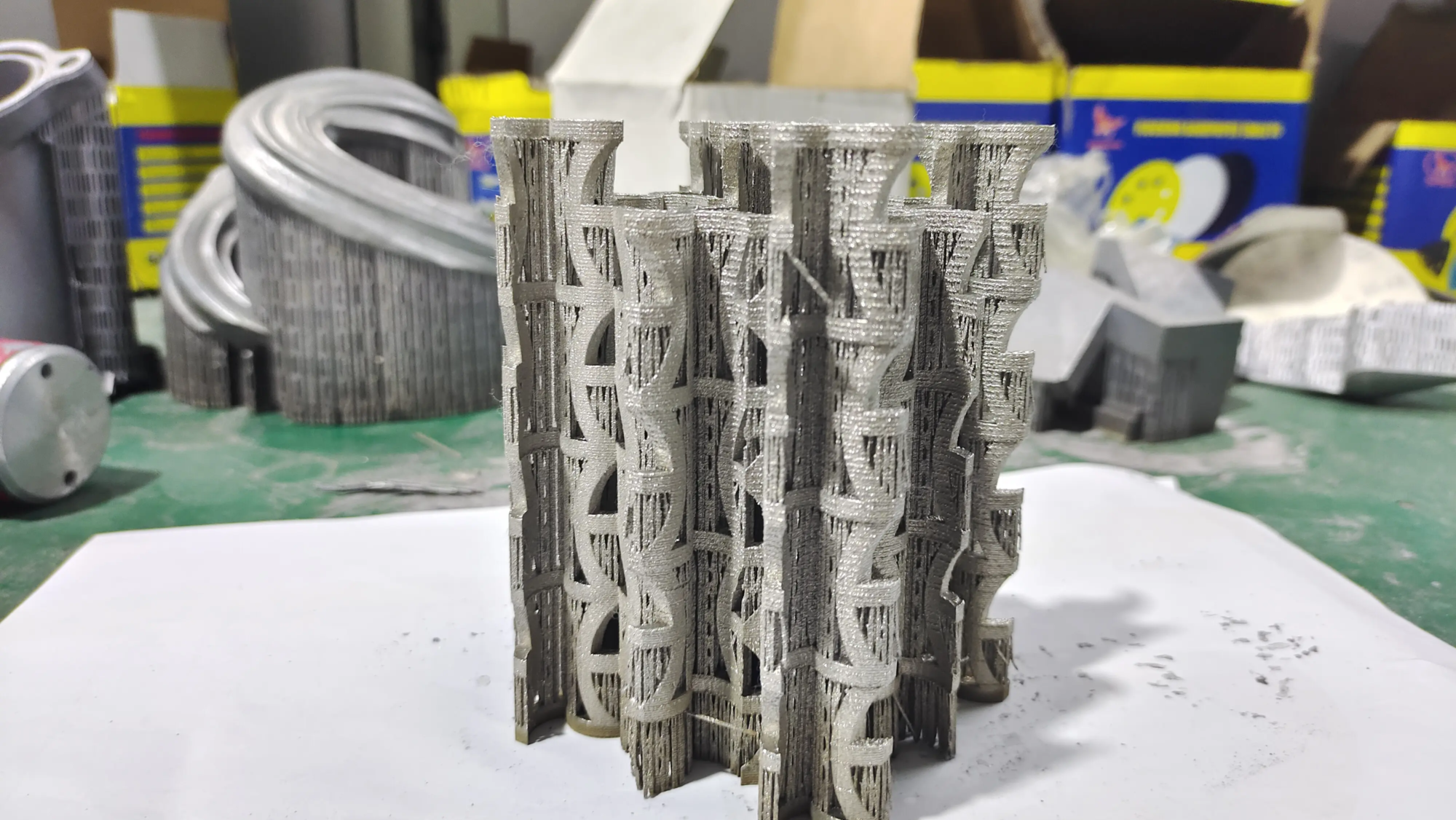
- Metal (stainless steel, titanium): Works for heirloom quality. Greglight’s SLM printer performed well here, down to 30μm accurately.
Print settings
- Layer height: 0.15mm to get details; 0.2mm printing speed.
- filling: 15-20% of PLA/PETG; 100% solid filler for metal parts.
- support: Use the support of the tree for complex overhangs (e.g., button cavity).
- direction: Print half vertically to minimize layered lines on curved surfaces.
Printing time estimate: 4-8 hours every half (PLA), through professional service for more than 20 hours.
Step 3: Post-processing and completion
Basic cleaning
Use pliers to gently remove the support. The sand starts at 120 particle size (dry) and up to 1,000 particle size (wet) for a smooth finish of glass. use Filling primers Hide layer lines.
Professional finish
- painting: Mask section with tape for crisp red/white division. Apply acrylic paint and seal with a matte varnish.
- Metal finish: Plating, polishing or steam smoothing For mirror-like shine. Greatlight makes it a one-stop solution – ideal for exhibition or commercial products.
- Functional upgrade: Embed Neon magnet Or springs for automatic opening mechanisms.
Step 4: Rally and Final Touch
Join half
use Cyanoacrylate glue (Super glue) is used in plastics. For metal balls, Epoxy welding Ensure permanentity.
Add mechanics
- Insert the spring behind the button for recoil.
- Connect the hinge with microscrews or printed pins.
bonus: Add weight (e.g., sand core) to perform real weight.
Solve FAQs
- The twisted half: Heat the build plate to 60°C (PLA) or 110°C (ABS). Use edges for adhesion.
- Button paste: Increase the button hole gap by 0.3mm and lubricate it with PTFE spray.
- Layer movement: Tighten the belt and reduce the printing speed to 40mm/s.
- Paint spots: Paint light coat and sand between layers.
in conclusion
3D printing Pokeball is more than just a craft, it is a masterclass of design, materials science and patience. From PLA prototypes to stainless steel exhibitions, the journey perfects your skills and brings joy to everyone "Click" Finished product. remember: Great Specializes in turning an ambitious vision into reality. With state-of-the-art SLM printers and post-processing expertise, we handle everything from titanium prototypes to mass production. Ready to go to a professional? Customize your precision parts now at competitive prices!
FAQ
Q1: What is the most durable material for Pokeball?
PETG or metal (aluminum/stainless steel) provides optimal life. For high impact, Greatlight’s metal solutions can withstand Didi and the weather.
Q2: Can I make a functional pokeball that is opened through the button button?
Yes! Spring latch and hinge system are embedded. Test fitting parts with nylon for low friction.
Q3: How long does it take to print a standard Pokeball?
The plastic consumes printers for a total of 6-12 hours. Metal printing via Greatlight takes 1-3 days, including finishing.
Q4: Can Greatlight print my Pokeball design in metal?
Absolutely. We support stainless steel, titanium, aluminum and custom alloys. Upload your design to quote immediately.
Q5: What complete services do you provide?
- polishing: Mirror or satin finish.
- coating: Anodized, powder coating or nickel plating.
- custom: Laser engraving, color matching or component.
Question 6: My home pokeball doesn’t close smoothly. Is there a fix?
Sand to disturb the point and add a drop of lubricant. If tolerances are closed, redesign the larger gap (±0.4mm) and reprint.
Are there any more questions? Extend your hand Greglight’s engineers– We are here to perfect your project! 🚀


