

Mastering Precision: How to Avoid Missing Feet in 3D Printing
Elephant feet—those dreaded bulges at the bottom of a 3D print—can ruin dimensional accuracy and destroy the structural integrity of your prototype. As experts in high-risk metal and polymer additive manufacturing, we at GreatLight understand the impact such defects can have on functional parts. This guide takes an in-depth look at the science behind elephant foot, possible solutions, and expert prevention strategies.
What causes elephant feet?
Footage occurs when the first few layers of a print expand horizontally beyond its intended size. Common culprits include:
- Bed temperature is too high: An overheated build platform will soften the material, causing it to spread under the weight of the upper layer.
- Nozzle Z axis offset calibration error: If the nozzle is too close to the bed, excess plastic will be squeezed out.
- Insufficient cooling: The cooling fan of the part is insufficient and the lower layer cannot be solidified quickly, resulting in deformation.
- Over compression Automatic bed leveling compensates for unevenness.
Proven Strategies for Eliminating Elephant Feet
1. Optimize bed temperature
- initial high temperature: Start with a heated bed (e.g. 65°C for PLA) to ensure adhesion.
- Gradually reduce: Reduce temperature by 10–15°C after first 5 coats. This reduces thermal expansion without affecting interlayer bonding.
2. Calibrate Z-axis offset
- use a paper test Fine-tune the nozzle height: The paper should slide between the nozzle and bed with slight resistance.
- For fine-tuned calibration, print a single layer of squares and adjust the Z offset until the lines blend smoothly with no gaps or overflow.
3. Adjust initial layer settings
- Reduce traffic: Set initial layer flow to 90–95% to limit material spillage.
- slow down: The printing speed of the first layer is ≤20 mm/s, minimizing the extrusion pressure.
- Increase the height of the first floor: Slightly thicker layers (for example, 0.3 mm vs. 0.2 mm) can dissipate compressive forces.
4. Enhance heat dissipation
- Enable part cooling fan Tier 2 Continue to cure the base layer quickly.
- Avoid direct airflow on the first layer to prevent warping.
5. Use your bed’s adhesion wisely
- use a edge If the print needs extra grip, a raft can be used instead. Rafts can trap heat, exacerbating elephant foot disease.
- For warping materials such as ABS, combining cryogenic rafts with optimized cooling can mitigate deformation.
6. Design compensation
- Apply horizontal expansion compensation In the slicer: -0.1mm to -0.2mm offset trims base to size.
- Alternatively, digitally chamfer the base of the model (0.5° angle) to offset the bulge.
7. Maintenance inspection
- Level the bed monthly. Uneven surfaces force high spots to overcompensate.
- Clean the nozzle regularly to prevent inconsistent extrusion pressure.
Conclusion: Accuracy is the standard
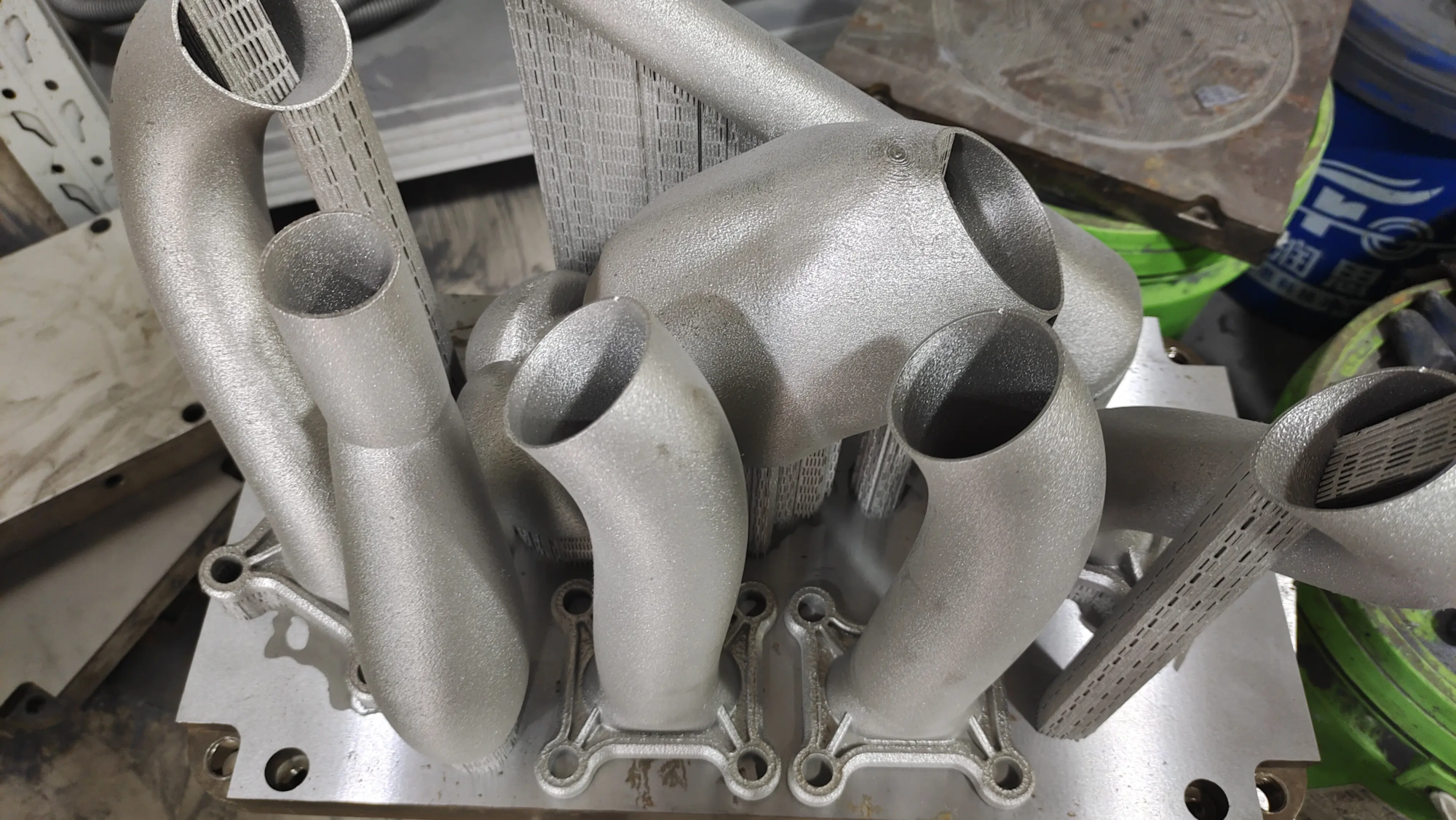
At GreatLight, we view elephant feet as a solvable challenge, not an inevitable one. Our expertise spans metal SLM printing and custom profiling of polymer systems, combined with thermal analysis and strategic cooling protocols to ensure dimensional fidelity from layer 1 to final part. Combining rigorous machine calibration and material science, we deliver rapid prototyping and deformation-free end-use parts (<0.1mm tolerance).
Trusted by aerospace, medical and automotive partners, we connect prototyping to production with integrated support: stress relief heat treatment, CNC post-processing and surface finishing. For mission-critical components, accuracy isn’t optional—it’s by design.
Customize your projects today with GreatLight – the combination of accuracy and agility.
FAQ: Elephant Foot Unpacking
Q1: Will elephant feet affect metal 3D printing?
Yes — Especially in low tolerance SLM/SLS applications. Powder sintering can cause similar issues with base plate overheating. GreatLight solves this problem by controlling the chamber atmosphere, calibrating remelt cycles and strategic anchor point placement.
Q2: Will firmware repair help?
Absolutely. scissors [PAUSE_AT_HEIGHT] Command allows you to automatically adjust bed temperature during printing. Some printers use linear advance Algorithm for stabilizing initial layer pressure.
Q3: Why is the elephant’s foot deformed when I print it out?
Warping results from poor bonding or rapid cooling that causes the layers to shrink. GreatLight counteracts this problem with a heated chamber and polymer-specific adhesives such as PEI-coated sheets.
Q4: Are hat brims better at avoiding elephant feet than rafts?
generally Yes. The raft retains heat around the base longer. Use the edges as adhesive supports and remove them cleanly with our steam polishing service.
Q5: How does Honglait ensure the tolerance accuracy of post-processing?
Our two-pass workflow combines additive printing with CNC milling: after supports are removed and stress relieved, the oversized base is machined to precise CAD specifications (±0.05mm).
optimization. Print. Perfect.
Is there continued deformation? GreatLight’s engineers develop custom solutions for more than 100 materials, from aerospace titanium to biocompatible resins. [Start Your Precision Project →]


