Troubleshooting Bed Adhesion Failures in 3D Printing: Expert Fixes and Pro Tips
Nothing is more frustrating in the world of 3D printing than hearing terrible news pop music or bang And realize while working that your print has become separated from the build plate. Bed bonding failure is arguably the most common cause of print failure, wasting JOIN time, materials, and energy. Understanding why your prints are loose is the first step to getting reliable, high-quality results every time. This guide delves into root causes, proven fixes, and advanced tips to overcome bed adhesion once and for all.
Why bed adhesion matters (and not just to avoid failed prints)
Poor bed adhesion is not only an annoyance; It fundamentally harms your printing results. When the first layer doesn’t adhere perfectly, several problems can arise:
- Twist and deform: This is especially important for large or flat prints, corner lift (warping), geometry distortion, and situations that can cause collisions.
- Moving layers: Partially detached prints can jam the nozzle, causing catastrophic layer movement.
- Decreased print quality: A weak first layer of foundation can result in a poor surface finish, dimensional inaccuracies, and potential voids throughout the print.
- Support structure collapse: Detached supports doom the overhang they are meant to support.
Achieving perfect bed adhesion lays the foundation for dimensional accuracy, surface quality and print success.
Common Culprits: Diagnosing Your Bed Adhesive Blues
- The bed is not level (railed): Uneven distance from the nozzle on the plate to the bed is the number one culprit. Is anything too high? The filament won’t get squashed; too low? It can scratch or clog.
- symptom: The print adheres well in some areas but falls off in others. The first layer has thin and uneven lines.
- Dirty build surface: Finger grease, dust, old adhesive residue, or debris from previous prints can create obstacles that prevent the filament from adhering.
- symptom: The filament beads or delaminates immediately after being extruded to a certain point.
- Bed temperature is incorrect: The heated bed promotes bonding by softening the filaments slightly. Too cold: no sticks. Too hot: Risk of excessive softening of the base layer and warping.
- symptom: Prints peel easily from cold beds; overheating the bed can cause "elephant feet" or warping.
- Suboptimal first-tier setup: The first level is divine! Incorrect settings here can ruin everything.
- Height too high: Filament not flattened/glued correctly.
- Too fast: The filament doesn’t have time to melt.
- Traffic is too low: Insufficient material deposition can weaken the bond.
- symptom: The first layer has a weak appearance, with gaps between the lines and is prone to falling off.
- The build surface is slightly changed: Different materials like different surfaces (PEI for PLA/PETG, Garolite for nylon, glass for ABS, etc.). Using the wrong material can affect adhesion.
- symptom: The material peels off abnormally and the bottom layer has poor flatness.
- Low quality or wet filament: Moisture absorption causes blistering and inconsistency. Inexpensive filaments often have inconsistent diameters or additives that weaken the bond.
- symptom: There is a popping sound when squeezed, and the texture of the bottom layer is rough and brittle.
- Environmental factors:
- draft: A sudden drop in temperature around the print can cause rapid cooling and warping forces.
- Ambient temperature: Printing in a very cold room will make heating more difficult.
- humidity: High humidity can affect material performance and condensation in the bed.
Battle-tested repair methods and expert tips for rock-solid adhesion
1. Master bed leveling/transportation:
- program: Strictly follow your printer’s precise manual instructions. Use a feeler gauge (e.g. 0.1 mm) or printed paper to make a consistent resistance check. Don’t worry!
- hint: Perform manual leveling frequently (every few prints). Invest in automatic bed leveling (ABL) for ultimate consistency. Remember: ABL can compensate for bed deformation, but it cannot replace manual transport!
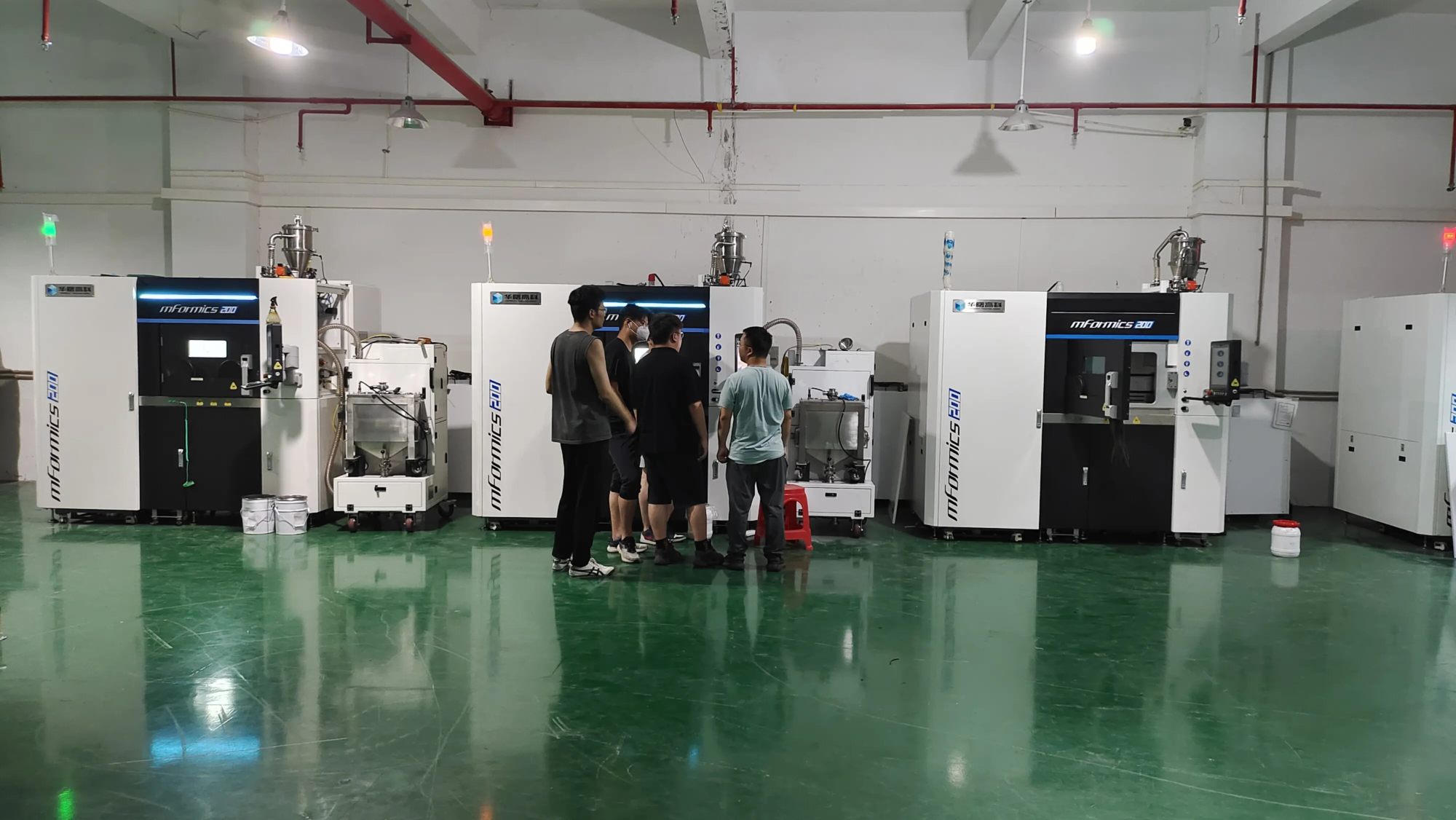
- Great Light Insight: Our industrial SLM printers feature a state-of-the-art closed-loop leveling system that ensures micron-level precision in every printed layer – a key advantage for demanding metal prototyping.
2. Perfect building surface hygiene:
- Cleaning solution: Clean dishes thoroughly before each print. Isopropyl alcohol (IPA, 90%+) is best for most surfaces. Pei? Use mild dish soap and water occasionally. Glass? acetone careful For stubborn residue. Avoid touching the printing area with bare hands.
- hint: Designate a microfiber cloth specifically for cleaning the build plate to avoid lint.
3. Adjust the perfect temperature:
- Material-specific settings: Always start with the bed temperature recommended by the filament manufacturer as a baseline. Adjust based on observations:
- Isolated and separated? Increase bed temperature by 5-10°C.
- The bottom is too soft/feet/warped? Reduce bed temperature by 5-10°C.
- Environmental control: Use a shell! Critical for warping materials like ABS and polycarbonate. Blocks airflow and stabilizes temperature/humidity.
4. Optimize the sacred first layer:
- high: Aim for 50-75% of the nozzle diameter. IMPORTANT: Print a large single layer square and adjust the Live Z Offset/Z Height until the lines are smooth, flat, squashed correctly, and have no gaps/ridges when touched.
- speed: Significantly reduce first layer speed – typically 15-30 mm/sec. This gives the molten plastic time to bond firmly.
- flow: Slightly increase the first layer traffic (105-110%Nummer). Some slicers call it "Print initial layer process".
- cool down: Keep the cooling fans off for the first 2-4 floors! Sudden cooling can prevent proper bonding.
5. Choose and use adhesion aids wisely:
- When needed: Ideal for challenging materials (e.g., nylon, polycarbonate, PETG on glass), large prints, or prints with minimal bed contact area.
- Options:
- Hat brim: A thin flange extending from the edge of the print. Significantly increases contact area. Excellent anti-warping properties.
- raft: Full platform printing below Model. Great for horrible bed sticking situations or twisted filaments, but wastes material/time and requires post-processing removal. Use with caution.
- skirt: Draw lines around the part, prime the nozzle and visually level it. Minimal adhesion help.
- Adhesive: Hairspray (sticky paint type), glue stick (PVA), Magigoo, painter’s tape (blue tape, valuable for non-stick surfaces like garolite). Apply a super thin layer!
- hint: Avoid mixing adhesives unless advised. Thoroughly clean the previous adhesive.
**6. material wisdom