

Unleashing Innovation: A Beginner’s Guide to Biqu Software for 3D Printing
The world of 3D printing is exciting, transforming digital concepts into tangible reality at an incredible speed. But amid complex hardware and intricate design workflows, the software that powers your printer can feel like a daunting obstacle. Biqu software is a versatile suite that is increasingly popular for its user-friendly approach, especially for beginners new to fused deposition modeling (FDM) printing.
More than just a slicer
While Biqu software is often associated with slicing (converting 3D models into printer-readable instructions), it typically includes:
- Printer firmware: The operating system runs directly on many Biqu and compatible printers, customizing performance and functionality.
- Slicing software: User-friendly applications such as Biqu’s Cura branch or OctoPrint-compatible interfaces can help you prepare STL models for printing.
- Control interface: Tools like Biqu’s own interface or compatibility with platforms like OctoPrint for remote monitoring and control.
For someone new to using their first 3D printer, mastering the Biqu software will feel less like decoding a code and more like unlocking a simple toolkit.
The first step to using Biqu software
-
Understand your settings:
- Firmware First: Most Biqu printers come with firmware pre-installed from the factory. Briefly familiarize yourself with how to access your printer’s menus through its LCD screen for basic calibration and setup.
- Choose a Slicer: Biqu printers often work seamlessly with popular slicers such as Ultimaker Cura (custom versions are often available from Biqu), PrusaSlicer, or Simplify3D. These slicers can be easily integrated with the printer’s firmware.
-
Simplified slicing basics:
- Import your model: Drag and drop STL or OBJ files into the slicer.
- Positioning and Orientation: Rotate and optimally position the model on the virtual build plate to achieve stability and minimize supports. Many Biqu slicer presets provide a good starting point for common filament types (PLA, PETG, ABS).
- Getting started with key settings:
- Floor height: Lower = smoother finish, but longer print length (starting at 0.2mm).
- Filling density: Internal structure percentage (10-20% for prototypes, 50%+ for strength).
- support: Crucial for draping. Configuration type (touching the build plate or anywhere) and density.
- Print speed: Slower speeds usually produce better quality initially (starting with the slicer default).
- slice: Click the slice button! This process generates G-code instructions for your printer.
- Transfer: Save the G-code to the SD card used by the printer or send directly via USB/network (if configured).
- Beyond Slicing: Firmware and Control
- Leveling: Carefully level the print bed manually or prepare for automatic leveling calibration using firmware-guided LCD prompts. Consistent bed adhesion is the foundation.
- tuning: Small firmware adjustments like extruder E-steps (which ensure correct filament feed) are crucial. Detailed tutorials for Biqu firmware are widely available online.
- monitor: Reduce stress and guesswork with an interface to start/stop printing, monitor progress, and adjust temperatures remotely.
Bridging the Gap: From Beginner Printing to Professional Prototyping
While mastering Biqu software enables you to create excellent functional models and works of art using PLA or PETG, it exists primarily in the realm of plastic FDM printing. When your innovation requires more:
- Metal precision?
- Complex geometries require SLS/SLM?
- Professional grade finish?
- Production-ready durability?
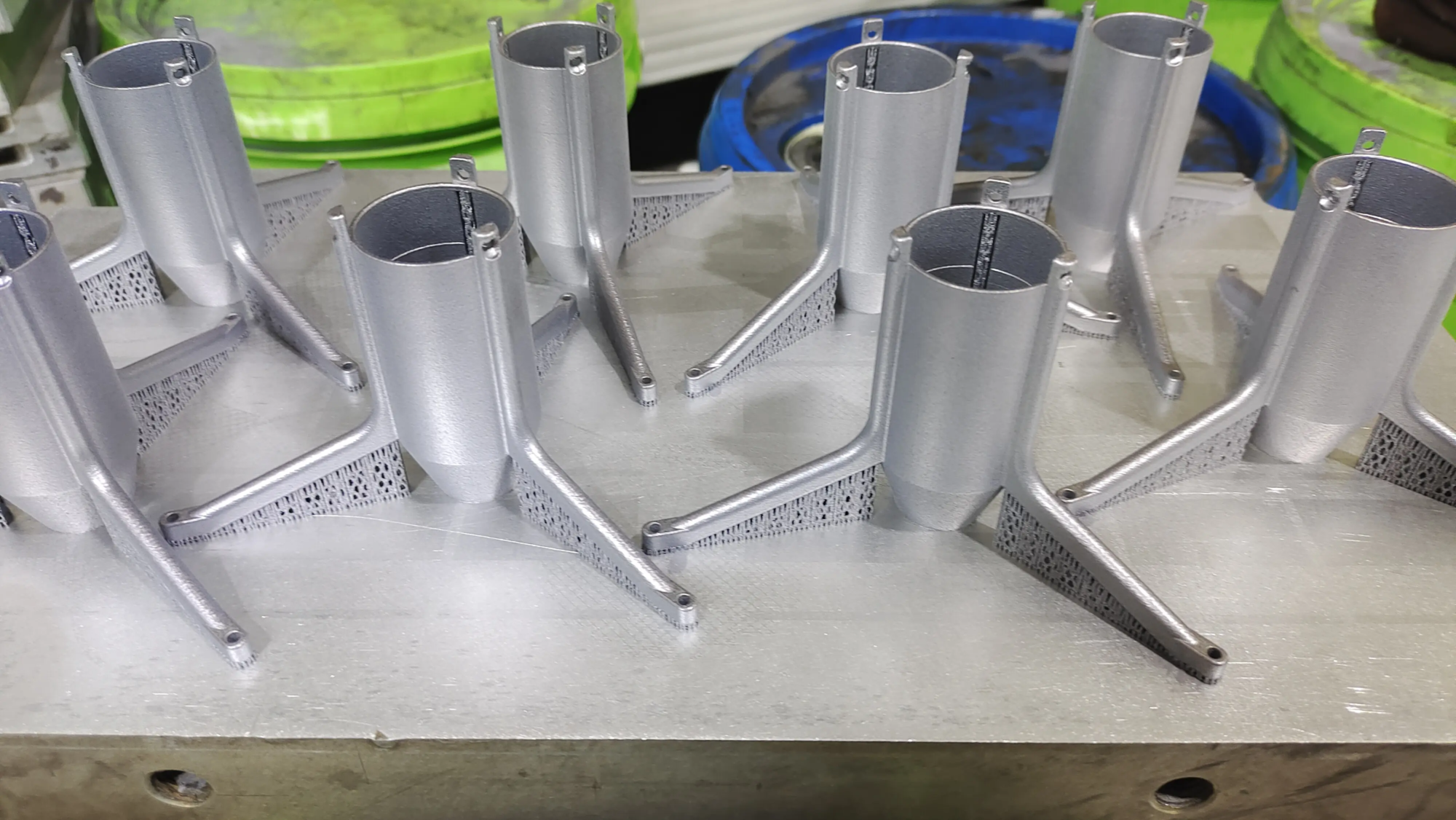
This is where expertise comes in, e.g. huge light Increase your potential. As a professional rapid prototyping manufacturer, GreatLight focuses on industrial-grade capabilities, bridging the gap between desktop exploration and functional end-use parts:
- Advanced SLM expertise: Operate cutting-edge Selective Laser Melting (SLM) metal 3D printers to achieve strength, complexity and precision unmatched by standard filaments.
- Integrated Materials Science: Extensive product portfolio beyond plastics, including various metal alloys, tailored to specific functional requirements (heat resistance, strength, weight, biocompatibility).
- Full spectrum post-processing: Biqu software may output


