Unlocking Tradition: Create a Magical 3D Printed Christmas Village This Holiday Season
The Christmas Village evokes a strong sense of nostalgia with its twinkling lights, snow-covered roofs and charming little patterns. Imagine creating this winter wonderland entirely from scratch and incorporating your personal style and design flair. Thanks to the revolutionary power of 3D printing, building custom, unique Christmas villages is no longer the domain of high-end collectibles or intricate handcrafting. It’s an accessible creative adventure waiting to unfold on your desktop printer or with the help of a professional manufacturing partner like GreatLight.
Why choose 3D printing?
Think beyond mass-produced china. 3D printed villages offer unparalleled freedom:
- Uniqueness: Design structures you won’t find in stores – recreate your childhood home, local landmarks or pure fantasy.
- Scalability: Print miniatures to fit any space, from a small shelf to an entire mantel or tabletop display.
- custom made: Personalize the sign, add intricate details or modify the building to fit your exact theme.
- Affordability: Using cheaper materials, such as PLA filament, to create prototypes and even final display pieces is much cheaper than prefabricated collectibles.
- Educational fun: This is a wonderful family project that introduces design thinking, technology, and the joy of hands-on creation.
Drawing a blueprint for the village: the planning stages
before batting "Print," Thoughtful planning ensures a cohesive look:
- Theme and era: Victorian England? Alpine hut? Retro American style? Futuristic Noel? Deciding on this will anchor your design.
- scale: Consistency is key. Common scales such as 1:48 (O scale) or 1:87 (HO scale) blend perfectly with model trains or store-bought statues. Define yours early.
- Layout sketch: Roughly outline your landscape—the locations of hills, rivers, paths, and buildings. Consider a focal point such as a church or town square.
- Building inventory: Make a list of necessary structures: houses, shops, churches, town halls, bridges, pavilions, etc. Prioritize must-have facilities and future expansion.
Bringing designs to life: modeling and finding files
You have the following options:
- Reuse existing files: Explore vast repositories such as Thingiverse, Cults3D, MyMiniFactory or Printables. Use a keyword search such as "christmas house," "victorian cottage," or "N scale building." Filter by the ratio of your choice. If selling, be sure to check if the license has commercial use restrictions.
- Debugging the design: Need something truly unique? Platforms like Fiverr connect you with freelance 3D modelers.
- DIY modeling: Invest time in mastering CAD tools for beginners:
- Tinkercad: Web-based, intuitive block or geometric structure.
- Blender: Powerful (and free) polygonal modeling of organic shapes (trees, shapes, intricate details). Steeper learning curve.
- Fusion 360: Professional CAD (free for enthusiasts), great for precise architectural modeling. Start simple!
Heartbeat: Print your miniature masterpieces
This is where your printer or professional service brings the pixels to the plastic (or other material!):
- Material matters:
- People’s Liberation Army: First choice. Affordable, easy to print, wide color range, biodegradable (not always food safe). Great for structure.
- Polyethylene glycol: Tougher, more impact-resistant, and more thermally stable than PLA. Ideal for frequently handled workpieces. Printing is a little more cumbersome.
- Resin (SLA/DLP): Provides an ultra-smooth surface and finer details. Essential for intricate miniature statues, delicate ornaments, small trees. Requires careful handling (toxicity, post-processing).
- Dial-in settings: Calibration is crucial! Focus on:
- Layer height: lower for details (0.1-0.15 mm); higher for speed/base pieces.
- Fill density: 10-20% for structures; higher for load-bearing parts.
- Bracing: essential for overhangs (roof eaves, balconies). Use tree supports whenever possible to facilitate removal.
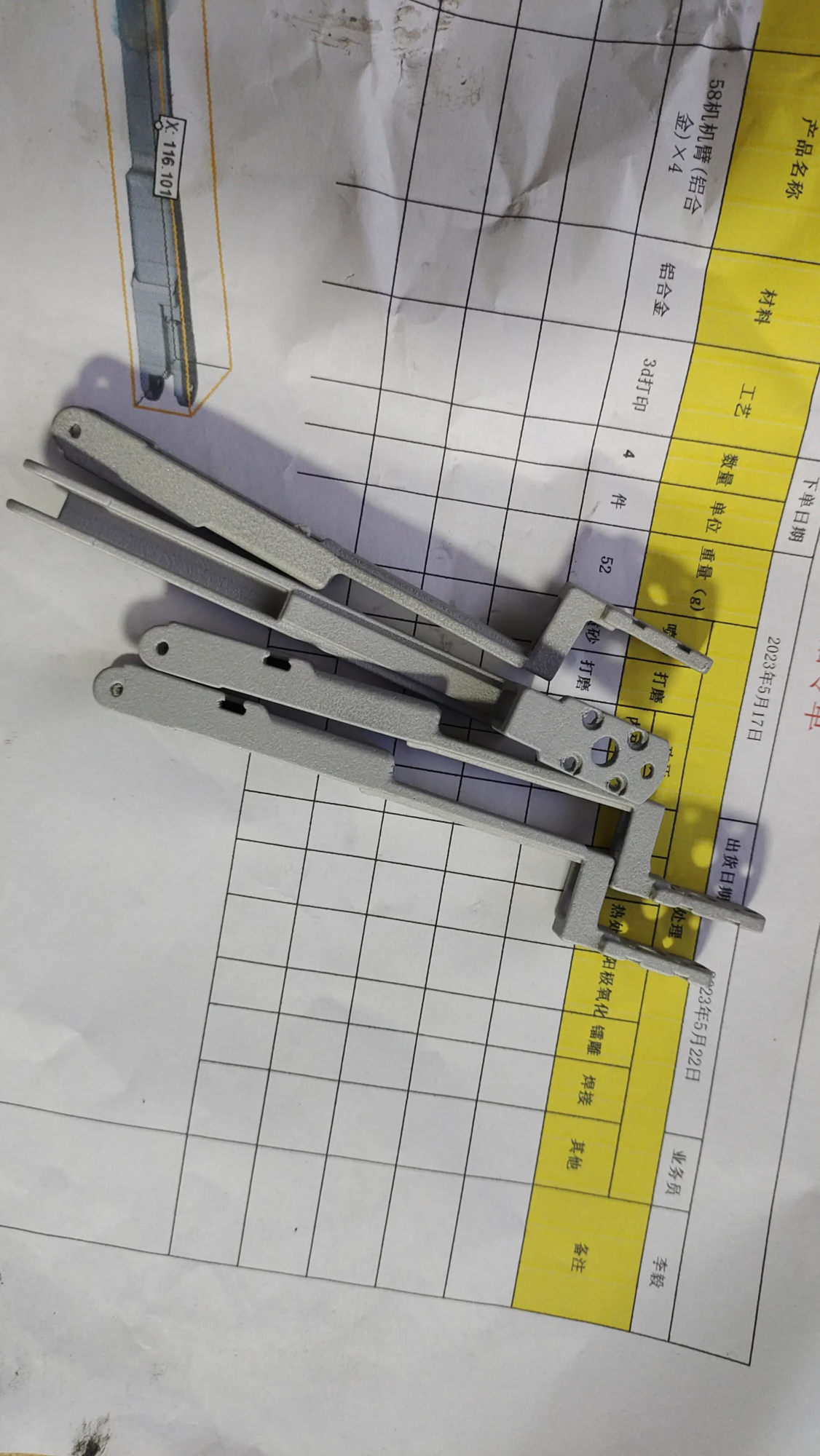
- Print speed: Slower for details, faster for large walls/bases. Avoid warping. Expert Tips: For impeccable detailing of architectural features such as intricate louvres or balustrades, Services Utilize Industrial grade SLA/SLS metal printing Products like those offered by GreatLight can use specialized resins or sintered nylon to produce stunning microscopic details that go well beyond typical hobbyist FDM capabilities – perfect for premium centerpieces.
- troubleshooting: Expect minor hiccups – edge curling? Adjust bed adhesion/z level. Pull the string? Adjust retraction. Layer transfer? Tighten belt/pulley. Patience is your best tool!
Improving Realism: The Art of Post-Processing
Original prints need love to shine:
- clean: Carefully remove the supports with scissors/sanding. Wash resin prints in IPA.
- Smoothing (FDM): Sand (from coarse to very fine grit). Try spraying filler primer on the layer lines. Chemical smoothing (using acetone vapor) is only suitable for ABS.
- painting: Seal with primer first. Use high quality acrylic paint. Dry brushing enhances texture. Washes (highly diluted dark paint) will settle into the gaps to gain depth. Weathering adds realism (soot, snow, wear and tear). Professional completion: Achieving museum quality, perfectly smooth surfaces or complex multi-material finishes such as combining a metal effect base with a painted structure is often required Professional post-processing expertise. Partners like GreatLight offer a comprehensive surface treatment service including precision sandblasting, professional filling, polishing, steam smoothing and professional painting – ideal for truly outstanding pieces that require a flawless, durable finish.
- Detailed description: Add miniature Christmas trees (print or buy), statues, street lights, sleighs, snowflake effect (acrylic paste, baking soda/PVA glue mixture), clear resin "ice," Cotton wool snowdrift.
Assemble your winter wonderland
- according to: Use large sheets of plywood, foam board, or printed modular terrain tiles. Sculpt the hills out of polystyrene foam.
- layout: Refer to your sketch! Logically group the structure. Create focus. Ensure visual smoothness.
- light: Create magic with tiny LED fairy lights! Embed the wires underneath the base or hide them within the structure drilled for the light tunnel. Battery packs are the simplest. Consider flashing "fire" The cabin uses LED.
- Snow and landscape: Apply snow effect sparingly on roofs, ledges. Draw roads/paths. Add miniature evergreen trees or printed shrubs.
Conclusion: Your personal holiday masterpiece
Building a 3D printed Christmas village is a journey that blends technology, art and holiday spirit. It meticulously transforms plastic filaments and resin layer by layer into tangible magic. The real reward is not just the stunning display of Christmas lights, but the creative process itself – the moments of problem-solving, learning, and sharing with family or friends. Whether you meticulously paint each shingle or commission a stunning professional decorative centerpiece using high-end techniques like SLM metal printing to create a unique character or decoration, your village will become a deeply personal testament to festive joy and contemporary craftsmanship.
So, take up the challenge! Download your first file, fire up the slicer, or explore working with experts like GreatLight to realize ambitious designs that require precision craftsmanship. This Christmas, don’t just decorate your home; create a treasured heirloom filled with your own creativity, one perfect miniature brick at a time.
FAQ: Answers to your 3D printed Christmas village questions
Q1: Do I need an expensive 3D printer?
Answer: Not necessarily! Quality FDM printers for buildings start at less than $200. Resin printers can unlock finer character details but require more setup/security. Remember, professional services like GreatLight are always the option to achieve complex geometries or advanced finishes that are impossible to achieve at home.
Q2: How long does it take to print the entire village?
Answer: The difference is huge! Building a simple cabin on FDM can take 3-6 hours, while a complex church can take over 12 hours. Complex resin statues require less printing time per piece but require curing. Paint factor (hours per building). Start printing on a small scale or in batches!
Q3: Where can I find reliable Christmas Village STL files?
A: Start with popular repositories:
- universe of things
- printed matter
- Cult 3D
- my mini factory
Search using keywords, e.g. "christmas building," "N-scale house," "Santa’s workshop," "[Your Theme] miniature." Always check the license.
Q4: What is the best way to draw a printed building?
Answer: Key steps:
- Clean thoroughly.
- Apply spray primer/primer (filling in layer lines slightly).
- The primer is acrylic paint.
- Use a dry brush for highlights and a water wash for shadows/dirt.
- Seal with matt/gloss varnish spray. Practice waste paper first!
Q5: Can I make metal parts (such as bells, lamp posts)?
Answer: Of course!
- painting: Use metallic acrylic paint or polish.
- filament: Use FDM filament with metal particles (brass, copper, steel filling – hardened nozzle required). Sand/polish for shine.
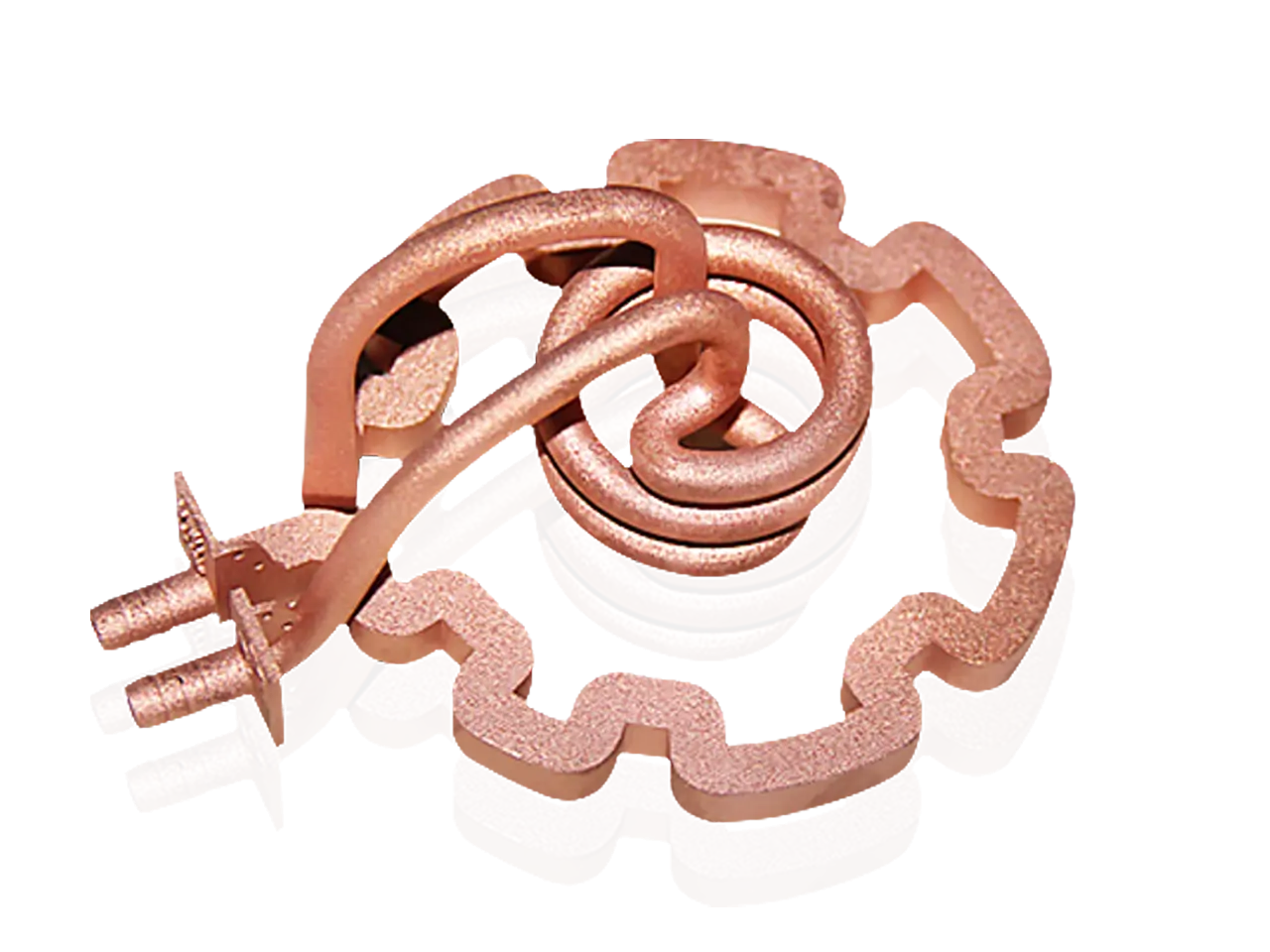
- Professional metal printing: For really metal pieces with complex geometries (elaborate ornaments, functional clips/hooks), Metal additive manufacturing (such as SLM/DMLS) Services from experts like GreatLight use actual metal powders (stainless steel, aluminum, titanium alloys) to produce strong, detailed metal parts not possible with filament printing.
Q6: How to safely integrate lighting?
A: Use low-voltage, battery-powered LED string lights or micro LEDs designed specifically for the model. Embed wires under base plates or within hollow printed structures. Drill small holes to let light shine through the windows. Battery packs are the safest and easiest to hide. Avoid mains voltage!
Q7: If I don’t have a printer or need complex parts, can GreatLight help?
Answer: Of course! As a leading rapid prototyping manufacturer with advanced SLM printers and extensive finishing capabilities, GreatLight specializes in turning digital models into reality. They deal with:
- Printing requires industrial grade FDM, SLA, SLS or Metal SLM/DMLS For precision and material variety.
- Expert post-processing: sanding, smoothing, priming, painting, assembling complex parts.
- Custom materials as needed.
Their one-stop shop is ideal for ambitious rustic elements that require professional quality or challenging geometries. [Consider linking to their specific services page here.]
Q8: Is it suitable for children?
A: Design and assembly can be adapted to the home (with supervision). Handling printers, resin (uncured toxic resin), sharp tools, delicate paints, and small parts requires adult involvement, and young children require adult involvement. Focus on safe tasks like arranging debris or applying snow!