Build the Ultimate DIY Storage Center: A Guide to Customizing 3D Printed NAS Cases
In the world of home servers and data storage, network-attached storage (NAS) systems are critical. While off-the-shelf solutions exist, technology enthusiasts crave customization, cost savings, and the satisfaction of building something unique of their own. Using advanced 3D printing, it’s possible to design and print your own NAS case, a project that blends creativity and engineering. It’s more than just assembling hardware; it’s creating a custom enclosure tailored to your precise space, thermal, and aesthetic requirements.
Why customize? The charm of 3D printed NAS chassis
Commercial NAS cases often prioritize mass production efficiency over individual needs. They may lack mounting points for specific fan configurations, limit odd-sized motherboards, or fail to optimize airflow for non-standard drives. Structure your case to avoid these problems:
- Ultimate customization: Design bays for any combination of SSD, HDD, or M.2 drives. Integrate specific cooling solutions (fans, ducts) and adapt to unusual motherboards or power supplies.
- Cost efficiency: Bypass premium brand markups. Focus your spending on core components (drives, motherboard).
- Optimized space and form: Crafting a case that’s perfect for your home rack, desk cabinet, or entertainment center without compromise.
- For the future: The design can be easily modified later to upgrade or add new components.
- Manufacturer satisfaction: The pride of designing, printing and assembling functional technology infrastructure.
Built for Success: Key Design Considerations
NAS runs under load 24/7. Your design must prioritize stability, cooling, and longevity:
-
Thermal management: silent priority
- Airflow Engineering: Carefully designed air intake/exhaust paths. Consider using channeled air rails on the drive/motherboard chipset to eliminate stagnant pockets.
- Fan selection and placement: Accurately model the mounting points for the selected fan (sizes: common 80mm, 120mm). Prioritize static pressure fans for the radiator/drive.
- Drive isolation: Separate the drive compartment from the motherboard area to prevent thermal cross-contamination. Use shock mounts to reduce drive wear caused by vibration.
-
Material Selection: Strength and Stability
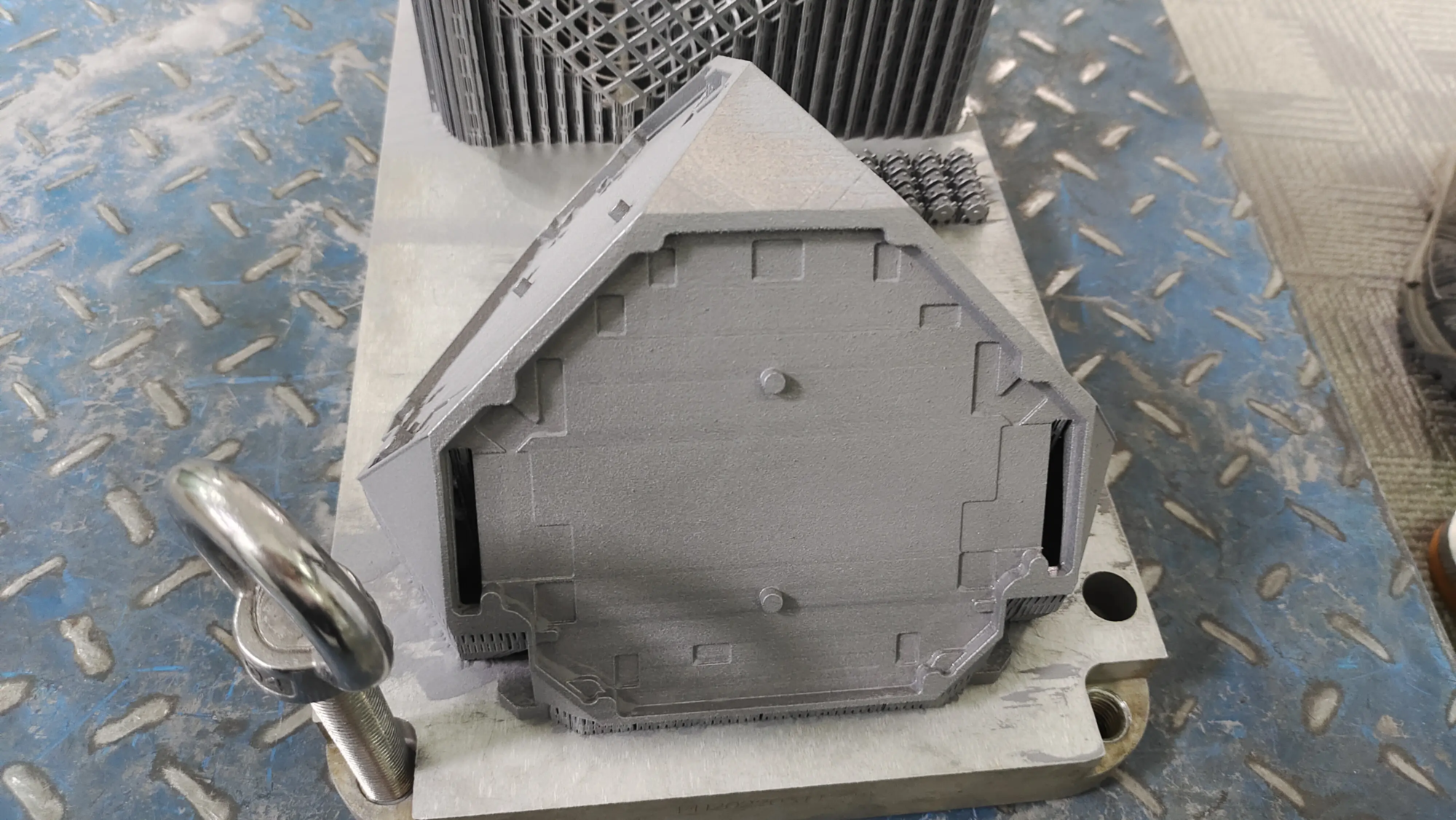
- Metal advantages: Aluminum and even titanium printed using Selective Laser Melting (SLM) technology provide unparalleled rigidity, vibration damping and superior heat dissipation, which is crucial for a quiet, stable NAS chassis. Plastic (such as PETG or ABS) able Suitable for lighter setups but has risk of long-term warping under prolonged heat and load stress.
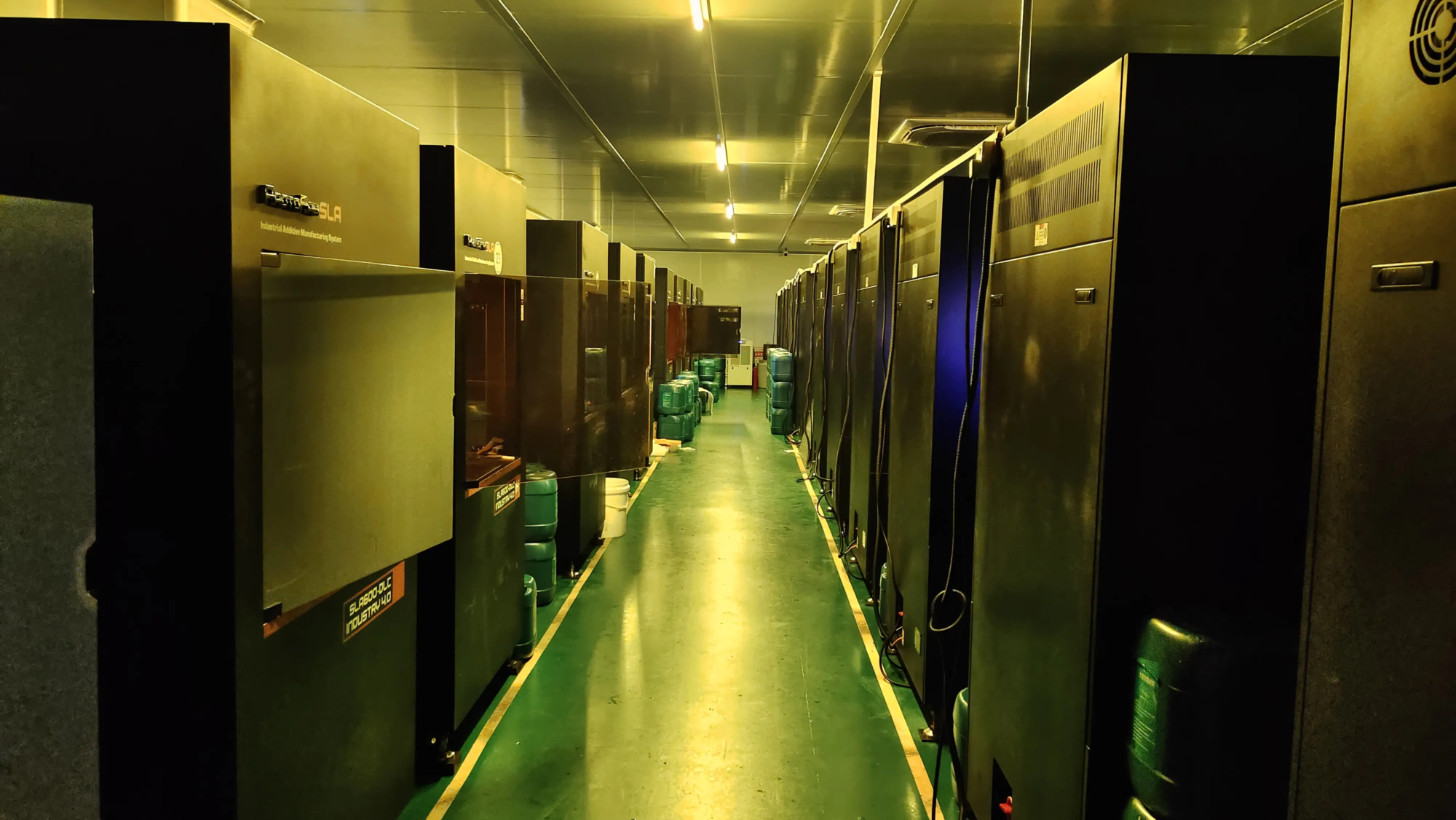
- Professional SLM printing: For metal parts, professional services such as huge light All are indispensable. Their industrial-grade SLM printers ensure high-density, dimensionally accurate components and excellent thermal conductivity.
- Structural integrity and component layout:
- Stress analysis: Model load-bearing points rigorously, especially side-mounted drive cages. Reinforced corners, motherboard brackets and PSU mounts.
- Driver installation: Exact dimensions of SSD/HDD. Includes shock absorbers. If it is part of the design, ensure easy access and tool-free removal mechanisms.
- Cable routing: Internal channels/rails incorporating SATA, power and front panel cables. Clutter blocks airflow and hinders repairs.
- Safety and electromagnetic interference: If using metal, make sure you design a path to ground. Incorporate mounting points for dust filters and consider ventilation patterns to minimize electromagnetic interference.
Your build roadmap: from CAD model to running NAS
-
Design phase (requires CAD proficiency):
- Use Fusion 360, SolidWorks or FreeCAD.
- Start simple: Precisely measure each component’s mounting points, height, width and clearance needs.
- Prototype in stages: design backplane/drive cage, verify dimensions, iterate one subassembly at a time.
- Planning the assembly direction—how the parts interlock or bolt together is critical. Avoid designs that require impossible post-print operations.
-
Printing Stage: Working with Precision
- Material selection: For permanent reliability, metal printing (AlSi10Mg alloy) is achieved by Compared to plastic, SLM is highly recommended. Its thermal/cooling advantages are unparalleled.
- Find professional services: This is where working with a professional rapid prototyping manufacturer brings benefits. company likes great light, Leverage industrial SLM technology to deliver strong, deformation-resistant parts. They mitigate the risk of shrinkage inherent in metal sintering and provide critical surface finishing – machining contact surfaces, smoothing internal channels that affect airflow, and coating options to enhance corrosion resistance. Their ability to handle complex geometries and metal powders enables lightweight and durable designs that cannot be replicated with plastic. This isn’t FDM printing for hobbyists; it’s FDM printing. It’s production grade hardware.
- Assembly stage:
- Dry thoroughly: Assemble printed parts without electronics. Check clearance, screw alignment, airflow paths, and drive insertion/removal.
- hardware: Use high quality M3/M4 screws, nylon washers, isolation PCB spacers/motherboard brackets.
- Ground: Ensure continuity between printed metal components and connect ground wires as designed.
- Cable management: Be diligent about utilizing internal access—zippers, Velcro straps.
- Component installation: Install drives, motherboard, PSU carefully. Make sure there is no stress on the connector.
face challenges
This path requires diligence:
- complex: CAD skills and knowledge of 3D printing (especially metal crafting/design rules) are not easy to come by.
- cost: Metal SLM printing costs more upfront than plastic, but over time it costs more than a failed plastic enclosure or a high-end retail NAS case.
- Iteration: Looking forward to redesigning the testing cycle. This is a rapid prototyping partner (
like GreatLight) greatly accelerated progress. - Printability: Some complex designs or internal lattice structures require specialized parameter optimization and are best handled by SLM experts.
Conclusion: Empowerment through customization
Building your own 3D printed NAS is a journey of hardware integration and precision design. It challenges you to blend aesthetics with mechanical functionality. While demanding, the end result—a visually elegant, well-cooled chassis that perfectly houses your data ecosystem—is extremely valuable. For those who prioritize metal reliability and professional-grade results, partner with an SLM expert huge light Transform ambitious CAD designs into sparkling practical reality. Their SLM printing capabilities go beyond hobbyist limitations, delivering low-volume, industrial-grade results that are ideal for uniquely customized network storage systems. Embrace the journey. Craft your storage shelter with care.
Frequently Asked Questions (FAQ)
Q1: Can I really use PLA/ABS/PETG plastic? Isn’t metal too exaggerated?
A: While plastics like PETG are used for lightweight applications, metal (aluminum via SLM) offers significant long-term advantages for NAS: superior heat dissipation critical for continued operation, resistance to warping/deformation under sustained thermal and load stress (drives generate heat!), excellent vibration damping properties to protect the drives, and inherent EMI shielding. For mission-critical storage hosting terabytes of valuable data, metal provides unparalleled reliability.
Question 2: How much more expensive is a 3D printed metal NAS case compared to purchasing a metal NAS case?
A: Costs vary widely based on size, complexity, materials and printing services. The supplies for a simple plastic case can cost less than $50; a complex, professionally printed metal case can cost $200-$800+. This compares favorably to high-end commercial NAS cases ($300-$1000+) and offers features you can’t buy commercially. Consider the value of customization. Work with prototyping experts (GreatLight) Optimize quality costs by leveraging efficient SLM processes and minimizing material waste.
Q3: How difficult is CAD design? What software should I use?
Answer: Rich CAD skills are required. Conceived layouts, precise component mounting specifications, complex vent patterns and airflow path modeling require expertise. SolidWorks and Fusion 360 are industry standards, providing the advanced parametric modeling capabilities necessary for iterative adjustments. Start simple, perhaps modifying an existing open source design while learning the tools.
Question 4: How important is thermal management? Can’t we just rely on fans?
Answer: Paramount! Poor thermal management can accelerate drive degradation, significantly shortening lifespan and causing painful data loss. Actively designed ductwork directs cold air through hot spots (CPU/chipset/storage) while effectively venting hot air, preventing chassis heat buildup, ensuring consistent performance, safe drive operating temperature thresholds, and ultimately lower fan speeds through optimal airflow speeds for quieter operation.
Q5: How does the metal printed housing ensure grounding/safety?
A: Properly designed cases have intentionally integrated grounding: Metal contacts Ensure mounting points Metalized threads secure motherboard brackets connected to the case via dedicated wires Clear ground points Power supply unit Ground loops Avoid intended ground planes Printed with the main case structure Collaborative prototyping partners (GreatLight) The key is to ensure that the conductivity continuity meets the design specifications, perform important continuity tests, and complete the assembly phase to prevent potential electric shock hazards and ensure hardware instability.
Q6: Where can I find existing 3D model designs?
A: The community platform provides a starting point: Thingiverse Printables Explore things like NAS enclosure rackmount SFF. Thoroughly verify compatibility, carefully examine airflow paths, structural robustness, be aware of risks, inherit untested assumptions for long-term reliability scenarios, work with prototyping experts to refine existing designs, and ultimately achieve a truly personalized solution that matches unique configurations, ventilation needs, space constraints, and handcrafts your unique ecosystem.
Through deep technical considerations partnered with strategic prototyping expertise (GreatLight Empowering niches with precise SLM printing capabilities) Making powerful, personalized NAS enclosures an achievable reality Redefining the boundaries of custom home infrastructure projects Building secure, performance-scalable storage shelters Uniquely envisioned.