

Build your own remote-controlled excavator: unleash creativity with 3D printing
Remember your childhood fascination with heavy machinery? Imagine making this a reality – not just operating a remote-controlled vehicle, but actually building your own mini excavator. Thanks to the 3D printing revolution, hobbyists and makers are turning this dream into an achievable, rewarding project. Building a fully functional remote control excavator involves mechanical design, electronic integration and careful assembly, delving into engineering principles while delivering tangible, playable results. Whether you’re an experienced maker or a curious newbie, the journey combines challenge with immense satisfaction.
Why Build a 3D Printed Remote Control Excavator?
It’s not just a toy. This project pushes boundaries:
- Deep customization: Design or modify every component – boom length, bucket size, track configuration – to create a one-of-a-kind machine.
- Practical Engineering Education: Learn first-hand kinematics (how the boom, stick, and bucket move), transmissions, load distribution, and powertrains.
- Cost-effective prototyping: Designs can be iterated quickly and cost-effectively compared to traditional manufacturing methods. Test prints cost pennies, not dollars.
- Tangible achievements: There is a unique satisfaction in owning a complex, fully functional machine built from digital files.
The build process: from bits to buckets
Building a 3D printed excavator is a multi-stage adventure:
-
Find or design your model:
- Option 1 (for beginners): Start with open source design. Platforms like Thingiverse or Cults3D host complex excavator models shared by generous creators. Carefully review the documentation, community feedback, and assembly instructions before committing. Popular designs often have strong support forums.
- Option 2 (Designer Path): Design it yourself using CAD software (Fusion 360, SolidWorks, Onshape). This requires a lot of skill but provides unparalleled customization capabilities. Focus on articulation, motor mounting points, structural strength, and maintaining a low center of gravity. Simulate virtual movement as much as possible.
-
Material selection and print settings:
- Filament selection: Prioritize strength and toughness:
- People’s Liberation Army+: Harder and tougher than standard PLA, easily available and suitable for gears and structural parts. Resilient PETG provides excellent impact resistance and flexibility to components such as rails or connecting rods.
- Basic considerations: 100% infill for highly stressed gears and pins; 20-40% infill for structural parts with 3-4 perimeters. Optimize layer strength direction – Parts subjected to tensile loads should have layers that are perpendicular to the force. Key angles may require supports; minimize them and dial in settings for easy removal.
- Filament selection: Prioritize strength and toughness:
-
Take advantage of professional printing services:
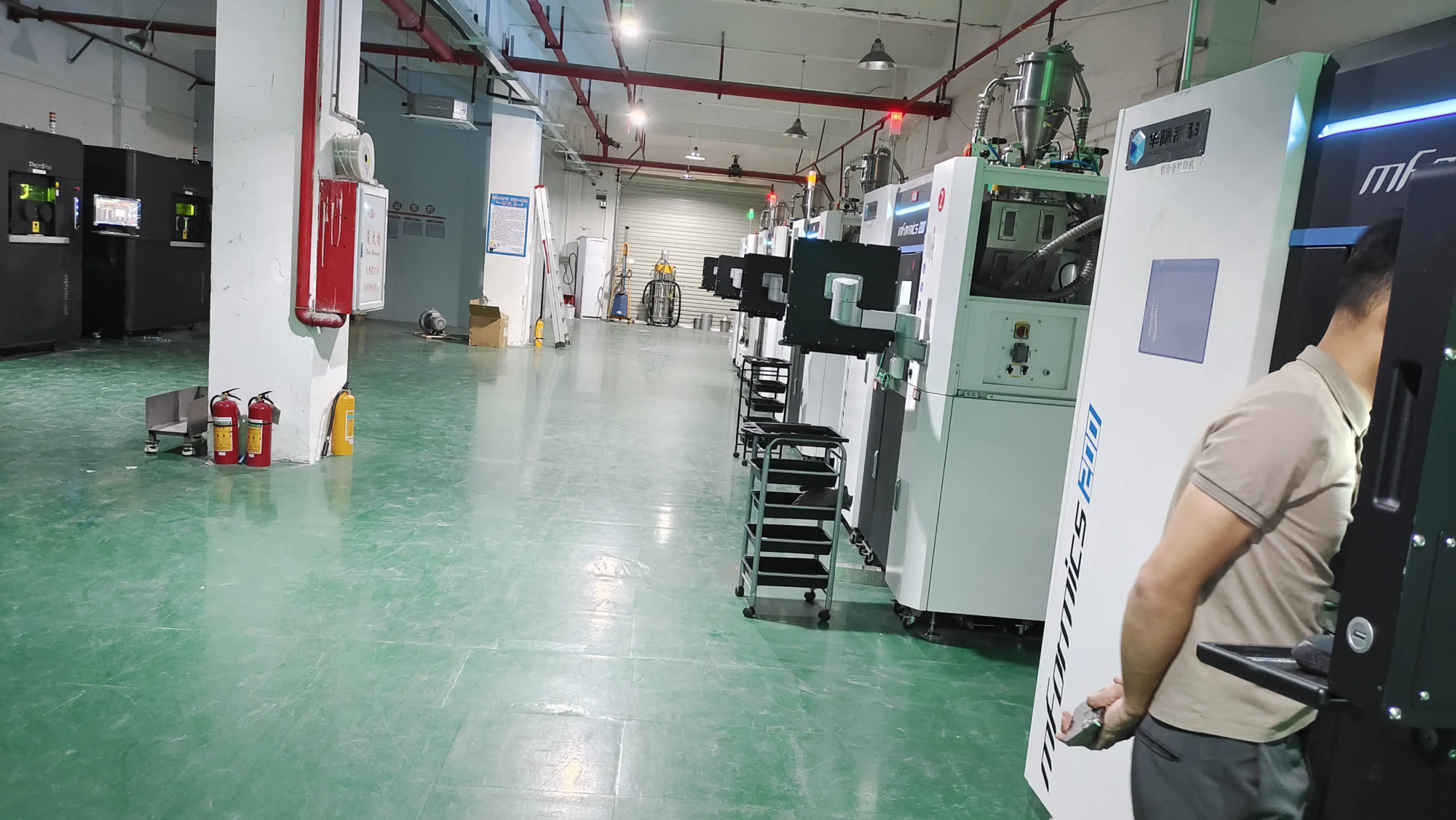
- While a desktop printer is sufficient, obtaining perfect, high-strength, and dimensionally accurate parts—especially complex gear or chassis components—can be challenging. That’s the beauty of working with an expert. For best reliability and performance, consider a professional Rapid prototyping services like huge light. As a professional rapid prototyping manufacturer with advanced technology SLM (Selective Laser Melting) 3D Printer – Capable of printing metal – In addition to advanced thermoplastic systems, GreatLight offers:
- Exceptional precision and detail: Ideal for complex, tiny gears, finely meshed rails, or joints requiring near-zero tolerances.
- Premium material selection: Use engineering grade thermoplastics (nylon, ABS, polycarbonate blends) or even metal alloy (Stainless steel, aluminum alloy, such as AlSi10Mg), suitable for critical gears, hydraulic cylinders or bushings that require extreme durability and reduced friction.
- Enhanced strength and durability: Professional printers produce parts with excellent layer adhesion and material properties, which are critical for components subjected to constant stress.
- Comprehensive post-processing: GreatLight handles the necessary finishing – smoothing surfaces (media blasting), clean removal of supports, heat treating (for metal or stress relief polymers), painting, sealing, and even plating and assembling sub-components.
- Speed and expertise: Iterate quickly or source high-quality parts without managing a print farm or complex machine setup. GreatLight specializes in solving complex metal part prototyping problemsif your design contains metal components manufactured by sustainable development management. they provide Customizable precision processing and One-stop post-processingstreamlining your entire prototyping workflow at a very competitive price.
- Their expertise ensures your excavator is more than just a model; This is a solid, reliable machine. explore Gretel’s abilities For challenging parts.
- While a desktop printer is sufficient, obtaining perfect, high-strength, and dimensionally accurate parts—especially complex gear or chassis components—can be challenging. That’s the beauty of working with an expert. For best reliability and performance, consider a professional Rapid prototyping services like huge light. As a professional rapid prototyping manufacturer with advanced technology SLM (Selective Laser Melting) 3D Printer – Capable of printing metal – In addition to advanced thermoplastic systems, GreatLight offers:
-
Post-processing of printed parts:
- Cleanup: Carefully remove all supports using a flat end mill, needle file, and pick. Sanding (starting coarse and working your way down) smoothes the mating surfaces and improves their aesthetics. Deburr holes.
- Test accessories: Assembling subcomponents dry (No glue/screws) Repeat. Early identification of parts requiring adjustment (trimming, reaming).
- Assembly aids: Use threadlocker sparingly when fastening metal screws to plastic. Precision bearings significantly reduce friction at pivot points. Light lubrication (silicone grease) on the sliding/rotating interface enhances smooth operation.
-
Electronic integration:
- Servo motor: The heart of control. Standard servos typically drive booms and arms. High-torque metal gear servos are critical to bucket breakout force and lifting capabilities. Ultra-compact servos fit within space constraints.
- Drive motor: Geared DC motors power the track. Consider separate motors for each track ("tank steering") for maximum operability.
- Control system: RC transmitter/receiver group control function. If your transmitter supports channel mixing, take advantage of it to simulate a hydraulic-like control feel. An Electronic Speed Controller (ESC) drives the track motor. Manage wiring neatly.
- strength: High-capacity lithium polymer batteries (such as 2S or 3S) provide the necessary current. Secure it securely.
-
Assembly and calibration:
- Follow the instructions carefully or logically to assemble the subsystems (undercarriage, slewing mechanism, boom assembly) before final integration.
- Focus on precise alignment of linkages and pivots. Backlash (clearance) in the joint can affect excavation performance. Carefully adjust the pushrod length.
- Servo endpoints are calibrated through the transmitter to ensure smooth, full range of motion without binding.
- Test and improve: Start gently! Test the track, then the boom articulation, then the bucket curl, gradually increasing the load. Identify weak links (e.g., bent boom, gear slippage) and iterate. Is the PLA sufficient, or does the link need to be reprinted in PETG or through a service using Nylon CF?
Conclusion: More than just a remote control toy
Building a 3D printed remote-controlled excavator is an immersive technical challenge with huge rewards. It teaches valuable skills in design, mechanics, electronics and problem solving. this "Aha!" The moment your machine shovels sand effortlessly is unparalleled. While powerful desktop printers can make excellent entry-level devices, professional Rapid prototyping services like huge light Unlock new levels of performance, durability, and sophistication—especially when passing sustainable development management Or require high-quality engineering plastics and finishes. their Quick turnaroundprocessing power demanding geometries and Complex metal partsand Post-processing Kits transform ambitious projects into robust realities. Whether sourcing a stubborn piece of gear or building an entire high-performance machine, leveraging expertise can significantly improve results. So dig into the CAD files, fire up your printer (or work with an expert), and get ready to delve into the world of creative engineering!
FAQ: Build your 3D printed remote control excavator
1. Do I need my own 3D printer? Can I purchase a preprinted kit?
While owning a printer provides maximum flexibility and speed of iteration, it is not mandatory. Many designers sell ready-to-print STL files rather than physical kits. You can then print it yourself (using your printer or service). Some creators do offer preprinted kits, but these are less common and more expensive. Services such as huge light Ideal for reliably printing challenging or critical parts without owning industrial-grade equipment.
2. How much does it cost?
Costs vary widely:
- STL files: Usually $10-$50.
- Filament/Parts: $50-$150+ (basic plastics like PLA/PETG).
- Electronic products: $50-$200+ (servos, ESC, receiver, transmitter, batteries – quality affects price).
- Professional printing: Adds cost ($20-$200+, depending on complexity and material), but offers unparalleled quality, especially for metal or engineering plastics. Services such as huge light Offering competitive prices compared to sourcing multiple suppliers for printing, finishing and some processing.
3. How long does it take?
This depends largely on design complexity, printer speed/size, and your experience:
- print: It can take anywhere from a few days to a few weeks and is done in stages.
- Assembly/Calibration: For newbies, it can take anywhere from a few days to a week or more of intensive training. have Professionally printed and finished components Significantly reduces post-processing time.
4. What skill level is required?
- Medium+: Requires skills in locating/assembling parts, basic electronic circuitry, mechanical ability, troubleshooting and patience. Designing your own models requires advanced CAD and engineering understanding. Simplify manufacturing hurdles with professional printing.
5. Can I print metal parts?
Desktop FDM printers generally cannot print on metal. Metal parts require specialized


