Let us build your dream IKEA Lack-Based 3D Printer Housing
As a result, your 3D printer has become a fixture in your workshop or home office. While exciting, you may have noticed issues like warped ABS prints, family members complaining about the noise, or concerns about stray plastic particles floating around. What’s the solution? A shell. But store-bought options can be pricey and may not be suitable for your specific setup. Enter this ingenious and very popular DIY solution: IKEA lacks casing.
More than just an internet meme, the IKEA Lack case takes advantage of the ubiquitous, affordable Lack side table ($10-20 each!) to create a sturdy, functional, and customizable case for your precious printer. Whether you are combating drafts, seeking peace and quiet, enhancing security, or working with advanced materials, this project provides tremendous value.
Why bother packaging a 3D printer?
learn "Why" Make the build more valuable:
- Temperature control (critical for ABS, ASA, Nylon, PC): The casing captures the heat generated by the print bed, preventing airflow that can cause warping, cracking and layer separation, especially when printing at large scale or when working with unstable engineering filaments. Stable thermal environment = significantly improved printing success rate.
- Noise reduction: The acrylic panel significantly dampens stepper motor whine and fan noise, making printing less disruptive.
- Improve security: Contains moving parts from accidental bumps (or curious pets/children) and has a shield to protect against minor sparks or hot surfaces. (IMPORTANT NOTE: The enclosure is not a fireproof safe! Proper internal wiring and independent smoke/fire detection are non-negotiable enhancements we will discuss).
- Dust and Particle Containment: Minimizes dust settling on prints and contains tiny plastic particles produced during the printing process, helping create a cleaner environment.
- Enhanced print quality: A constant temperature reduces internal stress, potentially improving the dimensional accuracy and surface finish of heat-sensitive materials.
Why IKEA’s lack of tables dominates
- Cost effectiveness: The core structure is very cheap.
- Everywhere: Available worldwide, making sourcing easy.
- Modularity: They stack well and can be used in designs for single or multi-printer setups or higher.
- Robustness (once reinforced): The hollow cardboard core requires modification, but once supported it forms a sturdy frame.
- DIY friendly: The tools and skills required are relatively simple.
Your must-have materials list
collect these forward You go to the hardware store:
- IKEA lacks tables: Core suite: 2x Missing side tables (for case height). Elective: If building a dedicated electronics room underneath, an additional 1 will be required.
- Transparent panel: this "wall." Most options use 5 mm (or 3/8") thick acrylic sheet. You’ll probably need 3 whole sheets (most hardware stores cut them to size!): The dimensions for a standard enclosure (to fit two stacked Lacks) are usually approx. 50cm x 50cm (front/back/double-sided). Some people choose clear polycarbonate to resist impact.
- Structural reinforcement: Material to support hollow legs/feet. Common options:
- Timber: solid wood pieces (e.g. 50mm x 50mm or 2"x2") cut to fit snugly around table legs (approximately 65-70mm long) or sturdy plywood strips.
- Print Parts: There are many powerful hardened STL files available on Cults or Printables.
- 3D printer filaments: PETG or ABS are more popular; PLA may soften if the internal temperature rises significantly.
- Installation hardware: M3-M5 screws (~20-30mm long), nuts (including T-nuts), washers.
- Adhesive: Strong structural adhesive (PL Premium, Gorilla Glue) permanently bonds the reinforcement to the leg.
- Hinge: Used to create the front (or top) of a swing door. A simple butt hinge will work.
- Door handle/door lock: Various magnetic latches, twist locks or printed solutions.
- (Highly recommended) Fire safety:
- Stand-alone Smoke/Fire Detector: Installed in Case (battery powered or wired). An absolute must.
- Fire extinguishing: ** Options include automatic fire extinguishing balls or fire hoses (such as FUMED).
- Non-flammable base: ** Metal plate (aluminum) or concrete plate underneath the printer.
- Temperature control (optional): Thermometer/hygrometer, auxiliary heater (low power, external control), automatic extractor fan/ventilation system.
- electric: Cable Grommet/Gland: For clean entry/exit of power/Pi/webcam wires. Power strip/smart plug inside case.
- Soundproofing (optional): Acoustic foam panels are fixed to the interior walls (to avoid obstructing airflow/views).
- light: LED light strips are mounted within the top frame.
Tools you need
- Drill bits and drill bits (slightly smaller than screw rod diameter)
- Jig saw, circular saw, or hand saw (if cutting plywood supports)
- Fine-tooth hacksaw or electric sander/sandpaper (for smoothing the edges after cutting acrylic)
- Screwdriver or hex wrench
- clip
- Tape measure and marking tools (pencil/marker)
- Safety equipment (gloves, goggles)
Step by step: Build your Muji fortress
Phase One: Preparing the Framework
- gather: Make two Lack tables according to IKEA instructions.
- strengthen: This is critical! Filling the hollow legs:
- Wood block method: Apply a generous amount of adhesive to each leg cavity. Press the block of wood snugly down. Clamp firmly and wipe off excess glue. Allow to cure overnight. Repeat this for all eight legs (top and bottom of the table).
- Leg printing method: Insert the printed block tightly; secure with adhesive/screws according to design.
- Filament printing: Depending on the printer’s specifications and required stiffness, print a sturdy insert designed specifically for the Lack legs.
- heap: After the adhesive has cured, stack the top table directly on top of the bottom table, centered. The legs will be slightly staggered. Consider gluing or screwing them together to add stability during panel installation.
Stage 2: Prepare and install panels
- Measuring and cutting: Accurately measure the opening between the legs of each side panel (front, back, left, right). Consider overlap/screw holes based on hinge/latch plan. Remember, acrylic is easy to cut, but smash. Not cutting well – use a thin blade and cut slowly, or if using a saw, cut in a curve. Even safer: have them professionally cut. Smooth edges thoroughly.
- Drill mounting holes: Lay the panels loosely. Mark the location of the holes centered through the outer leg faces into the panel (one hole near each corner, about 10-15 cm apart). Carefully drill pilot holes into the legs and acrylic to prevent cracking. Use scrap wood backing.
- Connection panel: Start with the side/top/back panels. Insert screws with washers into the legs, then through the acrylic and secure with internal nuts or T-nuts tapped into the leg reinforcements. Do no Tightened too much! Allow the panel to “float” slightly in the oversized hole to avoid cracking due to thermal expansion. contact adhesive
- Build the door: Determine hinge/latch position. Drill pilot holes. Install the hinges to the door panel first, then carefully lean against the door frame opening and install the hinges to the door frame legs. Install the latch/handle.
Phase 3: Enhancements – Specialization
- Fire safety first: Mount the detector securely inside the top housing. Place fire suppression equipment near potential fire sources (hot end/heated bed). Install a non-flammable base underneath the printer.
- Seal gap: Use high temperature silicone tape/gasket material around door edges to improve sealing (improves temperature retention).
- Managing cables: Install cable glands/grommets to bring out external power/sensors/wires. Neatly feeds and connects to external power strip/smart plug.
- Install lighting: Glue the LED strip around the underside of the top frame.
- (Optional) Temperature and airflow: Internally mounted thermometer/hygrometer. If adding a heater/fan, design an external switch control system. Make sure ventilation does not cause airflow to blow onto the print.
Final check and print settings
- Connect your printer. Consider keeping the electronics box external Heat the chamber if possible, extending the cord if necessary).
- Connect internal auxiliary power/light to external power strip/smart plug.
- Turn off, on and use ABS settings to monitor temperature rise (stay below panel thermal deformation limits! Plexi ~80C, Polycarb ~130C).
Conclusion: Elevate your printing journey
Building an IKEA Lack 3D printer enclosure isn’t just about assembling furniture, it’s about investing in consistent results, mastering challenging materials, and creating a safe printing environment. This customizable DIY project embodies maker ingenuity, transforming affordable materials into professional-grade functionality.
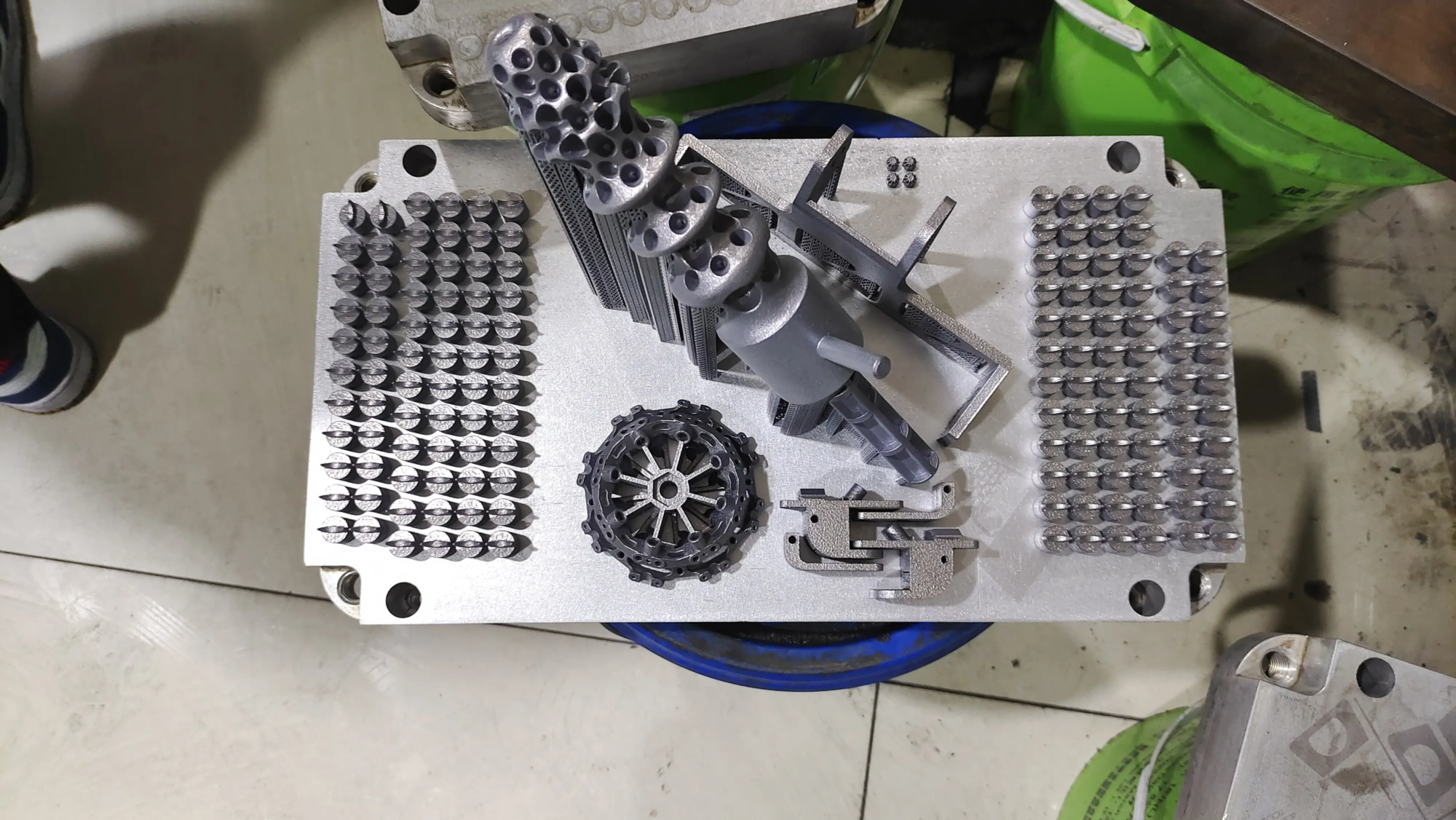
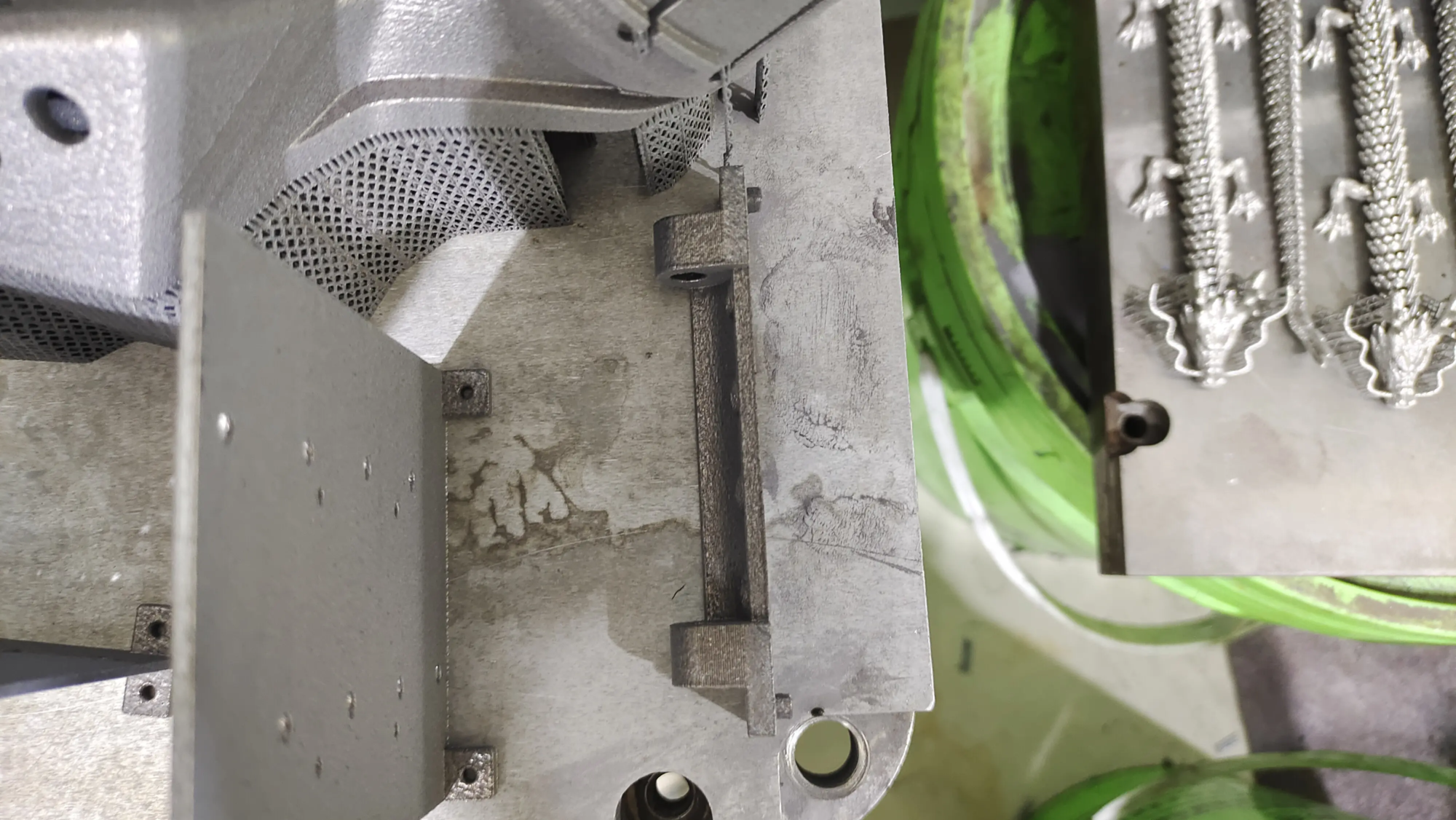
While DIY enclosures can help hobbyists, working with complex metal components requires industrial-grade solutions. For projects with higher requirements Precision engineered metal partsrapid prototyping becomes critical. Whether it’s complex aerospace components, rugged medical equipment or high-performance automotive prototypes, Metal Additive Manufacturing Unlock geometries and efficiencies often unachievable with traditional machining.
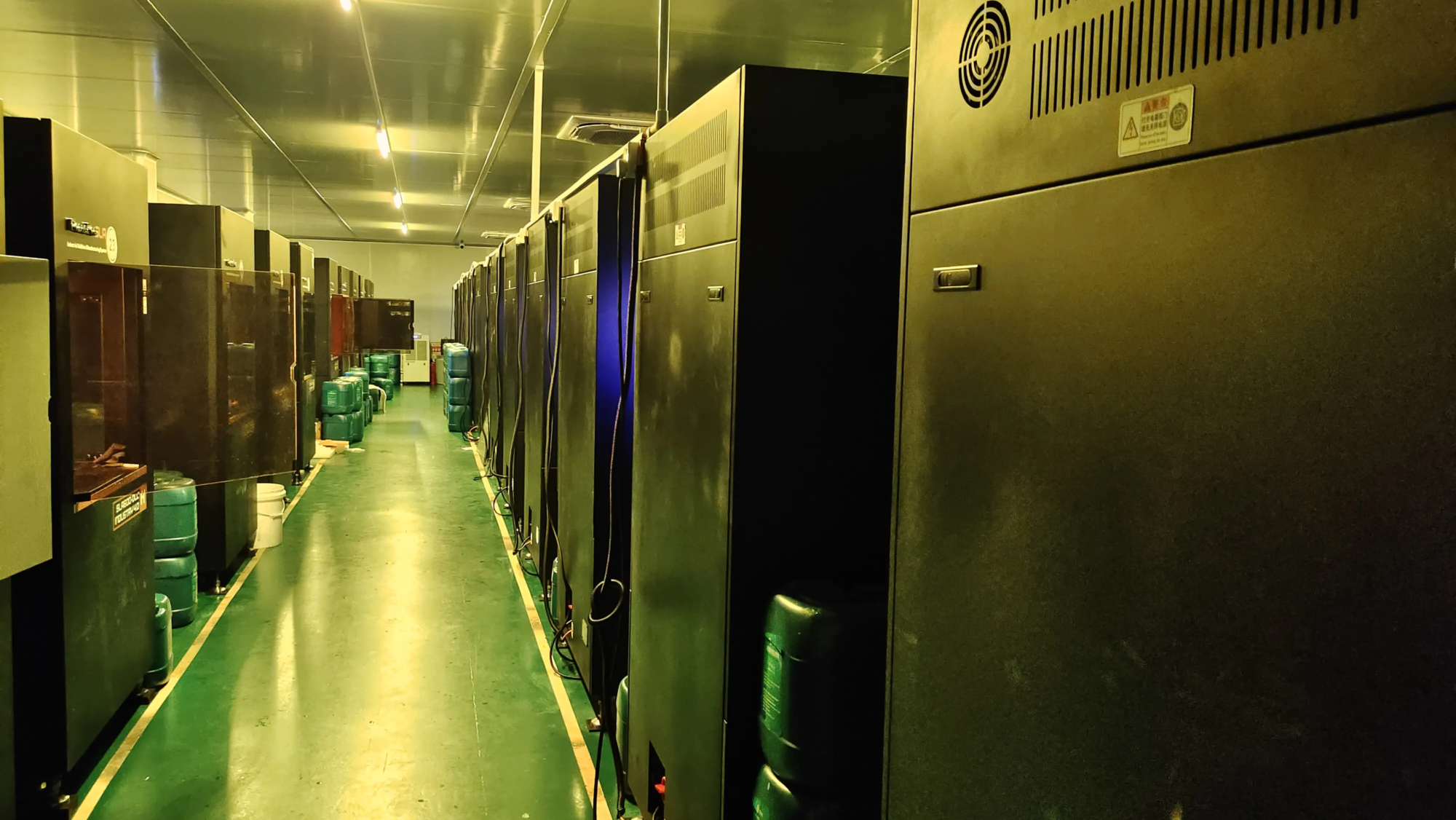
GreatLight is at the forefront of metal rapid prototyping. Utilizing state-of-the-art Selective Laser Melting (SLM) 3D printers and advanced production technologies, we specialize in solving complex metal prototyping challenges. We simplify the journey from concept to finished product with a full suite of services:
- Industrial Metal Additive Manufacturing: Good at printing stainless steel, titanium alloy, aluminum alloy, nickel high-temperature alloy, etc.
- End-to-end post-processing: Including CNC machining, precision finishing, heat treatment, surface treatment (sandblasting, polishing, coating), dimensional inspection and assembly. A true one-stop solution.
- Ultimate customization: Material processing and rapid prototyping tailored to unique design requirements.
- Speed and reliability: Speed up production cycles without sacrificing the quality of a truly rapid solution.
For professionals looking for reliable, high-quality parts backed by technical prowess, GreatLight has carefully earned its ” One of the best rapid prototyping companies in China.
Frequently asked questions about DIY 3D printer housings
Question 1: Can any 3D printer be installed inside the Lack housing?
Most common desktop FDM printers can be installed comfortably. Large format printers may need to modify the design to use three vertically stacked Lack tables or choose a larger base assembly. Measure printer height/width/depth (including cable clearance) When printing And compare with the internal Lack dimensions (approx. 52 cm x 52 cm x approx. 65 cm high for the standard 2-table version). Printers taller than 40 cm may require additional height.
Question 2: Is PLA safe to print in enclosures?
Generally speaking Not recommended long. PLA prints best at ambient/lower temperatures. The casing can accumulate heat, causing thermal creep (premature softening of the filament in the extruder), which can lead to paper jams and failed prints. PLA enclosures are primarily good for dust/noise control, but strict temperature management (exhaust fans, door openings) is also important. PETG or ABS materials are more suitable.
Q3: How hot is it inside?
Temperature depends greatly on:
- Print bed temperature and duration
- room temperature
- Shell seal quality
- Material being printed
Typically, printing ABS will result in internal temperatures reaching 40°C – 50°C+, sometimes higher when printing for long periods of time. Monitor at all times! Thermal components (such as stepper drivers on high-current printers) external Shells are best practice.
Q4: What is the best fire safety solution?
no single "the best," But layering matters:
- Detection: A battery-operated smoke detector is housed within the housing. Early warning is crucial.
- inhibition: Automatic options like fireball/tube are installed near the heater. A hand-operated fire extinguisher (Class ABC or D for plastic/metal) should be nearby.
- contain: Non-flammable base/back panel isolates flames. Avoid the vicinity of flammable materials.
- Electrical safety: Properly fused printer, good quality PSU, no daisy chain overloaded power strip, safe wiring, remote shutdown with smart plug/octoprint.
Q5: Is acrylic sound insulation enough?
Significantly! Acrylic sheets effectively suppress high-frequency noise (stepper motor whine). Low frequency noise (vibration) is transmitted through the frame. Place the entire enclosure on a thick foam pad or anti-vibration pad to further reduce noise. Acoustic foam inside helps further absorb sound waves.
Q6: My printer electronics are inside. Are there risks with overheating?
There is potential! The motherboard and power supply generate heat and are designed for ambient air cooling. Trapped heat shortens component life. Options:
- extend