

Bringing Bulbasaur to life: The complete guide to 3D printing
There’s something magical about combining fandom and technology, especially when you can create a tangible part of the Pokémon universe. Bulbasaur, with its iconic plant-supported design, is a favorite for 3D printing projects. Whether you’re a hobbyist or exploring professional prototyping, this guide covers everything from printing a basic PLA model to creating a museum-worthy metal replica. Let’s dive in!
Why Bulbasaur?
The symmetrical geometry of Bulbasaur makes it ideal for 3D printing. Minimal overhang, sturdy base and clear details ensure a high success rate, even for beginners. Plus, its vibrant green hue and nostalgic charm provide endless customization fun.
Step 1: Find the model
Start with high-quality 3D files:
- Free options: Platforms such as Thingiverse and Printables host user-created STL (e.g. "Bulbasaur Seeder" for functional printing).
- Advanced model: Sites like MyMiniFactory offer pre-supported resin print files, reducing failure rates.
- hint: Verify scaled dimensions ("Bulbasaur height 0.6m" ≠ 60cm printing! ). Use mesh tools like Netfabb to fix gaps.
Step 2: Get Ready – Printer and Materials
For hobbyists (FDM/resin):
- FDM printer (Creality Ender 3, Prusa i3):
- filament: PLA (easy to use, bright colors) or PETG (durability for outdoor displays).
- set up:
- Layer height: details 0.1–0.15 mm.
- Support: Supports ears/vines; tree supports minimize scarring.
- Infill: 10–15% (non-functional) or 20% (stress points).
- resin printer (arbitrary cubic photon):
- Resin: Washable for smoother post-processing.
- set up: With a layer height of 25μm, the hollow model saves materials.
For professionals/sculptors:
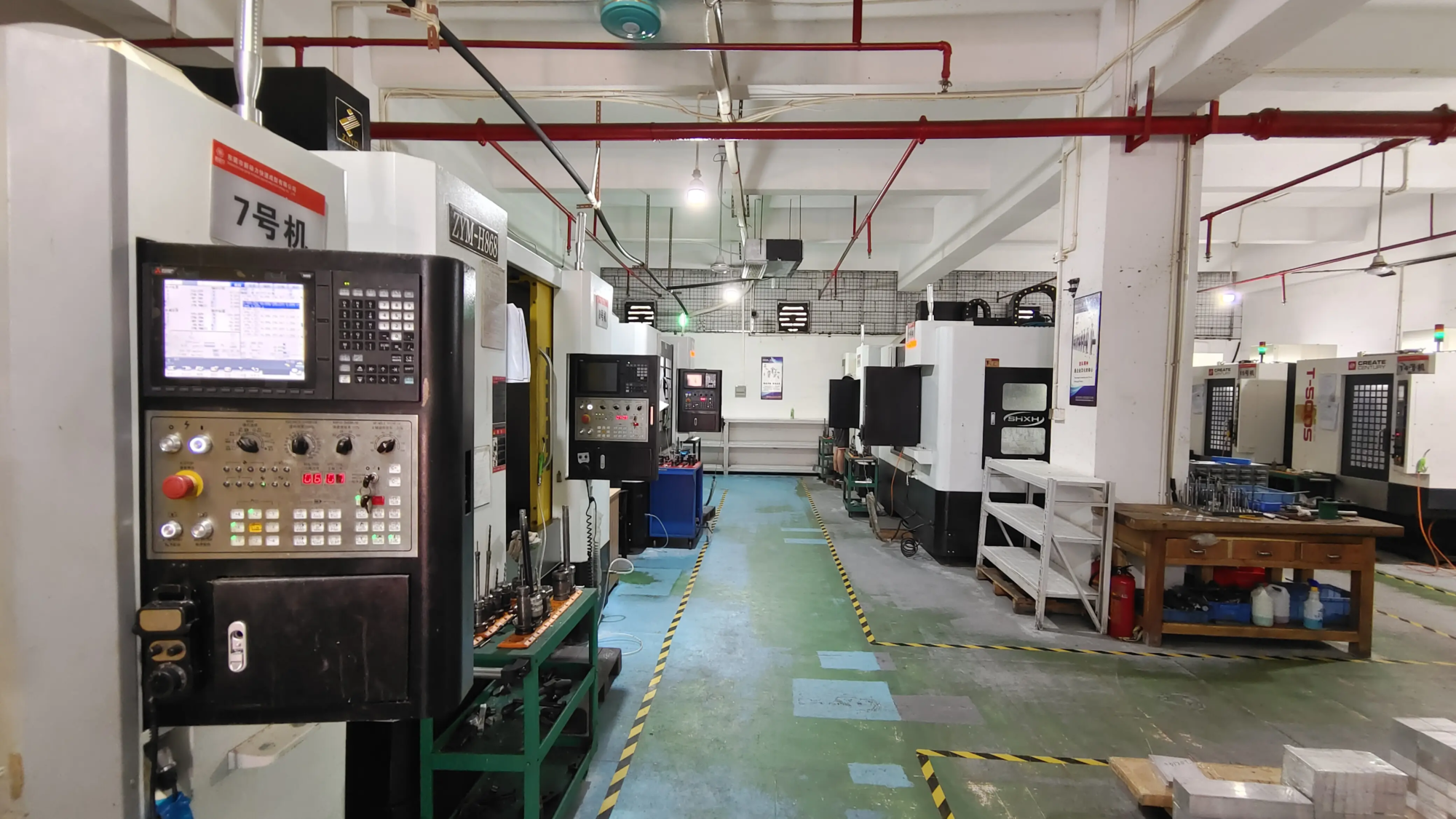
Want a durable, eye-catching piece? Partners huge light. Their SLM (selective laser melting) 3D printer can produce Industrial grade metal Bulbasaur model Made of materials such as stainless steel or titanium. Ideal for collectors, commercial displays or functional prototypes requiring thermal/structural resilience.
Step 3: Tips for perfect printing results
- Bed adhesion: FDM uses glue sticks or PEI sheets; resin printers require precise leveling.
- direction: Tilt Bulbasaur back 30° to reduce support for the face.
- speed: FDM is 40–50mm/s; slower speeds preserve vine detail.
- cool down: 100% fan after first layer to prevent sagging.
Step 4: Post-processing and improvement
FDM/Resin:
- Support removal: Cut carefully with flat-blade scissors; sand the residue with 120→400 grit sandpaper.
- Gap filling: Use epoxy putty for layer lines; apply with wet fingers.
- Primer: Spray filler primer for an even painted surface.
Professional finishing:
Save yourself the trouble——GreatLight one-stop post-processing include:
- CNC machining ensures dimensional accuracy.
- Electroplated, polished or matte coating.
- Custom textures (such as artificial leaves on Bulbasaur bulbs).
Step Five: Draw Your Bulbasaur
- Base layer: Apply acrylic paint (Citadel, Vallejo) via airbrush to achieve a smooth gradient.
- detail:
- Bulbs: Mixed Greens (Basic Citadel "Leader of the Green Army," shadow with "Castellan Green").
- Eyes: Glossy varnish for a lifelike glow.
- seal: Matt/gloss varnish protects your art.
Step 6: Advanced Upgrade
- LED integration: Drill into the bulb for a soft backlight.
- Functional design: Modify the file to turn Bulbasaur into a pen holder or succulent flowerpot.
- Metal Mastery: Want a substantial, heirloom-quality piece? GreatLight’s SLM printers deliver complex metal parts, ideal for custom-designed joints or interlocking segments. Their in-house team supports everything from CAD redesign to final completion.
Conclusion: From screen to shelf
Printing Bulbasaur celebrates creativity—whether it’s a weekend PLA project or a custom metal sculpture. remember:
- Iteration is key; test small sections before going for a large print.
- For professional-grade results, take advantage of rapid prototyping experts such as huge light. Their SLM technology and end-to-end services solve complex material/design challenges, transforming iconic characters into solid, gallery-ready works of art. Ready to get started? The perfect Bulbasaur is waiting for you!
FAQ
Q1: Can I print Bulbasaur without supports?
Only flat base models (e.g. low poly version). For detailed designs, optimized support prevents ears/vines from sagging.
Q2: How much filament is needed?
A 15 cm tall FDM Bulbasaur uses about 90 grams of PLA (about $3). Use a slicer like Cura to estimate material costs.
Q3: Why choose metal printing to make statues?
Metal 3D printing (via GreatLight’s SLM) offers unparalleled durability and reputation. Ideal for props, designer prototypes for collectibles, or engineered statues for outdoor installation.
Q4: Can GreatLight color metallic Bulbasaur?
Yes! Their post-processing includes anodizing (aluminum) or ceramic coating for custom color finishes.
Q5: How long does printing take?
- Frequency division multiplexing: Approximately 8–10 hours for 15 cm model.
- Resin: About 5 hours.
- GreatLight SLM Metal: Timelines vary based on complexity – request a quote for quick turnaround.
Change your vision today: Whether making your first Pokémon figure or designing a metal masterpiece, GreatLight combines cutting-edge SLM 3D printing, precision machining and unparalleled expertise. Contact Hui Lite Get a quote for your custom Bulbasaur project and up your prototype game!


