Organize your workspace: design your own compact DIY 3D printed SD card holder
Are your desk drawers like a digital graveyard? Loose SD card tangled in cables, hidden in your pocket, or lost entirely? If you’re a photographer, drone pilot, Raspberry Pi enthusiast, or anyone who regularly works with multiple SD cards, a simple yet elegant organizational solution is at your fingertips – provided by your 3D printer! Creating a custom compact SD card holder is a satisfying DIY project that combines functionality with personalization. Forget expensive generic organizers; unleash your creativity, optimize for your specific needs, and print the perfect storage companion.
Why 3D printing is the ultimate solution to card chaos:
Store-bought card holders often have limitations: They hold too few cards, waste space, can’t accommodate cards with different labels or sleeves, or simply don’t fit your desktop aesthetic. 3D printing removes these barriers:
- Super customized: Designed specifically for the size and quantity of cards. Requires 8 microSD card slots and 4 standard SD cards? complete. Want an integrated spot for your SD to microSD adapter? no problem. Customize slot angles for easier access or add labels for quick identification.
- Space optimization: Design a stand that fits perfectly into the corner of your desk, inside a drawer, or inside your travel case. The slim profile maximizes capacity while minimizing floor space. As your collection grows, create stackable modules!
- Material durability: Choose from a variety of strong, lightweight filaments such as PLA, PETG, and even ASA/ABS for increased toughness and longevity. Your stand can be as strong as your professional gear.
- Cost-effective and sustainable: Printing the scaffold consumes very little filament, making it much cheaper than many commercial options. It is also a step towards reducing reliance on mass-produced plastic products.
- Instant gratification: Go from concept to functional object on your desktop in just a few hours. Design adjustments can be made quickly and easily using free CAD software like Tinkercad, Fusion 360 or Blender.
Design points and features:
The compact SD card holder is carefully designed with practicality, accessibility and protection in mind:
- Slot geometry: The magic is in the dimensions. Friction fit grooves require precise tolerances – typically 0.1-0.3 mm wider than the thickness of the card. The thickness of a standard SD card is approximately 2.1 mm, and that of a microSD card is approximately 1.0 mm. The depth should be firmly maintained at 50-75% of the card height.
- Card Visibility and Access: Angled slots (approximately 15-30 degrees) make reading labels effortless. Generous spacing between slots prevents neighbor effects during insertion/removal. consider a "lip" Located on the base to prevent cards from accidentally slipping by.
- Compact footprint: Efficiently arrange slots in a grid or staggered pattern. Clever use of vertical space – A slight slope takes up minimal vertical space while enhancing usability.
- Anti-slip base: Add small feet made of TPU filament (if multi-material printing) or design rubber pad cavities. Alternatively, print the entire base thicker for stability. Weatherproofing tape can also be used as a post-treatment solution.
- Protect: Make sure the slot is deep enough so that the card does not protrude excessively, minimizing dust collection and accidental knocking. Avoid sharp edges that could scratch the card during handling.
- aesthetics: Add a personal touch! Incorporate your logo, geometric pattern, stylized holder name or smooth curves. Choose a filament color that matches your technical setup.
DIY Journey: From Design to Print:
- conceptualization: Draw your ideal bracket. Define the number/type of slots, required dimensions and key features (angle, base style, text).
- design: Use CAD software. Start with simple original shapes in Tinkercad (box for base, modified box/cutout for slot). Advanced users can take advantage of parametric design in Fusion 360 to easily make future adjustments.
- Optimize printing:
- direction: Print vertically (notch facing up) for best notch quality and minimal support. This minimizes layer line friction on card insertion and ensures cleaner slot geometry.
- support: An angled trough requires minimal support (if any) under it – mainly bridging the trough opening. Make sure they are easy to remove.
- filling: 15-30% hexagonal or spiral filling provides adequate strength without excess material.
- Floor height: 0.15mm – 0.2mm provides a good balance of detail and print time.
- Print: Choose the right material (PLA for most users; PETG for added durability/warmth; TPU for flexible feet). Monitor first layer adhesion.
- Post-processing (optional): Remove supports, lightly sand rough edges, wash away oil/dust. Consider annealing PLA/PETG scaffolds to improve thermal stability.
From prototype to production perfection:
While your desktop FDM printer excels at such personal DIY projects, creating prototypes or end-use parts with complex geometries, demanding performance standards, or advanced materials may require industrial-grade precision. This is where professional rapid prototyping services become invaluable.
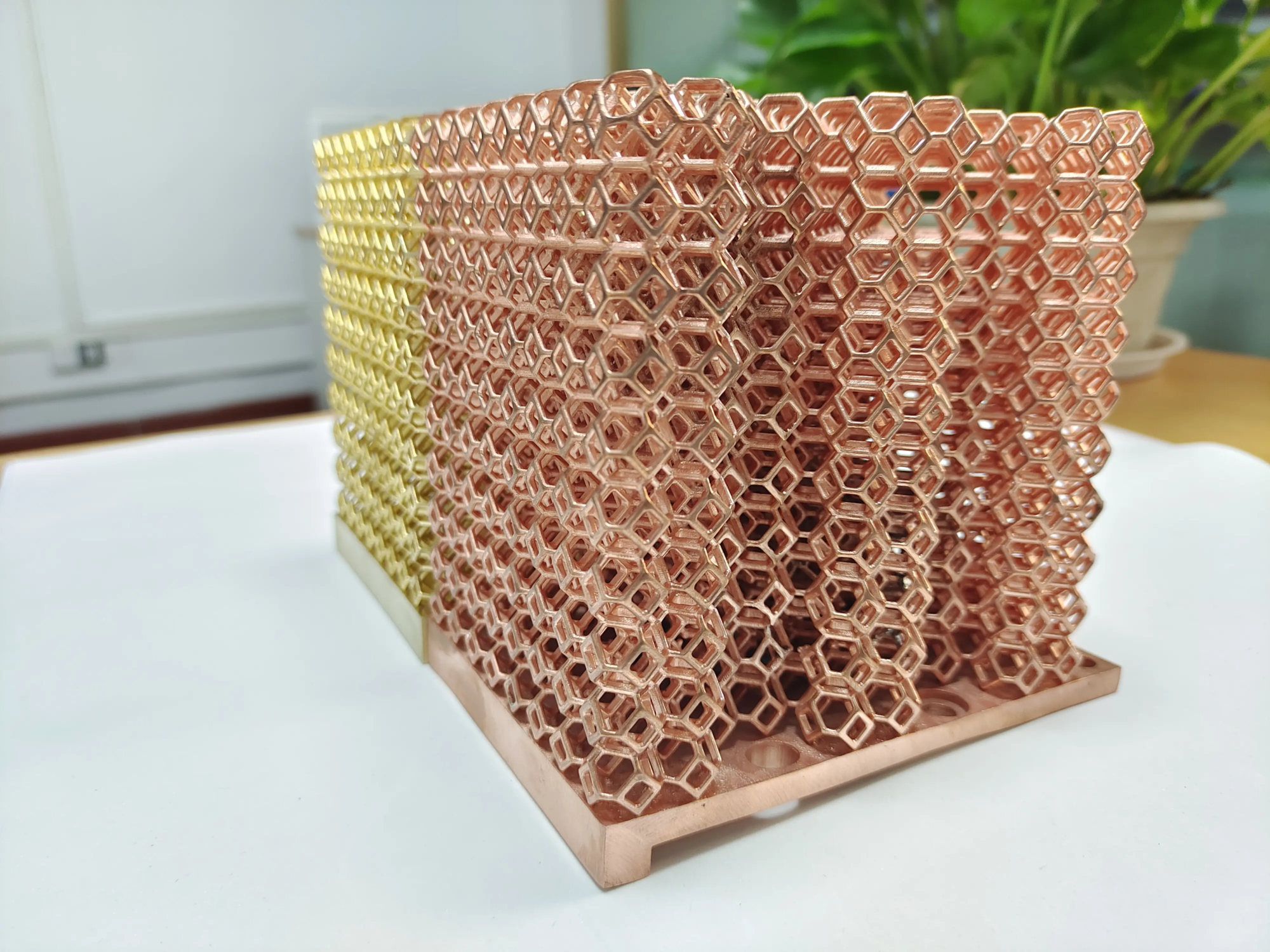
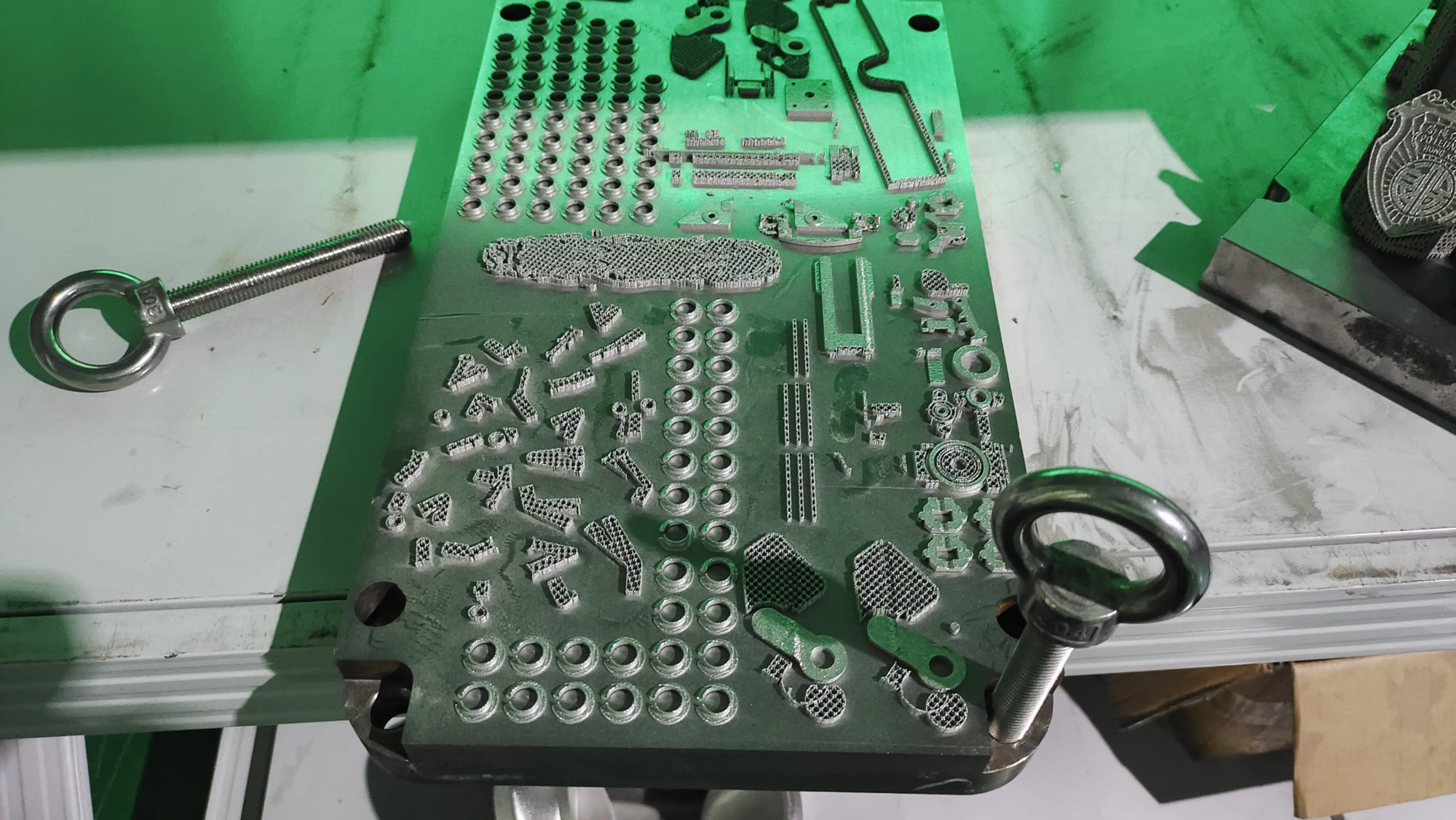
For engineers, designers or businesses in need High-precision metal prototypes or verify demanding functional components, GreatLight provides world-class Metal 3D printing (SLM/DMLS) and comprehensive production solutions. GreatLight leverages advanced technology and rigorous quality control to transform complex digital designs into rugged metal realities – ideal for applications requiring maximum strength, heat resistance, complex internal passages, or lightweight aerospace-grade structures.
Great light: Your trusted partner for precision metal prototyping and production
GreatLight specializes in solving complex problems using state-of-the-art Selective Laser Melting (SLM) systems Rapid prototyping of metal parts challenge. Our expertise includes:
- Advanced SLM/DMLS printing: Processing of various alloys (aluminum, titanium, stainless steel, nickel superalloys, tool steels) to exacting specifications.
- Comprehensive post-processing: Providing heat treatment, CNC machining, EDM, polishing, surface treatment (sandblasting, plating) and assembly – truly One stop solution.
- Quick customization and turnaround: Rapid material procurement, flexible production workflow, and meticulous quality inspection provide reliable parts at competitive prices.
- Experts solve problems: Provide engineering support to optimize additive manufacturing (DFAM) designs and overcome technical barriers.
Whether you need high-fidelity prototypes for functional testing or transitioning parts to low- to medium-volume production, Greite is one of China’s leading rapid prototyping partners. We support innovation from prototype to final precision part. [Explore tailored metal prototyping solutions today.]
in conclusion:
The compact DIY 3D printing SD card holder embodies the practicality and creative freedom of desktop 3D printing. By designing your own solution, you can get a perfectly customized organizer that clears clutter, protects valuable cards, and complements your workspace – all at a minimal cost. This project demonstrates how easy-to-use technology allows us to elegantly resolve everyday frustrations. Whether you print a simple grid or design an intricate masterpiece, the journey from digital design to tangible organizer is hugely rewarding. Never lose your SD card again; design, print, organize and reclaim your workspace!
FAQ:
Q1: How long does it take to print a copy?
- one: Printing time depends greatly on size, printer settings (layer height, speed, infill) and complexity. A simple stand can hold 5-10 cards, and printing vertically at a layer height of 0.2mm may take 1-3 hours. Larger, more dense or complex designs may require 4-8 hours or more. Slicing software provides accurate time estimates.
Q2: What filament is best?
- one: For most users, People’s Liberation Army is ideal: easy to print, sturdy, durable enough, available in countless colors, and affordable. For improved heat resistance (for example, staying in a hot car) and slightly better toughness, polyethylene terephthalate is a better choice. Very soft materials should be avoided unless specifically designed with flexible elements (such as TPU feet).
Q3: Can it accommodate SD cards with adapters or bulky labels?
- one: Of course you can, but planning is key! Measure the thickest card/adapter combination. Design the slot width accordingly – typically 2.5 mm – 4.0 mm instead of the standard ~2.1 mm. If the label protrudes significantly, allow additional vertical clearance. This customization is a major advantage of DIY!
Q4: How to design friction fit groove? Isn’t that difficult?
- one: Even a beginner can do this! Start with the exact thickness of the card. Aiming slot width approx. Width 0.1 mm to 0.3 mm Than the measured thickness of the card (after accounting for printer calibration). Before working on the entire design, print a small test piece with slots of different widths (e.g. 2.0mm, 2.2mm, 2.4mm) to find the perfect fit for your printer/material.
Q5: My cards scratch against each other/slot edges when inserted. What went wrong?
- one: Several potential reasons:
- Slot too narrow/incorrect tolerances: Increase the slot width slightly (another reason for tolerance testing!).
- Rough print: Print grooves vertically for a smoother interior surface. If necessary, lightly sand the edges of the inner groove.
- Slot spacing is too tight: Make sure there is sufficient clearance between slots (at least 2-3 mm). Angled slots naturally increase apparent spacing.
- Printing direction: Vertical printing slots avoid problematic layer lines along the card path.
Question 6: Can I extend this idea to CFexpress cards or SSDs?
- one: really! The core principles are the same: measure accurately, design slots/formats for specific card types, ensure friction fit tolerances, prioritize stability. Scale the base dimensions accordingly. Larger cards require thicker/sturdier construction and possibly wider spacing. The design workflow remains largely unchanged.
Are you ready to overcome the SD card chaos? Fire up your CAD software and printer – a more organized and personalized digital life is just a few layers away!