

Embrace Precision and Speed: A Comprehensive Guide to CoreXY 3D Printer Kits
The world of desktop 3D printing is constantly evolving, and CoreXY is one of the standout mechanical designs that captures the imagination of hobbyists and professionals alike. This complex motion system has clear advantages over traditional Cartesian setups such as i3 or H-bot configurations. If you’re considering delving into a CoreXY build or exploring kits on the market, this guide will clarify the core concepts, benefits, and practical steps involved. Whether you’re an enthusiast looking for blazing-fast printing speeds or unparalleled precision, it’s important to understand CoreXY.
Demystifying CoreXY Kinesiology: How It Works
At the heart of CoreXY is an ingenious belt-driven motion system designed to control printhead movement in the X and Y axes using two fixed motors mounted on the printer frame. Different from the standard setting for X-axis motor movement and To print the carriage (adding mass and inertia), CoreXY decouples the motor motion from the carriage mass. This is achieved through a coordinated dance of belts and pulleys:
- Two motors, two axes: Two stepper motors are rigidly mounted on the frame, usually at opposite corners.
- One Belt, One Road puzzle: A continuous endless belt snakes through a series of specific idlers and connects to diagonally opposite corners of the carrier plate.
- Coordinated movement: By driving the motors together (synchronously or in reverse), precise X or Y motion can be achieved. For pure X motion, both motors rotate in the same direction. For pure Y motion, both motors rotate equally in opposite directions. Combined motion enables precise interpolation.
This design significantly reduces moving mass compared to a hammock or moving motor setup. Only the lightweight printhead/extruder assembly and carriage plate move in the XY plane, while the motor remains firmly fixed.
Why choose CoreXY? Main advantages
CoreXY architecture translates into tangible performance benefits:
- Higher speed and acceleration: With significantly less moving mass, CoreXY printers can achieve and sustain higher travel and print speeds without sacrificing accuracy. Faster acceleration means faster corners and finer detail.
- Improve printing accuracy: The reduction in inertia minimizes ringing, ghosting and positional overshoot artifacts common in high-speed printing. The fixed motor also eliminates vibrations transmitted directly to the moving carriage. This combination provides superior surface finish and dimensional accuracy.
- Rigidity = Stability: The closed-loop belt system has significantly less play and skew than the H-bot design, helping to achieve greater rigidity and stability during aggressive maneuvers.
- Optimized build volume: CoreXY enables an efficient frame layout that maximizes available print volume relative to the overall machine footprint. Build plates can be square or rectangular without major redesign.
- Excellent frame design: Most CoreXY kits feature a rugged enclosed or semi-enclosed cube frame. This naturally provides better protection, reduces airflow affecting printing, enhances safety, and allows for consistent chamber temperature control with advanced materials.
Explore the CoreXY Printer Suite: Your Building Blocks
Building a CoreXY kit requires careful selection and assembly. Here is a roadmap:
-
Define your needs: Ask yourself:
- Budget: Kits range from basic open-frame designs (about $300 to $500) to advanced closed-frame versions ($800 to over $2,000).
- Target: High-speed PLA prototyping? Detailed explanation of ABS functional components? Advanced materials such as ABS+ASA, nylon or PC?
- Build volume: What size object do you need to print?
- Skill level: Are you satisfied with the calibration, wiring, firmware updates? Simpler kits exist, but many CoreXY builds are intermediate/advanced.
-
Key Kit Components: What to Look for:
- frame: Rigidity is the most important thing. Steel or thick aluminum profiles (such as 2020 or 3030) are best. Closed frames offer significant advantages.
- Movement system: Precision linear guides are increasingly popular (superior performance, less maintenance), but V-grooves (on hardened steel) are common in budget kits.
- Belts and Pulleys: Find genuine Gates GT2 belts and quality machined pulleys. Avoid toothed idlers.
- Hot end: A high-quality, all-metal hot end with high flow (e.g., E3D V6, Volcano, Dragon) is critical to taking advantage of CoreXY speed. Direct drive (motor on the carriage) helps flex the filament; Bowden (remote motor) further reduces moving mass. Consider a kit with a really powerful hot end (>300C) for more material options.
- Control panel: It is recommended to use a 32-bit board (eg SKR, Duet, MKS) with a silent stepper driver (TMC2209/UART). Built-in WiFi/Ethernet is a plus.
- power supply: Choose a Meanwell or equivalent brand of UL/CE certified PSU with approximately 80-120W of power output per tool head motor (for example, a dual-extrusion system will require a higher-rated PSU than a single-extrusion system). Safety first!
- bed: Mains powered heated beds (AC beds) allow for faster heating, especially for larger volumes. A rigid platform (for example, MIC-6 aluminum with a magnet/substrate such as BuildTak or PEI) ensures flatness critical to CoreXY accuracy.
- Assembly Process (Advanced):
- Accuracy issues: Square frame assembly is non-negotiable. Use a machinist’s ruler and precise measurements.
- Follow the instructions carefully: Reputable kits provide excellent guides. Pay special attention to the belt tension – it must be even and taut.
- Neat wiring: Use conduits or channels to organize cables. Prevent tangles and reduce EMI.
- Firmware settings: This is often complicated. It takes patience to input kinematics (CoreXY), steps/mm, set offsets, and adjust stepper current/drive. Supplier community forums are invaluable. Klipper firmware shines on CoreXY, enabling high-speed resonance tuning (input shaping).
- Basic calibration: Rigorous calibration of E-step, PID tuning (hot end and bed), Z-offset and resonance compensation. Dial-in input shaper settings are critical to eliminating vibration artifacts at CoreXY speeds.
Beyond the Enthusiast: Precision Engineering Meets Industrial Solutions
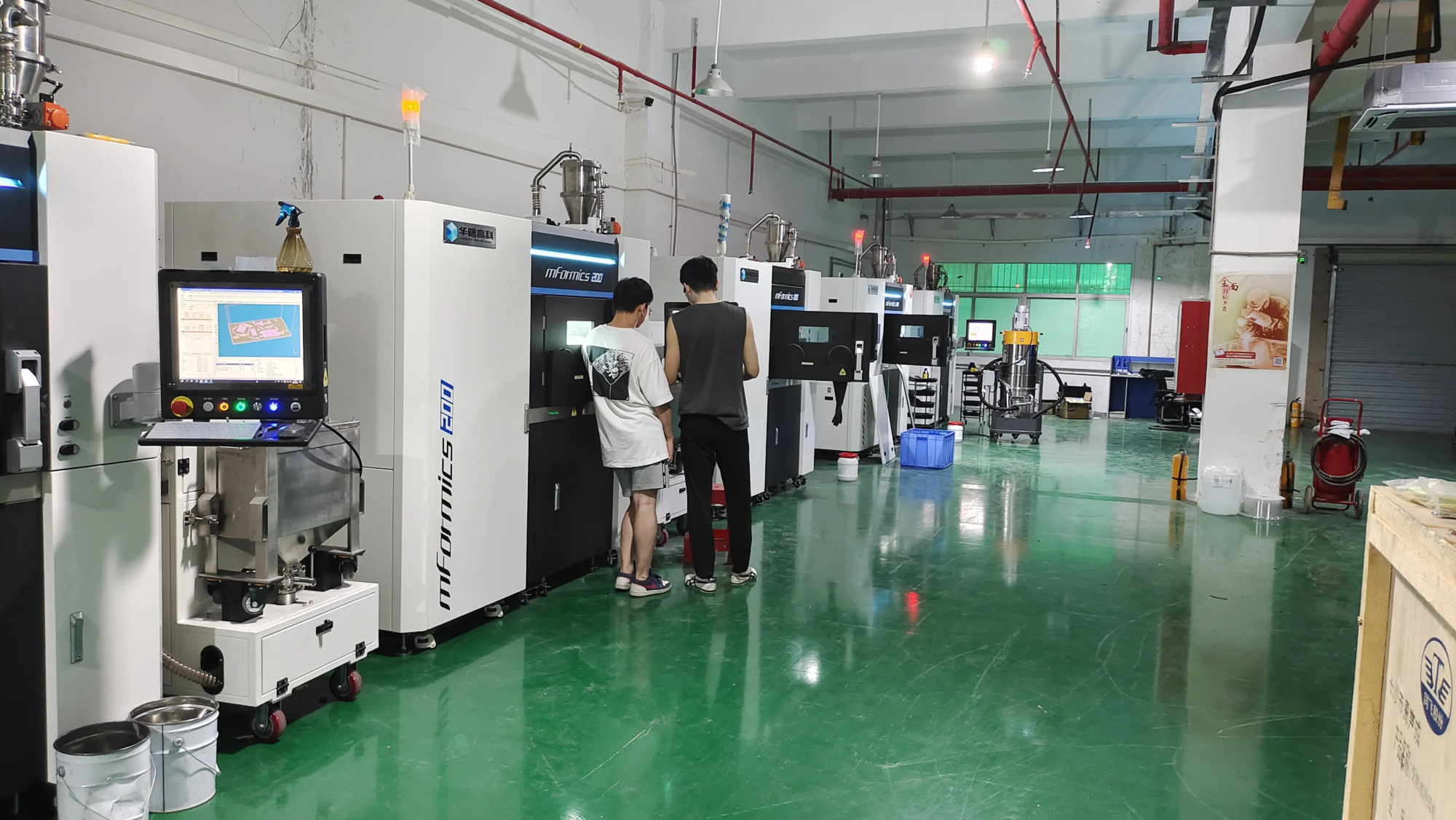
The principles that drive CoreXY’s success—minimum moving mass, stiffness, speed and precision—are echoed powerfully in professional additive manufacturing. While desktop kits offer impressive capabilities to hobbyists, demanding industrial applications require varying degrees of scale, material complexity, and automation.
For mission-critical metal parts that require absolute accuracy, structural integrity and short lead times, technologies such as Selective Laser Melting (SLM) represent the pinnacle of rapid prototyping and manufacturing. This is where the old pioneers shine.
in conclusion
CoreXY represents a major leap forward in motion control for desktop 3D printers. By minimizing moving mass and maximizing rigidity, it enables exceptional print speeds while delivering superior accuracy and surface quality. While building a CoreXY kit requires dedication, careful component selection, and precise calibration, the reward is a machine that rivals commercial printers that cost many times more.
For hobbyists and makers, starting a CoreXY build is a rewarding journey into advanced 3D printing mechanisms. For engineers and product developers working with high-precision metal prototypes, requiring uncompromising quality and fast turnaround, partnering with a professional service provider that leverages industrial-grade SLM technology provides the ultimate solution. Either way, embracing innovation in motion systems allows creators to transform complex ideas into tangible realities faster and more faithfully than ever before.
FAQ: CoreXY 3D Printer Kit Revealed
-
Q: Is CoreXY better than i3 printer?
one: CoreXY generally outperforms i3 (bedslinger) designs in speed and potential accuracy due to lower moving mass and higher stiffness. However, i3 printers generally have simpler mechanics and are more affordable. -
Q: How difficult is it to build a CoreXY kit compared to an i3?
one: CoreXY kits typically involve more complex belt routing, firmware kinematic configurations, and strict frame squareness. They require a higher level of mechanical ability and patience, especially calibration (input shaping). Overall newbies may find the i3 kit easier. -
Q: Are CoreXY printers louder?
one: Not innate. The noise depends more on the stepper driver and cooling fan. High-quality silent drivers (TMC2xxx) make CoreXY printers extremely quiet. Belt noise may occur if it is poorly tensioned. -
Q: What are the main disadvantages of CoreXY?
one: complex. Conveyor path routing and tensioning require care, and diagnosing XY motion artifacts can be trickier. An improperly designed or assembled CoreXY printer is prone to certain problems, such as "belt twist" If the idler pulley is not properly restrained. -
Q: Is CoreXY faster than Delta printers?
one: CoreXY printers can typically achieve peak speeds comparable to Delta printers. While the Delta has incredibly fast off-print stroke movement, the CoreXY generally offers greater rigidity and ease of calibration, which usually translates into more consistent print quality at these speeds. -
Q: Can CoreXY printers handle flexible filaments?
one: Yes, but it really depends on the extruder settings. A direct-drive extruder mounted on a CoreXY carriage handles flexible materials well. The Bowden setting is not a good fit. Good belt tension control is also critical to preventing artifacts. -
Q: What is input shaping? Why is it important to CoreXY?
one: Input shaping (or resonance compensation) uses real-time algorithms and sensors to actively counteract vibrations caused by sudden movements at high speeds. It makes CoreXY printers run significantly faster No Sacrificing accuracy to essentially eliminate ghosting/ringing artifacts. It can be said that it is an essential feature to unlock the full potential of CoreXY. - Q: In what applications do CoreXY printer kits excel?
one: They excel at the fusion of speed and accuracy: rapid prototyping iterations, producing functional prints that require good dimensional stability, quickly printing high-detail models, multi-material printing (with a stable tool head), and experimenting with speed-focused slicer settings (such as those enabled by the Klipper firmware).
Up your prototyping game: beyond-the-desktop precision
While CoreXY kits can help ambitious makers solve advanced problems


