Unleash creativity: design custom 3D printed keycaps
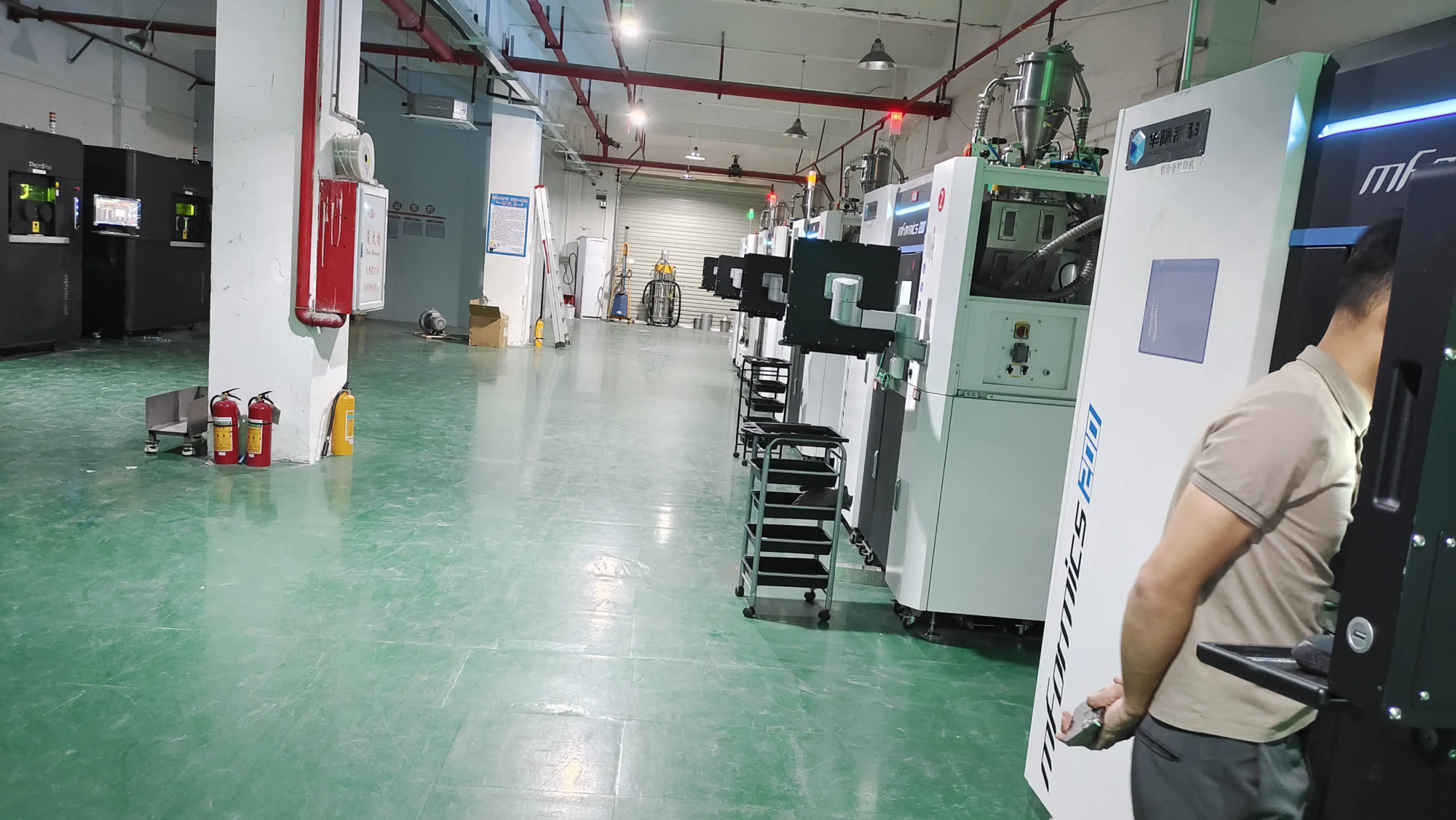
Tired of generic keyboards? Craving a setup that screams “you”? Enter the world Customized 3D printed keycaps – A fusion of personalization and cutting-edge manufacturing. Whether you’re a mechanical keyboard enthusiast, a gamer looking for an edge, or someone who appreciates a custom aesthetic, designing your own keycaps unlocks endless possibilities. When precision and quality are critical, partner with a specialist rapid prototyping leader such as huge light Make sure your vision becomes a tangible reality.
Why use 3D printed keycaps for customization?
- Unparalleled personalization: Design keycaps with logos, intricate patterns, ergonomic shapes, braille, game-specific icons and even personalized messages. Forget limited colorways; match your exact Pantone shade or create intricate multi-material designs.
- Perfect ergonomics: Customize the height, angle, and texture of each cap to perfectly fit your typing style. Fight fatigue or enhance comfort for professional tasks.
- Rarity and exclusivity: Featuring truly unique keycaps, unlike mass produced setømmers. Become the craftsman of your own keyboard.
- Prototyping and innovation: Test novel keycap designs to accommodate new keyboard layouts, accessibility features, or specialized industrial interfaces before investing in expensive injection molding.
Mastering the Design Process: Key Considerations
Designing functional and beautiful keycaps requires careful consideration:
- Stem Compatibility (vital!): The stem must match the switch type exactly (Cherry MX, Kailh, Topre, etc.). CAD software such as Fusion 360, SolidWorks or Blender is essential to accurately model the cruciform (+) shank cavity dimensions and achieve a tight, reliable fit. Tolerances are key—a matter of millimeters. GreatLight’s expertise in precision prototyping ensures a perfect fit every time.
- Appearance and dimensions: Choose or design a profile (SA, OEM, Cherry, DSA, unique styling). Define key dimensions (width, height, depth). Ensure consistency between lines for a unified typing feel. Consider wall thickness: strong enough, but not so thick that it interferes with adjacent keys. Typical plastic walls range from 1.2mm to 1.5mm; metal designs may be thinner due to greater strength.
- Legend and surface details: Design legend (letters/symbols)? Decide whether they:
- Embossed: Raised text/art.
- Debossed engraving: Sinking words/art.
- Fusion: Molded into the structure for a transparent effect.
- Printed/separate: Added through secondary processing (pad printing, decals).
- Material Selection (Plastic vs. Metal Bakery):
- Plastic (FDM/SLS/SLA):
- Resin (SLA/DLP): Specializes in high-resolution details, smooth surfaces, individual transparency options. Great for intricate sculptures and clear legends. May be brittle.
- Nylon (SLS): Durable, slightly flexible, suitable for function keys? . Softer feel than resin.
- PLA/PETG/ABS (FDM): Great value for money and wide color range. Surface finish is rougher²; requires careful adjustment and often extensive post-processing.
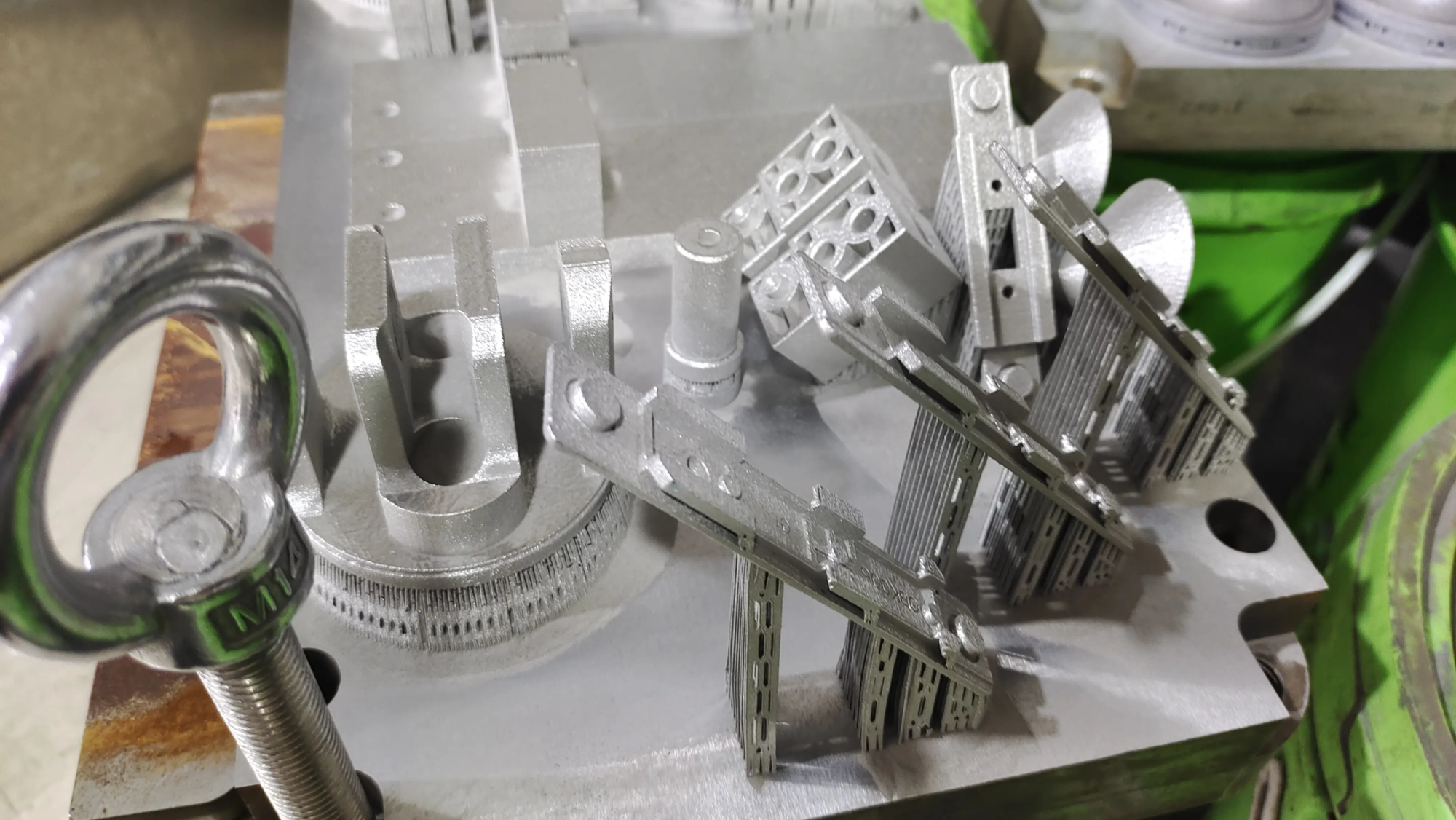
- Metals (SLM – GreatLight’s specialty):
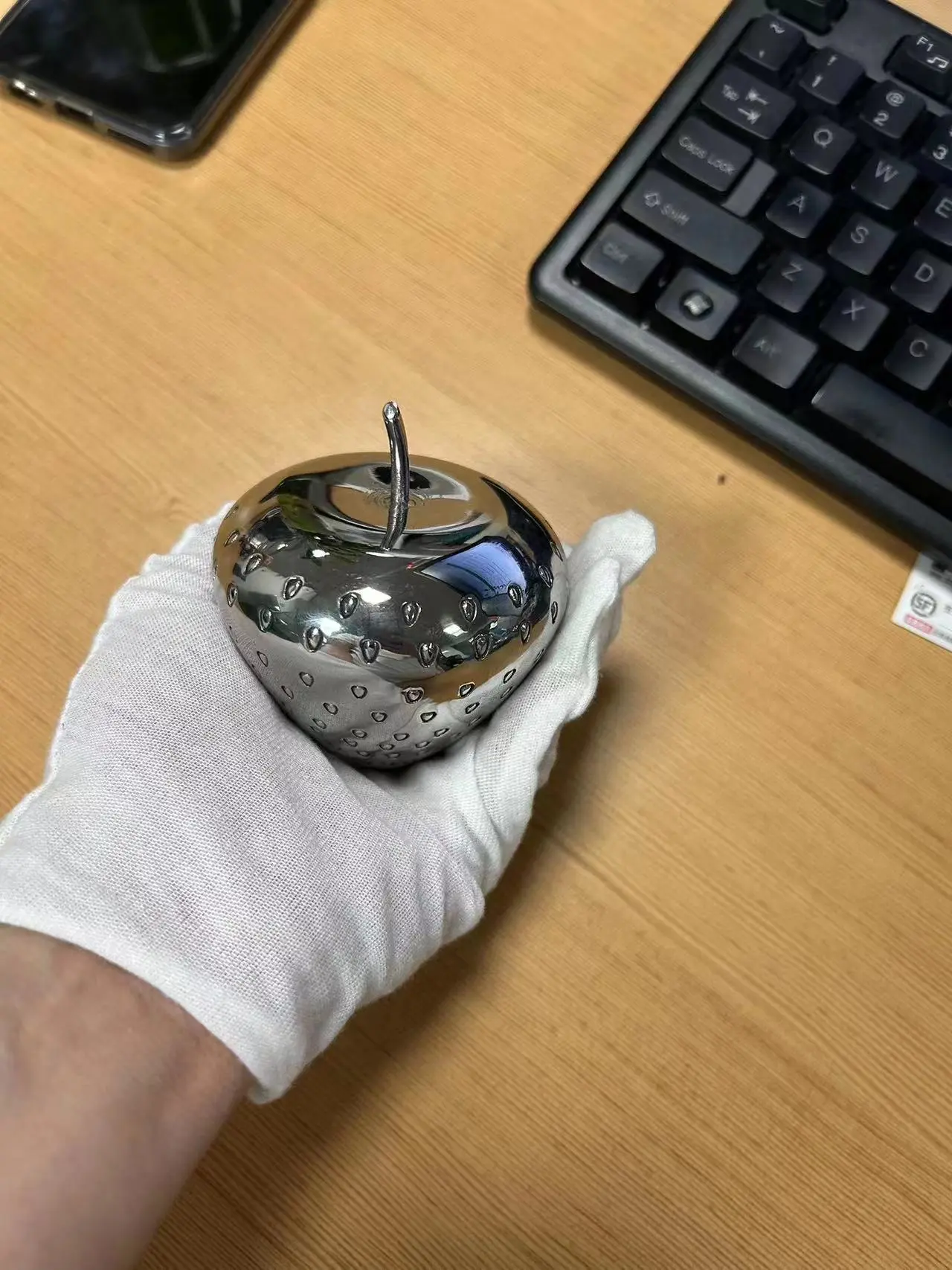
- Stainless steel, aluminum alloy, titanium: Offering incredible durability, a unique thick feel(°), luxurious beauty and extreme precision. Ideal for accent keys, craftsman or involuntary premium kit. Crucial: Metal keycaps are much heavier than plastic keycaps. While very durable and visually stunning, their weight can alter the actuation feel/vibration of the mechanical switch.
- Plastic (FDM/SLS/SLA):
- **Design for Manufacturability (DFM)