Upgrade your gaming setup: A comprehensive guide to 3D printing the perfect Xbox stand
Tired of your console sitting haphazardly on a shelf, gathering dust or precariously balanced? Imagine a sleek, custom-designed stand that not only securely stores your Xbox Series X or S, but also enhances the aesthetics of your setup and improves airflow. This vision can be easily realized with the power of 3D printing, allowing you to create tailor-made solutions. This guide takes an in-depth look at designing and printing your own Xbox stand, giving you the knowledge you need for a successful project.
Why 3D print an Xbox stand?
Before we delve into "how," consider convincing "Why":
- Space optimization: Create a stand designed for tight spaces, under desks, inside cabinets, or in unique mounting points that can’t be matched by off-the-shelf solutions.
- custom made: Unleash your creativity! Design the stand in your favorite colors, integrate a logo, add controller slots, manage cables or incorporate LED lighting channels for a truly customized look.
- Enhanced airflow: Targeted design ensures maximum ventilation for your gaming console, preventing overheating during intense gaming sessions – a key factor in extending its lifespan.
- Cost effectiveness: Printing your own brackets can be much cheaper than purchasing a high-quality bracket, especially when iterating on your design.
- Player pride: There’s an undeniable satisfaction that comes from using something you’ve designed and made yourself.
Step-by-step: Design your Xbox stand
-
Collect precise measurements: This is non-negotiable. Accurately measure your specific console model (X Series or S Series – they are different!). Focus on:
- Total width, height, depth.
- Location and size of ventilation grilles (make sure your design doesn’t block these!).
- If cable management is included, the location of the port.
- Weight distribution (especially important for the X-Series’ center of gravity).
-
Choose your CAD tool: Free and powerful options abound:
- Tinker: Great for beginners – Intuitive drag-and-drop interface, great for basic geometric shapes.
- Fusion 360 (free for enthusiasts): More advanced parametric modeling. Provides powerful tools for precise, complex curve, assembly, and stress analysis.
- shape: Browser-based CAD is similar to Fusion 360, with great collaboration features.
- mixer: Mainly used for organic modeling, but capable of hard surface design; learning curve for pure engineering work is steeper.
-
Core design principles: Keep these fundamentals first:
- Safety first: Never block ventilation or exhaust openings. Leave enough clearance (at least 2-3 cm recommended).
- Stablize: Design adequate base contact area. For freestanding stands, consider adding weight to the base or adding features that will secure it in place, such as non-slip mats. Wall-mounted designs require careful load calculations and sturdy mounting points.
- Secure fit: Use features like lips, ridges, or a slight friction fit to prevent accidental sliding or tipping. Avoid tight fit that may cause scratches.
- Materials and printing directions: Designed with manufacturability in mind. Avoid excessive unsupported hanging. Consider how print direction (on the build plate) affects strength – orient loads perpendicular to layer lines whenever possible. Reinforce high stress areas (mounting points).
- Design iteration and testing: Don’t aim for perfection on your first try!
- prototype: Start by printing smaller test parts (e.g. corner joints, clip features) to evaluate fit and strength.
- Digital simulation (optional but recommended): Tools like Fusion 360’s Simulation Workspace can estimate deformation/stress under load before printing. Helps optimize material usage and thickness.
- Print a scale model: Print smaller versions of complex designs (e.g. 50% scale) to inexpensively identify assembly or geometry issues.
Print your masterpiece: key considerations
-
Material selection: Customize materials to your needs:
- People’s Liberation Army: Easiest to print, wide color range, and affordable. Suitable for basic S series brackets that are not too hot. Avoid direct heat.
- Polyethylene glycol: Sweet spot! It is stronger, more temperature-resistant, and more impact-resistant than PLA. It is quite easy to print and has good adhesion between layers. A great all-around product for Xbox owners. Recommended for most designs.
- ABS/ASA: Sturdy, heat-resistant plastic suitable for use near heat vents/storage compartments in warmer areas. Due to fumes, a heated bed/enclosure and proper ventilation are required during the printing process. Excellent long-term durability.
- TPU (flexible filament): Ideal for adding non-marring handles or protective bumpers integrated into the stand.
-
Printer calibration is critical:
- Bed leveling and bonding: Essential for strong layer bonding and avoiding warping. Use a glue stick, hairspray, or textured PEI sheet as needed.
- Flow/E-steps: Accurately calibrated to ensure dimensions match design. A difference of a few percent can ruin the fit of the console.
- Retraction and Temperature: Optimize settings to minimize stringing and spotting, which is especially important for complex parts.
-
Print settings optimization:
- Floor height: The lower height (0.15mm-0.2mm) makes the surface smoother; the higher the height of the structural component (0.28mm) the faster the speed. Balance beauty and functionality.
- Filling density: For holders, 20-40% is usually enough. Use honeycomb, spiral or cubic patterns to get a good strength to weight ratio. Increase density around mounting points/screw holes (60-80%).
- Wall/Perimeter: Increase these strengths (for example, 3-4 walls) rather than just the fill percentage.
- support: Required for overhangs (>45 degrees). Use tree/contact build plate supports only. Design to minimize overhangs where feasible.
- Post-processing: Raise your stand:
- Carefully remove the supports.
- Sanding: Smooth layer lines and imperfections (start with a coarse sanding and end with a fine sanding).
- Prime/Spray: Create a polished, professional finish. A light spray primer and paint works well.
- Assembly: If printing a multi-part bracket, make sure connections/slots/key accessories are printed accurately. Use appropriate adhesive (PLA/PETG special glue, epoxy) or bolts/nuts.
Safety first! non-negotiable
- Heat dissipation: I repeat: NEVER block the vents! Designed with wide openings that line up with console air intake and exhaust vents. If possible, raise the surface slightly.
- Material suitability: Make sure the thermal properties of the material you choose can withstand the potential console heat output in its environment.
- Stability test: Before placing your valuable console, rigorously test the stand’s stability and sturdiness without it. Push it firmly. Simulates pushing the controller into/out of proximity.
- place: Avoid direct sunlight or proximity to other major heat sources (radiators, AV amplifiers).
- Optional: Thermometer test: Consider running the console under load for an hour and placing a small digital thermometer monitor near the stand/material to check that the temperature is safe.
in conclusion:
Designing and 3D printing your own Xbox stand is an incredibly rewarding project that blends creativity with practical engineering. It enables you to solve common gamer problems with personalized solutions optimized for your space and your comfort. By prioritizing accurate measurements, thoughtful CAD design (most importantly safety and airflow), choosing the right materials, and executing a well-calibrated print, you’ll create a functional piece that showcases your skills. Remember, prototyping and iteration are key – embrace the process! Whether you’re an experienced maker or starting out on your first complex print creation, this guide lays the foundation for adding unique feature upgrades to your gaming sanctuary. Game on, printing strong!
Need professional-grade precision and durability?
While DIY printing is valuable, achieving complex geometries, aerospace-grade materials, or flawless decoration often requires industrial capabilities. This is what expert partners love huge light shine.
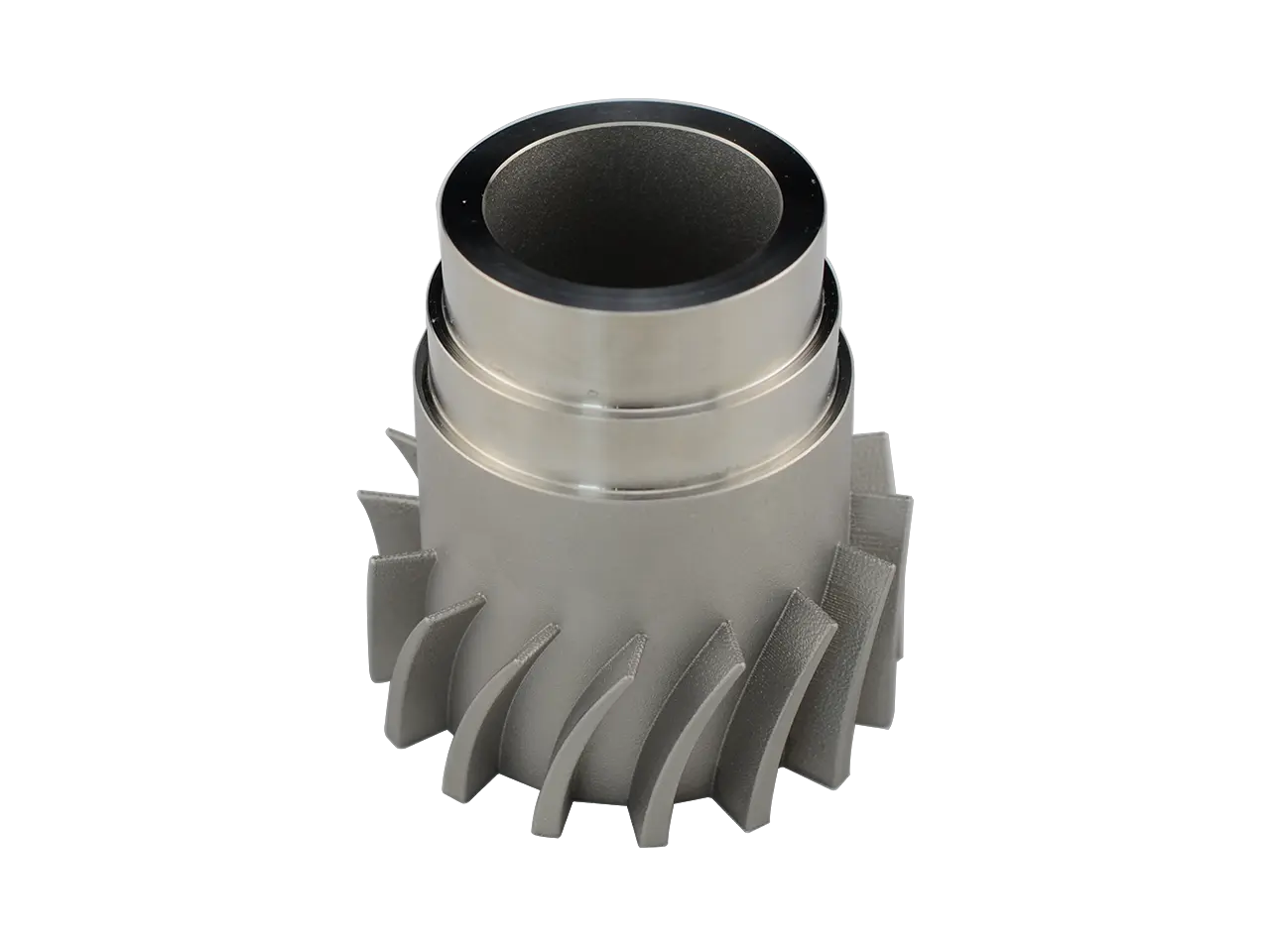
GreatLight is ideal as your rapid prototyping and manufacturing solution, utilizing Advanced SLM 3D Printer Unparalleled metal printing accuracy and advanced FDM, SLS, SLA and plastic production technologies. We specialize in turning complex CAD designs, such as intricate, high-load-bearing console stands, into sturdy, functional realities.
In addition to rapid prototyping, our comprehensive one-stop service includes Complete post-processing and finishing – Professional sanding, smoothing, painting, plating, heat treating and assembly. Face challenging materials needs? We handle a wide range of specialized high-performance thermoplastics such as PEEK or PEKK as well as strong metals such as titanium or Inconel, available on request.
For gamers and hardware creators seeking Precision machininguncompromising quality and speed without sacrificing affordability, making GreatLight China’s premier rapid prototyping partner. We support rapid iteration and flawless production-scale manufacturing, ensuring your custom part—whether it’s an innovative Xbox stand, mounting bracket, or complex assembly—performs perfectly under pressure and looks great.
Ready to take your project to the next level? Explore GreatLight’s capabilities and get a custom, precise rapid prototyping quote at the most competitive price:
Visit the GreatLight website for a custom quote (Replace with actual link)
Xbox Stand 3D Printing FAQ
Q: Is it safe to 3D print the Xbox stand? Isn’t the console hot?
Answer: Safety is the most important thing. Well-designed stand Especially avoid Block any air intake or exhaust openings. Properly designed stands usually ensure adequate airflow around the console improve It lies flat on the surface with minimal clearance. It is crucial to use an appropriate heat-resistant filament such as PETG, ABS or ASA, especially for long gaming sessions or warmer environments. PLA may deform under sustained high temperatures near exhaust vents.
Q: What are the best supplies for printing Xbox controller stands?
A: PETG is usually the first choice. Compared to ABS, it offers an excellent balance of strength, durability, temperature resistance, good layer adhesion and ease of printing. ABS/ASA offers higher temperature resistance. PLA can be used for simple supports in colder environments, but is not suitable for parts near hot spots.
Q: How thick should a wall be for strength?
Answer: The goal is 3 to 4 perimeters/walls. This is often more effective than simply increasing the infill percentage to make the structure stiffer. Combine this with a packing density of 20-40% (spiral or honeycomb patterns are effective). Ensure high stress areas such as mounting points have thicker walls or locally higher infill (60-80%).
Q: Will the printed stand scratch my Xbox?
A: If it’s not designed well, they might. Make sure the contact surface is smooth. The soft bumper is integrated using thin strips of TPU bonded to key contact points. The edges in the CAD design that touch the console are rounded and careful sanding/polishing also helps prevent scratches.
Q: Where can I find existing Xbox stand designs to print?
A: Well-known platforms such as Thingiverse, Printables (Prusa), Cults3D, and MyMiniFactory host a large number of free and paid designs. It is crucial to: Before printing, full review Design critique, mixing and production. Evaluate the design for adequate ventilation clearances and positive user reports on stability and console fit your specific model. Never trust design blindly.
Q: I don’t have a 3D printer/my design is too complex – can a service like GreatLight help?
Answer: Of course! Professional services like GreatLight are great for:
- Complex geometries with challenging overhangs or thin walls are difficult for consumer printers.
- Advanced materials with superior strength, heat resistance or aesthetics are required.
- High precision tolerances are required to achieve a perfect fit.
- Requires professional grade surface treatment (smoothing, painting, plating). GreatLight specializes in taking complex designs and efficiently delivering production-ready, high-quality prototypes and final parts through a wide range of material options and post-processing.