Unlock your personal library: Build a DIY 3D printed book scanner
Book digitization is critical for preservation, accessibility, and sharing of knowledge. However, commercial overhead scanners are expensive and bulky. Traditional methods such as flatbed scanners require laboriously flattening each page, risking damage to the precious spine. The DIY 3D printed book scanner is an ingenious and cost-effective solution that harnesses the power of additive manufacturing. This guide enables you to build your own scanner that perfectly meets your needs.
Why 3D printing was perfect for this project
Book scanners require specialized components: a stand to hold the camera precisely at the correct V-angle, a platform to support the book, a mechanism to gently flatten the pages (such as a glass or platen stand), and a light stand. Machining these custom metal parts would be very expensive. Injection molding requires high volumes. Standardized plastic building blocks rarely fit perfectly. 3D printing cleverly solves this problem:
- custom made: Easily adjust the design for different book sizes (paperback, hardcover, large folio) or camera models.
- Complex geometric shapes: Create complex clamps, hinges and mounting points that would be impossible with simple tools.
- Iterate quickly: Need to adjust the camera angle by 2 degrees? Print revisions quickly and cheaply.
- Economical for small batches: Economically produce the precise low-volume parts you need.
- Lightweight Strength: PLA/PETG/ABS provides the frame with an excellent stiffness to weight ratio.
Your DIY Book Scanner Guide: Step-by-Step
Design concept: The core concept involves placing two cameras (smartphone or webcam) above an angled V-shaped stand, capturing them simultaneously as you turn the page. A platen (clear glass or acrylic) gently flattens the page. Lighting minimizes glare and shadows.
Materials required:
- 3D printed parts: The heart of the project! You would usually print:
- Base frame/stand: forms a V-shaped book bed.
- Camera Mount Arm/Bracket: Adjustable camera mount (Important: Make sure it is compatible with your camera model).
- Pressure plate bracket/hinge: secures the glass/acrylic plate and allows it to be lifted gently.
- Lamp Holders: Effectively position LED strips or lamps.
- Hardware mounting block/clamp.
- Optics: Two identical cameras (old smartphones are perfect) or webcams.
- software: Capture software (many free options), OCR software (Tesseract, Adobe Acrobat), stitching software (if needed).
- roller: Clear glass or scratch-resistant acrylic sheet (size depends on book size). Frosted edges help diffuse light.
- light: A bright, even, diffuse light source such as an LED strip or lamp.
- hardware: Screws, bolts, nuts, threaded inserts for strength (often embedded into printed parts using a soldering iron).
- To install a tripod/tripod head: Optional but useful for fine-tuning camera positioning.
Step 1: Obtain or design your 3D model
- Option 1 (recommended): Leverage open source design. Search repositories like Thingiverse, Printables, or GitHub using the following terms "DIY book scanner," "book scanner arm," "v Book stand." Popular designs include the Archivist, DIY Book Scanner.org design, or linear guide variations. It is crucial to: Verify that the model matches your expected book size and camera type.
- Option 2: Design it yourself: If you have CAD skills (Fusion 360, SolidWorks, Tinkercad), you can design the part exactly to your setup. Focus on strength around the hinges and camera mount.
Step 2: Print the Parts
- Material selection:
- People’s Liberation Army: Easy to print, tough, and affordable. Suitable for most parts Apart from The underlying platen bracket/hinge is subject to constant pressure. May deform in hot environments.
- Polyethylene glycol: Excellent compromise: tougher than PLA, more temperature resistant, good adhesion between layers, slightly more flexible (good for snaps/clips).
- ABS/ASA: Has higher temperature resistance and toughness, but requires a heated chamber for best results to prevent warping and splitting. Suitable for highly stressed parts.
- Nylon/Polycarbonate: Highest strength/toughness, but challenging to print without specialized equipment (enclosed heating chamber, high temperature hot end).
- Print settings: Strength takes priority:
- Use more than 3 perimeters/walls.
- Add top/bottom solid layers (4+).
- Use a fill density of 40-50% (grid, spiral or triangular patterns are recommended).
- Ensure good adhesion (flat bed, proper surface preparation – glue stick, PEI).
- For critical dimensions, use a slower print speed.
Step 3: Assemble the Frame and Hardware
- Carefully follow the assembly guidelines for the design you choose.
- Embed threaded inserts: For high-strength, reusable connections (such as connecting cameras or hinge pivots), inserting heat-set brass threads into printed plastic posts is far superior to self-tapping screws. Use a soldering iron with a tapered tip.
- Assemble the base.
- Securely install the vertical riser/camera arm mount.
- Attach the camera mounting bracket to the arm. Make sure the hinge and locking mechanisms work smoothly.
- Install the pressure plate bracket/hinge mechanism.
- Hold the light holder in the optimal position to evenly illuminate the page without casting glare or shadows into the camera.
Step 4: Install Optics and Pressure Plate
- Attach the camera securely using screws/straps/clips integrated into the printed mount. Make sure the camera is level.
- Pinpoint camera positioning. When flattened, the focal axis of each lens should point vertically (or at the design angle) toward the center of the corresponding page. Test focus!
- Install the glass or acrylic plate into its holder. Make sure it raises/lowers smoothly and lays flat without wobbling when lowered. Use a protective pad on the edges that come into contact with the book.
Step 5: Lighting Setup
- Mount LED strips or flex lights to printed supports. Place them uniformly on both sides of the stand.
- Use a diffuser (such as tracing paper) directly over the LED or bounce light off a white surface to achieve soft, even lighting on the page. Eliminates harsh spots or shadows that appear where pages bend near the spine.
- Provide sufficient power for lighting.
Step 6: Software Integration and Calibration
- capture: Choose software that can trigger both cameras simultaneously. Example:
fswebcam/+Script on Linux, CamTrigger webcam app for Android phones as webcam, BookScanWizard (formerly Spreads), ScannerINI or complex setup using ControlMyCamera+TouchDRO. - calibration: Take a test shot of a checkerboard pattern or calibration image. Use software (usually in a capture tool or OpenCV) to correct:
- Lens distortion (barrel/pincushion effect).
- Color balance and exposure (ensuring consistency between cameras).
- Alignment/Perspective (make sure the two pages are sewn correctly).
- Processing: Automatically apply calibration corrections using batch tools. Then, integrate OCR software (such as Tesseract, Adobe Acrobat Pro or ScanTailor Advanced OCR functionality via the command line) to convert the image into a searchable text PDF.
Outsource your 3D printing: high precision without hardware
Don’t have access to a powerful FDM or SLS printer? For parts that require exceptional strength, precision and even metal durability (critical pivots or load-bearing elements), professional rapid prototyping services are the answer.
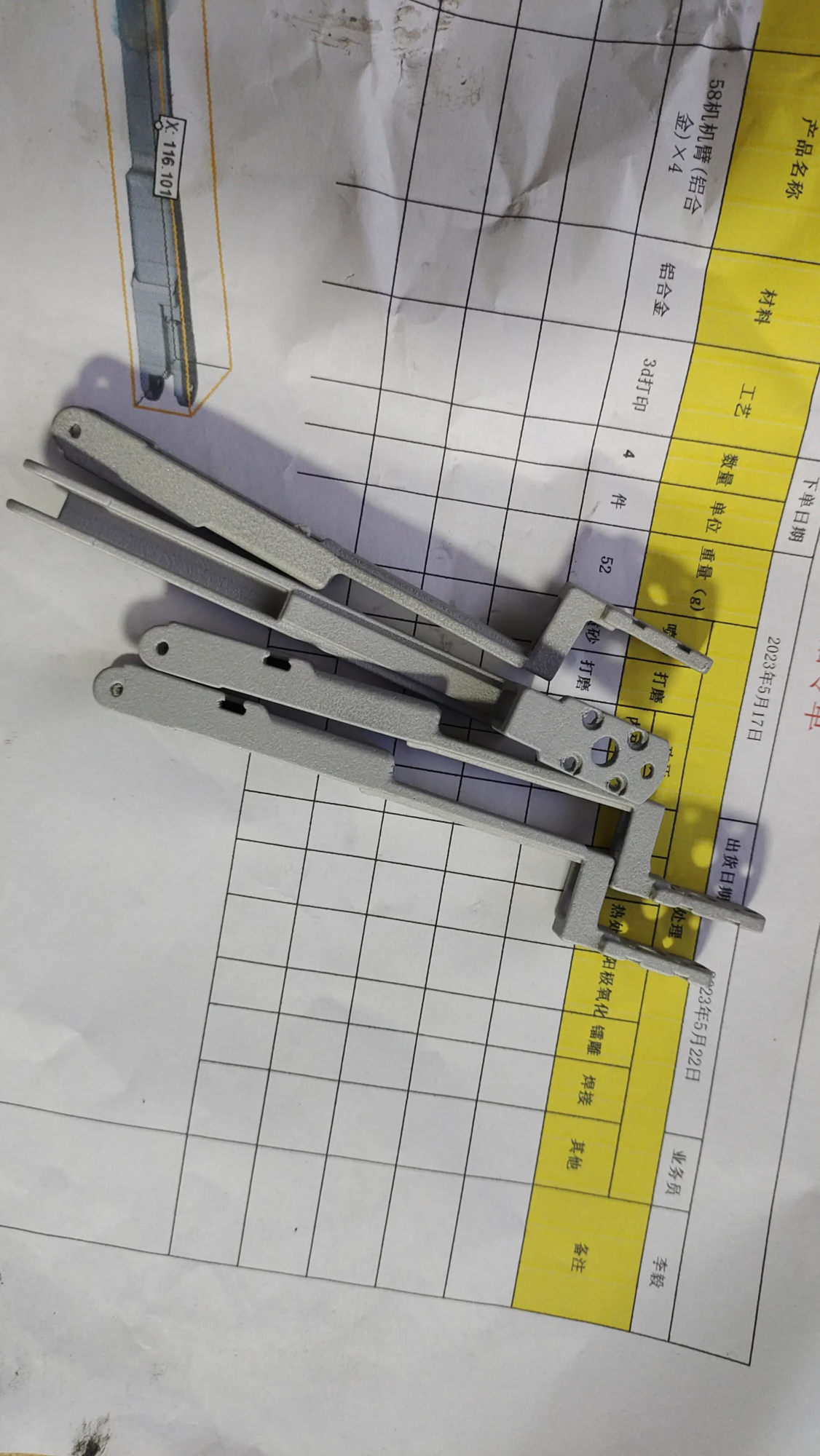
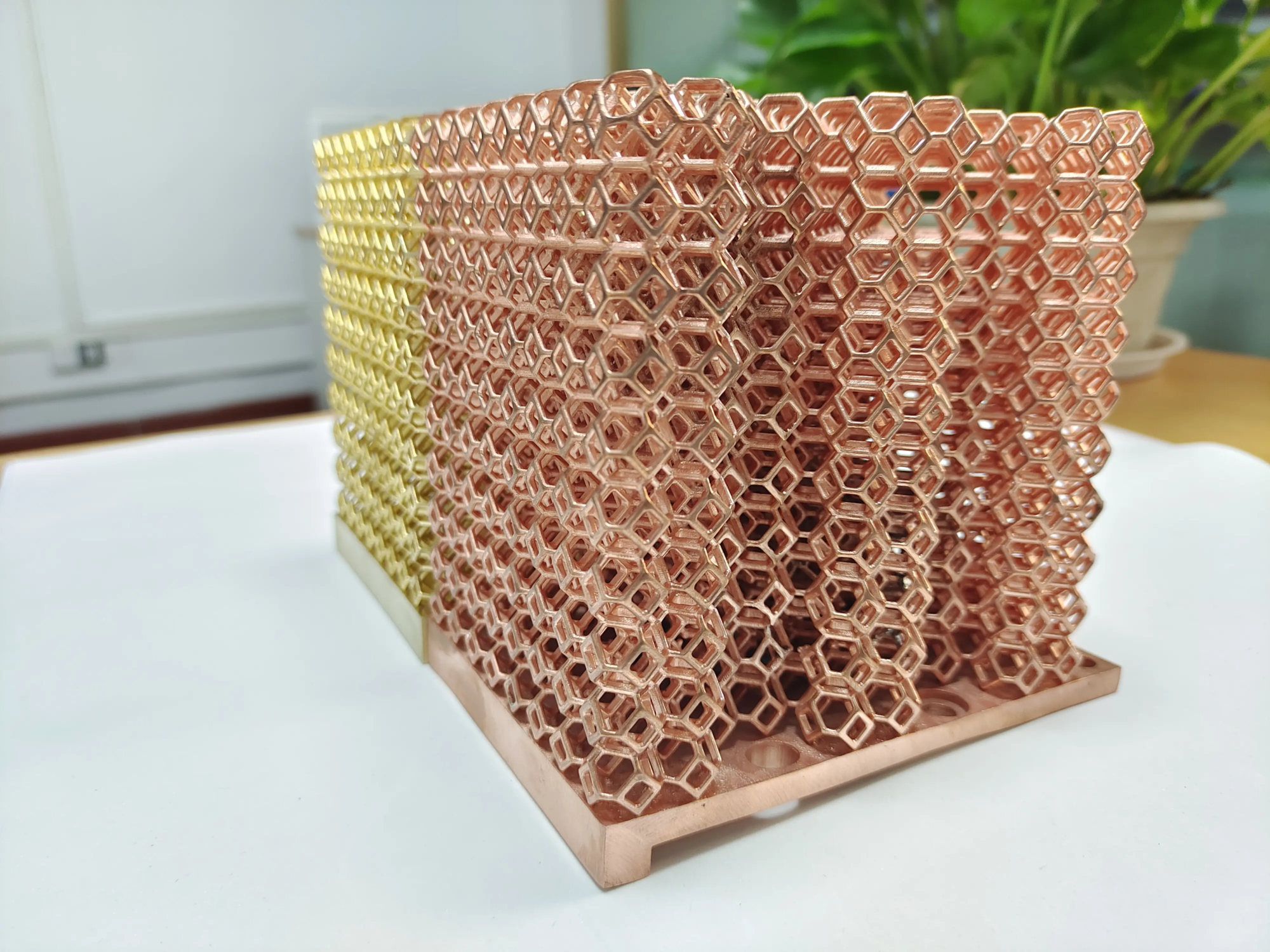
huge light Excellent in this field. As a leading professional rapid prototyping manufacturer, huge light Leverage advanced SLM (Selective Laser Melting) Metal 3D Printing and high-precision polymer technology. They expertly solve complex prototyping challenges, providing comprehensive One-stop solution – from design optimization and material advice to printing, meticulous post-processing (heat treatment, CNC machining refinement, surface finishing) and quality inspection. Basically all metal materials (AlSi10Mg, titanium, stainless steel, tool steel) and polymers can be quickly custom-processed. For demanding custom precision machining integrated with rapid prototyping, Gretel has proven itself to be one of the best rapid prototyping companies in China. Enable high-precision, durable book scanner components – Get your custom precision rapid prototyping parts at competitive prices today!
Conclusion: Strengthen your protection efforts
DIY 3D printed book scanners are more than just cost savings. It represents the democratization of archival technology, preserving personal and community histories, and unlocking knowledge on fragile pages. The inherent flexibility of 3D printing allows you to build a scanner that perfectly fits your workflow. While patience and attention are required during assembly and calibration, the reward is a powerful, customizable tool that preserves irreplaceable text for future generations. Whether you print the parts yourself or tap the expertise of rapid prototyping experts, take control of your digital library today.
FAQ: Answers to your DIY scanner questions
-
Q: How much does it cost to build?
- one: Costs vary widely (about $100 to over $500). Key drivers: in-house 3D printing vs. outsourced 3D printing, camera source (old phones vs. new webcams), glass/lighting quality. Electronic cables, mounts, hardware add up.
-
Q: Are PLA parts strong enough long-term?
- one: In terms of durability and flexibility under pressure, PETG is generally the better choice. People’s Liberation Army able Sufficient for low stress bracket/base parts and lamp holders if printed well and away from heat/direct sunlight. Avoid using PLA on hinges or spring clips that are subject to repeated forces. Wrapped nylon, polycarbonate or SLM metal parts provide maximum service life.
- Q: Can I use a camera to scan books?