Wire Harness Sequence: A DIY Guide to 3D Printing Cable Clamps
Tired of wires tangled around your desk, dangling behind your entertainment center, or spreading like digital spaghetti under your work surface? Cable management isn’t just about looks; This is essential for safety, efficiency, and maintaining your sanity! While off-the-shelf clips exist, they rarely fit perfectly. Enter 3D Printing: Your gateway to creating custom cable clamps carefully tailored to your unique needs. This guide explores designing, printing, and optimizing DIY cable clamps so you can solve the problem of wire clutter once and for all.
Why 3D print cable clamps?
Beyond simply grabbing a cheap plastic holder, 3D printing offers unparalleled advantages:
- Ultimate customization: Design precisely sized clamps based on your cable diameter (USB-C, HDMI, power cord), mounting surface (flat table edge, curved monitor stand, textured wall) or complex bundling needs.
- Material flexibility: Choose from PLA for affordability and color variety, PETG for superior flexibility and impact resistance, TPU with curved grips, or ASA/ABS for outdoor durability, UV and heat resistance. Each addresses different environmental needs.
- Cost and speed: Printing multiple clips in bulk is faster and cheaper than ordering specialized variations. Need 20 identical clips? no problem. Iterate on designs now.
- Optimization features: Seamlessly integrate features such as removable covers, screw mounting channels, VHB tape adhesive grooves, strain relief hooks or brand logos into your design – something that is not possible with mass-produced solutions.
Your DIY Cable Clamp Step-by-Step Tutorial
Step 1: Design – Plan your solution
- measure: Grab the caliper! Accurately record:
- Cable outer diameter (add 0.5-1mm tolerance).
- Required bundling diameter (if multiple cables are grouped).
- Mounting surface dimensions (thickness, radius of curvature).
- conceptualization: Decide on clip type:
- Adhesive: Simple channel design with flat base.
- Clip-on/buckle-on: Designed to clamp edges with tension (requires precise spring calculations).
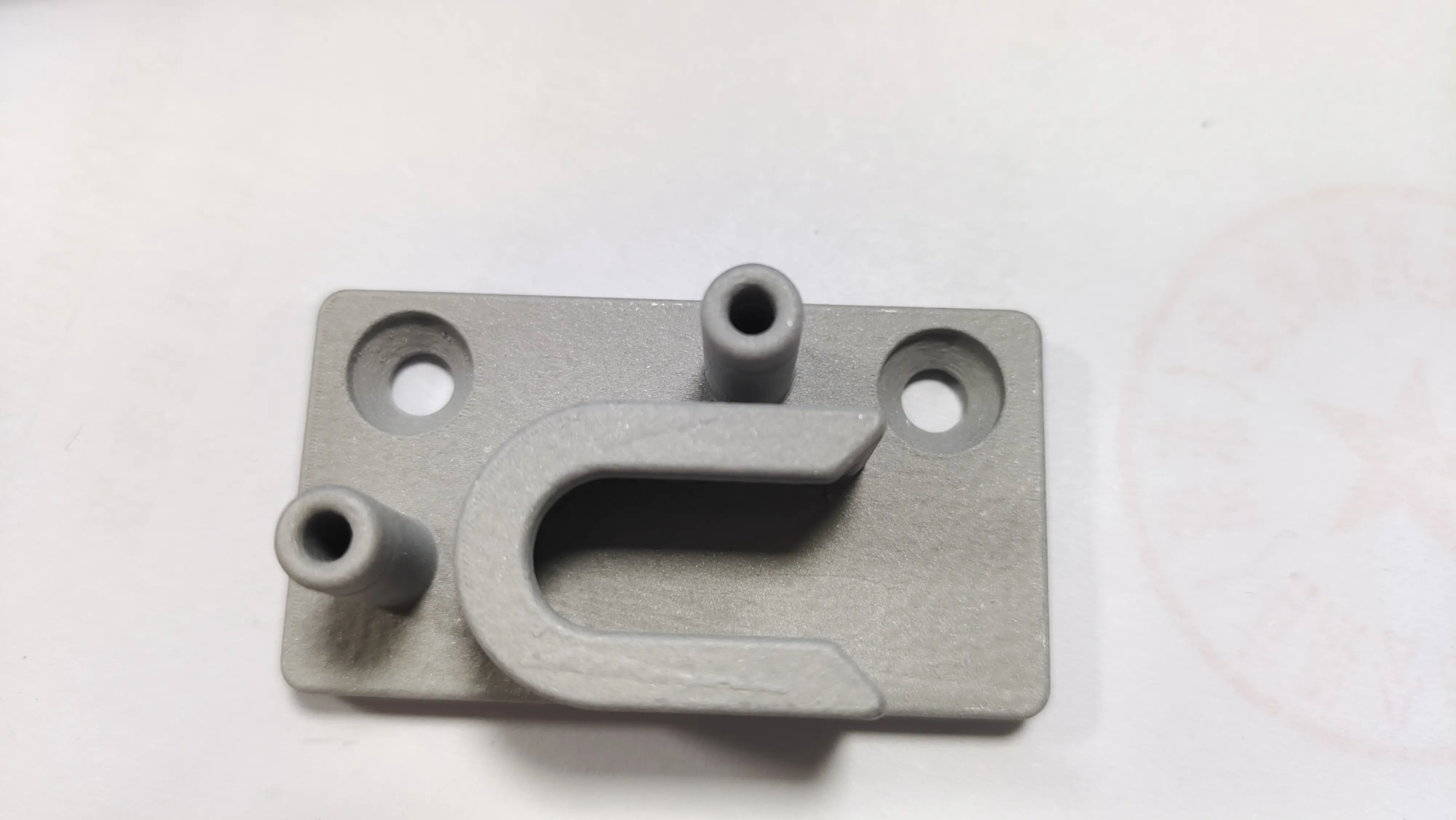
- Screw installation: Includes holes/slots for screws or ties.
- Hanging/ring type: For use in vertical drops under tables or panels.
- Software proficiency:
- beginner: Start with Tinkercad for intuitive drag-and-drop block modeling. Its simplicity shines in basic geometric shapes.
- Intermediate/Advanced: Create parametric, dimensionally accurate designs with fillets (rounded edges) and chamfers (angled edges) using Fusion 360 or FreeCAD. These tools are great for complex snaps or organic shapes.
Step 2: Tips for Successful Modeling
- Tolerance adjustment: Consider the accuracy of your printer. Add 0.2-0.5mm gap in cable channels to prevent friction clogging.
- simplify: Minimize overhang >45°. Aim to achieve designs that require minimal or no support.
- Durability improvements: Increase wall thickness (~2mm+) and infill density (~30%+) around stress points (hinges, mounting points). Use rounded corners to spread stress and prevent cracking.
- Install integration: Design precisely sized cavities for adhesive tape (3M VHB) or grooves for cable ties.
Step 3: Slicing and Printing Setup
Import STL files into slicers such as Ultimaker Cura, PrusaSlicer or Creality Slicer.
- Material matters:
- PLA: Great for lightweight interior clamps. Use 0.15-0.2mm layer height. Heating: nozzle ~200°C, bed ~60°C.
- PETG: Our main recommendation. Stronger and more flexible temperature resistance. Nozzle ~230°C, bed ~80°C. Excellent interlayer adhesion.
- TPU (Flexible): Ideal for clips that require gripping/bending. Printing speed is slow (~20-30mm/s). Nozzle ~220-230°C, bed ~40-60°C. Direct drive extruders are preferred.
- Key settings:
- Layer height: 0.15mm (smoother) to 0.3mm (faster). Balance detail with speed.
- Filling: 30-50%. Higher for highly loaded snaps or clips under vibration.
- Walls/Perimeter: Minimum 3 layers for strength. Target thickness ~1.2mm.
- Support: Avoid if possible. use "touch build board" Only, and ensure easy removal of the interface.
- Directions: Print so that clamping mechanisms and key mating surfaces are strongest and layer lines work smoothly. Avoid thin printing "latch" parallel to the bed.
Step 4: Post-Processing and Assembly
- Cleanup: Carefully trim the support material with a flat end mill/file. Lightly sand rough edges on PLA/PETG (avoid using TPU).
- Installation strategy:
- Adhesive: Use high-quality double-sided foam tape (3M VHB) on a clean, degreased surface. Fill the grooves designed for adhesive pads.
- Mechanical: Securely tighten screw mounting design. If attaching to a wood/plastic substrate, pre-drill pilot holes.
- Clip-on/buckle-on: Gently test for fit. If the mating surfaces are too tight, sand/adjust them slightly.
Upgrade: When DIY plastic isn’t enough
While DIY printing is great for everyday home/workstation needs, Harsh environments require elementsLift:
- Industrial setup: High temperatures near machinery, constant vibration, exposure to harsh chemicals/moisture?
- High load/rugged applications: Managing heavy armored cables or withstanding huge impacts?
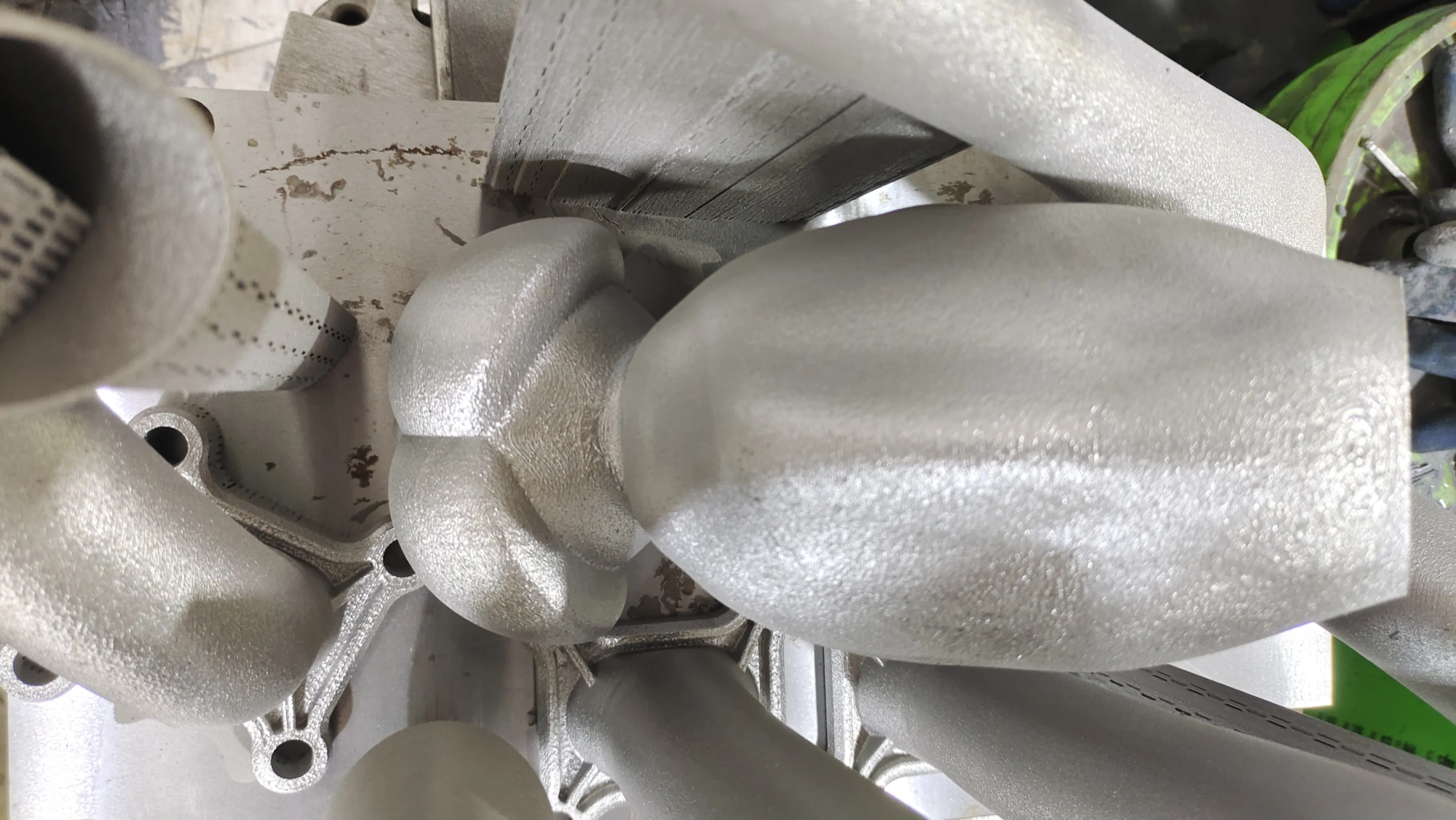
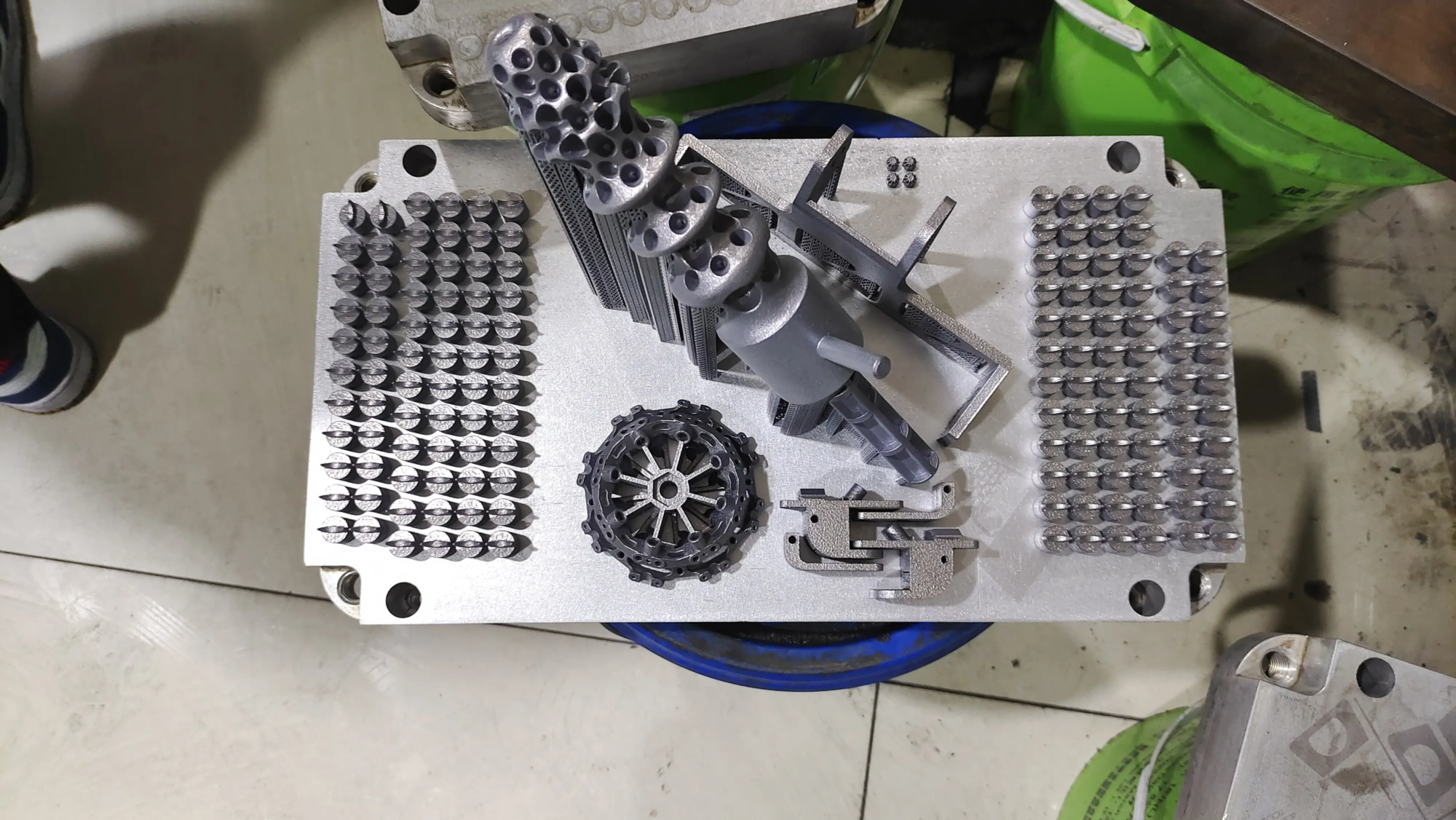
GreatLight focuses on these advanced scenarios. Leverage Professional Grade Selective Laser Melting (SLM) Metal 3D printers and CNC finishing, which can create cable clamps by:
- Stainless steel (316L): Unparalleled corrosion resistance and strength.
- Titanium (Ti6Al4V): Excellent strength-to-weight ratio and biocompatibility.
- Aluminum alloy (AlSi10Mg): Light weight and good thermal conductivity.
- Nickel superalloy (Inconel): Extreme temperatures/oxidation resistance.
their One-stop service Covering precision prototyping, complex metal printing with complex cooling channel geometries, and post-processing to achieve tight tolerances, smooth surfaces, and mechanical hardness that cannot be achieved with consumer FDM printers. When powerful CNC machining capabilities or aerospace-certified materials are undisputed, working with a professional prototype manufacturer can bridge the gap between concept and mission-critical reality.
Verdict: Cluttered editing, gain control
3D printing democratizes cable management. By embracing DIY, you can enjoy design freedom, cost-effectiveness, and perfect solutions that can’t be bought. With measurement tools, CAD basics, adjusted microtome settings, and correct filament selection, unruly behavior can be transformed into harmonious tissue. please remember GreatLight provides industrial alignmentWhen extreme strength, environmental durability, or precision machined interfaces are your clear requirements, deploy advanced SLM metal printing technology. Whether it’s practical printing with PETG or working with a professional for a chrome-plated titanium stand – it’s all under control. Print, organize, conquer!
FAQ: Your DIY 3D printed cable clamp questions answered
Q1: What free CAD software is easiest for beginners to design clips?
one: Tinkercad is definitely the friendliest place to start. Its visual block-based design approach requires virtually no training curves to design basic adhesive-backed cable channels or simple clips. When you’re ready for advanced parametric shapes and constraints, transition to Fusion 360 (free for hobbyists/startups) or Onshape.
Q2: Which 3D printing material works best indoors and has reliable bonding?
one: PETG stands out when it comes to indoor cable clamps. It offers strength compared to ABS (much better than PLA), impact resistance, thermal deformation (~85°C), predictable adhesion, improved layer bonding and superior moisture resistance without the need for an enclosure. PLA becomes brittle over time, while TPU lacks unyielding rigidity; PETG achieves an optimal balance far beyond what the People’s Liberation Army is honored for today.
Q3: My printed clips always break! How can we improve our strength?
one: Breakage is often caused by design flaws, further exacerbated by mismatched print orientation or settings:
- Re-evaluate geometries that are structurally compromised through thin sections (below millimeter threshold), sharp corners/rounded corners incorporating concentrated stress points.
- Optimize the printing direction so that the z-layer line passes through the tension area to the minimum extent.
- Enhanced infill (≥ 40%), wall thickness (≥ 3 circumferences/1.4 mm total) and extrusion temperature/material consistency minimize void defect propagation paths that can lead to premature failure initiating events.
Q4: Can TPU prints really grip cables firmly without slipping?
one: Absolutely! TPU has an inherent sticky grip that rigid polymers don’t have. Design Tip: Add small ribs/grooves inside to effectively prevent sliding.
Q5: For industrial metal clamps – what are the advantages of SLM printers compared to milling?
one: Selective Laser Melting (SLM), GreatLight’s metal additive manufacturing modality and fused deposition modeling plastic counterpart:
- Achieving a topology-optimized lightweight architecture similar to biological structures that is not possible with subtractive milling strategically enhances weight distribution.
- Integrated baffles, helium leak proof panel cooling channels completely eliminate a very frustrating assembly step for machinists that would otherwise require separate manufacturer attention.
- Economically produce geometrically complex parts that require minimal machining reduction (only critical sealing/control interfaces are faithfully surfaced CNC machined to absolutely ensure meticulous precision), significantly reducing lead times compared to inefficient manually executed traditional machining iterations.
Question 6: What is the heat resistance of SLM aluminum/high temperature alloy clamps?
one: Aluminum alloy samples produced by GreatLight can typically withstand temperatures in excess of approximately 250°C, while nickel superalloy grades can operate continuously in ambient atmospheres in excess of 800°C, withstanding oxidative creep elasticity not normally possible. Therefore, substation/precision oven wiring/organic grade turbine environments require this reliable, industrially reliable SLM fabricated custom fixture!