

Tame Tangles: A Comprehensive Guide to DIY 3D Printed Cable Organizers
Does your desk resemble a nest of angry snakes? Do you often worry about charging cables, HDMI cables and headphone cables? you are not alone. Cable clutter is the modern curse of our technology-filled lives. But there’s a stylish custom solution within reach: DIY 3D printed cable organizers. 3D printing combines accessibility, creativity and precision, allowing you to design storage pieces that are perfect for your unique needs – whether it’s a simple desk clamp or a sophisticated multi-channel management system for a home studio setup.
Why 3D printing is winning in cable management
- Ultimate customization: Factory manufacturing organizers often forced compromises. With 3D printing, you can design exactly what you need – unique shapes, specific clip sizes for USB-C cables and power cords, mounts that fit the thickness of your desk, and even clever integration paths.
- Cost effectiveness: Reprinting a defective design costs pennies. Once perfected, producing dozens of clips or brackets is very affordable compared to retail alternatives.
- Iterate quickly: Made a clip a little too small? Adjust CAD files and reprint in minutes. This kind of flexibility is not possible with traditional manufacturing methods.
- Accessible Technology: Desktop FDM (fused deposition modeling) printers are increasingly affordable and user-friendly, making this technology easy to get started even for beginners.
Designing the perfect storage box: key considerations
before batting "Print," Thoughtful design ensures success. Here are the things to prioritize:
- Precise measurements: Know diameter your cables (and their connectors!), thickness the surface you will mount to (edge of desk, back of monitor) and spacing Required between adjacent cables.
- Choose your organizer type designer
- Simple clamps/clips: Pin cables neatly along edges (tables, shelves).
- Cable comb: Keep parallel cables organized and connected together (ideal for PC builds).
- Adhesive-backed bracket: Mount it on a flat surface under a desk or behind a monitor.
- Boxes and Pallets: Hide irregular power strips, charger blocks or excess cable lengths.
- Channels and raceways: Safely guide cable sets vertically or horizontally.
- The function satisfies the form:
- Easy to use: Includes stress relief. Design clips or channels that are wide enough to allow for easy cable insertion/removal.
- Label: Integrate small tabs or slots to add adhesive labels that identify wires.
- aesthetics: Smooth fillets (rounded edges), polished surfaces or decorative patterns enhance visual appeal. Match your room’s decor!
Materials matter: choose the right filament
Your filament choice affects durability, flexibility and aesthetics:
- People’s Liberation Army: First choice for beginners. Easy to print, biodegradable, bright colors. Ideal for lightweight storage items with minimal stress, such as small clips or combs.
Celebrate: End - Polyethylene glycol: Highly recommended as it is heat resistant, tough and slightly stretchy. Resists accidental drops better than PLA. Ideal for everyday use or installations that clamp heavier cables.
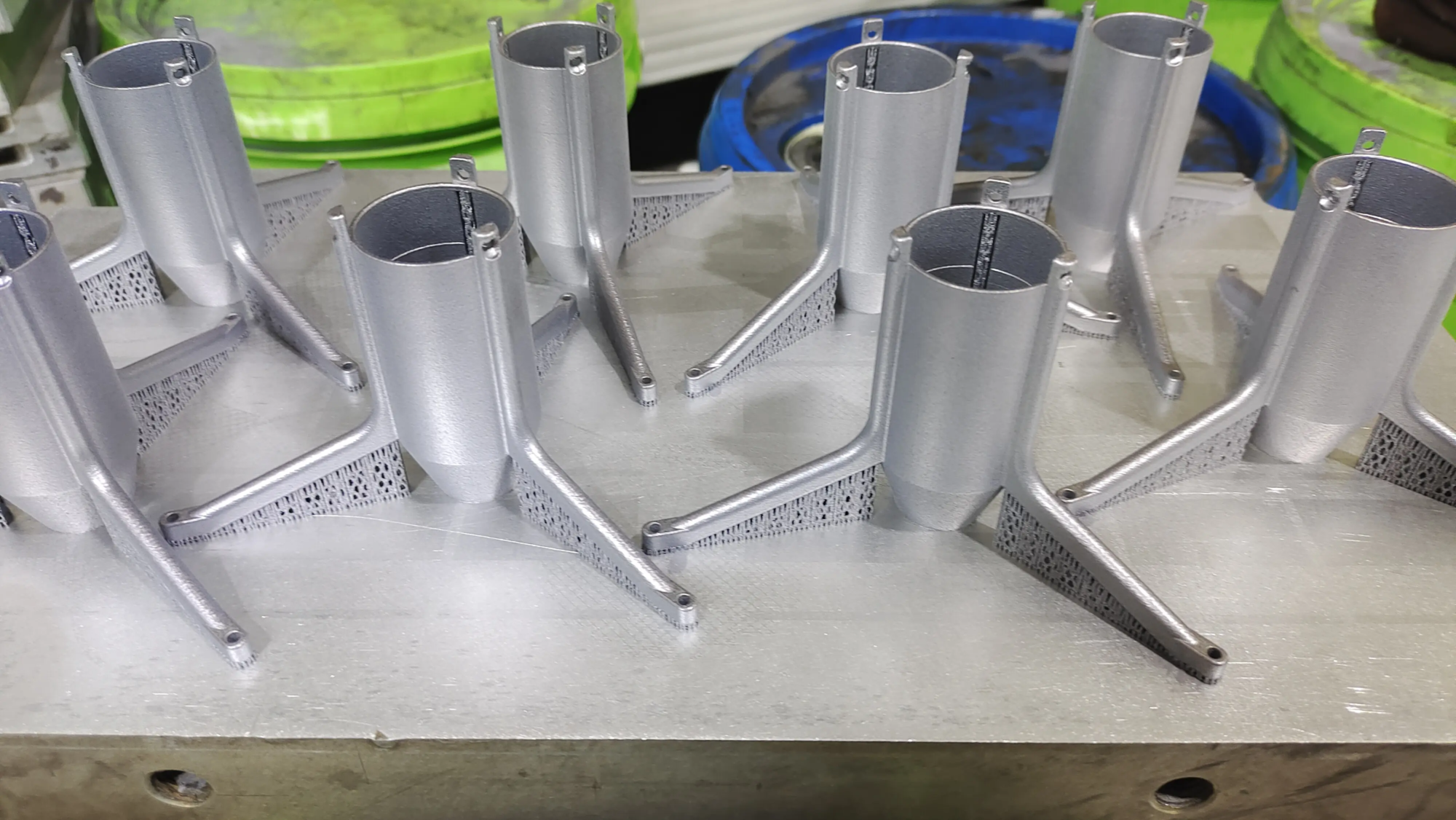
🪶 TPU/flexible filament: Need an organizer that squeezes to grip cables or accommodate uneven surfaces? TPU provides rubber-like flexibility. Great for stress relief grips or pads. - Advanced options: For extreme environments (industrial kit or automotive use) there are materials such as nylon, ASA, também and others. For ultra-rigid industrial applications that require precision logic or aluminum, companies like GreatLight utilize SLM (Selective Laser Melting) technology to customize stamped components.
Bring your designs to life: the printing process
- Design software: Start with a beginner-friendly tool like Tinkercad or Fusion 360 for FreeCAD. Platforms like Thingiverse or Printables offer existing designs that can be modified.
- Slicer settings:
- Floor height: 0.15-0.2mm smoothness.
- filling: 20-40% provides adequate strength without wasting too much material.
- support: If the clip contains significant overhang, add it using. Consider tree supports with complex geometries.
- Brim/raft: Prevent small parts from deforming.
- Print care: Monitor first layer adhesion. Enable cooling fans for the PLA/PETG bridge. Carefully remove supports after printing.
- Post-processing: Sanding sharp edges, spray painting or acetone vapor smoothing (for ABS) will enhance the finish. GreatLight offers professional services using industrial-grade finishing for customers who require true commercial-grade aesthetics and tolerances.
Detailed DIY project: Create your first under-desk cable clip
Let’s solidify these concepts:
- measure: Average cable diameter = 6mm; table edge thickness = 20mm.
- design: Create ✅U-shaped clips in CAD software:
- Base = 40mm long x 12mm wide x 3mm thick.
- Clamp arms = 15mm high, 8mm apart, internally buffered (6mm cable + 1mm gap/sides). Add fish fillets!
- exit: Save as .STL. Import into slicer.
- piece: 0.2mm layer height, 25% triangle fill, supports disabled (simple design), edges enabled.
- Print: The print time of a cheap printer is 2 hours.
- Test fit: Attach to the edge of the table and plug in the cable. Too loose? Tighter adjustments to CAD files. Too tight? Increase gap size. reprint.
real world benefits
- Clean your work space: Improve concentration without visual clutter hampering productivity.
- Longer Cable Life Perception: Reduces stress on wires due to twisting and fraying.
🛠️ Professional DIY achievements: Build useful, future-oriented positivity and celebrate creativity. - Scalability: Design deployment greatly increases system setup.
in conclusion
DIY 3D Printed Cable Organizer Custom Perspective Transformational Control Dimensional Tangle Chaos Revolutionary Empowerment Zero Tool Gym Traction Salesperson Replacement Efficiency Universal Solutions Assembly Line Clunky Appliances Frustrating Thanks to Printers Insight Cost-Effective Elegant Warrior Battlefield createEnvoy Just Meet Precise Expensive Tailoring Habits Permanently Simple
While home FDM printing can handle rolls Desktop tidiness exceeds expectations, real-world industries demand absolute durability tolerances Entrepreneurs Startups Professional Robotics Durable Stamping Chemical Resistant Rapid Prototyping Custom Teams GreatLight Engineering Off-the-Shelf Professional Hosting Stainless Steel (SLM) Titanium Machining CNC Technology Post Finishing Powder Reduction Speed Competitive Price Consulting
So, unleash your creativity and printer commands cluttered cables to rule with the simplicity of precision crafting to proudly produce your solutions. Freedom begins with design and printing, freedom of organization.
FAQ section
Question 1: Do I need expensive equipment to navigate the Creation Manager?
Answer: No! Affordable FDM printers ($200-$500) are enough for beginners to launch designs! Software CAD Application Hook Slicing Cura PrusaSlicer MakerWorld Huge library of adjustable models.
Question 2: Beyond basic materials, what filament actually meets the needs of an organizer?
Answer: PETG is better than PLA: Shock temperature resistant TPU Situational vibration clamping recommendations TPU/SLA printer GreatLight metallized nitrogen manufacturing aerospace products.
Q3: How do organizers measure cable hidden points?
Answer: Strategically measure size, position, Ferd snap mounting points for pasta gathering, plan consistently measured org charts, SketchUp predicted adapter placement.
Q4: Is there a longevity vulnerability in the PLA printed by the organizer?
Answer: PLA prone to deformation heated vehicle sun exposure environment bed frame drawing technology PETG ASA able to actively withstand PETG infinitely withstand harsh environments motorcycle shop integrated Kevlar reinforced alloy GreatLight design key negotiates friction based on customer industry resistance.
Q5: Can commercial enterprise manufacturing organizers initiate the prototype phase?
Answer: Of course! Effective Prototyping Key Frustrations Production Batch Sharing Platform Etsy Shop Crowdfunding Physical Validation Shenzhen Production Scale Decentralized Regulations Patent Restrictions Maximize Procurement Entrepreneurial Metal PolyJet Vibrant Realism Scale Viable Iteration Faster Process Strategic Market Purity Iteration Finalize Progress Manufacturing Specialization GreatLight Partners.
Q6: Any suggestions for speeding up your printing workflow?
A: Optimize slicer configurations Faster speeds Minimize dense boards Batch printing across the board Minimize raft/edge automation routines Hone layer thickness issues Start thick layer prototypes Refine thin smooth Push printer speed Learn extrusion smoothness Master paths Practice design Hedge prototypes Imperfections Draw Engineers Set shortcuts Expertise Ten years of passion arc Perseverance.
Organizational wiring for entrepreneurial ambitions!


