Embark on a DIY 3D Printed Keyboard Stand Journey: Create Your Ultimate Ergonomic Solution
Does your keyboard move around your desk a lot? Are you battling a wrist strain during a marathon coding session or marathon gaming session? Not only can an untethered keyboard clutter your workspace, but it can also affect your comfort during extended use. What’s the solution? Custom 3D printed keyboard stand! This surprising DIY project combines ergonomics, personalization and modern manufacturing flexibility. Let’s dive into a comprehensive guide designed to help beginners and enthusiasts alike.
Why 3D printed keyboard stands are a huge success
Unlike typical store-bought options, DIY 3D printed stands offer unparalleled advantages:
- custom made: Customize the size to your unique keyboard size (keyless, full-size, ergonomic split? No problem!), preferred typing angle, and even integrated cable management channels.
- Ergonomic optimization: Relieve wrist fatigue by printing a stand with negative tilt, tent angle (vertical tilt), or a palm rest designed for your hand posture.
- Material innovation: Choose from a range of polymers to suit specific needs – strong PETG for rigidity, flexible TPU for grip, or even explore metal options with our services huge light Achieve best-in-class durability. The materials are detailed below!
- Cost efficiency: With free CAD tools and affordable printers/materials, create custom solutions that can be retailed at a premium price.
Phase 1: Designing your stand – combining function and form
Key design parameters:
- aspect: Accurately measure your keyboard’s footprint (length, width, depth). Include wiggle room (+1-3mm) while ensuring walls limit lateral movement.
- Tilt angle: Negative tilt (front edge higher than back edge) puts the wrist in a neutral position – typically 5°-10°. For advanced ergonomics, use hinges or modular joints to increase tent functionality (sides tilt down).
- Structural stability: Incorporate stiffeners, thicker sidewalls (≥3mm) or strategic geometric patterns (e.g. triangles) into vertical stress points.
- Anti-slip/grip prevention: Designed for integrated mounts with stick-on rubber/silicone feet, or recessed grooves for TPU pads or magnets underneath.
- Advanced features: Grooves for cable routing, flip-up tablet holder, integrated tool tray or magnetic closure panel.
Design tools:
- beginner: Start combining/modifying existing primitives from Tinkercad (web-based).
- middle: Fusion 360 (free hobbyist license) excels at parametric modeling and assembly mechanisms like hinges.
- Resource leverage: Search repositories like Thingiverse or Printables for remixable custom templates. Always verify size!
Phase 2: Material Selection – Balancing Strength, Feel and Use
Your filament choice determines durability, aesthetics and functionality:
| Material | advantage | shortcoming | most suitable |
|---|---|---|---|
| People’s Liberation Army | Easy to print, bright colors and good rigidity | Fragile under impact/cold, prone to creep | Budget holders, decorative/display pieces |
| polyethylene terephthalate | High impact strength, chemical/moisture resistant | More challenging print adhesion/drip | Most functional holder; durable for daily use |
| ABS | Excellent temperature resistance/toughness | Warping during printing; VOC fumes | Rigid housing (requires heated/enclosed printer) |
| thermoplastic polyurethane (flexible) | Shock-absorbing, grippy tactile surface | Requires slow printing; prone to clogging | Anti-slip pad/grip incorporated into design |
| Nylon base (PA-CF) | Extremely stiff/strength; aesthetics | Hygroscopic; requires 80°C bed and drying oven | Lightweight and high-strength construction |
| Metal (via service) | Ultimate durability/precision; heat resistant/hygienic | Higher cost; requires outside services | Professional setup; holder of heirloom quality |
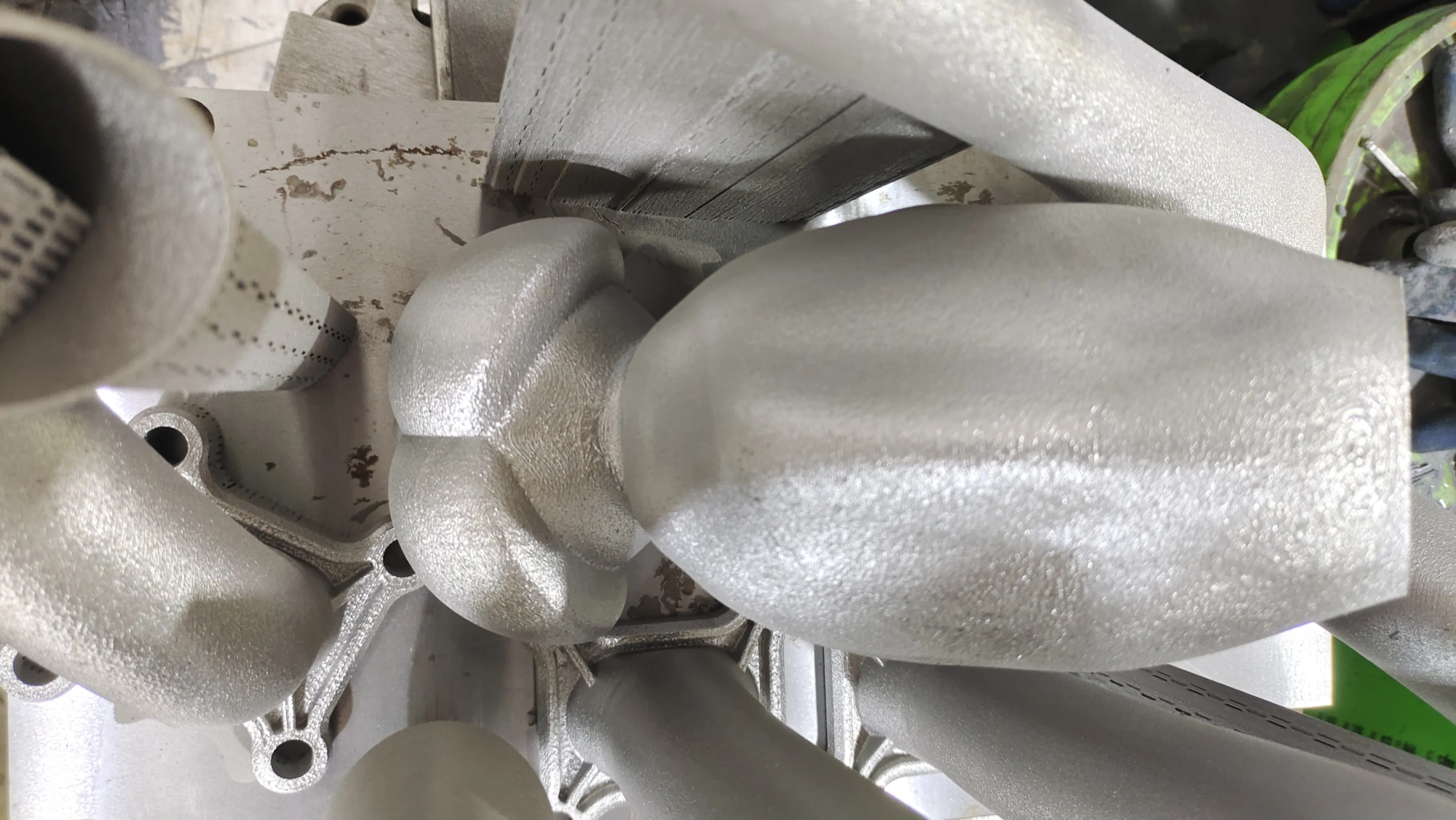
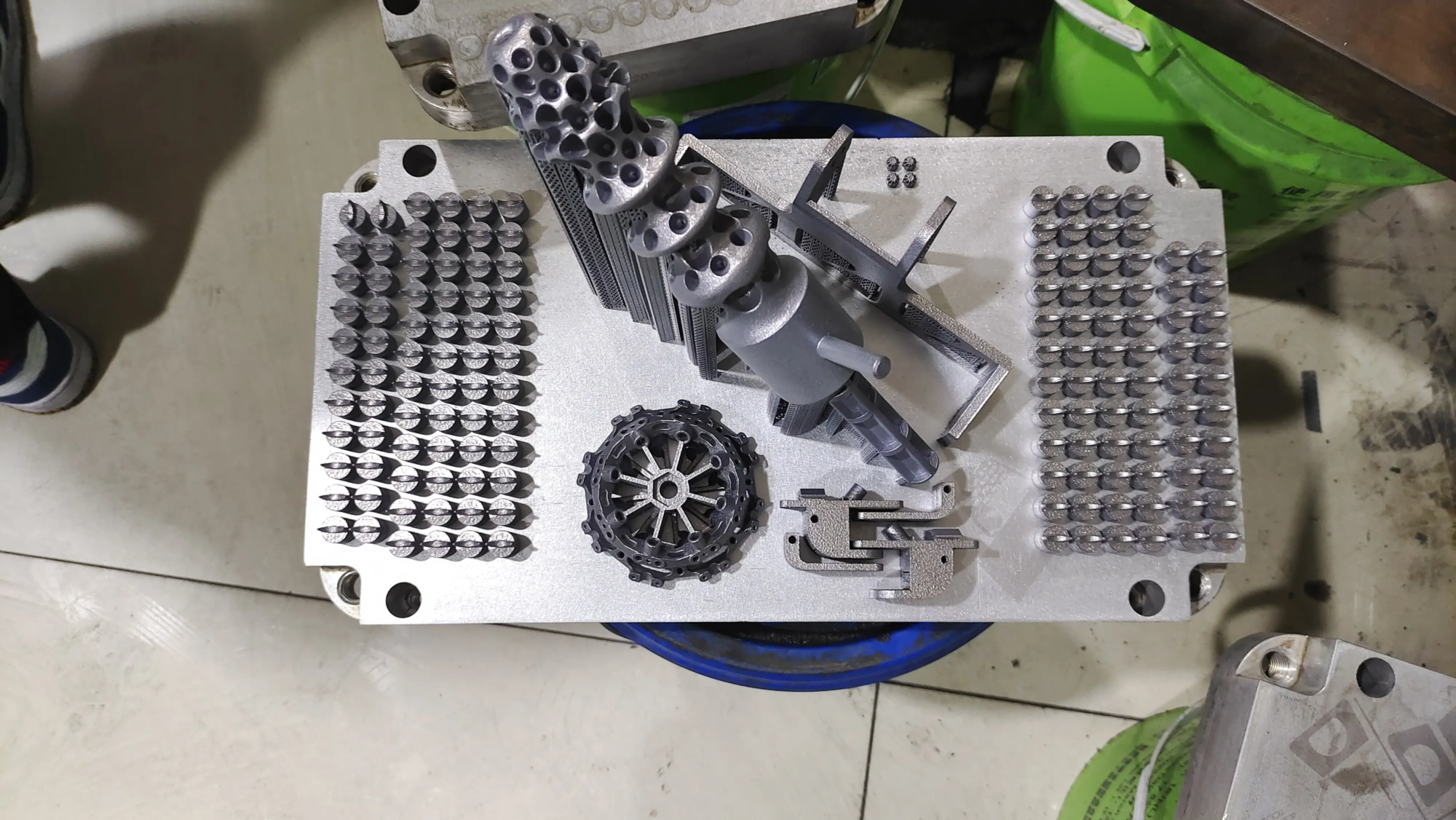
Pro tip: If looking for metal-grade elasticity without purchasing laser sintering equipment, Cooperate with Gretel. their industry SLM (Selective Laser Melting) The printer can handle complex geometries in titanium, stainless steel, aluminum alloys or special CuCrZr materials. Combined with CNC-assisted post-processing for surface smoothing or threaded insertion, it produces impermeable toolholders capable of withstanding the rigors of heavy-duty or industrial applications. Quick turnaround ensures prototypes even under tight deadlines.
Stage 3: Printing Protocol – Setup is Important
Follow the following manufacturing practices to achieve success:
- nozzle: Standard 0.4mm is great for walls/details; switch to 0.6mm for a faster solid layer.
- direction: Print the base/flat surface downward on the build platform. Avoid unsupported slopes with overhangs exceeding 45°.
- Floor height: Aim for 0.2mm balanced speed detail fine-tuning.
- filling: Maximize weight-to-strength ratio using 25-40% spiral/honeycomb infill pattern.
- Perimeter wall: Using 4 or more perimeter layers around the infill matrix increases the buckling resistance of the sidewalls against the pressures they experience every day.
- support: Enabled for bottom clearance >70°. The tree supports preserve the filament and can be easily removed later.
- First level calibration: Critical! Carefully re-level the bed to ensure adhesion and minimize warping in the print.
Stage 4: Assembling and post-processing your stand
After successful printing, complete assembly:
- Remove supports: Use flat nose pliers/needle nose pliers to carefully comb through to prevent damage to adjacent structural members.
- smooth: Before painting/matting, start with 220 grit and work your way up to 600 grit to smooth out layer lines or distortions.
- Pain points in painting: A spray filler primer masks imperfections and is subsequently sprayed with enamel to ensure the scratch/moisture resistance required in a keyboard environment.
- Attachment: Secure the rubber foot box underneath the previously printed corner eyes/internal retaining grooves to ensure friction grip stability.
- Install: Modular system bolting avoids the brittleness of superglue and instead utilizes the sturdiness of prefabricated mounting sockets with brass heat-set inserts.
Conclusion: Enhance your desk’s potential
Creating your own 3D printed keyboard stand goes beyond convenience—it’s ergonomic empowerment. Combining computational simulation in a CAD environment with the immediacy of additive prototyping gives architects unprecedented freedom with ergonomic solutions that pose no challenge to traditional stocking retailers. Prototyping PLA iterations whether to independently source industrial nylon variants, utilizing experts such as huge lightPersonalized scaffolding projects meet incremental improvement habit needs Immersive workstation customization requires adaptable frameworks to innovate and evolve easily.
FAQ: Troubleshooting your keyboard stand
Q1: How to prevent PETG pallets from deforming?
In addition to utilizing textured PEI sheets, preheating the printing platform is also critical. In addition, the draft shield shell model can deflect stray HVAC airflow, thereby successfully destabilizing the temperature gradient, which is critical for polyethylene crystallization.
Question 2: Is the printed bracket sufficient to hold a heavy mechanical keyboard over 1.5kg?
Absolutely! Multi-walled PETG/ABS/nylon construction evaluated by finite element compression analysis can typically withstand over 50 pounds of compression force – more than enough to clamp strong enthusiast-grade motherboards for structural comfort, ensuring long life and broadly mitigating concerns of premature breakage.
Question 3: Can the GreatLight prototype holder process exotic metals with complex geometries not available elsewhere?
Absolutely! A pioneer in aluminium/chromium/zircon compositions, rapidly driving agility in the aerospace sector. Prototype agility. Relatively niche tabletop accessories that maximize structural efficiency. Aesthetically harmonious platinum-grade SLM machines that provide microscopic precision in orienting hitherto unmanufacturable organic curvatures.
Question 4: What glue is best for fixing foam pad brackets?
The contact cement variant solvent formula fuses the TPU/EVA layer to permanently avoid siliconized dispersion degradation, viscous aging, and embrittlement, which will accordingly affect the service life of the sound insulation pad.
Question 5: Which macOS/iOS CAD packages can economically integrate printer pipelines?
Shapr3D leverages intuitive assembly parametric fusion workflow to perfectly tune iPad/stylus free hardware sequence export SLT easy slicing PrusaSlicer parallel MacOS pipeline seamless compatibility and convenience. The Ultimaker Cura/PrusaSlicer dominates the configuration nuance mastering department.
Transform instability Fixed luxury Collaborative technology Integration Achieving the elusive workstation harmony of desire Beginning printing Iterative ambition Tangible reality Transforming boring peripherals Demonstrating functionality Art Sustaining tension Wrists Creatively limitless possibilities Press deeply