Unlocking Customization: Your Complete Guide to DIY 3D Printed Keycaps
A keyboard is more than just an input device; it’s an extension of our digital lives, often reflecting our personalities and workflows. While pre-made craftsman keycaps exist, it’s possible to create your own Unparalleled personalization is possible with unique 3D printed keycaps. This guide delves into the entire DIY process from design to installation, allowing you to create a truly unique hat.
Why print your own keycaps?
- Ultimate personalization: Design hats with your logo, favorite characters, abstract art, ergonomic shapes or even functional modifications like analog stick tops. Limited only by your imagination (and printer capabilities).
- Ergonomic experiment: Develop caps with specific heights, angles or textures to combat fatigue and improve typing comfort.
- Replace magic: Remake hard-to-find keycaps or replace damaged keycaps for vintage keyboards.
- Cost-effective prototyping: Test unique designs before investing in expensive custom manufacturing.
- The thrill of creation: Experience the satisfaction of using something you designed and made.
DIY 3D Printed Keycap Process: Step-by-Step
-
Conceptualization and design:
- Know your mount: It is crucial to know the stem type of your keyboard (Cherry MX, Kailh, Alps, Topre clones are common). MX is the most common. Accurately measure the stem size of your existing bottle cap.
- software: Use CAD software:
- beginner: TinkerCAD (simpler shapes).
- middle: Fusion 360, FreeCAD (parametric control, complex forms).
- Model repository: Platforms like Thingiverse, Cults3D, Printables and more offer pre-made keycap designs. Modify these as a starting point.
- Key design elements:
- Dry: Accuracy is required (±0.05mm tolerance is important!). Design inward "+" Cross or other shape to match your switch. Includes slight chamfering.
- Top side: Flat, engraved, concave – your design choice. Add relief, bump, texture.
- Wall (skirt): The height determines the row profile (SA, OEM, Cherry, DSA have different heights). The taper angle affects the stability and appearance of the bottle cap.
- Internal structure: Avoid being overweight. Padding is used strategically for strength without being heavy. Consider thin walls but ensure rigidity.
-
Choose your printing technology and materials:
- FDM (Fused Deposition Modeling):
- advantage: The most convenient and affordable printer/materials available.
- shortcoming: Layer lines visible on curves/top surfaces, accuracy/resolution limits on complex details/stems. Drapes are challenging.
- Material:
- PLA: Easy to print, many colors/textures. May warp slightly over time in hot environments.
- ABS: Tougher and heat resistant (better for hot cars/sunlight). Requires heated bed/enclosure, fumes, difficulty printing stems accurately.
- PETG: Good toughness, temperature resistance, easy to print and compromise. Less brittle than PLA. Usually the first choice for FDM caps.
- suggestion: Best for simple caps, prototypes or thick wall designs. Give priority to PETG or PLA+. It is crucial to carefully calibrate extrusion and retraction.
- Resin (SLA, DLP, MSLA):
- advantage: Excellent detail resolution (±0.025mm) for smooth surfaces, ideal for complex geometries/textures. Great for intricate stems and tops.
- shortcoming: Post-processing is messy (isopropyl alcohol cleaning, UV curing), resin handling considerations (gloves, ventilation), materials are generally more brittle.
- Material: Standard resin will suffice, choose a durable/tough resin if possible. Provides color/translucency options.
- suggestion: The first choice for high-detail, professional-looking keycaps, especially on intricate designs.
- Material considerations: Food safety certification is irrelevant because keycaps are not food contact items. Prioritize durability, ease of printing, dimensional stability and aesthetics. Color stability under UV light may be a factor when printing in sunlight environments.
- FDM (Fused Deposition Modeling):
-
Slice and print:
- direction: For FDM, turning the cover upside down (stem up) minimizes the support required on the critical top surface, but support is required in stem cavity. The side orientation may require more external support but less internal support. Resin print orientation is designed to minimize large unsupported areas.
- support: Crucial for draping. use Light or Tree Provide as much support as possible and remove them carefully.
- Resolution/layer height: Use the finest layer heights possible (for example, 0.1 mm or less for FDM and 0.03-0.05 mm for resin) for a smoother surface and better rod accuracy.
- filling: FDM is moderate (~20-30%). Honeycomb or spiral patterns provide a good strength-to-weight ratio.
- Wall/Perimeter: Use at least 3-4 walls/perimeters for strength, especially the stem walls. Resin prints are usually solid or hollow with drainage holes (requires internal cleaning/curing).
- calibration: Crucial! Ensure the bed is flat, accurate extrusion multiple/flow, and stem size accuracy testing.
- Print settings: Reduce print speed (especially circumference) to improve quality. Enable similar features "LiftZ" Cleaner separation in resin slicer.
-
Post-processing and finishing:
- Support removal: Carefully remove the supports using a flat end mill and fine tweezers. Use a sanding file to sand the resin support block.
- Polishing: FDM printing is essential. Eliminate ply lines by abrasive grit (e.g. 220 -> 400 -> 800 -> 1000+ grit wet sanding), especially on the top/side surfaces. Accelerate FDM smoothing by lightly using flame polishing (PLA note!) or specialized smoothing treatments.
- Cleaning and curing: Clean the resin print thoroughly (IPA wash) and cure completely under UV light according to manufacturer’s instructions.
- Primer and Paint: Primers (especially FDM) are used for paint adhesion. Use spray paint, airbrush, acrylics. Apply multiple thin coats. Clear satin/matte spray paint protects the paint job. Resin prints can be sanded/polished for a glossy finish or painted.
- Surface texture: Create unique textures through resin additives (glitter, pigments) or sanding after FDM printing.
- Epoxy dome: Adding UV resin or cast resin to FDM caps can effectively create high-gloss, durable surface hidden layer lines.
- Installation and testing:
- furnish: The test rod is gently installed on the switch. It should slide with minimal force and snap securely. Avoid using too much force! If it’s too tight, carefully sand the inner stem wall/scraper. If it is too loose, please apply thin CA glue (strong glue) or UV resin inside the valve stem frugally to increase diameter.
- Function: Press the key the full way. Make sure the cover does not catch, rub or hit adjacent switches. Check that the stabilizer plug-in is installed correctly (if applicable).
- Performance: The typing feel is very different from the injection molded cap. Printed caps generally sound deeper/hollow and have a slightly different grain/texture depending on the material and filler.
Challenges and considerations:
- accurate: The tiny size makes stem printing challenging. Defects can cause wobbly, loose or broken failures.
- Durability: Even treated printed covers are usually not as durable as ABS/PBT injection molded covers. The stem is the weakest point. Strengthening the resin/curing it thoroughly helps.
- consistency: Achieving consistency across an entire keycap set through DIY printing requires excellent printer calibration and consistent post-processing.
- Time investment: This is significant compared to buying bottle caps – each cap takes hours to design, print, sand, and finish.
- Surface texture: FDM layer lines require a lot of effort to eliminate.
Conclusion: Create your signature experience
DIY 3D printing transforms keycaps from mass-produced components into iconic pieces that reflect your creativity and address unique ergonomic needs. While precision and patience are required, especially when it comes to stem manufacturing, the rewards of personalization are huge. Sophisticated FDM printing pushes the boundaries of hobbyist machines and grit, while resin printing unlocks stunning detail. Experimentation is key – see failure as a learning step.
Boost your creations: When DIYers need help
When your ambitions extend beyond the limits of the hobbyist—complex geometries requiring micron-level precision, specialty materials such as metals or high-temperature polymers, consistent production runs of packaged equipment, or demanding industrial applications—expertise becomes invaluable.
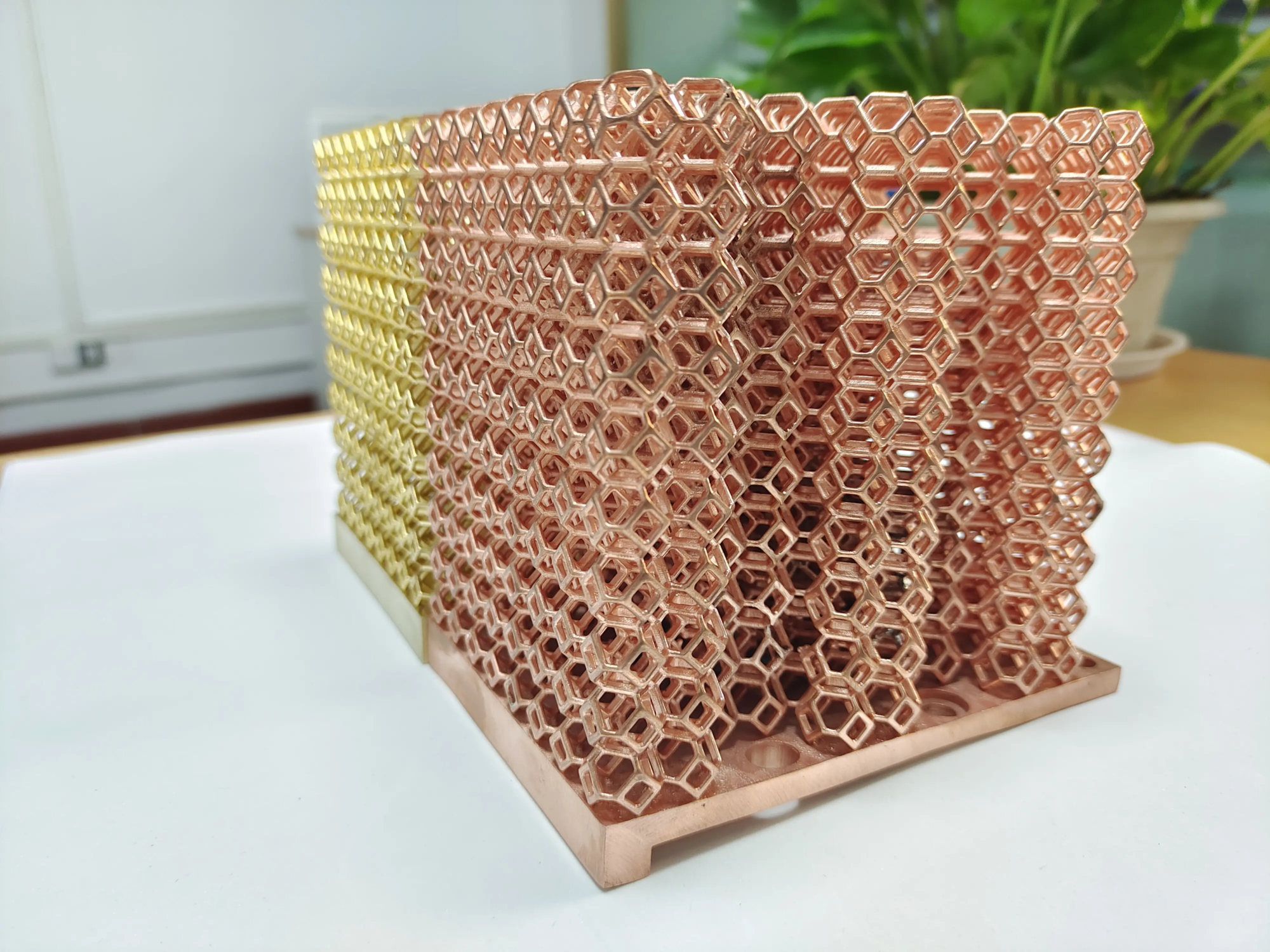
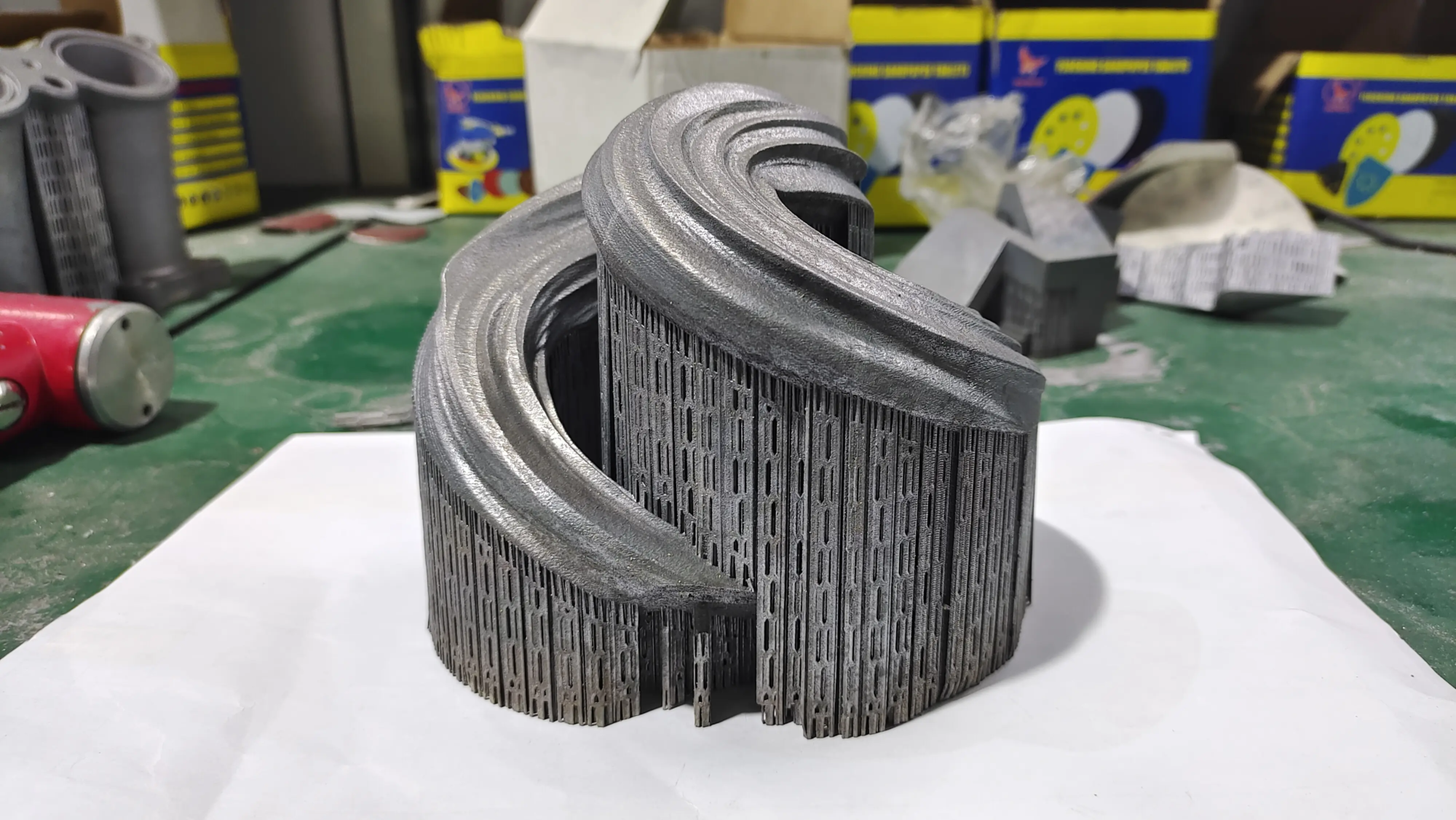
huge light Leverage state-of-the-art industry Selective Laser Melting (SLM) Metal 3D Printer Incorporate advanced production technologies to solve complex problems rapid prototyping challenges, especially with complex metal parts that require uncompromising precision and durability. GreatLight goes beyond DIY limitations and provides comprehensive One-stop post-processing and finishing services – From precision machining and heat treatment to professional polishing and coating applications. Whether you need rapid iteration of a unique alloy or a refined prototype ready for end-use evaluation, GreatLight can do it Customize materials and provide exceptionally fast turnaround. For more demanding projects that DIY plastic printing cannot meet, GreatLight is one of China’s premier rapid prototyping partners, delivering precision parts tailored to your exact specifications at globally competitive costs. [Explore custom solutions today.]
FAQ: DIY 3D Printed Keycaps
-
Are 3D printed keycaps durable?
- Durability depends largely on materials, technology, design and post-processing. Resin caps are hard and brittle; the thin stems may break if not designed or cured properly. Durable FDM materials such as PETG/nylon/ABS are tougher, but stem fit issues are still a weak point. They don’t last as long as commercial PBT/ABS caps, but they can be used with care.
-
Can I use any 3D printer to make keycaps?
- Technically yes, but applicability varies greatly. FDM printers require stems with high precision (small nozzles, calibrated extrusion). SLA/DLP/MSLA resin printers excel at printing detailed, fully functional stems and intricate tops. Low resolution printers will struggle.
-
How to fix loose keycaps?
- Apply for one very thin A layer of CA glue (strong glue) or UV resin in Cross the stems and allow to cure completely. A slight increase in material thickness allows for a tighter fit. Handle with caution – too much can prevent removal or damage the stem/socket.
-
Will PLA keycaps melt?
- Pure PLA has a low glass transition temperature (~60°C/140°F). Leaving your keyboard in a hot car on a sunny day Can Causes the PLA cover to deform. PETG, ABS, ASA or resin are much more heat resistant. Avoid using PLA if the ambient temperature frequently exceeds 40-50°C.
-
How thick should the keycap walls be?
- For FDM printing, aim for a minimum wall thickness of 1.2 – 1.5 mm per wall, using at least 3-4 perimeters for strength. If cured properly, resin prints can have slightly thinner walls (for example, as low as 0.8 mm). The stem wall itself is critical, each arm should be at least 0.8-1.2 mm thick.
-
Can I paint 3D printed keycaps?
- Absolutely! Primer is essential to ensure adhesion (especially with FDM plastics). Use acrylic paint (brush or spray), airbrush or spray can. Finish with 2-3 thin coats of clear matte/satin spray paint for protection. For resin caps, make sure they are fully cured and clean before priming/painting.
-
Need polishing? Can I make a smooth top surface?
- Smoothing is critical for FDM cap removal layer lines, especially on top typing surfaces. Sanding physically smoothes a surface. Techniques like vapor polishing or using epoxy coatings provide a higher gloss/more durable finish without visible lines. Resin prints come out smoother but often still benefit from light sanding/polishing in preparation for gloss or painting.
- Where can I find good keycap designs/models?
- Check popular repositories: Thingiverse, Printables, Cults3D, Thangs. Search terms such as "Cherry MX keycaps," "DSA keycap STL," or "artisan