Unlock Ergonomics and Style: Your Ultimate DIY 3D Printed Laptop Stand Guide
Forget those flimsy, mass-produced laptop stands. Imagine a stylish, perfectly angled stand for your device, crafted to fit your device your Workflow and aesthetics – it’s all made possible by the incredible world of 3D printing. Whether you’re new to 3D printing or an experienced maker, this guide can help you design, print, and assemble your own custom laptop stand that improves your posture and productivity.
Why use 3D printed laptop stand DIY?
- Unparalleled Customization: Perfectly customize heights, angles, ventilation gaps, floor space, and even cable routing channels to suit your Laptop size, desk setup and viewing preferences. Want a built-in dock for your mouse? complete. Need support for a heavier gaming laptop? Design built-in.
- Ergonomic improvements: Proper screen alignment is essential to avoid neck, shoulder, and back strain. Custom mounts place your screen at eye level, promoting healthy posture more effectively than generic mounts.
- Cost-effective Brilliance: Take advantage of affordable supplies (PLA, PETG) and your own printer (or local makerspace/service). Even using professional metal printing for critical stress points through prototyping services is still very economical.
- Material selection and performance: Choose the right material based on your needs – lightweight PLA for basic brackets, durable PETG for everyday toughness, rugged ABS for higher heat resistance, or even professional-grade metal alloys for ultimate strength and thermal management with rapid prototyping.
- Sustainable development advantages: Designed to last! Simply print replacement parts to repair damaged parts. Avoid landfill waste associated with cheap plastic accessories.
- Manufacturer satisfaction: The pride of using something you designed and created is unparalleled. Plus, it’s a great practical project to hone your CAD and printing skills.
Designing your exhibition stand: key considerations before printing
A successful exhibition stand depends on thoughtful upfront design:
- Get to know your laptop: Take precise measurements of width, depth (especially important!), weight distribution and bottom contour (where are the rubber feet? Are there hot air vents?).
- Define your ergonomics: Determine the ideal screen height and viewing angle relative to your seated eye level. Pre-think adjustability (modular parts?) if needed.
- Structural strength is non-negotiable: The weight of a laptop is static, but the force changes when typing. Utilize strong geometry: thick walls (3-4+ mm), triangular bracing, ribs/gussets under the load-bearing surface and a wider base footprint for stability.
- Prioritize ventilation: Make sure the large gaps or openings line up directly with the laptop’s air intake/exhaust vents. Excessive heat can reduce performance and shorten component life. Mesh panels or strategic openings are key.
- Material selection drives design:
- People’s Liberation Army: Suitable for lighter laptops (<2kg), simple design. Hard but brittle; avoid thin cantilevers. Beautifully detailed and beautiful.
- Polyethylene glycol: Highly recommended! Excellent toughness, interlayer adhesion, slight flexibility (safer than PLA), good temperature resistance (~85°C). Perfect balance of strength and printability.
- ABS/ASA: Higher temperature resistance (~100°C), tougher than PLA, but trickier to print (deforms easily; requires casing). Good for laptops running warmer, but PETG is usually sufficient.
- Nylon/PC: Advanced filaments offer superior strength, toughness and temperature resistance, but are much more difficult to print and require specialized setup. Often overkill for a solid home field.
- Metal (SLM/Prototyping): Achieve ultimate strength, thinness, durability, heat dissipation and premium feel. Ideal for complex pressure-bearing parts or achieving very slim, rigid profiles not possible with plastics.
Your step-by-step guide: from digital model to desktop companion
Phase 1: Design Procurement/Procurement
- Option 1: Leverage open source: Explore platforms like Thingiverse, Printables or Cults3D. Search using specific keywords (
laptop stand,ergonomic stand,[Your Laptop Model] stand,adjustable stand). It is crucial to: Verify that the dimensions match your laptop and weight, and check user reviews for printing recommendations and strength issues. If necessary, the design in the CAD software can be modified. - Option 2: Design your masterpiece: Use CAD software (Tinkercad – Elementary, Fusion 360/FreeCAD/SolidWorks – Intermediate/Advanced). Start with a basic shape, incorporate measurements, add reinforcing features (ribs, fillets), ensure assembly parts have large contact surfaces/thick bolt areas, and design generous ventilation channels. Virtually prototype complex geometries.
Phase 2: Mastering Slicing and Settings
- Import and target: Load STL files into slicers (Cura, PrusaSlicer). Orient the largest flat surface onto the build plate for maximum adhesion and strength. Angle parts to minimize large overhangs that require support.
- Material introduction: Select the filament profile of your choice (PLA/PETG/ABS).
- Button settings:
- Larger parts: Increasing the layer height slightly (0.2-0.28 mm) can speed up printing without causing a large loss in strength.
- Perimeter/Walls: Crucial! Use at least 4 circumferences to ensure the integrity of the rigid structure.
- filling: 20-40% grid or spiral patterns provide excellent strength and material/time balance. If possible, avoid using triangles in very rigid structures.
- support: Enable steep overhangs (>60 degrees). Optimized placement (touching the build plate only helps keep the model surface clean) and tree supports minimize material/time.
- Adhesion: For narrow parts or tall objects, use edges and raft only if necessary (harder to remove). Make sure the bed is flat/clean.
- Print speed: Moderate speeds (50-70 mm/sec for PETG/PLA) result in better layer adhesion and surface finish for large functional parts. Slow down the exterior wall to smooth it out.
- cool down: Usually keep it 100% cool after the first few layers, especially with PLA/PETG. Less important for ABS (risk distortion).
Phase Three: Printing Vigilance
- Prepare: Confirm bed space/transportation. Make sure the filament is dry (especially PETG/nylon) and calibrate the extruder path/temperature. Thoroughly clean the build plate.
- First layer: Take a closer look at the first floor! Ensures excellent adhesion and uniform extrusion/nozzle height across the entire print area. A good first layer can mitigate most future failures. Pause/cancel if bonding fails prematurely.
- Monitor: Regularly check progress on warping (using shell?), spaghetti (supporting detachment?), extrusion issues.
Stage 4: Post-processing and assembly
- Remove carefully: First let the build platform cool significantly, then use a spatula/tool to gently remove the part. Avoid forcing/bending fragile PLA.
- Support removal: Use pliers, flat end mills, or special removal tools to remove the soluble supports. Patience will prevent scarring on the printed surface.
- Polishing: Smoothes layer lines and support contact points, starting thicker (200 grit) and ending smoother (400-600 grit). Wet sanding of PLA/PETG minimizes dust/clogging. Wear a mask!
- assembly: If multi-part, test fit for dryness before using fasteners (bolts/nuts/M3 screws) or press-fit pins. Make sure the hole is tapped/deburred correctly. Only use adhesives (epoxy, CA glue) with mechanical fasteners at critical joints. Add rubber feet on the bottom.
Beyond filament: professional metal printing
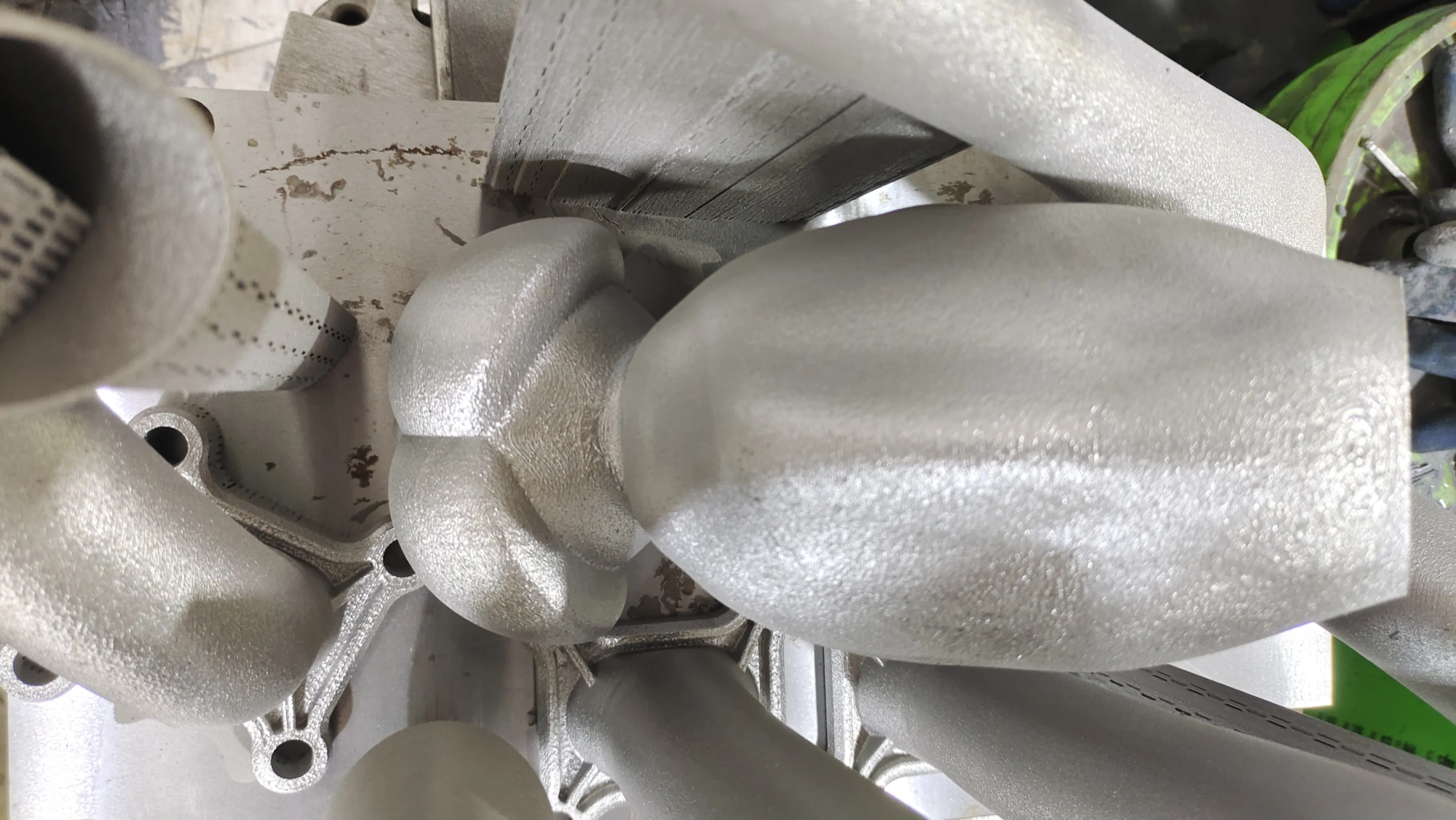
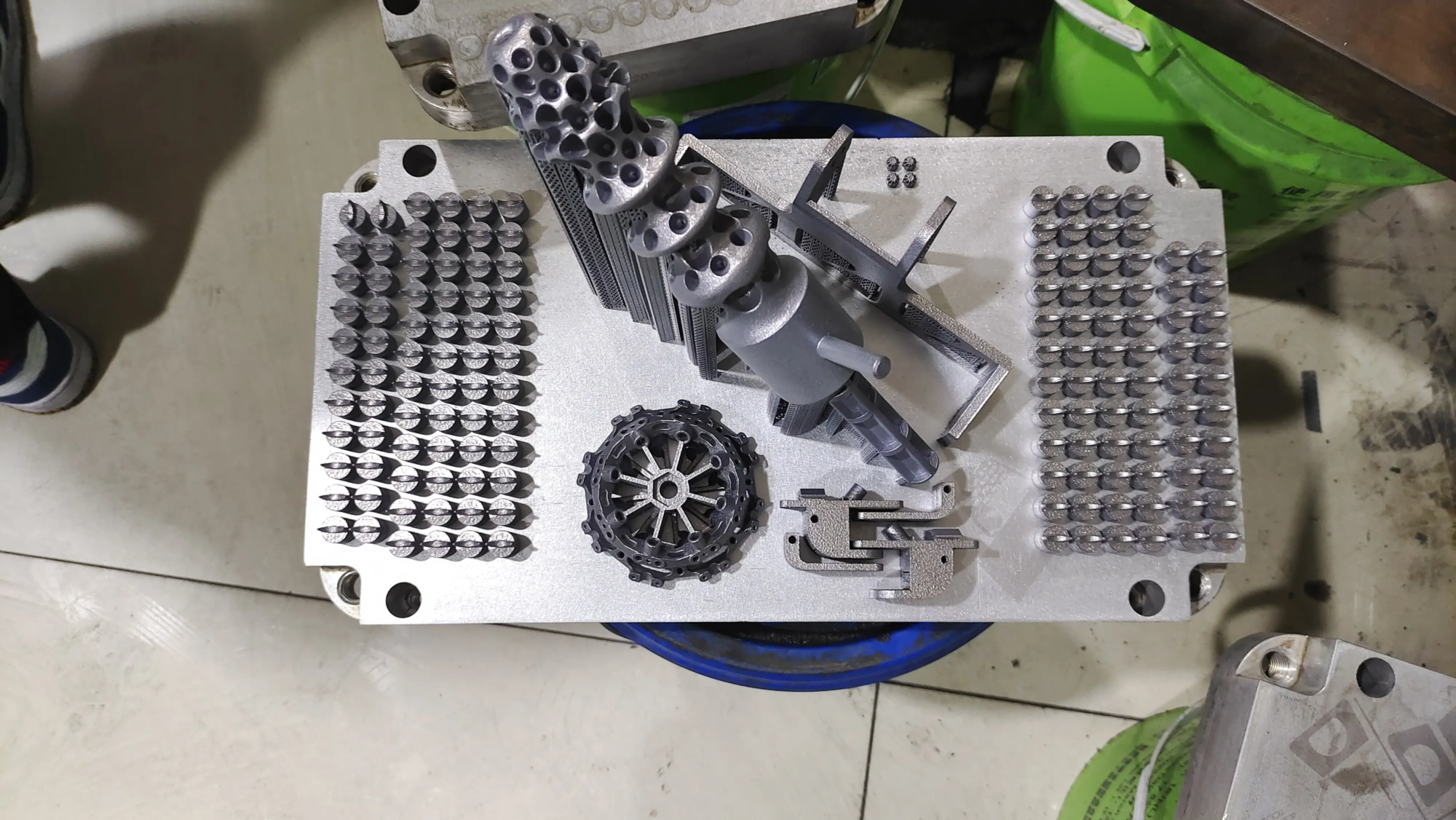
While desktop printers excel with plastics, consider professional metal additive manufacturing (such as Selective Laser Melting – SLM) for a truly superior stand:
- Unparalleled Strength and Thickness: The result is an extremely sturdy, slim profile that can confidently support heavy-duty laptops.
- Excellent thermal conductivity: Aluminum and titanium alloys effectively dissipate heat from the laptop chassis.
- Premium Durability and Finish: Professionally printed and post-processed metal parts offer unparalleled longevity and professional beauty.
- Customized project: Professional services can optimize complex grid structures to achieve lightweight stiffness, or seamlessly integrate branding.
Partner with GreatLight for professional-grade rapid prototyping
Here, turning your custom stand into a truly premium accessory becomes effortless:
Advanced technology requires advanced solutions. glow rapid prototyping Focused on turning innovative concepts into high-performance reality. Equipped with cutting-edge Selective Laser Melting (SLM) machines and extensive expertise, we can effectively solve complex metal part prototyping challenges:
- State-of-the-art SLM: Metal powders (aluminum, titanium, stainless steel, Inconel) are precision fused layer by layer to create complex, strong geometries not usually possible with machining.
- Material mastery: A variety of metals are available to meet your specific strength, weight, temperature and corrosion resistance needs.
- One-stop excellence in finishing: In addition to printing, comprehensive post-processing is available: stress relief, precision machining (CNC milling/turning), meticulous support removal, surface finishing (smoothing, sandblasting, polishing, powder coating/anodizing) and flawless inspection. Ready to use upon delivery.
- Speed and agility: Focused on quick turnaround without compromising accuracy, it’s ideal for iterative design verification and low-volume production runs.
- Budget-Friendly Accuracy: Competitive pricing tailored to project complexity and volume – achieving quality results is surprisingly easy.
Whether you meticulously DIY an entire booth from PETG, enhance key joints with custom metal brackets printed by GreatLight, or commission a full set of custom titanium masterpieces, the power lies in your vision. GreatLight enables creators to pursue uncompromising quality and functionality in metal rapid prototyping. Explore the possibilities of custom precision rapid prototyping parts and request a quote today!
in conclusion
The DIY 3D printed laptop stand goes beyond convenience; it’s an investment in ergonomic health, personalized efficiency, tangible sustainability, and deep maker satisfaction. By thoughtfully considering design factors, carefully selecting materials supported by expert rapid prototyping partners like GreatLight when the benefits of metal are needed, and meticulously executing every step from slicing to finishing, you gain unparalleled control over the tools that are essential to your daily digital life. Embrace the power of creation. Save your poses, customize your workflow, and experience the deep satisfaction of crafting unique solutions. Whether placed on printed plastic or shiny, professionally polished metal, your perfect future awaits.
Frequently Asked Questions (FAQ)
Q1: Is 3D printing strong enough for a laptop stand?
one: Absolutely! The key is smart design and appropriate material selection. Using adequate walls/perimeter (4+), sufficient infill density (20-40%), strategic reinforcement (gussets/ribs), stable geometry, and choosing strong filaments like PETG or ASA will ensure the stand can easily handle over 4 kg (8.8 lbs). For heavier laptops (>~3kg) or maximum thickness/performance, metal printing via Specialty Prototyping (SLM) offers an unparalleled strength-to-weight ratio. Design intelligently and trust polymer science or gain peace of mind with metal additive manufacturing.
Question 2: Which filament is best for a sturdy laptop stand?
one: polyethylene terephthalate For the average user it is supreme. It hits the sweet spot: excellent toughness and layer adhesion (unlike brittle PLA), good temperature resistance (~85°C), good stiffness, easy to print, minimized warpage, and affordable.
Question 3: How to prevent the laptop stand from shaking or being unstable?
one: Stability comes from footprint design and rigidity:
- Broader base: Make sure the bottom footprint (especially front to back) is significantly larger than the resting area of your laptop.
- Low center of gravity: Keep mass/material volume low in your booth design.
- Material rigidity: Use PETG/ABS instead of PLA; consider higher infill/thicker walls.
- Anti-slip: Basic! Apply high-grip rubber feet to the entire bottom surface that contacts the table.
- Rigid connection: If multi-part, use strong fasteners (bolts/nuts, not flimsy screws) with large contact washers; avoid relying solely on glue joints.
Q4: Where can I find reliable design files?
one: Private repositories are your best option:
- Printables.com: The MakerBot platform features powerful