Light Up Your Space: A Maker’s Guide to Making a Stunning 3D Printed Moon Lamp
There’s something undeniably fascinating about the moon. Its soft, pitted surface, suspended in darkness, speaks to explorers and dreamers. Now, imagine bringing celestial magic into your own home with a personalized glow. That’s the beauty of 3D printed moonlights—unique, customizable, and self-creation comes with huge rewards. This guide will take you through the entire process from digital model to glowing reality, allowing you to create a lunar masterpiece.
Why DIY moon lamp?
Beyond the sheer cool factor, DIY moonlights offer compelling benefits:
- Uniqueness: Yours won’t be mass-produced; subtle layered lines and texture choices make it unique.
- custom made: Choose the size, level of detail, base design, and even add a personal touch.
- Learning experience: Gain skills in 3D modeling support, printing spheres, post-processing and electronics.
- Cost effectiveness: Typically cheaper than high-end commercial versions.
- Customized glow: Choose LED color temperature (warm white feels like the moon) and brightness.
How do they work? Lithaufen’s principle
magic depends on Lithuania Techniques applied to spherical shapes:
- Variable thickness: A 3D model based on lunar terrain data translates elevation differences into different wall thicknesses in the printed hemispheres.
- Optical transmission: Thinner areas allow more light to pass through and appear brighter.
- Thicker areas: Blocks more light, producing a darker crater shadow.
- Internal light source: Internal LEDs illuminate the model, allowing a detailed lunar landscape to be seen when viewed from the outside.
Your DIY Moon Lamp Journey: Step by Step
-
Get your moon model:
- Online repositories (best place to start): Sites such as Thingiverse, Cults3D, MyMiniFactory, and others host countless free (and paid) moonlight STL files. search "moon lantern," "lithuania moon," or "NASA Moon Lamp." Popular versions include models based on Lunar Reconnaissance Orbiter data.
- Generate your own (advanced): Use tools such as the Moon Lamp Generator website or 3D graphics software (Blender) with moon height maps to create custom models that control the level of detail and size.
-
Choose your printing path:
- Hemisphere/segmentation (common): Most models are designed to:
- Two identical halves are glued together.
- Multiple curved segments are assembled into a sphere.
- advantage: Easier control of print direction, better surface quality (fewer supports).
- Global (Advanced): Sophisticated spherical printing technology and a printer capable of significant overhang are required. Often results in more visible support scars.
- Hemisphere/segmentation (common): Most models are designed to:
-
Prepare to print (slice):
- software: Use a slicer like Cura, PrusaSlicer or Bambu Studio.
- Material: White PLA or PETG Is an ideal starter. PLA is easier to print; PETG has better temperature resistance and is slightly translucent. Avoid dark colors! Resin (SLA/DLP) Incredibly fine detail can be achieved, but requires careful hollowing and curing. Not recommended for beginners due to complexity and fragility.
- printer: An FDM printer is standard. Direct drives can handle flexible filaments if required. Make sure your build volume is appropriate for the moon size you choose.
- Key slicer settings:
- Wall thickness: Crucial! Typically 1.2 – 2.5 mm with a minimum top layer (usually 3-5 layers) and zero Ground floor. Lithuanian effect occurs within wall.
- filling: 0%. The moon must be hollow to shine. Make sure the model itself is hollow/shell only.
- Printing direction: For hemisphere/segment, orientation Flat side down onto the build board. This minimizes the support required for overhanging only the interior of the crater. If available, use non-flat bottom segments. Avoid printing curved surfaces directly onto the bed.
- support: Enable supports only for severe overhangs in Hemisphere/section. use "Supports touch build boards" Or a small amount of custom support. Tree supports usually work well internally.
- Floor height: Smaller heights (0.12 mm – 0.2 mm) enhance detail but increase print time.
- Print speed: Slow down outer wall/peripheral speed (20-40mm/s) for better surface quality and detail accuracy.
- temperature: Standards for your materials. Conduct temporary towers/tests for optimal surface finish.
-
print: Start your slice file. Make sure the bed is level and the filaments are flowing freely. Monitor the first few floors. Long prints benefit from case stability (especially PETG).
-
Common printing troubleshooting:
- Warp/Lift: Ensure bed adhesion (glue sticks, hairspray, adhesive sheets), correct bed temperature, no drafts.
- Poor details: Calibrate extrusion, reduce layer height/speed, check nozzle size/model resolution.
- Supports glued too tightly: Reduce support density, increase support Z distance (within reason), and if dual extruded, use soluble supports (PVA).
- Weak joints/holes: Make sure there is enough overlap for the glue; designs often include built-in alignment pegs/holes.
-
Post-processing and assembly:
- Remove supports: Carefully remove the inner supports using pliers, tweezers and flat blade scissors. Carefully smooth out any rough parts (sandpaper/files can diffuse light unevenly).
- Sanding (optional – proceed with caution): Light sanding (400+ grit) can reduce layering, but Risk of flattening fragile crater rim. It’s usually best to keep it raw or steamed smooth only Use extreme caution when using ABS/ASA.
- gather: For segments/halves, use strong plastic glue (cyanoacrylate/"super glue" Can be frosted/whitened), epoxy or plastic welded. Ensures perfect alignment of seamless spheres. Avoid glue clogging interior walls.
- Basic preparation: Print a base design of your choice (simple disc, articulated arm, minimalist stand). Create a hole/compartment for electronics.
-
Light it up!
- LED selection: Use cool white or warm white LEDs. Warm white (2700K-3000K) best imitates moonlight. LED should be SMD type (Surface Mount Device) chips are used for evenly dispersed rather than pointed LEDs. It’s better to use multiple chips on a light strip or COB LED. Make sure the voltage is low (<12V DC).
- strength: The 5V USB power bank/wall adapter is convenient and safe. Make sure the LED has sufficient power output.
- brightness: Consider adding a dimmer (potentiometer) or look for LEDs with built-in dimming to adjust the ambience. Avoid LEDs that are too bright – the magic lies in the soft glow.
- Assembly options:
- Internal installation: Adhere the LED strip/chip to the inner center rod/wire suspension structure (such as fishing line) inside the hollow sphere. Carefully feed the wires through the assembly seams/holes.
- Base installation: Place the LED light upward inside the base compartment and shine it through a hole into the hollow moon. Make sure the seal is tight to minimize light escaping at the seams.
- change: This includes an inline switch on the power cord or a button on the base.
- diffusion: For base-mounted lights, consider adding a small frosted plastic diffuser above the LED inside the base.
- Final touches:
- Seal seams (optional): Apply a thin line of translucent silicone or white epoxy along the glued seam. Sand/paint carefully if needed (but risk changing translucency).
- Basic finishing: Sand, paint, stain or decorate the base to match your decor. Carefully hide the wires.
Conclusion: Your personal slice of the universe
Creating your own 3D printed moon lamp goes beyond assembling plastic and LEDs. It’s a journey that blends digital fabrication, artistic expression and functional electronics, culminating in a functional work of art that exudes personal achievement. Whether placed on a desk, illuminating a bookshelf, or casting a soft glow over your bedside, your DIY moon lamp is a testament to the manufacturer’s ingenuity and brings to life the serene beauty of the lunar surface.
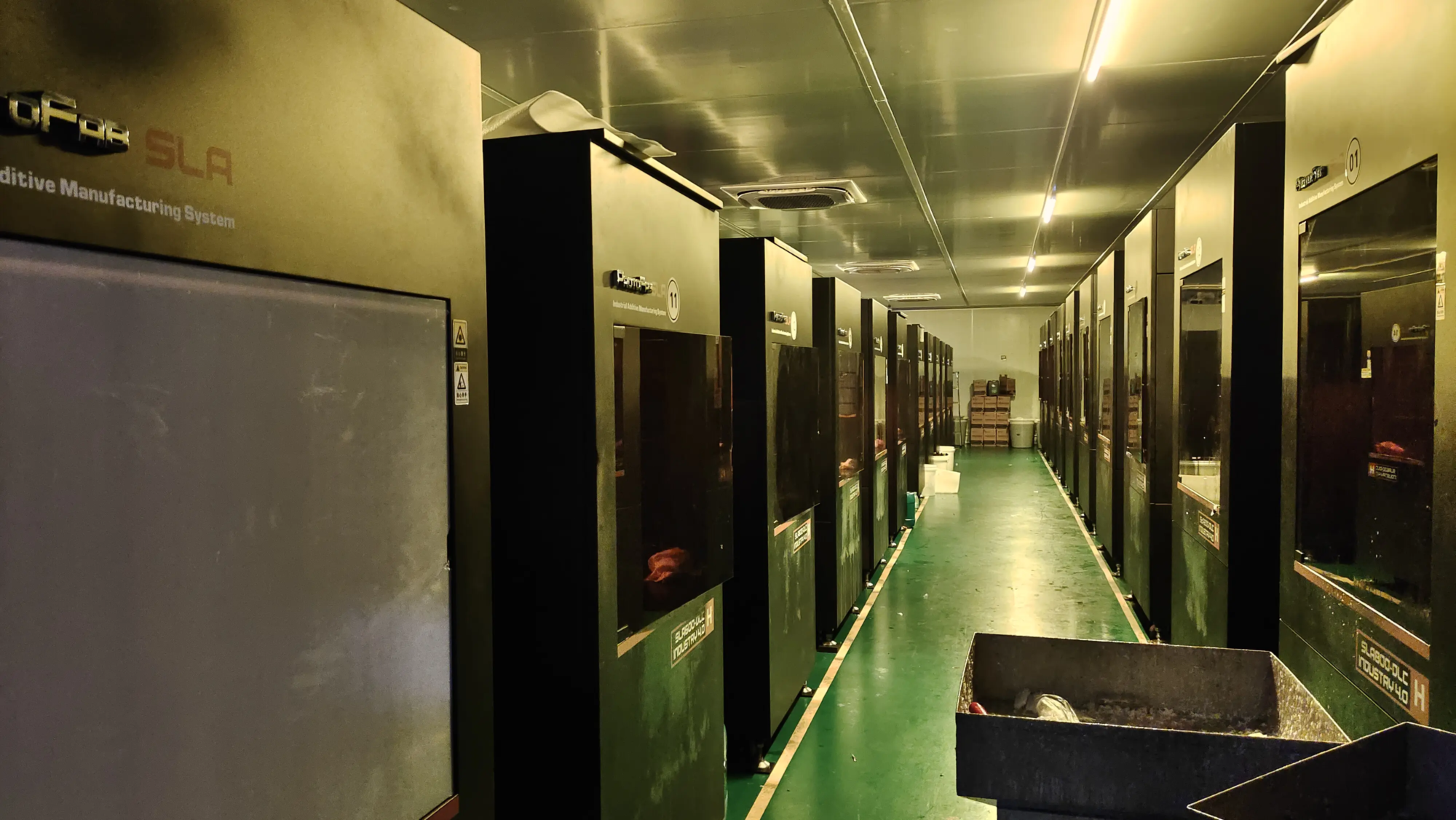
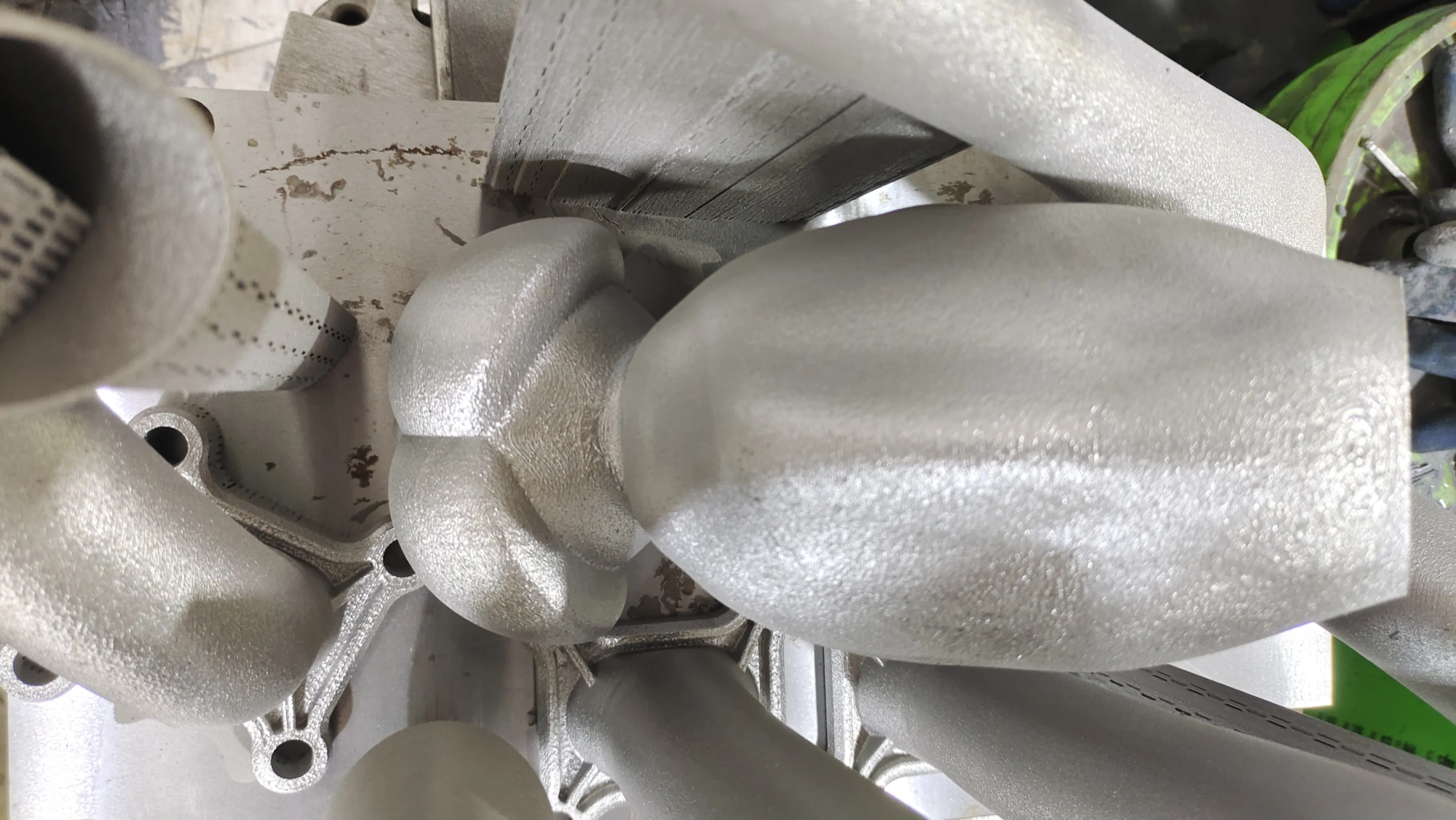
While the DIY route is extremely valuable, achieving museum-quality polish or exploring complex metal finishes often requires industrial-grade tools and expertise—which is where a professional prototyping partner comes in handy. As a pioneer in the field of additive manufacturing, huge light Leverage cutting-edge technology SLM metal 3D printing and comprehensive finishing services to turn ambitious visions into reality. Although moonlight lamps are usually made of polymer, GreatLight embodies the precision, speed and dedication essential to solving complex rapid prototyping challenges in countless metal applicationsdelivering parts that take DIY to the extreme.
Let your world be filled with wonder. Forge your moon, master the sphere, and let your creation light up the night.
FAQ: Answers to DIY Moon Lamp Questions
-
Q: Can any 3D printer make a moon lamp?
- one: The most common FDM/FFF printers can successfully print PLA/PETG moon lamp segments or halves designed for DIY assembly. Resin printers can handle highly detailed versions, but require careful hollowing. Create a seamless Single piece spheres require specific printers/capabilities.
-
Q: What is the best filament for a moonlight lamp?
- one: White PLA is the most popular choice for beginners due to its ease of printing and good translucency. White PETG has higher temperature resistance and a slightly glassy appearance, but can be more difficult to print. Resin (SLA) provides unparalleled detail, but is brittle and complex, making it difficult to hollow/cure properly. Avoid colored filaments that dim the glow.
-
Q: How many layers of walls/top layers should I use?
- one: Critical! use zero Or maybe 1 bottom layer (if slicer forces). Wall thickness should be at least 1.2 mm (usually 2-3 girth). The top layer should be as few as possible, usually 3-5 layers. The garnet effect relies on light passing through these walls.no way Fill it up!
-
Q: Detail looks blurry/washed out when lit. Why?
- one: Common culprits:
- LED too strong/bright: Use dimmable LEDs and instantly reduce the brightness. Try using a lower voltage LED or adding a dimmer circuit.
- The wall is too thick: Reslice using thinner wall/perimeter number.
- LED proximity: Pointed LEDs create hot spots. Move the LEDs further inside, or diffuse them better (use frosted covers/multiple SMD LEDs).
- Material: Translucent white PLA/PETG works best. Opaque filaments don’t transmit light well. Some standard PLA than "transparent" PLA variant.
- one: Common culprits:
-
Q: How big of a moon lamp should I print?
- one: Popular sizes range from about 100 mm (4 inches) to 200 mm (8 inches) in diameter. Consider the printer’s print volume and desired visual effects. Bigger lights require thicker walls/more LEDs. First test detail fidelity with small satellites.
- Q: How to supply power safely?
- one: persist in