

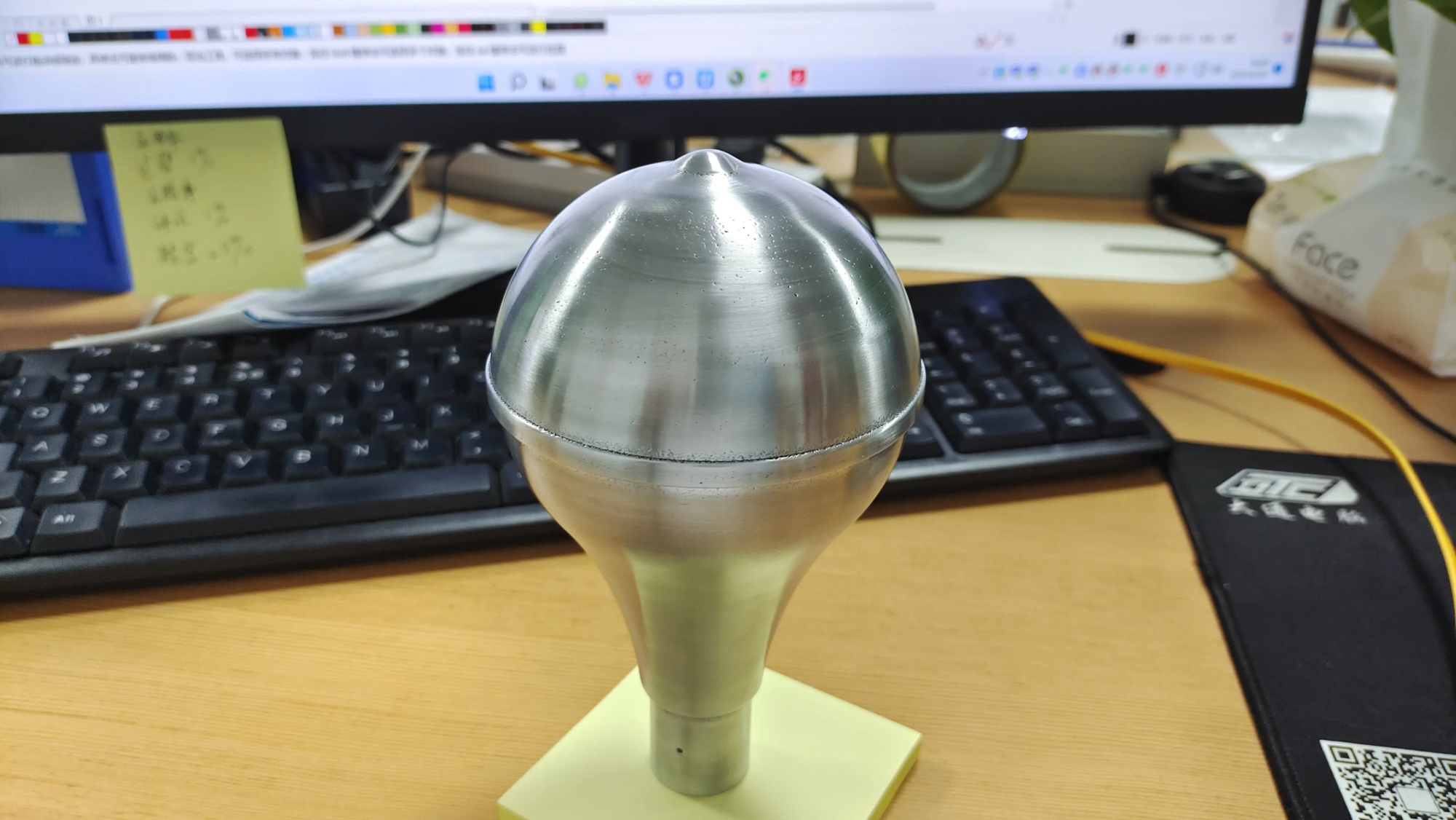
Unlock custom comfort: Your guide to the ultimate DIY 3D printed tablet stand
Tired of straining your neck from bending over your tablet? Tired of generic plastic stands that shake or don’t fit your device? Enter 3D Printing: The Perfect Solution for Making a Custom Tablet Stand your Ergonomics, style and needs. In this guide, we’ll walk you through the design, printing and completion of a professional-grade tablet stand – whether you own a printer or utilize a professional service, e.g. huge light.
Why 3D print your own tablet stand?
Off-the-shelf stands often lack adjustability or device compatibility. With 3D printing, you can control:
- Angles and Ergonomics: Optimize viewing height to prevent neck fatigue.
- Stablize: Design wide bases or weighted slots for bulky boxes.
- custom made: Add cup holders, cable management or a personalized logo.
- Material selection: From lightweight PLA to sturdy metal for heavy-duty use.
Design Basics: Design Your Booth
1. Ergonomics first
Use ergonomic principles to calculate your ideal viewing angle. For seated desk use, a tilt of 60°–75° is optimal. Measure eye level relative to desk and tablet height—Tools like Microsoft’s Ergonomic Guidelines can provide baseline metrics.
2. Stability and balance
- Focus: Make sure the weight of the tablet is aligned with the base of the stand.
- Bottom to Height Ratio: Base width ≥ 75% of stand height prevents tipping.
- Grip features: Add non-slip silicone pads or textured grips (modeled as grooves ≥1mm deep).
3. Compatibility
- If using a protective case, the slot width should exceed the thickness of the tablet by 2-3 mm.
- The support lip must hold the device securely and not obstruct the buttons/ports.
Step-by-step creation guide
Phase One: Design
🛠️ tool: Fusion 360, Tinkercad or Onshape (free for enthusiasts).
- Draw the side profile using the calculated tilt angle.
- Extrude the base (at least 120mm wide) and support the spine.
- If designing a multi-angle stand, add adjustable grooves/ridges.
- Incorporate fillets (rounded edges) to reduce stress concentrations.
- Export as
.STLdocument.
Pro tip: Use parametric design in Fusion 360 to adjust angles/dimensions later without restarting.
Stage 2: Slicing and Printing
🖨️ Recommended settings:
- Material: PLA+ or PETG for increased durability (avoid using brittle PLA).
- Floor height: 0.2mm for smooth surfaces.
- filling: 30% hexagonal pattern.
- support: Enabled when overhang >60°.
- Hat brim: For use on tall/narrow brackets to prevent deformation.
The third stage: post-processing
- Support removal: Carefully trim the supports with a flat end mill.
- Polishing: Start with 120 grit and gradually increase to 400 grit for a premium finish.
- smooth: For ABS, use acetone vapor; for PLA, apply epoxy resin.
- Anti-slip add-ons: Glue the silicone pad to the base.
Upgrade: Advanced Customization
- Metal reinforcement materials: Embed M3 threaded inserts into 3D printed parts for screw-based adjustments.
- Printing on multiple materials: Combines a TPU grip with a rigid PETG frame.
- Industrial grade finish: For studio-quality polish (e.g., glass-smooth surface, painted logo), work with a professional service –huge lightFor example, use precision SLA/DMLS printing and provide post-processing such as:
- Vapor polishing
- Anodizing/Electroplating
- custom engraving
They specialize in rapid prototyping of complex metal alloys – ideal if you need to represent a heavy duty tablet/shop environment.
FAQ Troubleshooting
| question | solution |
|---|---|
| rocking base | Add weight slots or widen the base. |
| sliding tablet | Deepen the support lip by ≥5mm. |
| layer separation | Increase printing temperature by 5–10°C. |
FAQ: Your questions, answered
Q1: Can I 3D print the stand for the 12.9-inch iPad Pro?
Absolutely! Scale your design to handle a load of approximately 1.5 kg. Use 40% filled PETG/ABS, or choose aluminum printing with the following services huge light Zero flex.
Q2: How long does printing take?
For a 150 mm high stand: approximately 6-8 hours on standard settings. Outsourcing? huge light Deliver functional prototypes within 48 hours.
Q3: Is designing a bracket difficult for beginners?
Start with a pre-made model on Thingiverse or Printables and modify the dimensions. Tinkercad’s drag-and-drop interface simplifies initial projects.
Q4: Can I make a collapsible/collapsible stand?
Yes! Integrate living hinges (thin, flexible PLA segments) or design interlocking parts with snap-fit joints.
Q5: What if I don’t have a 3D printer?
Use a print-on-demand platform, but verify their material selection. For industrial quality, huge light Available in process-grade polymers (nylon, PEEK) and metals (stainless steel, titanium), ideal for high-wear scenarios.
Conclusion: Stand out with your design
3D printing democratizes ergonomic tech accessories—no more compromising on fit or functionality. Whether prototyping in PLA or expanding to aluminum with a professional partner, custom mounts can improve everyday productivity and comfort.
Ready to take your project to the next level? If DIY isn’t your style, huge light Connecting ideas and reality: The Chinese leader in rapid prototyping has advanced SLM metal printers and one-stop finishing solutions. Fast, precise and affordable – perfect for complex tablet stands or industrial-grade fixtures.
👉 Explore their services: Custom engraved titanium tablet holder? Heat-resistant aviation alloy base? With GreatLight, complexity doesn’t limit creativity.


