DIY 3D Printing I/O Shield Guide: Customize the unique build that suits you
We’ve all been there. You have carefully assembled your ideal PC, selected tip components, and proudly installed the motherboard – just staring at the ugly open holes in the back panel. Maybe you’re getting an incredible deal on an open box motherboard that lacks its shield. Maybe you reuse older boards into unique situations, and stock shields simply don’t fit. Or, you might be a real customizer for building a unique rig that demands a shield that screams personality. For whatever reason, the standard metal I/O shield collects dust in the original box will not do.
Don’t be afraid, builder! The world of DIY and 3D printing offers a brilliant solution: make your own custom I/O shield. This guide will take you through the process, meet challenges, and enable you to fill this gap perfectly.
Why go to DIY?
- Lost or missing shield: The most common situation. Large salvage or accidental misalignment occurs.
- Case incompatible: Use non-standard cases (custom projects, specific mini ITX layouts) where inventory shields conflict or are simply not suitable.
- Aesthetic customization: Want a brand logo, unique cutouts, personalized prints or specific colors that match your build theme? DIY unlocks complete freedom.
- prototype: Test fittings before putting into metal versions, especially before complex or experimental construction.
- Extended usage: While EMI shielding is not provided, the printed shield provides a cleaner look and basic port organization during the development phase.
Tools and materials you need
- 3D Printer (FDM is strongly recommended): This application is accessible and universal.
- filament:
- PLA: Easiest printing, wide color range. shortcoming: Over time, it is prone to warp near the thermal components (GPU/VRMS). Best for prototype or cold running systems.
- PETG: Excellent choice! Better temperature resistance than PLA, good layer adhesion, durable and slightly flexible. Long-lasting shields are highly recommended.
- ABS/ASA: Even higher temperature resistance and durability, but printing due to warping/odor can be trickier – requires ventilation/controlled environment.
- TPU (Flexible): Interesting choices if you need some "Give" Used for installation, but often overkill.
- Digital calipers: It is crucial for accurate measurements.
- motherboard: Obviously! The star of the design process.
- Original I/O shield (optional but useful): If anything, it helps verify design spacing.
- CAD software:
- Free: Tinkercad (beginner), Freecad, Fusion 360 (personal license – powerful).
- Remunerated: Fusion 360 (commercial), solid engineering, styling.
- Slicer software: Healing, prusaslier, Simplify3D, etc.
- Hot settings insert and weld iron (optional but recommended): Used to create durable, reusable mounting points.
- Fine sandpaper/hobby knife: For smaller post-processing.
- Conductive tape or bonded copper foil (optional): For basic EMI shielding experiments (more on this later).
Step by step: Design the perfect shield
-
The exact measurement is the King:
- Overall dimension: In the case of shielding rack mounting (width x height), measure rectangular holes.
- Motherboard I/O port layout: This is very important. Careful measurement Position and dimensions Each port:
- PS/2 port
- USB 2.0, USB 3.x (Type A and Type C)
- HDMI, DisplayPort, DVI, VGA
- Ethernet Jack
- Audio jack (HD audio usually has a specific cluster)
- Wi-Fi antenna port
- CMOS reset/BIOS flashback button
- bonus: Measure the distance from the top edge of the motherboard I/O area to the top edge of the port cluster. This defines how "Deep" The shield sits.
- hint: Take clear top-down photos with the ruler flat for reference. Draw the layout with measurements on paper.
-
CAD Modeling: Building Blueprint:
- Start with a flat rectangle that matches the mounting hole size of the box. Consider adding a sitting lip/frame (1-2mm) Exceed Case edges for a clean finish.
- Port cutout: For each port type:
- Create a normal rectangular opening based on your measurements.
- Crucial: Add to pass the level! Designed to be open ~0.5mm -1mm large In every aspect, it is better than the actual port surface. This prevents scratching and ensures easy insertion/removal.
- Additional attention to the port spacing. Measuring distance between Each port hole edge is accurate.
- Audio jacks often share a rectangular opening rather than a single hole.
- Wi-Fi antenna ports usually require small and precise circular holes.
- Cluster ports such as USB or video output have their own packet dimensions.
- Installation tab: Your shield needs to be inserted into the case.
- Small design "finger" Or in Top and bottom Shield rectangle. These elastics can interact with the case’s installation slots. Check out the inventory shield for inspiration.
- In addition, if applicable, design holes for the motherboard’s I/O shielded confrontation screws.
- Align pins (optional legacy function): Some older cases have alignment pins. If you do, model these.
- Add talent (optional): If you are adventurous, you have a gamer tag, favorite logo or coolant channel (must be a non-conductive fluid!).
- Hot Setting Insert (recommended): Design cylindrical holes (usually used for M3 inserts ID 3.8mm) where the insert should be extended. Make sure the walls around them are thick enough to achieve stability (2-3mm solid material).
- Slicing and printing:
- Import your design into slicer software.
- direction: Printing and laying Flat On the build board. This maximizes the quality of detail for port cutouts and finishes.
- support: The shield geometric print is usually not required to be flat. make sure "Generate support" Disabled unless you have extreme overhangs.
- filling: 40-60% are usually not enough to be stiff without wasting the filaments. More than 60% is excessive.
- Walls/Around: 2-3 perimeters ensure clean and strong edges.
- Layer height: 0.2mm provides good speed and detail balance. Use a 0.15mm feature/smoother finish.
- Temperature/bed adhesion/cooling: Follow the recommended settings for the selected filament type. Ensure the first layer of the auxiliary (e.g., purge line, skirt/edge).
- Slice, save the G code and print it!
Post-processing and installation
- Deburring: Carefully remove any thin string or small burrs from the cut with a hobby knife or exquisite sandpaper.
- Test fit (before the final step!): Tested multiple times for the shield!
- Can it slide into the shell cut easily?
- Are the installation tabs bent and interact properly?
- Are all port openings correctly aligned and sized (with clearance!)?
- Adjust and reprint: If iterative is needed, don’t panic! This is why the calibration cube exists.
- Add heat inserts (highly recommended):
- Place the insert into the hole of its design.
- Use the welded iron tip to be slightly larger than the inner hole of the insert and then apply heat directly to the top of the insert. If possible, avoid touching the plastic directly with the iron tip.
- As the plastic heats up, gently press the insert until its flange is flush with the surface. Hold for a short time.
- Allow cooling. This creates a reliable wire base for mounting screws.
- choose: If you lack an insert, you can use the auto-tap screw directly in the plastic, but wear it much faster.
- (Optional and Advanced) Foundations for EMI mitigation:
- Understand that plastic shielding provides zero EMI shielding.
- for Basic attempt:
- Wire The face inside Print tape or foil for shield (toward the motherboard port). Make sure it covers as much surface area as possible Apart from It will shorten any port anywhere.
- Connect the wires from this conductive layer to the housing chassis at the mounting screw point. you possible Paint is required to be scratched for contact.
- Effective: This is Highly experimental and not guaranteed. It requires impeccable implementation to achieve any significant reduction. Traditional stamped steel shields with spring contacts are superior. Be cautious.
- Install:
- Power down and disconnect: Always work on power, plug-in system!
- release: Touch the unpainted metal inside the box before touching any components.
- Install carefully: Gently bend the shield’s tab while aligning all ports and slide it into the shell cutout until it clicks firmly. Handle motherboard ports with caution.
Professional Alternative: Metal 3D Printed Shield
DIY 3D Printing Opens Creative Doors and Solves Now "Missing shield" Dilemma, plastic has limitations: potential thermal warping, zero real EMI shielding (even with conductive tape hacks), and inherent mechanical vulnerability compared to metals. For scenarios requiring peak professionalism, durability, reliability and true EMI protection – Metal 3D printing is an engineering solution.
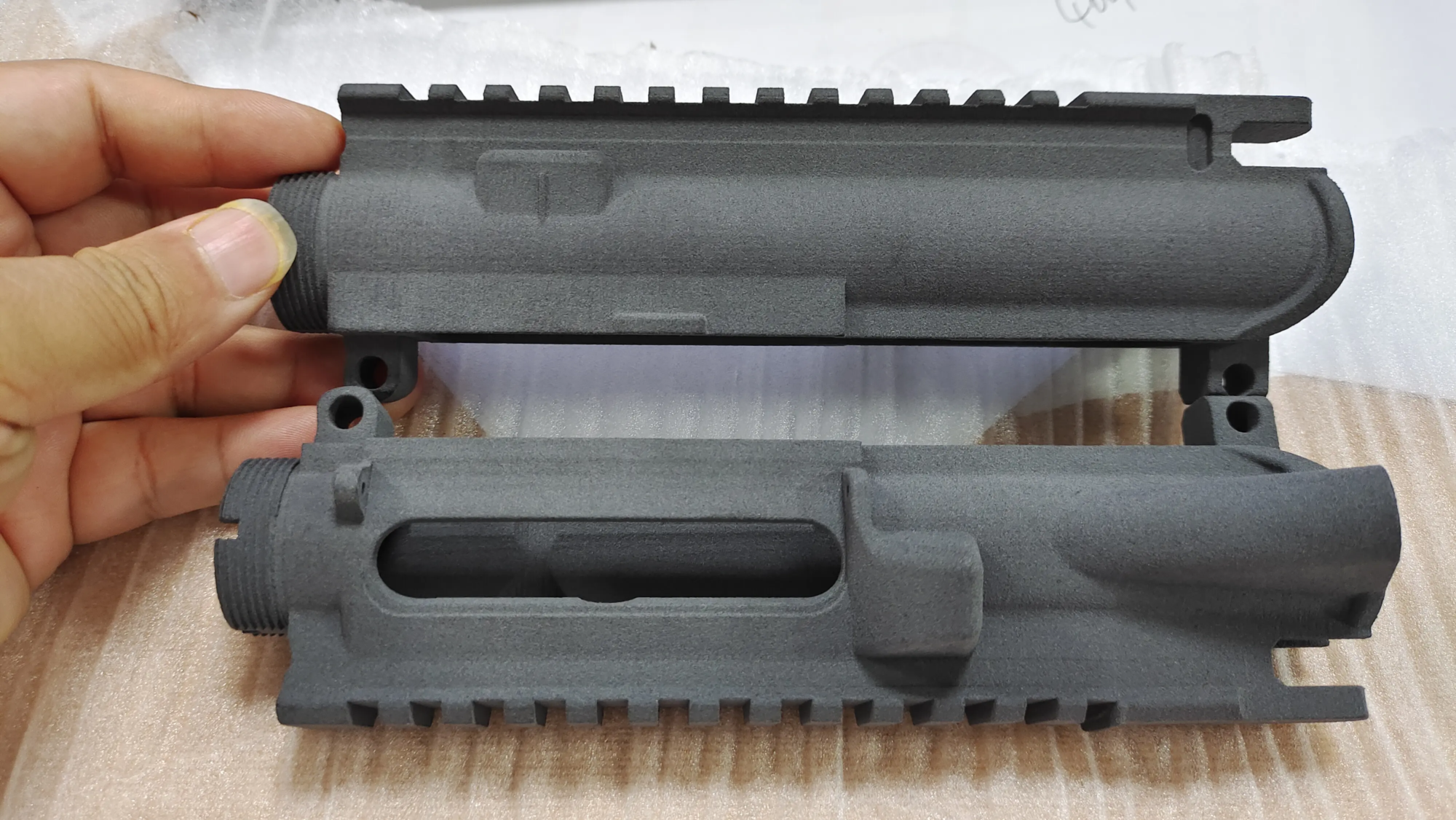
A company specializing in rapid prototyping Greatadvanced leverage Selective laser melting (SLM) technology. This allows them to produce custom metal parts directly from high-precision digital models, including complex I/O shields. The benefits are important:
- Durable metal (stainless steel, aluminum alloy): Resist heat, impact and provide consistent performance.
- Real EMI/RFI shielding: Metal inherently blocks electromagnetic interference and protects signal integrity far better than any DIY copper video tape. SLM parts can be designed with integrated spring finger contacts for optimal grounding.
- Professional aesthetics: Achieve a flawless, anodized or plated finish matching quality build.
- Perfect for: The accuracy required for complex port layouts and case tolerances.
- Integration: The necessary installation functions (thread confrontation, clips) can be incorporated into the design during the manufacturing process.
in conclusion
Designing and 3D printing your own I/O shield is a very satisfying project that solves common annoyances when injecting custom talents into your PC build. With calipers, CAD software and a nice FDM printer, you can conquer compatibility issues and create unique accessories. Embrace PETG to improve the durability of the PLA, master the measurements, and do not skip the test accessories.
Remember that while the DIY method is great for aesthetics and solving real-time problems, it essentially lacks EMI shielding efficiency and the durability of a factory metal shield. For the construction of performance, lifespan and regulatory compliance (e.g. FCC certification requirements for electromagnetic emissions), especially in critical or professional environments, seek expertise in professional rapid prototyping services, e.g. Great Manufacture of custom SLM metal I/O shields is a reliable high-performance option. They transform your digital design into professional-grade components.
FAQ: DIY 3D Printing I/O Shield
-
Q: Does EMI shield plastic tape from plastic tape?
- one: The least. Although better than exposed plastic, the continuous conduction path and low crimp-proof grounding of a suitable cover steel shield with spring contacts is achieved using the DIY method. It’s better than nothing for a basic setup, but don’t expect industrial-grade results. True EMI shielding requires metal design.
-
Q: Is PLA safe for I/O shielding? My computer is very hot.
- one: Exercise with caution. The glass transition temperature of PLA is about 60-65°C. Near high-power GPU or CPU exhaust, able As time passes, the warp or deformation. PETG (maximum ~85°C) or ABS/ASA (maximum ~100°C) It is a significantly safer option for the chassis exhaust area. Metal (provided by Greatlight from Pro Services) is ideal for hot zones.
-
Q: What is the biggest design error?
- one: Insufficient gaps in the port cutout. These additional 0.5-1mm per side are critical for ease of installation and removal. Without it, the ports will not be aligned correctly or the shield will scratch the finish/pin.
-
Q: Can I print the shield vertically to save time?
- one: Strongly not recommended. Vertical printing (standing at the edge) creates a terrible layer line parallel to the critical surface, making the port opening weak, messy, and adds the need for major post-processing. Always print flat.
-
Q: Why use a hot insert instead of just an automatic tap screw?
- one: Durability. Repeatedly screwed in the plastic, wear out the holes. The heat collector insert provides a solid metal threaded socket for many removal/reinstallation cycles without peeling off. Permanent is highly recommended.
- Q: Where can I get a truly professional metal I/O shield?
- one: Looking for Rapid Prototyping Company specializes in the manufacturing of metal additivesespecially those SLM (Selective Laser Melting) Functions like this Great. They can adopt your design and produce durable, perfectly shielded premium metal parts. Clearly state your EMI shielding needs.