DIY resin printer housing simplifies: safety, odor and quality make it easy
Resin 3D printing unlocks incredible details and versatility, but it presents challenges: irritating smoke, temperature sensitivity and UV spillage. The shell is not only a luxury; it is a key tool Safety, printing quality and peace of mind. Professionally built shells can be expensive, but the DIY method is surprisingly implemented. Let’s simplify the process and explore effective, budget-friendly solutions you can build at home.
Why you absolutely need a fence
- Smoke gas containment and health protection: Resin liquids and printing release volatile organic compounds (VOCs) as well as potentially irritating or harmful smoke. The shell acts as the first line of defense, which contains these smoke. This is Not negotiable Used for indoor printing, especially near living spaces.
- Temperature control: Resin is best in consistent, warm temperatures (25-30°C / 77-86°F is perfect for most resins). Cold environments lead to printing, layer separation and vulnerability. A shell produces a stable microclimate.
- UV containment: Wandering UV light (from the printer or sunlight) can cure the resin too early in your VAT or on your tool, resulting in material and frustration. The opaque enclosure blocks the ambient UV rays.
- Dust and debris protection: Keep dust, pet hair and insects away from the printed surfaces, resin buckets protect against blemishes and contamination.
- Reduce odor: Even the exhausted casing will significantly reduce the resin odor and allow your workspace to penetrate.
Simplify your DIY shell construction: Three proven ways to
The goal is to have no overengineering effectiveness. Here is a scalable solution:
-
this "Immediately" Cardboard box (extra budget and super simple)
- Material: Large, sturdy cardboard boxes (much larger than printer), tape or firm packaging tape, aluminum foil (optional), garbage bags (optional).
- put up: Place the printer in the box. The tape joints are rigid. Optional: Line up inside with foil to reflect heat or garbage bags for liquid resistance. Cut a hole large enough for the printer cable near the rear bottom. Important: This is only suitable for active ventilation!
- Ventilation (criticism): Cut a hole or a high hole at the top away from the workspace. Use tape to connect the dryer exhaust hose. Use the adapter board to drive the hose out of the window or through the wall. Connect the inline fan to the hose socket. Plug the fan into the smart plug for the remote control.
- advantage: Almost free, super fast. shortcoming: Flammable, undustable insulators require careful wiring. Best for: Minimum cost, temporary setup Use forced external ventilation.
-
IKEA Hacker (Popular, versatile, medium distance)
- Material: IKEA cabinets such as Metod Base cabinets, Bestå or Platsa. Granular boards, folding tables or sturdy storage totes can also be used. Weather stripping, hinges, latch, plexiglass/acrylic board or foam board for windows/view panels, silicone sealant.
- put up: Place the printer in the cabinet. Sealed edge/door opening, weather stripping. Use silicone to secure it in place to create a transparent front panel (or at least one viewing port). Install a simple latch to close it. Make sure there are cable holes on the back.
- exhaust: Basic. Same method as a cardboard box: Cut a hole, connect the vent hose to the inline fan, and exhaust the air outside.
- advantage: More durable than cardboard, better sound reduction and easier to install lights/fans. Looks cleaner. Good insulation potential. shortcoming: Parts need to be purchased, with slightly higher cost and assembly time. Best for: Balancing solutions that provide durability and reasonable containment.
- Acrylic/polycarbonate housing (durable, optimized)
- Material: Transparent acrylic or polycarbonate sheets (polycarbonate is harder), suitable thickness (4-6mm). Aluminum extrusion (e.g. 20x20mm or 40x20mm profile), nut/bolt/angle bracket. Silicone sealant, gasket tape. Optional: Metal sheet metal on the bottom/back.
- put up: Design a simple open box frame using extrusion. Cut the acrylic/polycarb panels into side and top dimensions. Connect the panel to the frame using a bracket or custom corner pieces sealed with silicone. Thoroughly seal all panel joints. Create a hinged front door (or lift-off top). Use gasket tape to ensure a tight seal. Add cable glands for wiring.
- exhaust: The mounting points for inline fans and vent ports are usually integrated on the rear panel near the top. Design fan ports to match your hose size.
- advantage: Highly durable, optimal internal visibility, good good seal, excellent when looking professionally. Optimum heat retention. shortcoming: The highest material cost requires more tools (saw, drill) and precision. Best for: Long-term setting, optimal temperature stability and safety, business environment.
Key considerations for every DIY fence construction
- Exhaust is not feasible: Whether it is a simple box or a custom build, you can use one Inline fan yes The only one Safety methods for long-term smoke management. Don’t rely solely on carbon filters unless it’s very infrequently printed in highly isolated, well-ventilated workshops (even then, with high exhaustivity). Calculate enough CFM (cubic feet per minute) of the fan for your shell volume.
- Airflow is important: Need for air intake. Typically, the gap around the cable entry port bottom If your outlet fan is strong, there is enough passive air intake. For larger housings or very dense printers, add a small filtered air inlet lower.
- Fire safety: Place the housing on a direct flammable material. Keep the wiring neat and use the correctly rated components. Avoid closing flammable aerosol cans or opening alcohol containers. The PSU is best installed outside the housing.
- Hot integration: For colder environments, place a small low-power space heater (such as a ceramic creep heater) or fermentation belt Inside the shell. Always connect the power externally via the thermostat controller and smart switch. Never uncontrolled heat without anyone taking care of!
- Internal completion: Apply the interior white or cover with reflective tape to maximize interior lighting and heat distribution. Consider installing simple LED light strips.
DIY & Professionals: Understand Your Limits
Building a closed version yourself is capable and cost-effective, providing excellent results when carefully completed. However, DIY takes time, energy and focus on key safety details (especially exhaust and heat).
For those who need it Accuracy, reliability and industrial-grade features without DIY journey – Especially when using harsh materials such as special resins or Metal – Partnering with professional prototype services becomes priceless. This makes us great.
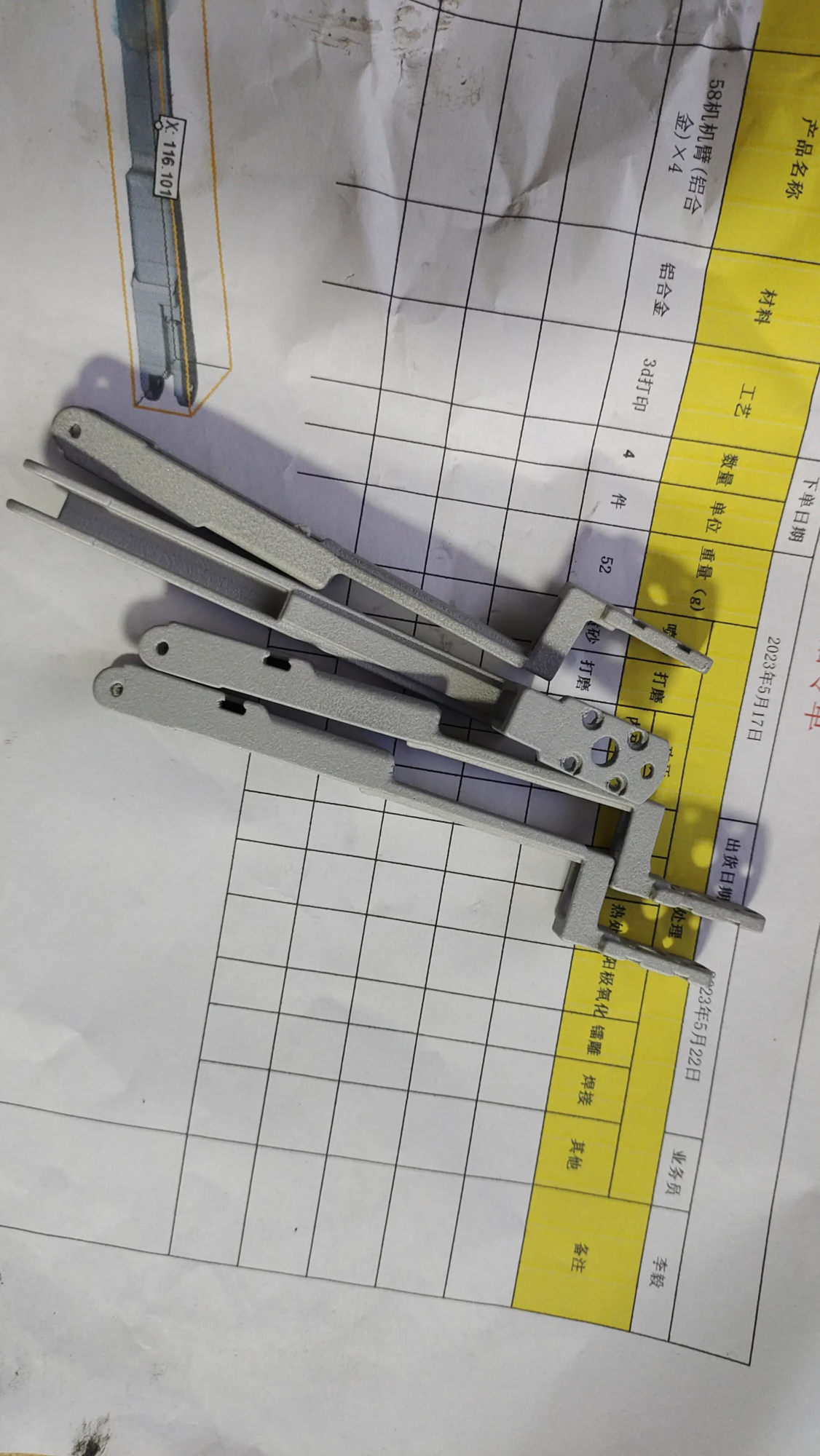
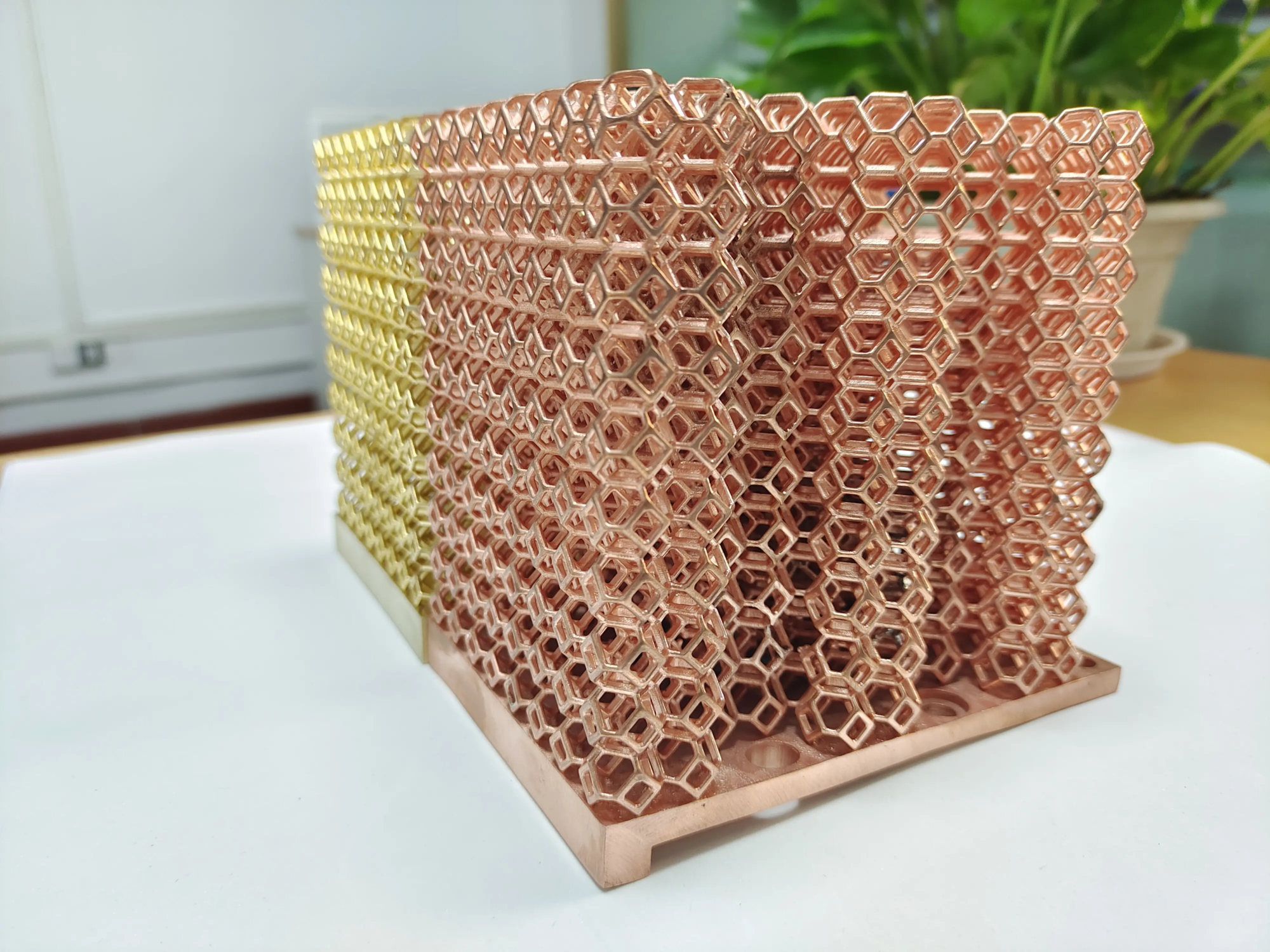
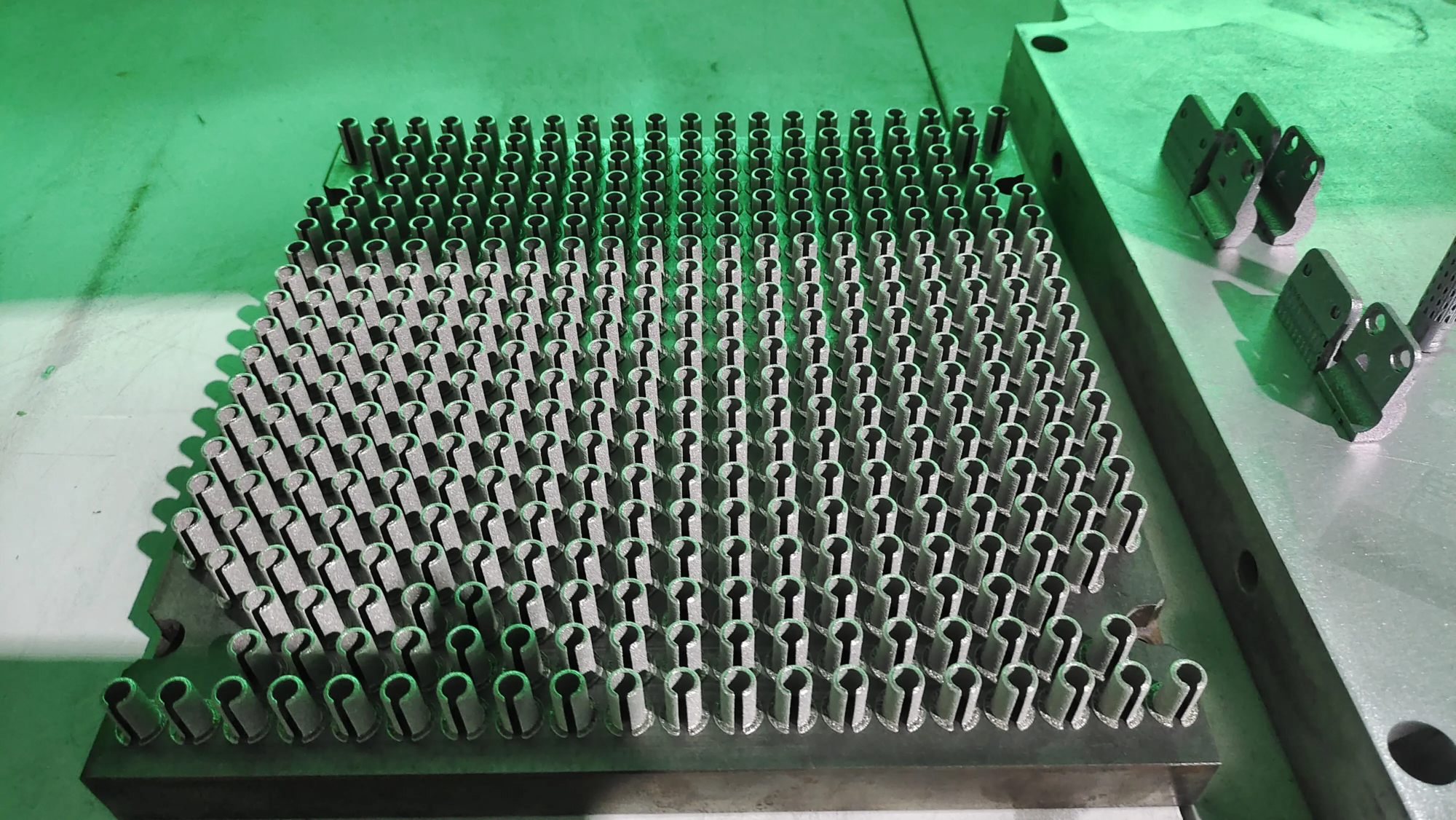
As a leading rapid prototyping manufacturer, Greatlime Leverages Advanced Advanced SLM (Selective Laser Melting) Metal 3D Printer and cutting-edge post-processing technology. They offer more than just equipment: they provide expert engineering consultation, strict quality control and a comprehensive completion service tailored to your exact requirements. If your project involves complex geometry, high strength applications or specialized metal alloys, and demand guaranteed consistency and speed, Greatlight offers simplified and professional solutions. They excel in quickly turning complex digital designs into high-precision functional or end-use metal parts and provide true one-stop support.
GRESTLIGHT: Your partner in precision metal prototype production and production
in conclusion
DIY resin printer housing is a clever, important project that improves safety, improves printing quality and ensures comfort. By starting a simple (such as ventilated cardboard) or building a powerful acrylic cavity, you can gain significant control over the printing environment. remember: Sealing, ventilation and temperature management are the Holy Trinity. Proactive external exhaust is given priority to ensure health and safety. Print smarter and empower yourself more easily with these simplified builds. And, when your project extensions require unparalleled precision in metal or require full range of professional services, know that experts like Greatlight are ready to turn your concept into reality with speed and expertise.
FAQ (FAQ)
-
Can I use a resin printer without a shell?
Technically, yes, but it is not recommended. Flue gas exposure is a health risk, temperature fluctuations can lead to printing failures, and UV spills can cure the resin prematurely. Fences are basic for safe, reliable printing.
-
Do ventilation fans really need them? Can’t I just use a carbon filter?
Activated carbon filter reduce Smell and capture Some VOC, but they Fast saturationbecomes ineffective and do not eliminate all potentially harmful compounds. Forced external ventilation (outdoor exhaustion) is the gold standard safety practice Used for regular printing. Relying on filters alone is a major trade-off.
-
Do I need a fan to be powerful?
Aim at one Inline pipe fan Air volume of rated housing 5-10 times per hour. Calculate your outer shell volume (LXWXH) and convert it to cubic feet. Multiply it by 5 or 10 to get the desired CFM (cubic feet per minute). For example, 2ft x 2ft x 2ft = 8 cu ft => requires 40-80 cfm fans. Error on the higher side.
-
Will adding heaters inside cause fire hazards?
Any heating element is a risk. Reduce it: Using official rated low combat equipment, designed for use in case (e.g., mini space heaters, ceramic reptile heaters, fermentation belts). Always paired with a separate thermostat controller place in To turn on/off the heater at the set temperature. no way Use an unregulated heater. Power the controller/heater via smart plug for remote monitoring/off. Keep flammable items away.
-
Do I need a clear panel? Can it be completely opaque?
It is highly recommended to use transparent panels such as acrylic for visibility – allowing you to monitor prints without opening the case (which can destroy the temperature and release smoke). However, if you incorporate a small viewing window or rely on the camera inside, the opaque shell works. UV barrier (Opaque) Only required for light sources that stop the ambient UV light; your printer is already blocked.
-
What is the best material for permanent closure?
Acrylic acid (PMMA) offers clear and decent costs. Polycarbonate (PC/Lexan) is more influential, but more costly and can be easier to scratch. Plywood or MDF is perfect for opaque versions. IKEA/PAX cabinets provide convenient hybrid structures. Prioritize non-usability, durability and ease of sealing.
- How does professional 3D printing (such as Greatlight) compare to DIY case setup?
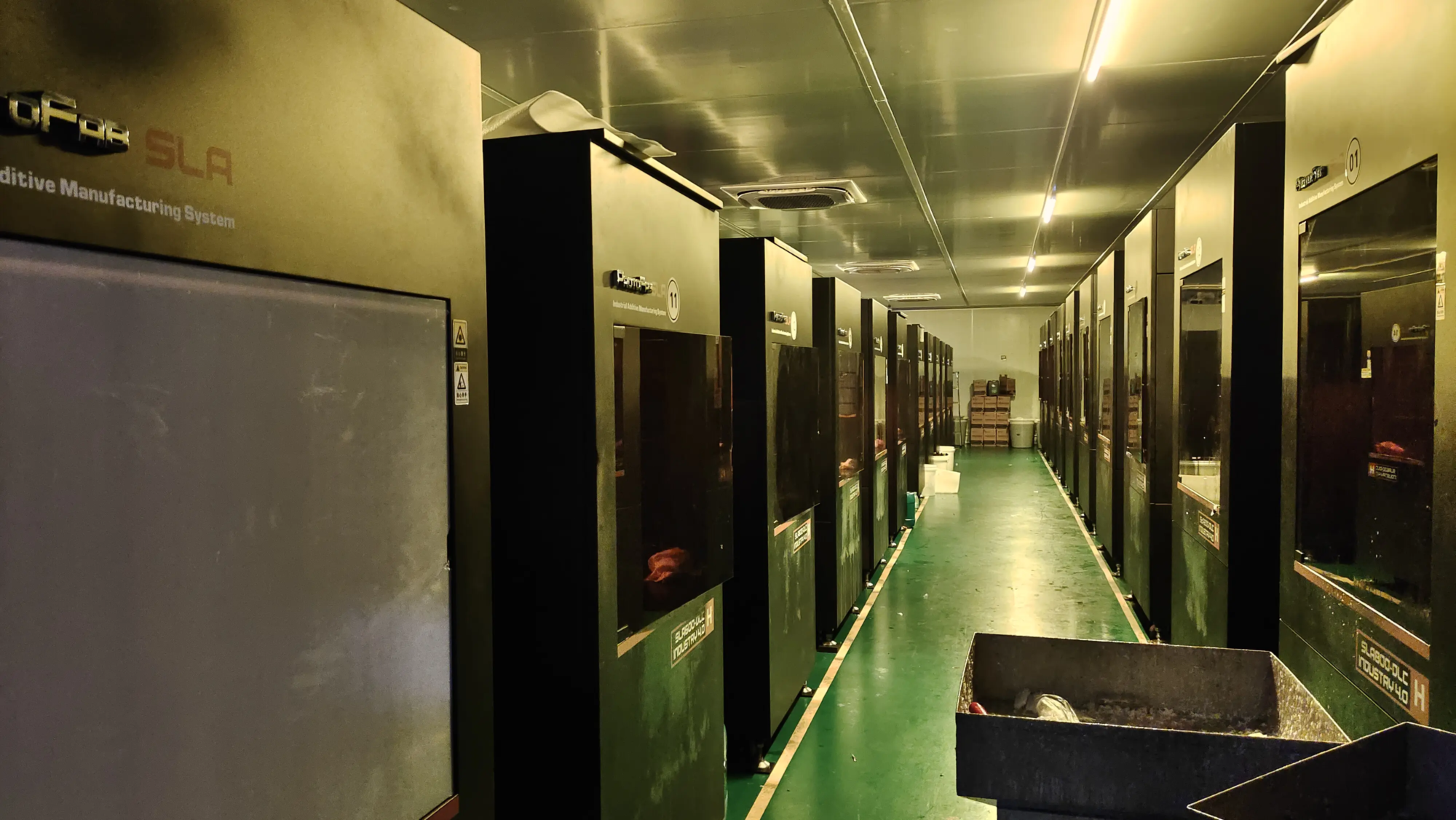
DIY shell solved the right your Operation of desktop resin printer. Greatlight runs on different scales, with the focus on Industrial additive manufacturing. They use high power SLM Metal Printerhandles diverse and demanding materials (such as titanium or inconel), implements strict process control (temperature, atmosphere), and provides professional finishes (processing, polishing, heat treatment) – delivers consistent high-quality, end-using parts without you managing complex large, large-scale printing infrastructure or post-processing.