Embrace the Future of Games: The Final DIY Xbox Controller Guide for 3D Printing
introduce
The world of game customization has surpassed skins and mods. With 3D printing, you can now design, prototype and build a fully-featured Xbox controller for ergonomics, aesthetics, and performance needs. This guide dives into the professional-level technology and insights of creating your DIY controller leveraging the expert in rapid prototyping. Whether you’re an amateur or a competitive gamer, the project combines creativity, engineering and cutting-edge manufacturing.
Why 3D print your own Xbox controller?
Customizing controllers is not only novel, but also solves the real problem.
- Personalized ergonomics: During a marathon session, adapt to grip shape, button layout and weight distribution for comfort.
- Enhanced performance: Integrated haptic feedback mechanism, programmable buttons or optimized trigger sensitivity.
- Sustainability: Repair or upgrade individual parts instead of replacing the entire controller.
- Cost Efficiency: Commercial bypass premium "Elite" Controller.
Materials and Tools: What You Need
Success depends on choosing the right resource:
-
3D printer:
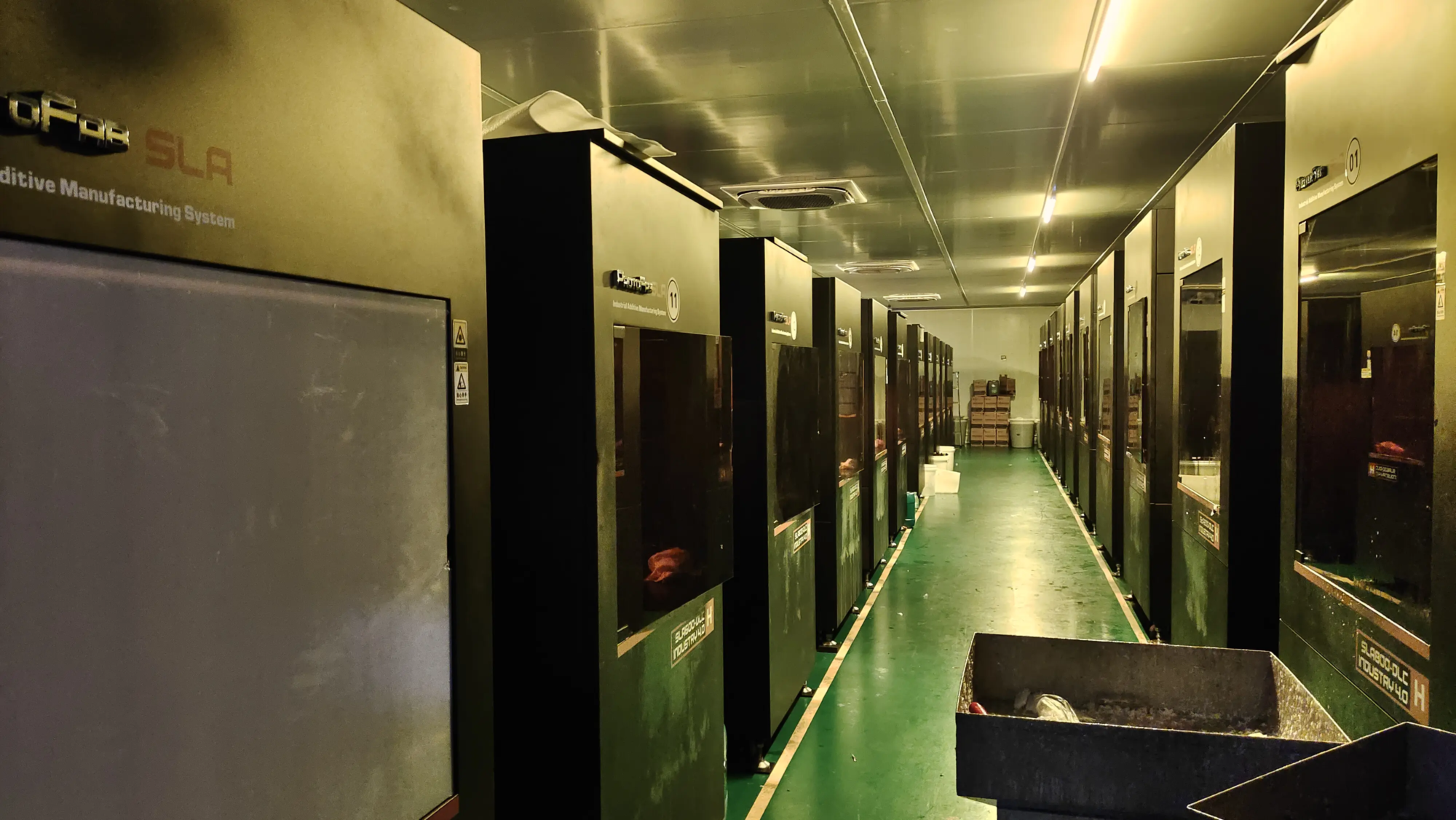
- Respected: SLA/DLP (resin) printers are used for ultra-fine details (e.g., button texture) or FDM (wire) printers, using nylon or ABS for long-lasting.
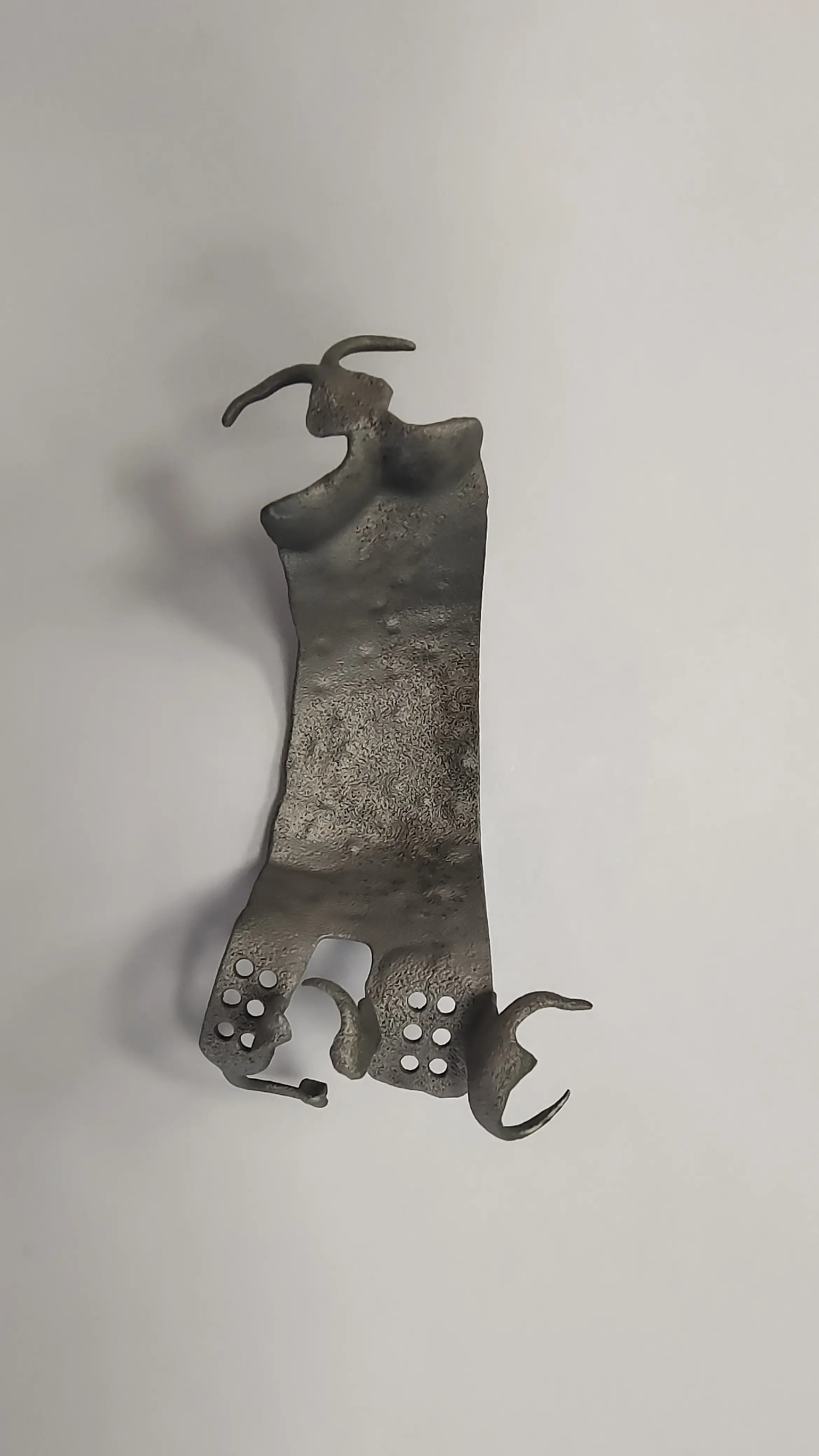
- hint: Industrial SLM (Selective Laser Melting) Printers, e.g. Greatprovides surgical accuracy for metal components (e.g., trigger springs), ideal for high pressure parts.
-
Filigree/resin:
- PLA+ or PETG: Budget-friendly and easy to print (FDM).
- Carbon fiber nylon: For lightweight strength (FDM).
- Tough engineering resin: Analog ABS durability with excellent results (SLA).
-
electronic:
- Xbox controller PCB (salvage from old controller).
- Micro switches, potentiometers and conductive pads.
- Wiring (30awg) and solder.
- After-treatment supplies:
- Sandpaper (200–800 sandpaper), primer spray, acrylic coating.
- Elective: Vapor smoothing (for ABS) or UV curing (resin).
Step by step: Design and Print Controllers
Phase 1: Design
- CAD software: Use a Fusion 360 or blender. Start with the reference scan of the OEM controller.
- Key dimensions:
- Keep the screws aligned behind (±0.1mm tolerance).
- Ensure the button plunger moves freely (0.2 mm clearance).
- Innovation and upgrading:
- Textured grips (diamond knees, silicone insert).
- The extended trigger guard is suitable for claw users.
- Modular thumb socket (interchangeable height).
Phase 2: Print
- FDM settings:
- Layer height: 0.15mm
- Filler: 35% (energy pattern with average energy intensity).
- Support: Tree support (minimize contact scars).
- Resin settings:
- Layer height: 0.05mm
- After cure: 60 minutes under ultraviolet light.
- Pro Insight: For structural integrity, the forward part, so the layer line is perpendicular to the stress (eg, along the trigger arm). Avoid overhang > 45°.
Phase 3: Post-processing and completion
- Grinding: 200→800 wet sand of gravel.
- start up: Use filler primers to hide the layer lines.
- painting: Light layer of acrylic; sealed with a matte clear jacket.
- Component preparation:
- Test fit component with PCB.
- Use threaded inserts to perform screws (prevent plastic peeling).
Assembly and calibration
- Electronic integration:
- Use a conductive silicone pad to map the buttons to the PCB contacts.
- Solder microswitch for trigger mode.
- Calibration Tool:
- Xbox Accessories App (Windows) Adjust dead zone.
- Table of response delays to test buttons.
- Stress test:
- Simulate more than 100 buttons per minute.
- Check the heat dissipation around the motor.
Conclusion: Improve the game through precise engineering
Creating a DIY Xbox controller is not only a weekend project, but also a portal to understand how industrial design and manufacturing can blend in gaming technology. While desktop 3D printers are authorized by amateurs, complex buildings involving metal reinforcements or custom alloys require expertise. The company likes it Great Blink this gap by providing Industrial SLM 3D printing and precision post-processing. As a leading rapid prototyping manufacturer, they turn their designs into high-performance reality (whether you need aviation-grade aluminum triggers or titanium D-pads), including speed, material versatility and accuracy below 0.1mm. Prepare prototypes beyond plastic? Work with experts living at the forefront.
FAQ: DIY Xbox Controller with 3D Printing
Question 1: Will a 3D printed controller be as durable as a store-bought one?
one: Yes, please note. Competitive OEM durability for engineering grade materials (e.g., carbon fiber PETG or resin). Key components (such as trigger mechanisms) benefit from Metal 3D printing service (e.g. Greglight’s SLM process) Longevity.
Q2: How to make sure the button does not stick or catch fire?
one: Designed with a 0.5mm button plunger and smooth gap inside the sand. Use a low friction lubricant (PTFE spray) or upgrade to a metal contact switch.
Question 3: Can I legally sell the controller I designed?
one: Modifying the controller used by individuals is acceptable. Commercial sales may infringe Microsoft’s patents. Please consult an IP lawyer before monetization.
Question 4: What is the biggest design mistake that beginners make?
one: Ignore ergonomic testing. First print the grip prototype to test the manual fit. After 30 minutes of use, pain points appeared.
Q5: Where can I get high-precision metal internal parts?
*one: Great Specialized research Rapid Prototyping** Used for complex metal components (springs, brackets, sliders) using SLM printers. Their post-processing (CNC milling, polishing) ensures compatibility.
Question 6: How much does a DIY controller cost with Xbox Elite Series 2 ($180)?
*one:**
- DIY Plastic: $50–$80 (Filament, Salted PCB).
- DIY "Pro" (Metal Parts): $120-$160 (using professional printing services).
With personalized investment scale – but unparalleled customization needs.
Q7: Can I add non-standard features?
one: Absolutely! Example:
- Gyro motion sensor (via the Arduino).
- OLED screens are used for real-time statistics.
- Magnetic hall effect joystick (no drift).
Have a custom controller project? Utilize industrial expertise: From prototype to completion, you can accelerate your vision with precise manufacturing. No innovative ceilings – only parts waiting to be printed.