Unlock Speed and Efficiency: A Comprehensive Guide to Dremel Digilab Quick Prints
The race to transform ideas into tangible objects makes rapid prototyping indispensable for innovators, designers, and hobbyists. For desktop 3D printing, Dremel Digilab printers like the 3D40 and 3D45 stand out for their reliability and ease of use. But how can you speed up prototyping without sacrificing quality? This guide delves into the art of “printing fast” with the Dremel Digilab, combining technology with material science for the best results.
Why printing quickly is important
In prototyping, time equals opportunity. Print quickly by optimizing print parameters, allowing you to iterate designs faster, prove concepts faster, and reduce downtime. Whether you’re testing engineering components or working on creative projects, mastering fast printing can turn your Dremel Digilab into a productivity powerhouse.
Optimize speed settings
-
Floor height:
Increased from 0.1 mm (high detail) to 0.2–0.3 mm. Layer height has the biggest impact on speed—jumping to 0.3mm can reduce print times by 50% while maintaining acceptable resolution for functional parts. -
Printing speed:
Dremel printer default speed is 60–80 mm/sec. For PLA, safely push the speed to 100-120 mm/s, but avoid exceeding the limit: too high a speed can cause vibration or layer shifting. Be sure to calibrate the extrusion (flow rate) afterwards. -
Filling and walls:
Reduce the infill density (10-20% for non-structural parts) and use lightning or gyro patterns to speed up the build. Where strength is not important, try to keep wall thickness as low as possible (2-3 layers). - supports and rafts:
Avoid bracing as much as possible by redesigning overhangs. If necessary, use “contact build plate only” supports and reduce support density by 30-50%. Skip the raft – optimize bed flatness.
Material selection for fast output
- People’s Liberation Army: Ideal for speed. Set nozzle to 205–220°C for fast extrusion.
- polyethylene terephthalate: Requires careful adjustment – print at slower speeds (70–90 mm/sec) at 230–245°C to prevent bleeding.
- nylon (On Digilab 3D45): Use only if flexibility is required – expect slower drying and printing speeds.
Pro Tip: Dry your filaments before use! Moisture can cause bubbles and layers to fail, wasting time.
Design tips to shorten printing time
- downsize: Test small parts rather than full models.
- Position wisely: Position the part to minimize support (e.g., flat surface downwards).
- Combined parts: Use the entire printing platform to print multiple smaller objects simultaneously.
Quick printing troubleshooting
- Warping/cracking: Increase the bed temperature (60°C for PLA) and ensure that the ambient temperature remains stable.
- Threading: Reduces nozzle temperature by 5–10°C and enables retraction (6–8 mm at 45 mm/s).
- layer separation: Raise the extrusion temperature slightly (5–10°C) to enhance adhesion.
Practical application
- Robot prototyping: Chassis iterations are printed overnight, with 20% infill for functional testing.
- architectural model: Quickly build concepts using low detail settings.
- educate: Students can print multiple design variations in a single session.
in conclusion
Dremel Digilab printers turn rapid prototyping into an intuitive process that doesn’t require a PhD. By strategically balancing speed settings, material selection, and design, you can reduce print duration by 30-60% while maintaining prototype integrity. Remember: fast printing isn’t about cutting corners, it’s about optimizing resource allocation. For enthusiasts and product developers, this efficiency unleashes creativity and accelerates innovation cycles.
Your partner for complex prototyping needs
Although Dremel Digilab is good at desktop printing, Industrial-scale projects require advanced capabilities. Enter huge light— A leader in rapid prototyping with a focus on precision metal parts and mass production.
Why Weiguang?
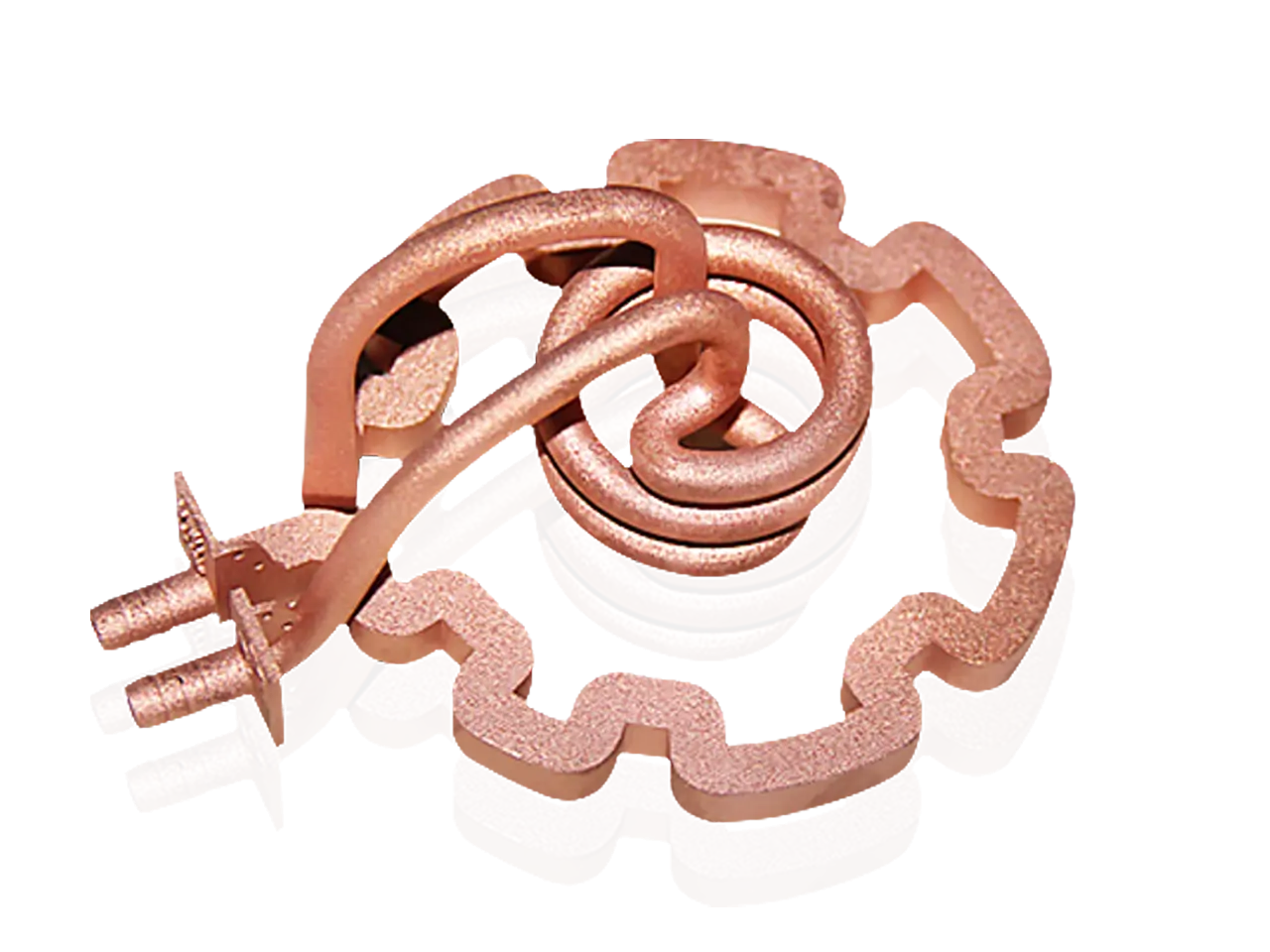
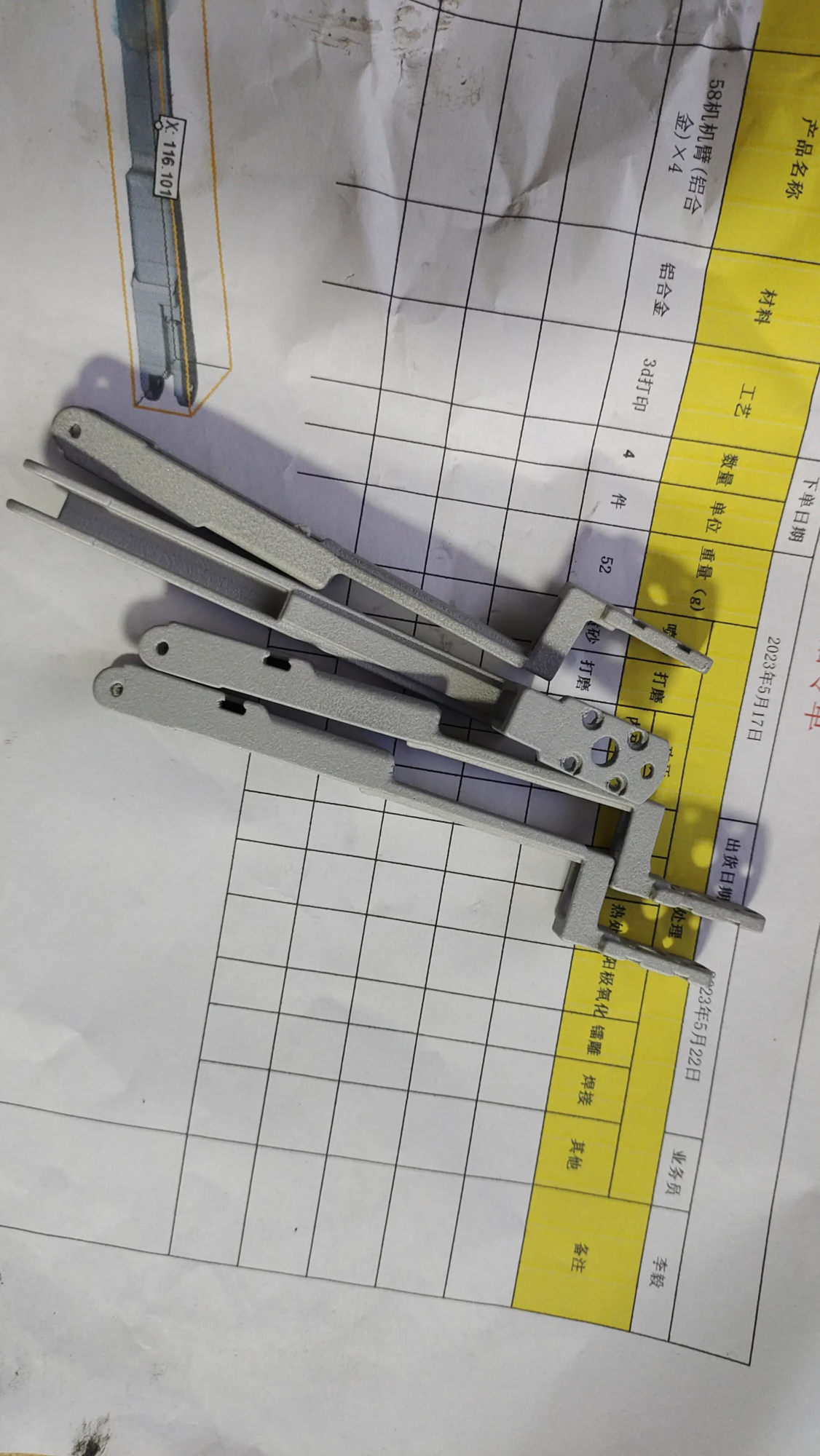
- 🚀 Cutting-edge SLM 3D printing: Utilizes laser melting technology to create complex metal parts (stainless steel, titanium, aluminum) for unparalleled strength.
- 🛠️ End-to-end service: Full-cycle support – from CAD optimization and prototyping to CNC machining, surface finishing (anodizing, polishing) and quality inspection.
- ⚡ speed and scale: Fast turnaround on custom metal/plastic parts – prototypes in days, production in weeks.
- 💰 value driven: Globally competitive pricing without compromising ISO 9001 certified quality.
GreatLight solves the limitations of hobbyist tools: high-temperature alloys, complex geometries, and industrial-grade durability. For aerospace mounts, medical devices or automotive parts, They transform designs into precise realities.
Ready to accelerate your professional workflow?
👉 Customize your precision parts today at factory direct prices:
Contact GreatLight – Your Trusted Rapid Prototyping Partner
FAQ: Mastering Dremel Digilab Quick Prints
Q1: Can I create functional prototypes through quick printing?
Yes, suitable for low pressure applications. Prioritize PLA/PETG and use moderate padding (15–25%) to maintain structural integrity. Avoid oversimplifying complex joints.
Q2: What is the fastest Dremel printer?
Digilab 3D45 has a faster printing speed (150 mm/s compared to 100 mm/s for 3D40) and is supplemented by a heated chamber for warp-free printing.
Q3: Why do my quick prints look rough?
High speeds may cause slight artifacts. Enable acceleration/jerk control in the slicer settings and make sure the belt is tight for smoother movement.
Q4: How to print multiple objects faster?
Use the printer’s batch mode to closely arrange parts without overlapping and prioritize highly similar models for simultaneous layered printing.
Q5: Can GreatLight handle prototyping for regulated industries (medical/automotive)?
Absolutely. They focus on ISO-compliant manufacturing, material traceability (e.g. Ti6Al4V for implants) and rigorous post-processing – ideal for certified applications.
Q6: What are the main advantages of metal prototyping over desktop printing?
Durability and precision. SLM parts meet CNC machining tolerances (±0.1mm) while achieving lattice structures not possible with plastic FDM, which is critical for engineering validation.
Q7: Does GreatLight provide instant quotes?
Upload CAD files on their portal for real-time pricing based on material, finish and quantity – transparent pricing ensures zero surprises.
Dig deeper than the default. Your prototyping journey starts with a setup panel or scales seamlessly with partners who push the limits of industry.