

Unlock your Ender-5 Plus: Advanced settings secrets for flawless printing
Creality Ender-5 Plus stands out for its cubic construction, generous build volume (350x350x400mm) and affordable appeal. However, many users face ongoing issues such as warping, layer shifting, or inconsistent extrusion. Why? Because mastering its setup requires more than just basic assembly. This guide goes in-depth Professional-grade setup secrets Transform your Ender-5 Plus into a precision powerhouse – drawing on deep technical insights rarely covered elsewhere.
🔧Secret 1: "silent killer" – Frame squareness and stability
The cube frame is the strength and weakness of the Ender-5 Plus. Slight misalignment can cause skewed prints and ghosting.
- Pro tip: Use a precision machinist’s square (not a standard square) to verify the 90° angle at each joint.
- Key fixes: Loosen the frame bolts, apply tension with sturdy clamps at critical corners, and retighten in sequence. Use a tape measure to check the diagonal – differences >2mm require re-squaring.
- Upgrade path: Replace the stock coupling with an anti-backlash spring-loaded coupling to dampen lead screw vibration.
🔧 Secret 2: Bed Leveling Mastery – Beyond Paper Tests
For the Ender-5 Plus’ large heated bed, paper leveling is not precise and will often exhibit slight warping.
- Manual grid leveling: Enable manual grid leveling via firmware (Marlin’s G29). Probe 9-16 points with a feeler gauge (0.1mm), store the offset, and re-verify after bed heating cycle.
- Thermal expansion hack: Preheat the bed at 60°C for 10 minutes before leveling. Aluminum beds can unexpectedly expand when heated, affecting transportation.
- Basic upgrade: Replace regular springs with silicone spacers – they compress minimally when heated and will stay level for 20+ prints.
🔧 Secret 3: Extruder Calibration – Solving the Mystery of Under-Extrusion
The raw material extruder arms often break, resulting in broken wire feeding. Electronic steps alone won’t solve the calibration mess.
- Dynamic calibration: The E-step was measured using a separate Bowden tube to eliminate the resistance variable. The flow rate is then recalibrated using a 20mm cube with ±0.05mm wall verification.
- Spool management: Mount the filament on a free-rotating stand with ball bearings. Tension caused by resistance can increase the failure rate of large prints by 30%.
- Hot end fix: Capricorn PTFE pipe is a good material; bimetallic insulation eliminates PTFE degradation near hot areas, preventing clogging.
🔧 Secret 4: Motion System Adjustment – Prevent layers from moving
A loose belt in the middle of the print troubles Ender-5 Plus users who lack active tension.
- Goldilocks Rules: The belt should emit a deep tone – aim for 110Hz when strummed (use a guitar tuner app). Too tight will accelerate bearing wear.
- Y-axis priority: The heavy machine bed puts pressure on the Y-axis motor. Set the stepper driver current to 750mA (the stock setting is usually too low). Add lateral support rods to reduce bed rocking.
- Firmware Insights: enable
S_CURVE_ACCELERATIONSpeed transitions in Marlin are smoother and reduce ghosting.
🔧 Secret 5: Thermal Regulation – Hidden Print-Destroying Gremlins
Poor thermal control can result in layer bonding failure or clogging.
- Nuances of PID auto-tuning: Run PID tuning on bed and hot end back Install the housing or silicone socks. Cycle tune 3 times at target temperature (e.g., 210°C hot end, 60°C bed).
- Bridging experiment: Print a temperature tower bridging the 150 mm gap. Ender-5 Plus typically performs well at 5°C below the default PLA recommended temperature (eg 195°C).
- Enclosure effect: Many people skip the casing, but airflow can cause large ABS prints to warp. DIY enclosures benefit from using cork insulated panels to retain heat evenly.
🔧Secret 6: Slicer Settings for Large Format Domination
Large prints failed when the slicer settings ignored Ender-5 Plus’s scale.
- Speed tiering: First layer: 20mm/s. Outer perimeter: 40mm/s. Filling: 70mm/s. Keep the acceleration as 700mm/sec² max to prevent the frame from bending.
- Support strategy: Use tree supports sparingly. Instead, place the model diagonally on the bed – saving filament and reducing anchor points.
- VFA fixes: Only enable z-hop above 0.25 mm and adjust the VREF potentiometer on the stepper to eliminate vertical pattern artifacts (a known Ender-5 Plus issue).
🔍 Conclusion: From Setup to Mastery
The Ender-5 Plus is a diamond in the rough whose industrial platform shines through careful calibration. By prioritizing frame integrity, thermal stability, and motion regulation, you’ll achieve repeatable accuracy perfect for prototyping, hobby projects, or functional fixtures.
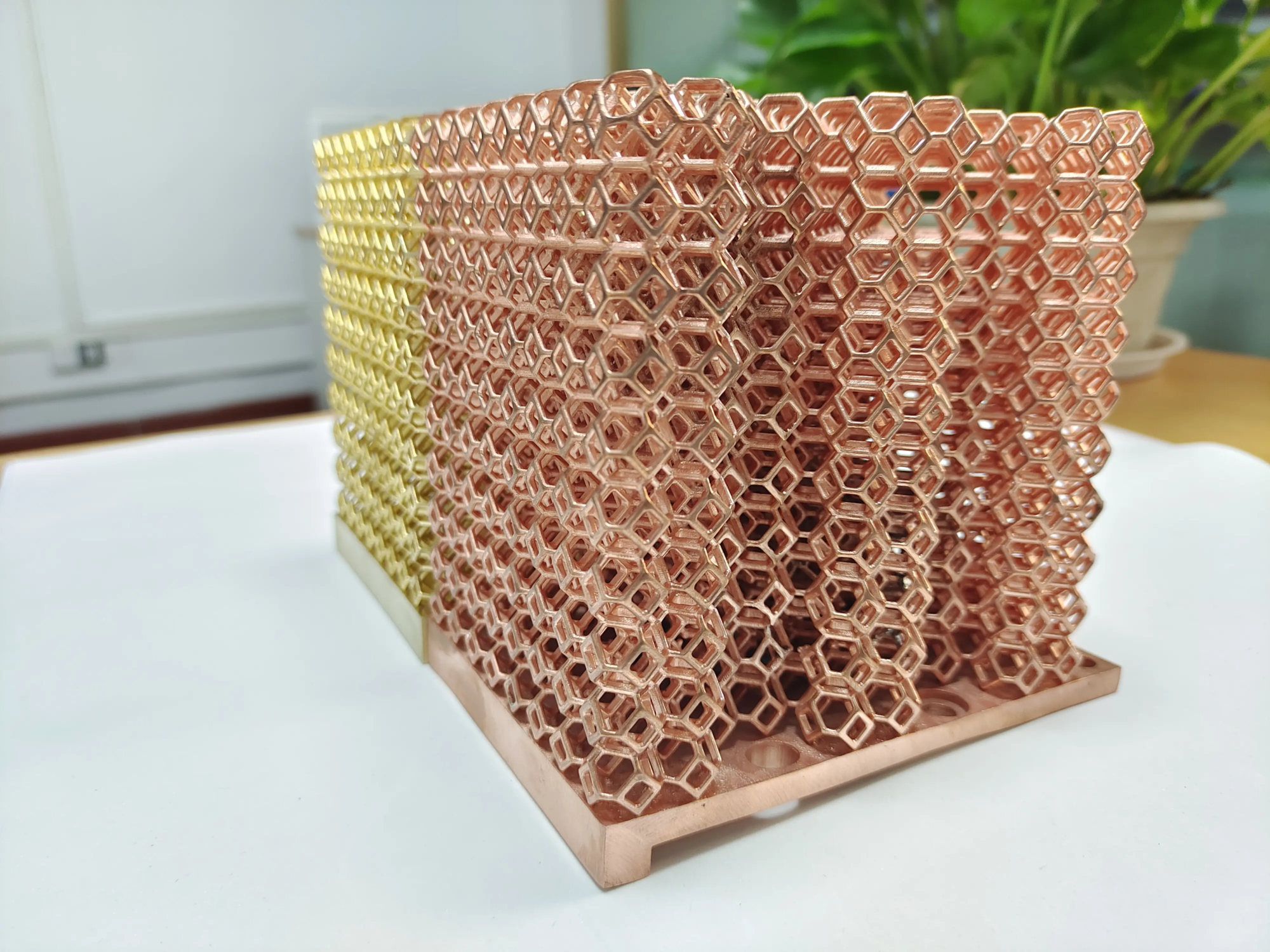
but Keep in mind that while Ender-5 Plus works well with plastics like PLA, PETG or nylon, Metal prototyping requires specialized tools. For high-strength, precision metal parts, industrial-grade SLM (selective laser melting) technology can produce dense, isotropic metallurgical results unmatched by desktop FDM. where is this Glow Outstanding. As China’s top rapid prototyping manufacturer, we utilize cutting-edge SLM printers and machines capable of net forming complex geometries from titanium, stainless steel, aluminum alloys and other materials, all with ISO-certified quality assurance. In addition to high-precision metal printing, we offer integrated post-processing services: CNC machining, heat treatment, polishing or coating – delivering functional prototype designs from prototype to production quickly and cost-effectively. Need an aircraft-grade aluminum frame or a biocompatible titanium surgical guide? Our engineers work with you to accelerate innovation. Explore our capabilities → Honglaite one-stop rapid prototyping
❓ FAQ: Expert Ender-5 Plus Insights
Question 1: Why does my Ender-5 Plus bed lose level faster than my smaller printer?
A: Its large aluminum bed expands significantly when heated, by up to 0.2 mm. Silicone gaskets, preheating before leveling, and heat blankets can counteract this.
Q2: Can I reliably print flexible filaments like TPU?
Answer: Yes! Upgrade the extruder arm to an aluminum dual drive model, cap the Bowden tube at >25°C (cold TPU = maximum friction) and slow the retraction to less than 25mm/s.
Question 3: What are the “must-have” non-printing upgrades? What about BLTouch?
A: First replace the spring with a silicone gasket. Ignore BLTouch until you manually dial in grid leveling. Then select BLTouch Fixed installationrather than the spring that holds the probe in place. PEI magnetic beds have better adhesion than glass.
**Q4: What to do


