

Smoother, cleaner prints: Leveraging input shaping for better 3D printing
Have you ever excitedly pulled your finished 3D print off the bed, only to find it marred by tiny ripples, ghosting artifacts, or a wavy surface? These defects, often called ringing or oscillation, are very common and frustrating. This occurs when a sudden change in the printer’s orientation causes vibration, physically shaking the print head (or print bed) during the printing process. While lowering the print speed can help, it does so at the expense of efficiency. Fortunately, there’s a smarter solution gaining traction: Input shaping. This sophisticated control technology guarantees significantly smoother surfaces and higher quality prints without having to sacrifice speed. Let’s take a closer look at how it works its magic.
Understanding vibration issues
At the heart of a 3D printer is a complex mechanical system. When a stepper motor commands a printhead to quickly accelerate to a new position, change direction suddenly, or stop suddenly, inertia acts on the printer’s frame, gantry, and even the print itself. This stored energy creates mechanical vibrations—ringing sounds that travel through the machine. These vibrations appear on the printed part as visible vibrations or artifacts emanating from sharp corners or changes in direction. Traditional repair methods include:
- Reduce print speed/acceleration: Simple, but significantly increases print time.
- Increase printer stiffness: Hardware modifications (bracing, sturdier components) are required, which are not always feasible or cost-effective.
- Tuned resonance frequency: Helps, but usually only minimizes rather than eliminates the problem.
Input Shaping: Active Vibration Cancellation
Input shaping (sometimes called command shaping) takes a completely different approach. instead of trying to stop the vibrations back they start (impossible without damping), it stops them forward They first intelligently modify the motion commands sent to the motors.
Think of it like pushing a swing. A strong thrust creates huge vibrations. But if you take the time to make smaller nudges exactly Contrary to the natural movement of the swing, you can stop it gently without rocking. Input shaping applies this physical principle to printer motion.
How does input shaping work?
- Characterizing resonance: First, the printer (or its firmware/software) needs to know its own resonant frequency—the specific frequency at which its components naturally vibrate most strongly. This is typically done through an automated calibration routine such as Klipper’s Resonance Frequency Test, where a sensor (such as an accelerometer) measures vibrations as the printer performs specific test movements.
- design "shaper": Once the resonant frequency is known, specialized algorithms calculate "input shaper" contour. The profile is essentially a set of small, strategically timed pulses that counteract the printer’s tendency to oscillate at these frequencies. Common algorithms include ZV (zero vibration), ZVD (zero vibration derivative), EI (ultra-insensitive), and MZV (Málek-Zobec filter).
- Modify motion commands: When the printer firmware prepares to execute a move command (for example, "Quickly move the print head to this coordinate"), the input shaper configuration file is convolved with the original command. Instead of sending a sharp acceleration pulse, the firmware sends a series of slightly modified pulses. These pulses are carefully designed so that when they interact with the printer’s mechanics, the resulting vibrations cancel each other out at the printhead or bed surface.
- Smoother motion: The motor executes this modified command sequence. The machine still moves quickly to the target position, but vibrations are minimized or completely eliminated.
Enter the Compelling Benefits of Plastic Surgery
Integrated input shaping provides real benefits:
- Significantly improved surface quality: The most significant benefit is the virtual elimination of ghosting, ringing, and oscillation artifacts. Surfaces become noticeably smoother, especially on parts with intricate details or sharp corners.
- Higher printing speeds become feasible: By neutralizing vibrations, input shaping can enable print speeds and accelerations significantly above previously stable levels No Sacrifice surface finish. Achieve faster turnaround without compromising quality.
- Reduce post-processing requirements: Fewer vibration artifacts mean less sanding or finishing required on the part, especially for functional prototypes or end-use parts that require aesthetic precision.
- Enhanced dimensional accuracy: Minimizing vibration-induced wobble helps maintain the precise position of the nozzle relative to the build surface and previous layers, resulting in better dimensional fidelity.
- Supplementary hardware design: Input shaping maximizes the potential of your existing printer hardware – whether hobbyist or industrial grade. It works well in Cartesian, CoreXY, Delta and even industrial robotic automation systems.
- Prevent wear and tear: Reducing high-frequency vibration reduces mechanical stress on components such as belts, pulleys, bearings, and motors, potentially extending the life of your printer.
Implementing input shaping: software takes the lead
Input shaping is primarily a firmware/software solution, although access to the required computing power and control typically requires a modern 32-bit motherboard:
- Lawn mower firmware: Currently leading the way in providing powerful, easily accessible input shaping implementations for hobbyist/desktop printers. Its configuration tool (
input_shaper) directly uses accelerometer data (usually from a device such as the ADXL345) to measure resonance and automatically configure the shaper. Tight integration with applications like Mainsail or Fluidd makes adjustments visual and user-friendly. - Marlin firmware: Recent major releases (2.1.x+) include input shaping support (
INPUT_SHAPING). Its implementation typically requires manual resonant frequency characterization and explicit configuration in firmware settings. - Industrial/SLS/SLM Printers: Leading manufacturers of professional-grade printers such as industrial FDM, SLA and metal SLM systems are increasingly integrating complex input shaping or associated advanced motion control algorithms directly into their controller firmware to ensure the highest part quality and process reliability.
GreatLight Precision: Utilizing advanced SLM technology to deliver flawless metal prototypes
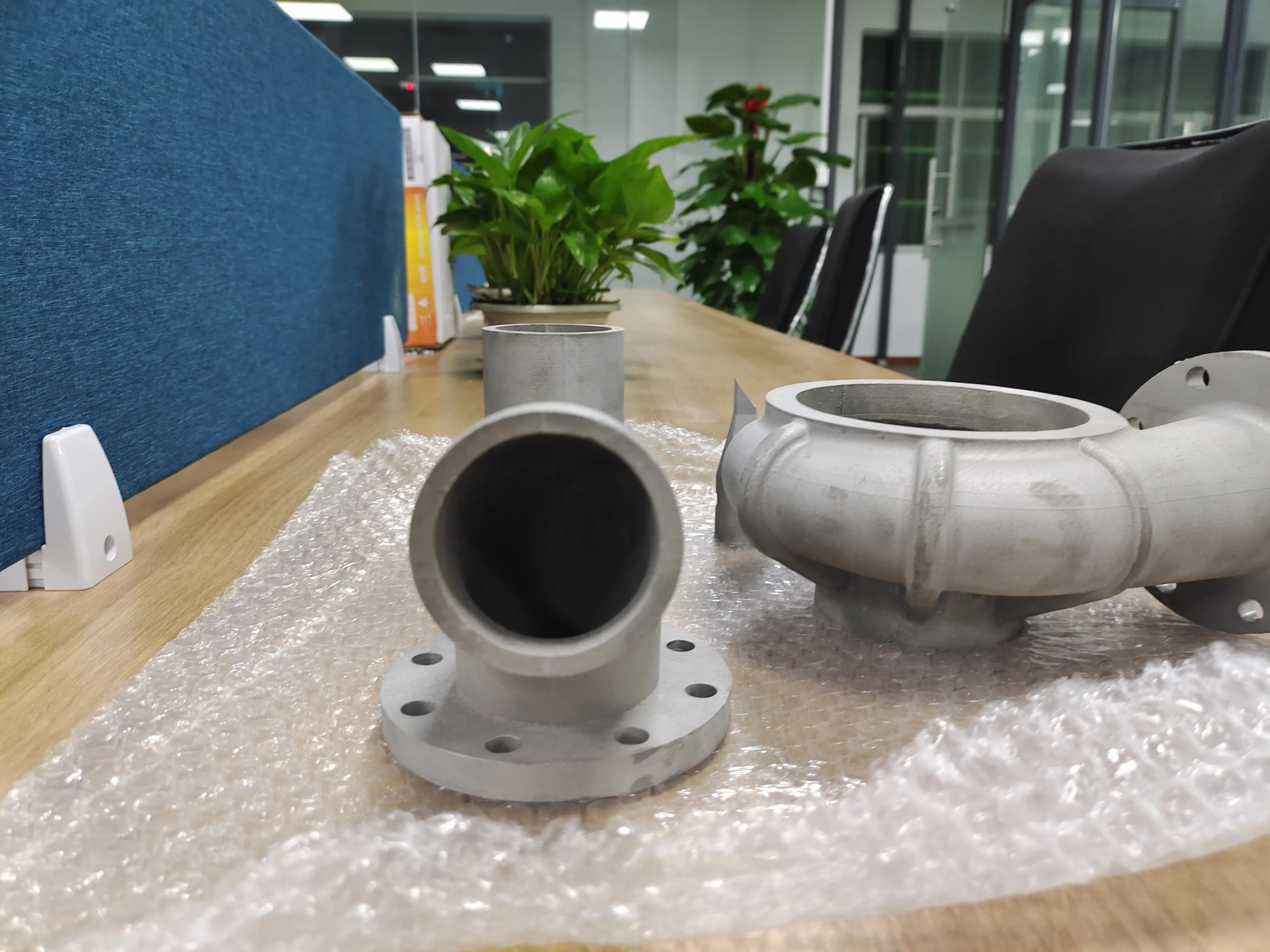
While input shaping excels at combating vibrations in filament or resin printers, obtaining the highest quality parts, especially in metal additive manufacturing (AM), requires cutting-edge hardware combined with expert process control. where is this glow rapid prototyping Sparkling.
As a leading rapid prototyping manufacturer, GreatLight utilizes state-of-the-art technology Selective Laser Melting (SLM) 3D printers and advanced production technology. SLM is an inherently high-energy process that benefits greatly from extremely precise control to ensure part integrity and surface finish. Our expertise lies in solving complex metal part prototyping challenges:
- Advanced SLM Printer: Utilizing a printer capable of precise laser control and stable platform movement minimizes any unwanted vibrations during the complex laser sintering/melting process – principles similar to, but specific to, metal AM, greatly improving the quality of the final part.
- Comprehensive post-processing: Understanding that quality is not just limited to printing, we offer integrated One-stop post-processing and finishing services – From critical stress relief, CNC machining integration, support structure removal, heat treatment to surface polishing (vibration, tumbling, electropolishing) and coating.
- Material mastery: Most industrial grade metal materials (e.g. titanium alloys, steel, aluminum alloys, nickel superalloys, copper) are available Quick customization and processing to meet strict technical specifications.
- Precise focus: We are proud to deliver Customized precision machining Solutions that ensure tight tolerances and excellent surface properties are always met.
Whether you need complex aerospace parts requiring exceptional strength-to-weight ratios, complex medical implants with biocompatibility certification, or durable tool inserts, GreatLight combines advanced metal additive manufacturing technology with deep machining and finishing expertise. We are one of the best rapid prototyping companies in China, dedicated to efficiently and cost-effectively converting your designs into high-fidelity metal prototypes and production parts.
Conclusion: Vibration control is the key to excellence
Input shaping represents a major leap forward in motion control for 3D printing. By intelligently modifying the command signal to offset the machine’s natural resonant frequency, it effectively solves the long-standing problem of vibration-induced artifacts. The result is smoother, faster prints, less post-processing, and ultimately higher-quality output. While easily accessible to amateurs through advanced firmware like Klipper, its principles are essential for professional-grade systems.
For demanding applications that require extreme precision, especially metal rapid prototyping, it is crucial to work with experts who master advanced additive manufacturing technologies such as SLM and comprehensive post-processing technologies. company likes glow rapid prototyping Embodies this holistic approach, ensuring your prototype seamlessly transforms into a successful final product. Whether optimizing your desktop printer through input shaping or seeking the perfect metal part, prioritizing vibration control and precise execution can take print quality to the next level.
Frequently asked questions (FAQ) about input shaping
Question 1: Will input shaping slow down my printing?
one: not necessarily! Often the opposite is true. By eliminating vibrations, input shaping actually allows you to safely Increase Print speeds and acceleration are significantly higher than previously stable levels, without ghosting. you gain speed and quality.
Q2: Does input shaping require special hardware?
one: First, you need a modern 32-bit printer control board powerful enough to handle real-time calculations. The most accurate tuning also requires accelerometer (such as the ADXL345) attaches to the tool head or bed to directly measure vibration. Without an accelerometer, manual characterization is possible, but with less accuracy. The printer’s mechanical parts (belts, bearings, frame) must be in good working order.
Q3: Which firmware best supports input shaping?
one: rock Currently offers the most user-friendly and integrated implementation, especially its accelerometer-based automatic resonance measurement. modern version marlin Input shaping is also supported (2.1.x and later), but configuration tends to be more manual. RepRap firmware also has support.
Question 4: Does input shaping help eliminate belt artifacts (like salmon skin)?
one: Yes, partially. Salmon skin is often associated with the resonance of the stepper motor’s interaction with the belt teeth, typically in the range of several hundred hertz. Input shaping suppresses vibrations in this frequency band very effectively, significantly reducing salmon skin. Combining this with techniques such as optimal stepper driver current regulation yields the best results.
Question 5: Is input shaping only useful for FDM/FFF printers?
one: No, the core principles apply to any motion system prone to vibration. It is very beneficial for resin SLA/DLP/LCD printers where damage may occur due to platform movement


