Conquer Your Printing: A Comprehensive Guide to Troubleshooting 3D Printer Z-Band Issues
Ever get that sinking feeling when you examine your latest 3D printed creation, expecting smooth walls, only to find unsightly horizontal ridges ruining the finish? you are likely to encounter Z beltone of the most common and frustrating print quality issues. These repeating horizontal lines that appear at regular intervals along the vertical axis (Z-axis) of the print are not just a cosmetic defect; They can indicate potential mechanical problems that affect dimensional accuracy and surface integrity. Don’t worry – Z-bands can usually be diagnosed and repaired through system troubleshooting.
Understanding the Beast: What’s the reason for the Z-band?
Z-bands result from inconsistencies in the precise vertical movement required between layers. Multiple mechanical components must work in perfect harmony to achieve smooth vertical movement. When something interferes with this movement, the layer height changes slightly, creating visible ridges or grooves.
Let’s break down the culprits:
-
Bending screw/rod: This is usually ground zero. The screw guiding the Z axis should be perfectly straight. Even slight bends can cause cyclic wobbles, causing the printer head to lift slightly higher or lower than expected at predictable points. Check for bends by rolling the bar on a known flat surface – any wobble will expose flaws.
-
Misalignment and stapling: The Z-axis mechanism needs to be perfectly aligned:
- Poor coupling: The coupling connecting the stepper motor shaft to the lead screw must be tight and perfectly aligned. Loose or misaligned couplers can create play.
- Frame/dimension issues: If the printer frame is not perfectly square (or the Z-axis rails/struts are not parallel), forces will restrain the component as it moves vertically.
- Dirty or dry lead screw/nut: Insufficient lubrication or debris accumulation can cause stiction (stick-slip motion). The motor would struggle, occasionally skipping microsteps, and then move suddenly, producing changes in height.
-
Loose components: Any gaps in the Z-axis component will directly result in inconsistent story heights:
- The screw nut is loose: There should not be any play in the nut that secures the moving parts to the lead screw.
- Stepper motor is loose: The motor holding the lead screw must be securely fastened with bolts.
- Loose coupling set screws: These little screws and screws that hold the coupling half to the shaft can loosen over time.
-
Eccentric tension (Cartesian printer): For printers using V-groove wheels on aluminum profiles:
- Too tight: Excessive friction occurs, leading to sticking.
- Too loose: Allow the gantry to swing horizontally, affecting vertical consistency.
- Stepper motor/driver overheating: Z-axis steppers generally don’t work hard, but poor ventilation or incorrect driver current settings (Vref) can cause them to overheat. Overheating can temporarily reduce motor torque or cause skipped steps.
Erase Lines: Step-by-Step Repair of Z-Strips
Systematically address these causes:
-
Check the lead screw/rod:
- Remove the lead screw.
- Roll it onto a perfectly flat surface like glass or granite. Note any noticeable deviation; replace the rod if it is bent.
- Clean thoroughly with isopropyl alcohol. Remove any old grease, dirt or debris.
-
Proper lubrication:
- Apply an appropriate amount of high quality Dry PTFE lubricant or light sewing machine oil Specifically to the lead screw thread. Avoid using heavy grease or WD-40. Wipe off excess.
-
Check for misalignment and binding:
- Motor-Coupling-Screw Alignment: Make sure the motor shaft and lead screw are perfectly coaxial within the coupling. Loosen the motor mount slightly and adjust alignment slightly while twisting the coupler by hand to feel for smoothness, then retighten.
- Tram frame: Use a machinist’s square or dial indicator to confirm that the vertical frame/rails are at right angles to the print bed and parallel to each other. Loosen the frame as needed.
- Binding feeling: Turn the Z-axis coupler slowly by hand (motor disabled!). Movement should be smooth and resistance consistent throughout the stroke. Any tight spots indicate alignment/binding issues. Check wheel tension (POM wheel printer), bearing smoothness (linear guide printer) and nut condition.
-
tension everything Related to Z-axis motion:
- Turn off the printer and unplug it.
- Tighten: motor mounting base, coupler set screw, screw nut mounting base, gantry plate. Use the correct size hex wrench. Double check that the set screw clamps the flat spot of the shaft/screw.
-
Adjust eccentric tension (Cartesian):
- For printers with POM wheels and aluminum profiles, locate the eccentric spacer.
- Adjust each wheel under the gantry/bed until there is zero swing But the wheels can still turn freely, without restraints.
-
Verify stepper motor health and driver:
- Make sure the motor feels only slightly warm during operation.
- If overheating is suspected, consider verifying (and possibly lowering slightly according to manufacturer guidelines) the Vref setting of the Z-axis stepper driver. Incorrect Vref is a common cause of accidentally skipping steps.
- Consider additional enhancements (if needed):
- Anti-backlash nut: These can help compensate for the tiny gaps in cheap brass nuts.
- Flexible coupling: Can help suppress minor misalignments.
- Strengthen the frame stiffness: Adding brackets or braces can reduce frame flex.
- Upgrade to Double Z: For large printers, dual synchronous Z-axis motors greatly improve stability and prevent gantry sag.
Conclusion: Precision requires patience or expertise
Chasing and eliminating Z-bands requires patience and careful attention to the printer’s mechanics. Start with inspection and basic repair (lubrication, alignment, tightening), then move on to potential component upgrades as needed. Mastering these troubleshooting steps can transform frustrating imperfections into reliably printed signs: a smooth, consistent surface.
While tuning your personal printer is worthwhile, for mission-critical applications that require perfect accuracy (especially in high-value rapid prototyping), the complexity and time investment can become prohibitive. This is where working with a dedicated rapid prototyping expert like GreatLight provides tremendous value.
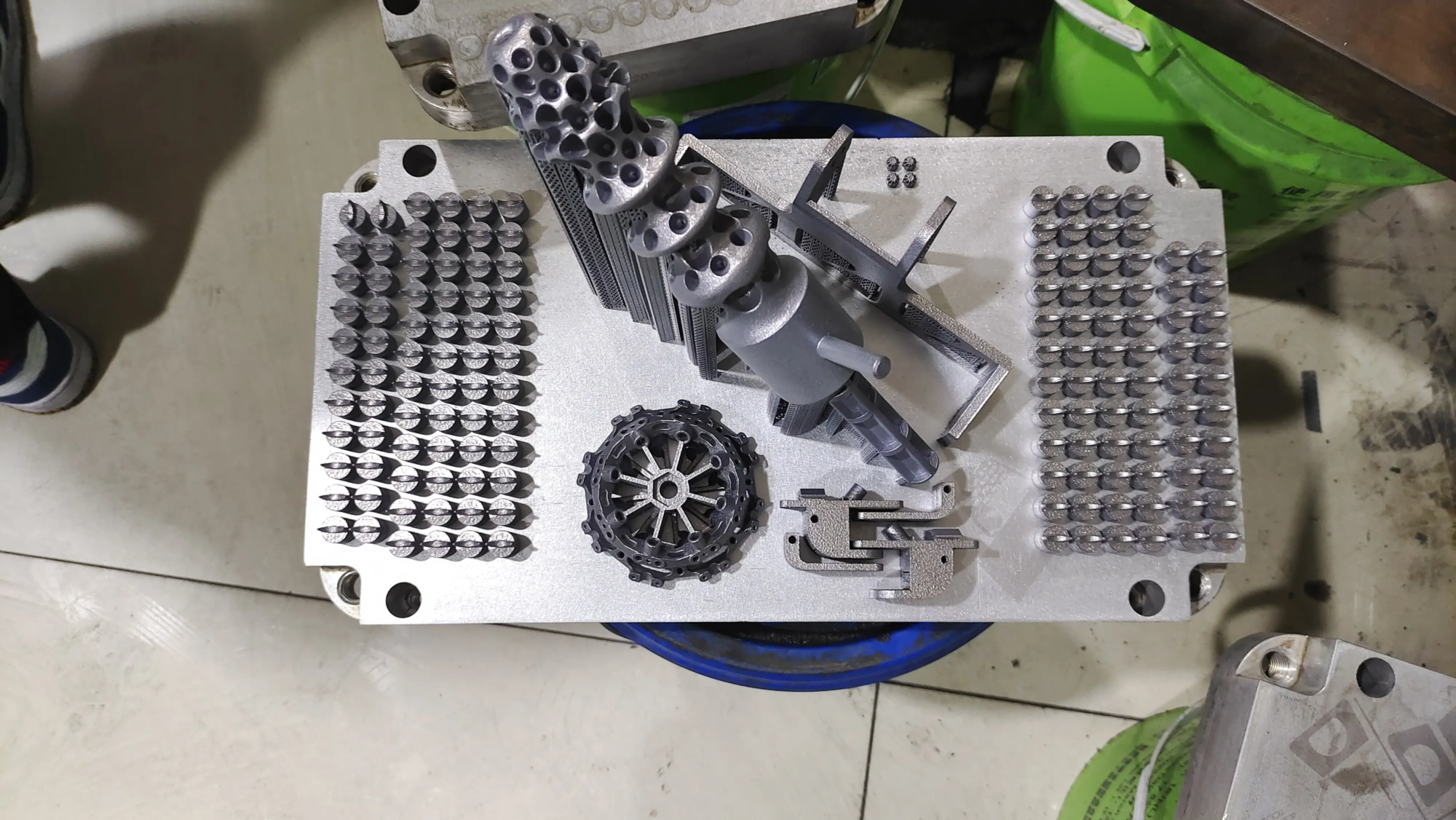
As a leader in advanced metal additive manufacturing, GreatLight utilizes cutting-edge SLM 3D printers (Selective Laser Melting) located in a tightly controlled environment. Our expert engineering team eliminates variables like mechanical inconsistencies from the start. Each layer is deposited with micron-level precision and without banding artifacts, ensuring dimensional accuracy and superior surface quality that are critical for functional prototypes and end-use metal parts.
In addition to printing, our integrated One-stop post-processing service – including CNC machining, heat treatment, surface finishing (polishing, sandblasting, coating) and precision metrology – ensuring your parts meet the most stringent specifications. Need special alloys or complex geometries? we are good at Custom materials Handle complex designs and deliver them with fast turnaround times.
Forget the headache of calibration and troubleshooting. When your project requires quality and reliability, Set up GreatLight as your prototyping partner Unleash speed, precision and peace of mind. Trust us to deliver a flawless product at every level.
Customize your precision rapid prototyping parts today at the best prices! – Experience the GreatLight difference.
FAQ: Demystifying the Z Band
Q: Will slicer settings cause Z-banding?
Answer: Mainly, no. True Z-bands are mechanical/vibration related. However, settings that affect extrusion consistency (e.g. temperature fluctuations, inconsistent flow rates) able sometimes create similar Horizontal lines or patterns, usually less regular than pure Z-bands. Focus on mechanical restoration first.
Q: How often should I lubricate my lead screw?
A: Depends on usage and environment. Generally speaking, check and lightly lubricate every 100-200 printing hours. Watch for dust accumulation or increased resistance to movement.
Q: Are flexible filaments more prone to Z-banding?
A: Flexible filament itself does not cause banding. However, if you have clearance or resonance issues with your extruder components or printhead, softer filament possible Visually enhanced compared to rigid materials such as PLA or ABS.
Q: Will an unstable printing surface cause Z-banding?
A: Unstable bed (Z-axis) motion can be an issue, especially in printers without independent bed leveling compensation. Make sure your print platform is securely connected.
Q: Are dampers effective on Z-bands?
Answer: The motor shock absorber mainly reduces vibration (mainly audible noise) on the X-axis and Y-axis. They have little direct effect on lead screw artifacts or binding-induced Z-bands. Focus on correcting Z-axis mechanics.
Q: When should you consider replacing the lead screw?
A: If inspection reveals bends, severe corrosion, damaged threads, or severe bonding issues that thorough cleaning/lubrication/tightening cannot resolve, the solution is replacement. Uses high quality precision ground parts.