Never End Battle with 3D Printers and Spots: A Flawless Guide
This feeling of expectation is just being replaced by frustration when your 3D printing is about to be finished…just replaced by frustration when you find ugly little bumps, spots or Zits torture an otherwise perfect surface. These common artifacts are more than just cosmetic nightmares. They can affect structural integrity, interfere with moving parts, and require tedious post-treatment. Fear not to! Understanding the root causes and implementing target solutions can eliminate these flaws. Let’s dig into scientific and practical restoration to consistently smooth prints.
What exactly are zits and spots?
Visually, they look like small raised or small balls of excess material on the exterior wall of a printed product. Although sometimes used interchangeably, there are differences:
- ZITS (Acne): Generally, smaller bumps are generally aligned along the layer line or at a specific point (eg, layer variation).
- spot: Generally, larger, more rounded stacks of plastic usually occur at the start point of the surrounding or end point or when the printhead stops.
Both occur when the liquid head is squeezed unintentionally too much or in unexpected locations. They are a symptom of imperfect flow control during printing.
Diagnosing the culprit: Why are ZITS and BLOB present?
Finding a fix first requires identifying the error. Common reasons include:
- Moist filaments: This is the #1 invisible culprit. The absorbed water flashes into steam during the extrusion process, resulting in micro-exploration that destroys smooth flow, resulting in inconsistency between extrusion and spots. PLA, PETG, especially wet thin filaments such as nylon are easy to get hair.
- Suboptimal retraction settings: Retract the filament slightly to prevent ooze while the nozzle moves the non-printed area. If the retraction is too short or too slow, the molten plastic will dribble, forming the next extrusion spot. Overretraction can create gaps or introduce bubbles, which can later lead to ZIT.
- Temperature fluctuations and overshoots: Nozzle temperature instability is crucial. If the temperature cycle is too high, the silk becomes excessively fluid and more likely to ooze out. If the lowering is too low, the resistance will increase, resulting in pressure accumulation, which will release as spots when the flow recovers. PID adjustment is key.
- Excessive exclusion: Pulling out more plastic than the model geometry can lead to excess plastic. This is anywhere around the corner, the layer starts, or where traffic cannot be managed perfectly.
- Poor printing speed and movement settings: Printing too much around the perimeter does not give the plastic time to bond smoothly, which may cause ripples or spots. Sudden acceleration and asshole settings can also cause nozzle vibrations that disrupt the flow. "coastal" Going to the end of the circumference too high will starve to death, leaving a gap like Zit.
- Layer change points: By default, each new layer starts at a fixed point, usually aligned vertically. A brief pause and pressure build-up during restart can leave spots at each layer of joints.
- Low quality or inconsistent filaments: Filigrees of diameter (even changes of +/- 0.05mm can significantly affect flow velocity) or impurities can cause unpredictable extrusion, resulting in spots or gaps.
Conquer the Flaws: Proven Solutions
-
Dry silk!
- Invest in filament dryer: Do not rely on heated beds; dedicated dryers at optimal temperature and duration (usually 45-55°C for PLA, 60-70°C for 45-55°C for nylon at 70-85°C for 4-6+ hours).
- Sealed storage: Store all the filaments (even fresh spools) in an airtight container filled with desiccant. Suppose the filaments will continuously absorb moisture.
- Listen and watch: Cracks/pop sounds during extrusion are dead giveaways for moisture.
-
Main recycling:
- Calibration distance: The direct drive starts at about 0.5-1 mm, and the Bowden sets at 4-7 mm. Increase the 0.5mm increment until the effusion stops (using the retract test model).
- Optimization speed: Too slow = seeping out, too fast = grinding/blocking. 30-70mm/s is very common. For Bowden, faster speeds are better. Retracting is as fast as your overture.
- Enable "Retract on layer": Minimize ZIT at the seam.
-
Fine-tuning temperature:
- Operating temperature tower: turn up lowest The temperature prints strong and smooth on the filament.
- pid carmotun: Run this at primary printing temperature. If you replace the nozzle, heater, or after extensive maintenance, do it.
- Disable hotspot cooling lag: Ensure that the slicer temperature setting is stable without major fluctuations.
-
Eliminate excessive exclusion:
- Electronic calibration steps: An essential step that every printer owner must do. Command 100mm of extrusion. measure Exactly How many thin filaments enter the extruder. Adjustment step/mm calculation.
- Refining flow/extrusion multiplier: After E-step, print a solid cube (0% fill, 2+ around). Measure wall thickness. If the wall is thicker than the nozzle width (e.g., 0.4mm nozzle = excessive flow), adjust the flow.
- Check the filament diameter: enter Measurement Average diameter in the slicer (caliper required).
-
Optimize speed and motion:
- Lower wall speed: A slower outer circumference (for example 20-30mm/s) can make deposition smoother.
- Linear advance/pressure progress (Klipper/Marlin 1.1.9+): This firmware function dynamically adjusts the squeezing pressure after and after movement to compensate for nozzle pressure hysteresis. Effectively prevent BLOB/ZITS at the corner and then start/stop if Correct calibration.
- Fine-tuning acceleration with asshole: Reduce these values to minimize sudden movement of the shaking extruder. Try to reduce 10-20%.
- Careful coast: The coast stops squeezing before the surroundings end, allowing the residual pressure to complete the line. Effectively hide the seams, but require a lot of adjustments to avoid deficiencies. Start with a smaller value (e.g. volume of 0.1mm³).
-
Taming the layer to change the seams:
- Slicer alignment: use "Random" Seams in organic shapes are placed to distribute spots, less noticeable. "The sharpest corner" On models with corners, seams are best.
- "Additional restart distance": A slight reverse squeeze is added to offset pressure accumulation during the layer.
- Wipe nozzle/wipe: The nozzle slightly wipes the printed parts at the peripheral ends, scraping away any potential spots before removing them.
- Quality of your filaments:
- Adhere to famous brands with tight diameters.
- Avoid filaments that are prone to feeling fragile or easily trapped (although dry, it is usually a sign of moisture degradation).
Conclusion: Patience, accuracy and power of calibration
Fundamentally, fighting Zits and Blobs is about precise control over the flow of molten plastic at every point in the print. Very few "Magic bullet" Solution. Success lies in the calibration of the system (E step, temperature), diligent filament management, and understanding how complex slicer settings (retraction, speed, pressure increase, seam position) interact. Please be patient, change the variable one at a time, and utilize the calibration model. The reward is to satisfy the satisfaction of peeling the print with a smooth surface of glass – proof that you have mastered the extrusion process.
Consistently achieving perfection takes time, expertise, and sometimes a large investment in equipment. For the prototyping or production part of a mission critical, surface quality, dimensional accuracy and time on the market, it is relevant to professional 3D printing services and becomes the most effective solution.
FAQ (FAQ)
Question 1: I’ve dried the filamentous and calibrated E steps, but am I still spotting in the corner?
A1: This strongly points to demand Linear progress/pressure progress Calibration or further reduction Speed up/bastard set up. return, Ensure low exterior wall speed More than inner wall/filled. These settings specifically address pressure accumulation during direction changes.
Q2: Yes "coastal" Always compare "wipe"?
A2: Not necessarily. Coasts can be very effective in hiding seams, but if over-adjusted, it can easily cause a lack of sorting gap. Wiping is usually more reliable, but requires specific settings within the slicer. Try both, use frequently "wipe" As a main tool "coastal" rare.
Q3: Why do spots appear mainly on one side of my print?
A3: This is usually with Change the seam of the layer position ("z seam"). Check your slicer preview – the seams are likely to be aligned vertically on that side. Try setting the seam placement to "Random" Spread them, or "The sharpest corner" Hide them.
Q4: Can the nozzle itself cause zits or spots?
A4: Absolute. Weared nozzles (especially brass) can cause internal erosion or tip damage, thereby destroying laminar flow. Partial clogging can also lead to inconsistent squeezes and spots. Check and replace worn nozzles regularly. Dark or carbon fiber filled terstone wire will accelerate wear.
Q5: Are Zits and Blobs purely cosmetics?
A5: Mainly yes, but not always. Large spots can cause dimension inaccuracy that affects fit. On functional parts (gears, bearings), they affect the moving surface. Interlayer spots can slightly weaken the print inside. A clean surface is essential for visual prototypes and contact points.
Focus on your vision and leave the prototype perfect for us
Beating every potential source of surface defects internally requires ongoing calibration, monitoring and substantial resource investment. When you need metal components with excellent surface quality, dimensional accuracy and strong mechanical properties, Great Ready.
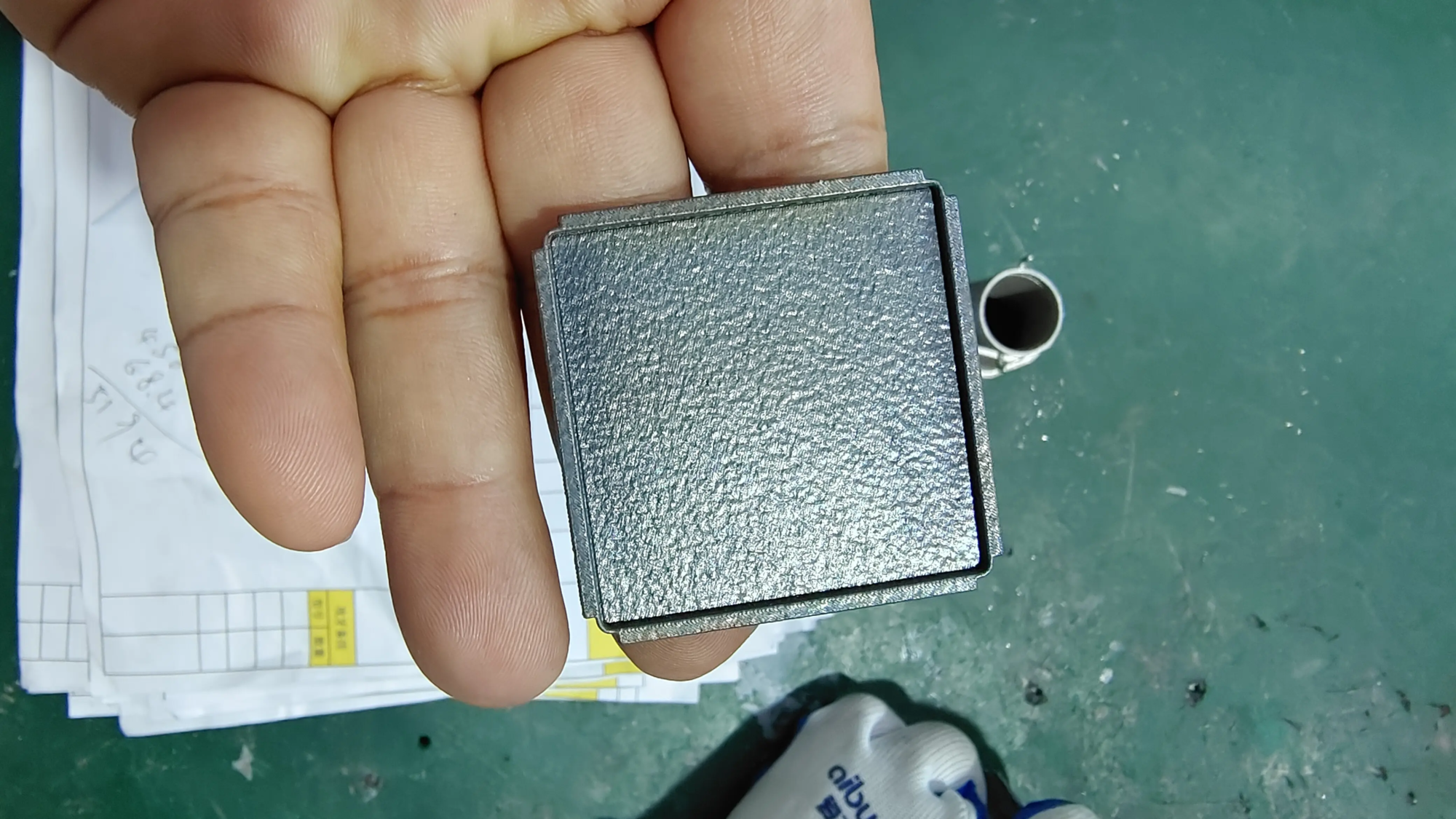
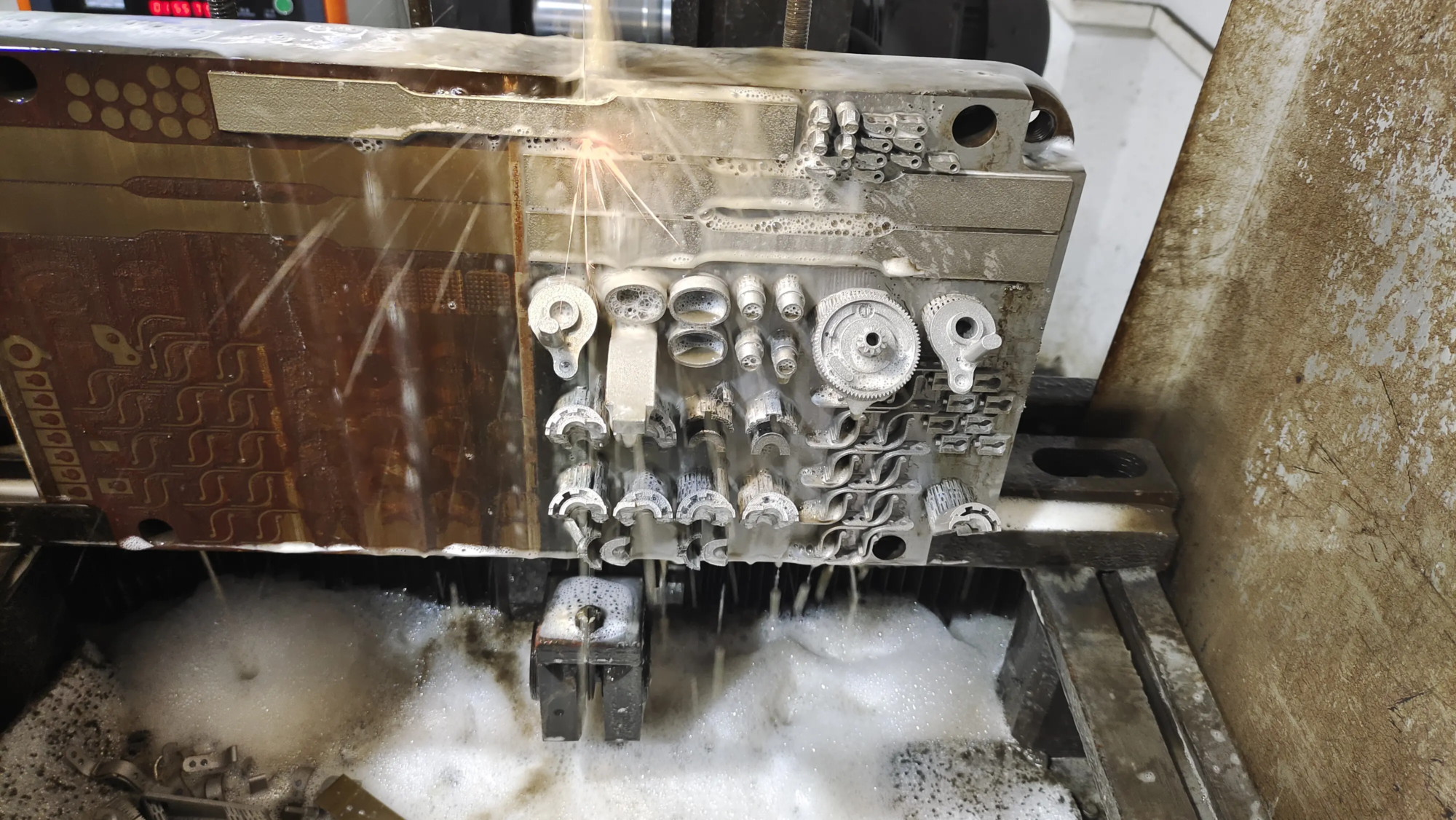
As China’s leading rapid prototype manufacturer, Great Take advantage of our fleet Advanced SLM (Selective Laser Melting) 3D Printer and deep expertise in metal powder bed fusion to provide complex high-precision parts. We go beyond original printing:
- Cutting-edge SLM technology: Obtain complex geometric shapes and near mesh parts in a variety of high performance metals (stainless steel, titanium, aluminum, inconel, tool steel).
- Integration post-processing: Our comprehensive in-house services include pressure relief, support disassembly, precision CNC machining (milling, turning), hips (hot isometric compression), surface finishes (shooting, sand/polishing, polishing, bead blasting) and specialized coatings. We handle the entire journey.
- Material flexibility and expertise: Solve customized material requirements through professional guidance. We purchase certified powders and optimize parameters for specific alloys.
- Excellent speed to the market: Get functional prototypes and end-use production parts with our simplified process. Focus your R&D or manufacturing resources where they matter most.
- Cost-effective solutions: The benefits of competitive pricing, coupled with uncompromising quality and reliability.
Stop using the extrusion setup and surface workpiece fight. Gregtime is your trusted partner for rapid prototyping and low-capacity mission-critical metal parts production. We transform your digital design into tangible, high-fidelity reality, and supported by engineering support and fast turnaround.
[Contact GreatLight Today] Consult and learn how our professional 3D printing service can accelerate your innovation with perfect results.