Unlocking Perfect Prints: The Essential Guide to G-Code Simulator for 3D Print Preview
From carefully designed 3D models to perfect physical parts, it’s a journey full of potential pitfalls. Layer shifts, collisions, wasted filaments and frustrating print failures can derail even the most promising projects. enter G code simulator: Your indispensable virtual proving ground before an ounce of filament melts. This powerful tool acts like a digital crystal ball, visualizing the entire 3D printing process based on machine instructions (G-code), allowing you to identify and correct potential disasters before they hit your build plate.
Why G-code emulation isn’t optional; it’s essential
G-code is the language generated by the slicing software to instruct the 3D printer. It determines every movement: extrusion path, travel motion, temperature changes, bed motion and fan speed. While slice previews can provide a glimpse, they often miss the critical motion interaction between the printer and the print. Dedicated G-code simulator practical instructions Your printer will perform and convert them into dynamic (usually 3D) visualizations:
- Prevent catastrophic collisions: Are your prints exceeding the physical bed limits? Once the support structure becomes taller, will the print head collide with the printed part? Simulations revealed these critical spatial conflicts that would have been impossible to see in a static slicer.
- Optimize toolpaths and movements: Witness how the nozzle moves across the build area during travel motion (non-printing motion). The simulator highlights inefficient paths or excessively long strokes, allowing you to adjust slicer settings (such as retraction distance/activation, travel speed, or overhang avoidance settings) to minimize stringing and bleeding and save print time.
- Validate complex geometries: For prints with complex, delicate geometries or challenging drapes, previewing the precise sequence and path of an extrusion can expose weak points, areas where curling may occur due to insufficient cooling, or problematic bridging paths. Seeing the patterns and timing of each delivery provides unparalleled insight.
- Estimated printing time and material usage: Many simulators provide highly accurate print time estimates and calculations based on consumable usage actual Motion encoded in G-code, interprets velocity changes and accelerations more accurately than slicers alone. This allows for better project planning and costing.
- Debugging failure prints: When a print mysteriously fails in the process, feeding the resulting G-code into a simulator can often pinpoint the exact moment the problem occurred – whether it’s a sudden jump in the axis due to broken code, a crash, or an unexpected heating/cooling event.
Beyond visualization: the power of a powerful G-code simulator
Modern G-code simulators are complex tools. Look for these key characteristics:
- True 3D perspective: Visualize the extruder hot end, the printed part implemented layer by layer, the print bed, and basic printer components such as rails and motors, realistically moving in a complete 3D environment.
- Collision detection and reporting: Core Features – Automatically mark intersections between nozzles, printed parts, support structures, clamps or printer frames. Visual indicators such as collision overlays are crucial.
- Multi-axis visualization: Essential for printers with moving beds (such as coreXY or Delta) or complex kinematic structures. The simulator accurately simulates the printer’s specific plane of motion.
- Time-lapse shooting and layer control: Play, pause, rewind, jump to specific layers, or view the entire time-lapse animation to double-check intricate sections.
- Actual machine kinematics: The top simulator models the precise acceleration, jerk/junction deflection and physical limits of a real printer, providing unrivaled realism in motion prediction.
- Material deposition visualization: See how the filament is laid, track extrusion and retraction events, and visually detect potential under-/over-extrusion patterns.
- Detailed logs and metrics: Access reports on estimated print time, filament usage, tool path distance, collision instances (with number of layers) and high-resolution renders/screenshots.
The Anatomy of Safer, Smarter 3D Printing
Integrate G-code simulation into your workflow, radically transforming printing from a hopeful endeavor to a predictable science:
- piece: Use your favorite slicer (Cura, PrusaSlicer, Simplify3D) to generate G-code for your model.
- simulation: Load the G-code file into the simulator software (stand-alone tool, e.g. Preview speed of PrusaSlicer, Simplify3D’s built-in simulator, Ultimaker Cura with preview, or dedicated tools such as OctoPrint plugin or front).
- analyze: Watch the simulation carefully. Pay close attention to collision warnings, inefficient paths, first layer adhesion simulation, bridge sections and overhang printability visualization.
- Tweak and iterate: Returns slicer settings based on simulator feedback. Modify bed clearance, travel path, extrusion settings, support placement, print speed profiles, and even direction.
- Re-simulate (if necessary): Generate new G-code and simulate again until the preview shows perfect print execution.
- Print with confidence: Transfer the verified G-code to the printer and start printing, knowing that major defects have been virtually eliminated.
Simulation: Professional Benchmark
For engineers and rapid prototyping services, G-code simulation is not only convenient; This is an essential requirement to deliver consistent, high-quality results and optimize resources. It dramatically reduces costly failed prints, minimizes material waste, saves critical production time, and protects expensive hardware from collision damage. it is a cornerstone Design for Additive Manufacturing (DfAM)ensuring that manufacturability constraints are actually met before committing physical resources.
Keep prototyping on track: GreatLight’s precise benefits
Perfect G-code ensures that the machine understands its job, but perfect execution requires equally advanced hardware, expertise and control. This is where working with a professional prototyping company becomes invaluable.
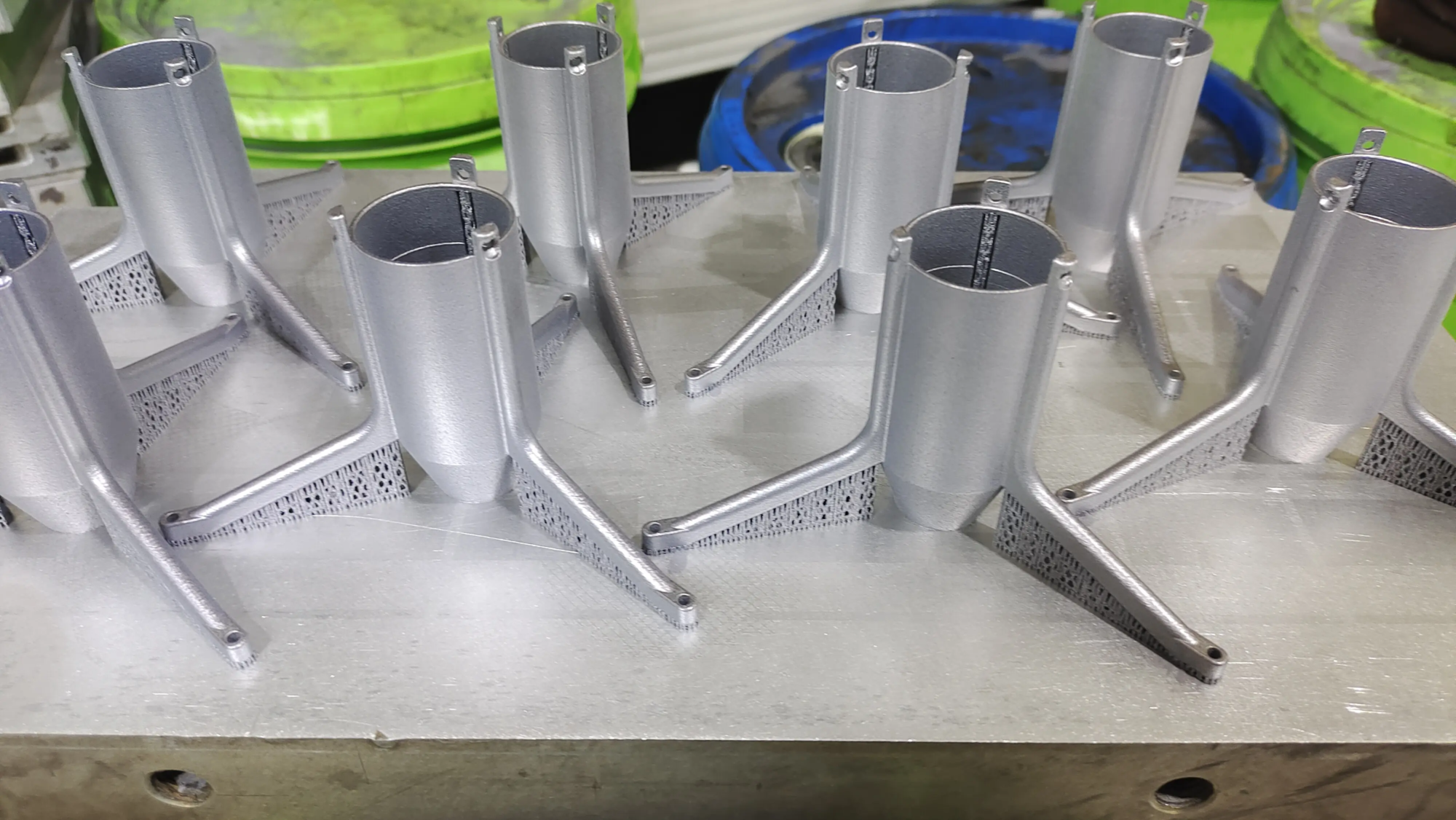
glow rapid prototyping embodies this synergy. Utilize state-of-the-art technology Selective Laser Melting (SLM) Metal 3D Printer Together with its advanced CNC machining center, GreatLight is able to tackle demanding metal rapid prototyping projects head-on. Their mastery is deeply rooted in DfAM principles and leverages complete digital workflows:
- Expert SLM implementation: They utilize precise metal sintering technology to transform complex CAD models into durable, high-resolution metal prototypes and end-use parts.
- End-to-end production: In addition to printing, GreatLight offers comprehensive One-stop post-processing – Includes professional heat treatment, stress relief, precision CNC finishing, targeted surface treatments such as sandblasting or polishing, and meticulous quality inspections.
- Material Versatility: To meet different needs, they offer specialized processing of various metal alloys, allowing them to be customized for specific mechanical properties such as strength, weight, corrosion resistance or thermal stability.
- Speed and accuracy work together: GreatLight specializes in efficiently solving complex metal prototyping challenges, providing fast turnaround and uncompromising precision machining capabilities for critical features and tolerances.
For industries requiring the highest reliability (aerospace, automotive, medical, and energy), choose a partner who excels in digital simulation steps (such as G code verification) and advanced physical manufacturing steps (SLM + precision machining) is the most important. Honglite stands out as China’s leading rapid prototyping companybridging the gap between digital design perfection and tangible, high-performance precision parts – delivered on time and at a competitive price. Discover fast and cost-effective custom metal solutions tailored precisely to your specifications with GreatLight.
in conclusion
Transform 3D printing from a trial-and-error art to a predictable engineering workflow with G-code simulation. This is a critical verification step that converts raw G-code instructions into a reliable visual roadmap that proactively eliminates collisions, optimizes tool paths, saves resources, and ensures your complex designs come out of the printer exactly as imagined. Integrated simulation is more than just adopting a tool; It is cultivating a mindset oriented towards precision, efficiency and guaranteed success. Combined with advanced manufacturing capabilities and expertise from a leader huge lightdigital simulation becomes the cornerstone for producing complex, high-value prototypes and production parts with absolute confidence, efficiency and minimal waste.
FAQ: Demystifying G-Code Simulator and 3D Printing
Q1: Is the preview in my slicer not enough? Do I really need a standalone emulator?
A: Slicer preview shows layer pattern and extrusion path, but misses kinesiology movement. Dedicated G-code simulator simulation Actual printer hardwarerealistically simulating collisions between nozzles, printing parts, supports and printer frame movements. This reveals the risk of unpredictable interference from slicers.
Q2: Can any emulator be used with any printer?
A: Ideally, choose a simulator that specifically targets printer kinematics (e.g. Cartesian, CoreXY, Delta) and build volume/dimensional configuration. General purpose simulators exist but may lack accuracy for complex movements. Check compatibility with your machine profile.
Q3: Will simulation eliminate all printing failures?
A: Simulate main capture mechanical and structural Toolpath and collision related faults (physics collisions, bed overflow). It does not directly protect against failures caused by incorrect microtome settings (e.g., wrong temperature, insufficient cooling, improper gluing), filament quality issues, power outages, or printer failure. However, by visualizing the extrusion flow and path, it can often provide clues about potential problems with the setup.
Q4: Does the G-code simulator occupy resources?
A: For common desktop FDM printers, the emulation software can usually run efficiently on a typical PC/Laptop. Very complex models (high polygon count) simulating large industrial printers may require more processing power, especially for realistic 3D rendering with collision detection.
Question 5: How would simulation benefit services that provide metal printing, such as GreatLight?
Answer: For high-cost processes such as SLM/DMLS metal 3D printing, simulation is crucial. It prevents potential failures that could disrupt expensive metal powder molding or damage printer components. Predictive visualization is an important risk mitigation step in delivering reliable, cost-effective metal prototypes and production parts. Professional services use simulation to ensure part manufacturability, virtually optimize support structures (key to metal additive manufacturing) and ensure resource efficiency.