

Enhance your iPad experience: A comprehensive guide to 3D printing your own custom stance
Tired of the fragile universal tablet rack? Imagine a solution that is perfect for your iPad model, complementing your desk aesthetics and at the expense of convenience. 3D printing makes it possible for you to create custom iPad booths tailored to your exact needs. This guide walks you through designing, printing, and completing shelves, blending DIY creativity with professional-level insights.
Why 3D Print Your iPad Stand?
Customization is the key. Commercial stalls often lack flexibility – view angles, incompatible sizes for new iPad models or poor cable management. 3D printing allows you to:
- Very suitable for your device: Match the exact size (including cases or accessories).
- Optimized Ergonomics: Designed for accurate tilt angles for video calls or drawings.
- Add personal style: Integrate logo, ergonomic grip or headphone cable cutout.
- Cost Efficiency: Printing solid costs less than $5 for materials, while $20-$50 for retail options.
A guide to creating your position step by step
1. Design stage
- software: Use free tools such as Tinkercad (beginner friendly) or Fusion 360 (advanced parameter control).
- Key Specifications:
- Equipment measurement: Pay attention to the width, height, thickness and center of gravity of the iPad. For the iPad Pro 12.9-inch, make sure to have a wider dock to prevent tipping.
- Perspective: Ideal angle for the task:
- 60°–75° for typing.
- 20°–30° for painting or video streaming.
- Stable function: Includes anti-slip pads or rubber foot inserts. For durable use (e.g. workshops), add side reinforcements.
- take: Repositories such as Thingiverse or Printables provide prefabricated templates for modification, saving design time.
2. Material selection
Materials can affect durability, aesthetics, and printing complexity:
- PLA: Affordable, easy to print, perfect for lightweight use. Avoid exposure of heat (e.g., sun table).
- PETG: Higher impact force and heat resistance (~80°C). Great for heavy duty iPads.
- ASA/ABS: Weather resistance to outdoor use; a closed printer is required.
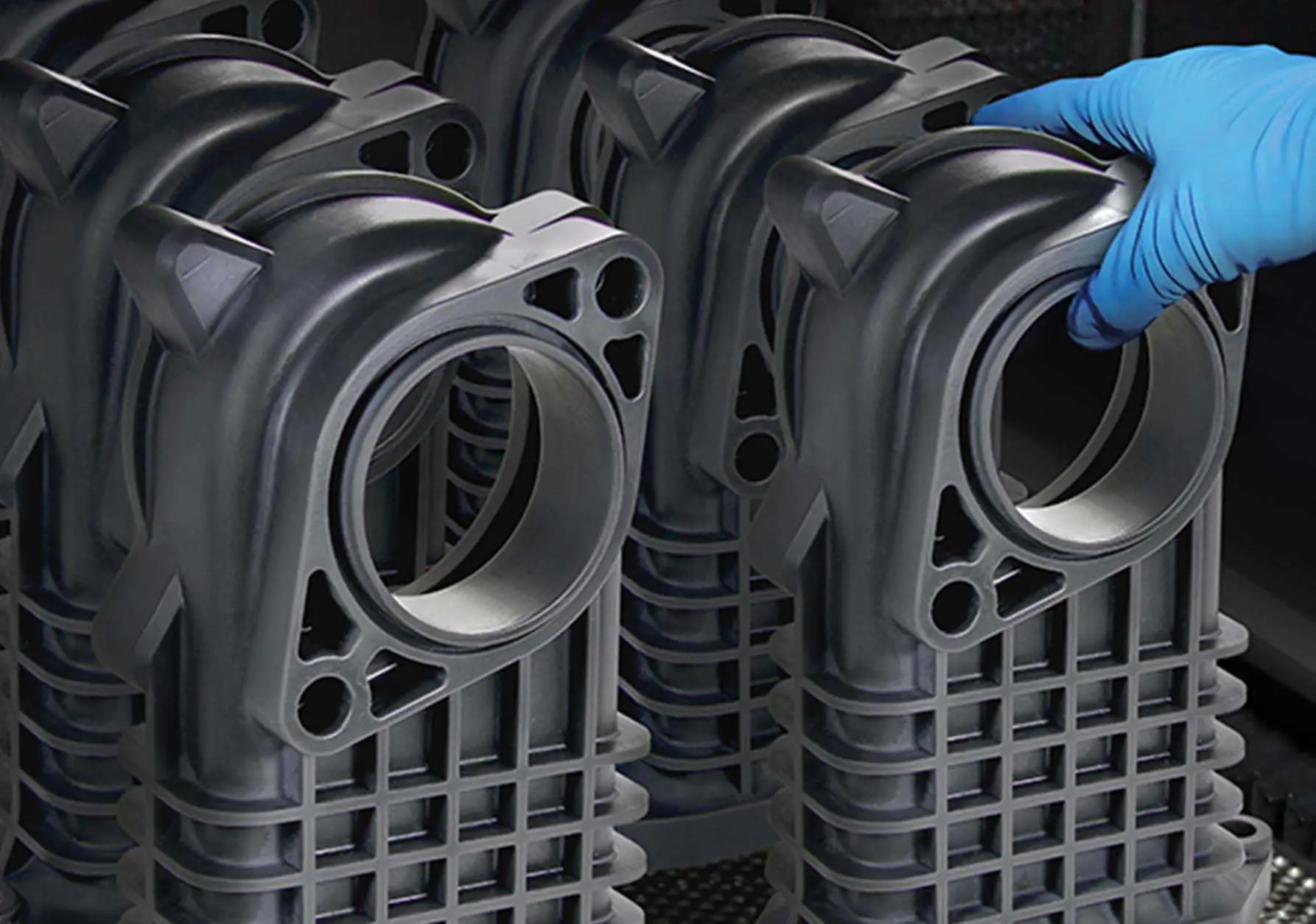
- Metal (via professional service): For industrial-grade needs (e.g., studio mounts), consider metal printing. Greatis a major rapid prototyping manufacturer that uses precise SLM (selective laser melting) technology to provide polished aluminum or stainless steel frames. They meet the stability challenge with precise internal lattice structures – amateur printers cannot replicate.
3. Printing best practices
- Layer height: Smooth surface 0.1-0.2mm.
- filling: 25–40% (hexagon to achieve balance of strength).
- direction: Print flat sides for a clean visible surface.
- Adhesion and cooling: Use edges/rafts to prevent warping. If PETG/ASA is printed, the 100% cooling fan is enabled after the first layer.
- Pantone Tips: If additional stability is required, the grooves designed to insert weighted screws.
4. Post-processing and completion
Although the basic PLA works are printed after work, the collation has improved professionalism:
- Grinding: Start with 120-grain sandpaper until 600-grain paint preparation.
- Primer and paint: Apply a plastic-specific spray primer and then apply an enamel paint to resist scratching.
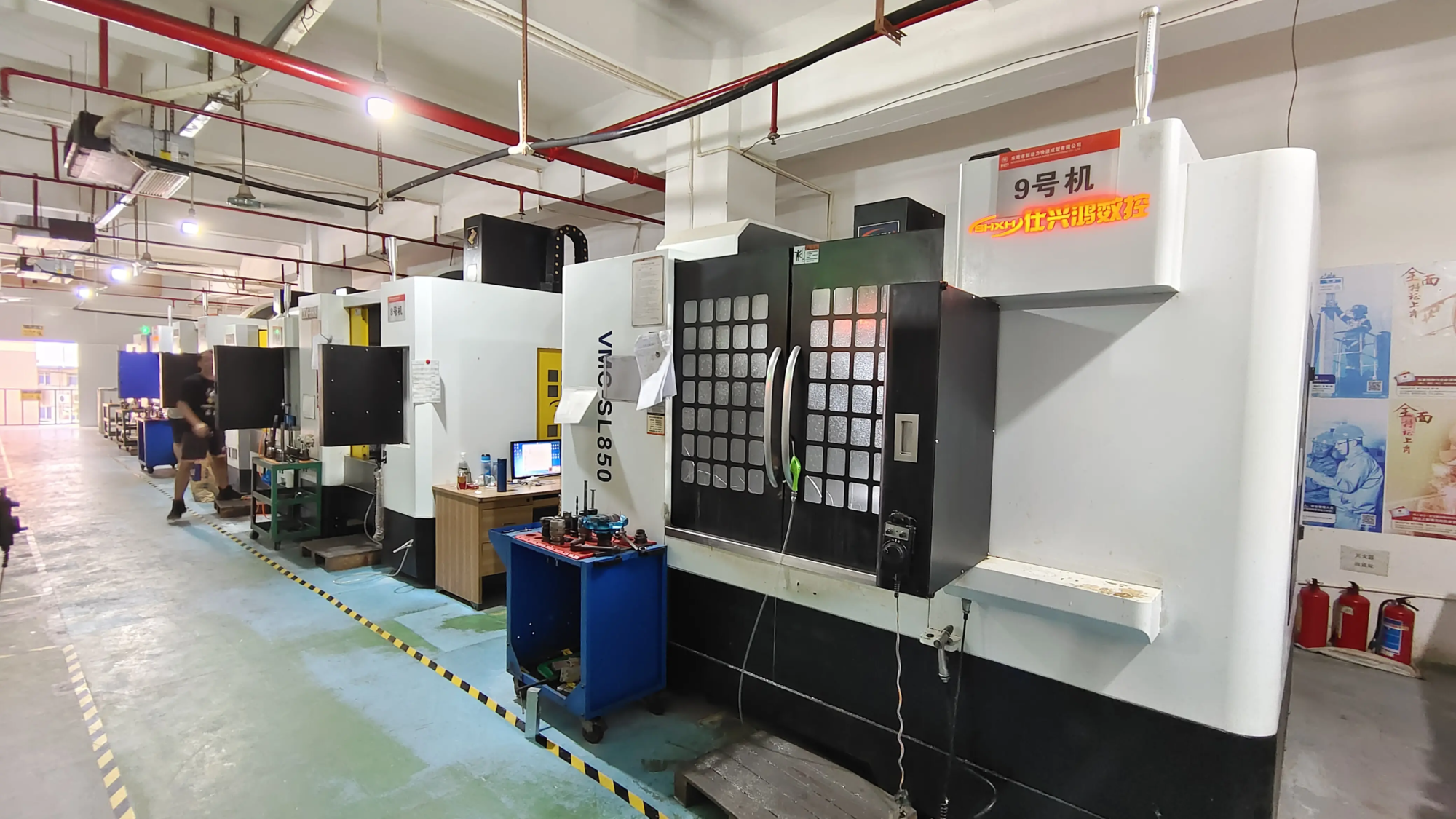
- Professional finish: For true luxury effects (such as bead blue aluminum brackets or smooth IP rating paint), join the experts. Greglight’s one-stop service Smooth the layer lines by CNC polishing, plating textures, laser etching or adding rubberized coatings.
Testing and iteration
Post-printing, evaluation:
- Can the iPad capture it firmly in place?
- Do you basically sway on an uneven surface?
Use CAD software to improve the design based on actual testing. Print Zoom "prototype" First, save time and materials.
in conclusion
3D printing has changed how we solve everyday challenges. The DIY iPad booth offers unparalleled personalization, whether it’s the colorful PLA cradle of the kitchen counter or the adjustable multi-angle mount. When house printers perform well on fast functional prototypes, complex industrial-grade accessories require expertise. The company likes it Great Blinking this gap: With state-of-the-art SLM printers and comprehensive post-processing, their engineers can prepare for demanding environments (conference rooms, studio workshops or creative studios).
Embrace the fusion of home innovation and professional craftsmanship. Print your stands tonight, or if durability is not negotiable, Explore Greatlight’s customized metal prototyping solutions Make accessories worthy of your professional equipment.
FAQ
Q1: How long does it take to 3D-print iPad stand?
With 0.4mm nozzle:
- PLA: A simple 70g stand for 3-5 hours.
- Multi-part stalls: 8-12 hours after distribution.
Q2: Can I use the magic keyboard attached to print the iPad Pro stand?
Yes! Keyboard thickness factor (~1.5 cm). A wider rear bracket is designed to handle the transfer center of gravity.
Q3: Is PLA durable enough to use iPad every day?
Yes – Pla can withstand light use. For frequent travel or heavier devices (for example, iPad comes with a clumsy case), use the PETG or the Professional Metal option.
Q4: How to avoid scratches on iPad?
Line contact points of soft materials:
- Glue adhesive pad onto the rack.
- Design embedded to attach silicone strips.
Q5: Can I create a folding/portable stand?
Yes – Design hinges or slot joints for foldable. For the load bearing joint, reinforce with metal pins and 60% filled nylon.
Question 6: When should I choose a professional metal rack on DIY plastic?
Choose a metal rack when you need it:
- Firepower/chemical resistance in industrial laboratories.
- No long-term wear deformation (with PLA).
- Perform branding (e.g., logo etching or custom texture).
Greglight’s Quick Metal Prototyping Master this situation – from digital files to finished products, place the exact parts within 3-7 days.
Question 7: Do iPhone/Android phones have pre-designed shelves?
Yes – Whithiverse and Cults3d provide hundreds. search "Multi-equipment rack" Print a dock that supports your iPad and phone.
Ready to create it? Crush the 3D printer to Consult Greatlight to create elite stalls Exceed the limit of home printing.