Master the printing environment: When and how to heat a 3D printer housing
So you have built or purchased a shell for a 3D printer. It helps with drafts, perhaps some ambient temperature control. That was a great start! But usually, especially when risking into technical wire or demanding applications, passive temperature control is not enough. Enter the world Actively heated shell – Critical steps to release nylon, polycarbonate, peep and achieve the full potential of materials with upper layers of adhesion, dimensional accuracy, and internal stress reduction in complex areas. Let’s dig deeper into why, how and when extra warmth is needed.
Why heat the wall? More than just comfort
While the shell prevents cold draft from destroying your print, and actively heating it can handle the basic thermodynamic challenges of polymer printing:
- Twisted War: Core issue. Why does warping occur? When molten plastic is extruded onto the build board of the cooler or on the previous layer, it shrinks unevenly as it cools. Actively heat ambient air About Your print greatly reduces the temperature gradient between the hot-extruded plastic and its surroundings. Slower, more cooling = extreme heat shrink stress = minimal warping and lifting curves, even on large surface area prints.
- Taming crystal formation (semi-crystalline polymer): Nylon, PEEK, PPSU and PEKK are Half crystal. Their mechanical strength depends on the curing formation of the organized crystal structure. butthese crystals are optimally formed within a specific temperature range. For example, nylon requires housing temperatures above 45°C, and PEEK usually requires 90°C or higher. Unheated housings do not consistently reach these temperatures. With heating, you can ensure that the polymer crystallizes correctly, maximizes strength, chemical resistance and thermal stability.
- Enhanced layer bonding: Higher ambient temperatures keep the surface of the previous printing layer warmer and softer. This allows the fresh molten layer to be fused into it more efficiently. This greatly increases the adhesion strength of the layer, reduces the risk of layering, and significantly increases the Z-axis strength of your part – critical for functional applications.
- Reduce internal pressure: Fast and unbalanced cooling locks a lot of internal stress on the printed section. These pressures can cause distortion back Print (slow pressure relief), dimensional instability and premature rupture under load. The heated shell promotes a slow and uniform cooling process, annealing When it buildsleading to a more stable and reliable final object.
- Enable advanced material handling: In short, there is no integrated heating system capable of achieving high (>70°C) and stable temperatures that can be reliably printed using engineering grade high temperature thermoplastics (PEEK, PEKK, PPSU, PPSU, PPSU, PPSU, PPSU, PPSU, PPSU, PPSU, PPSU, PPSU, PPSU, PPSU, PPSU, ULTEM) outside of very professional industrial machines. Heating unlocks this feature on a powerful desktop system.
Realize rights "Around" Area: Materials are important
Not all materials require a sauna. Here is a rough guide:
- PLA (~25-35°C): PLAs usually prefer cooling conditions. The heated shell can actually be Harmfulcausing thermal creep problems in the extruder or making the plastic too soft and drooping. Good airflow management and draft prevention are usually sufficient.
- ABS (~40-55°C): Significantly reduces warping and improves layer bonding beyond the implementation of passive fences. It is crucial for larger ABS parts.
- PETG/PET/PCTA (~40-50°C): Some filaments, especially glass-filled variants or in specific applications, benefit from moderate heat to improve dimensional stability and strength.
- Nylon (PA6, PA66, PA12, CF nylon) (~55-70°C): It is crucial to prevent distortion and achieve good crystallization and strength. Higher grades may require upward temperatures.
- Therefore (~40-55°C): Similar heating requirements to ABS, significant improvements to the passive housing.
- Polycarbonate (PC) (~55-75°C): It is critical to managing maximum strength and layer adhesion in a PC.
- High performance polymers (PEI/ULTEM, PEEK, PEKK, PPSU) (~90-120°C+): An aggressive heating fence that can always maintain these high temperatures is not commercially acceptable for successful printing. These materials Require High heat controlled crystallization environment.
Heating method: From DIY hacking to engineering solutions
There are several methods, each with its pros and cons:
-
Special housing heater (heating chamber):
- High temperature cartridge heater: Fans are usually installed inside the housing for circulation (critical!). The gold standard for commercial heating chambers and DIY is designed to be high temperatures (100°C+). Powerful electronics (SSR relays), heavy power supplies, PID controllers, and obvious caution in preventing fire hazards. Able to heat quickly.
- Heater Element + Forced Air: Similar principles, but using larger commercially available heating elements and DC blower fans. Careful design is required to avoid thermal creep problems near electronic devices and ensure heat distribution.
-
Reused equipment:
- Convection Space Heater (Note!): Small low speed mini heater able Work moderately in small housings of materials such as ABS/Nylon. Main warning: If placed near printing/electronic equipment, the fire risk is high. Lack of precise control. Outside specifications, the risks of overheating plastics and electronic devices. Consider only "More safe" if: Protected by heat, protected by tips, placed safely, and constantly monitored. Often discouraged by risks.
- Reptile heat pad/heating pad: Low combat (<80W),表面安全垫。可以粘在内墙甚至打印机框架上。比太空加热器更安全,但是热量输出较低,分布不均匀。加热缓慢,努力获得> 50°C environment. Best for moderate ABS/nylon needs on small printers. A thermostat is required.
- "Free heat" (Not recommended):
- Relocation of electronic equipment: Electronic devices for mobile printers (PSU, control board) in The shells utilize their waste heat. Serious drawbacks: PSU and plates have operating temperature limits (usually up to 50-60°C). The package temperature above will quickly kill your controller board or power supply. Avoid using this method, except for passively containing minimal heat.
Control is key: thermostats and thermocouples
Simply adding a heater is not enough. Accurate control It is crucial for safety and printing quality.
- PID temperature controller: Industry standards. The controller unit reads the thermocouple sensor in the housing and continuously calculates the power required to arrive and arrive maintain Your set point temperature. It automatically adjusts the power to the heater element via A Solid State Relay (SSR). This prevents dangerous overheating and maintains critical stable temperatures required for high-performance materials.
- Thermocouple: Use a type K thermocouple designed specifically for your target temperature. Explode the probe from the direct heated air for a representative environmental reading.
- Firmware Integration (Advanced): In some DIY builds, if equipped with input, the shell temperature can be monitored directly through a printer controller (such as Klipper, Duet), which may enable features such as temporary indoor monitoring and safe cutting in slicer controls. Requires hardware support.
Security First: Non-negotiable considerations
Heating the shell introduces inherent risks:
- Fire hazards: Heater + flammable plastic + possible blockage = potential disaster. Crucial:
- Use only components involving temperature (heater, wiring, relay).
- Always use SSR relays controlled by PID controllers and thermocouple sensors. Avoid plugging the heater directly into a power supply or a simple dialing thermostat. Hardware hot fuses/cuts are wise to do as backup.
- Ensure heater placement minimizes the risk of touching the print or inside the printer. Provide sufficient airflow around the assembly.
- Never leave the heated fence unattended. Use fire safety equipment (fire extinguishers, alarms) nearby.
- Electronic equipment overheating: Printer components (stepper, control board, screen, PSU) have thermal limits. Find their specifications!
- Strategy:
- Physically separated sensitive electrons external Heating chamber (best choice).
- There are active cooling electronics in the fence and a dedicated fan painting Coolunpolluted air external room.
- Use heat shielding in fences near thermal parts.
- Strategy:
- Hot surface: Your case will get hotter. Warn others! Make sure it is stable and in a clear space.
- VOC concentration: Heated shell traps volatile organic compounds (VOCs) released during printing. This is Special concentration and dangerous When printing high temperature materials. Mandatory: use Active exhaust with external exhaust or High-quality air filtration Inside the shell, especially for materials such as ABS, ASA and engineered polymers. Don’t breathe soup!
When heating no Answer (or need to be carefully modulated)
- PLA: As mentioned earlier, heat usually damages PLA performance and leads to jam. Adhere to cooling and draft protection.
- Components certain materials: Some filaments need to be positive cool down Successful specific parts (e.g., Peek Prints usually require indoor heat, but precise hot-end cooling fans). Research your specific material needs.
- Overheated stepper motor: In an enclosed room, the stepper motor may overheat, causing skipping steps or driver failure. Active cooling (outdoor) or motor radiator/fan may be required. Monitor the temperature.
Engineering Perfect: Greglight’s Industrial Approach
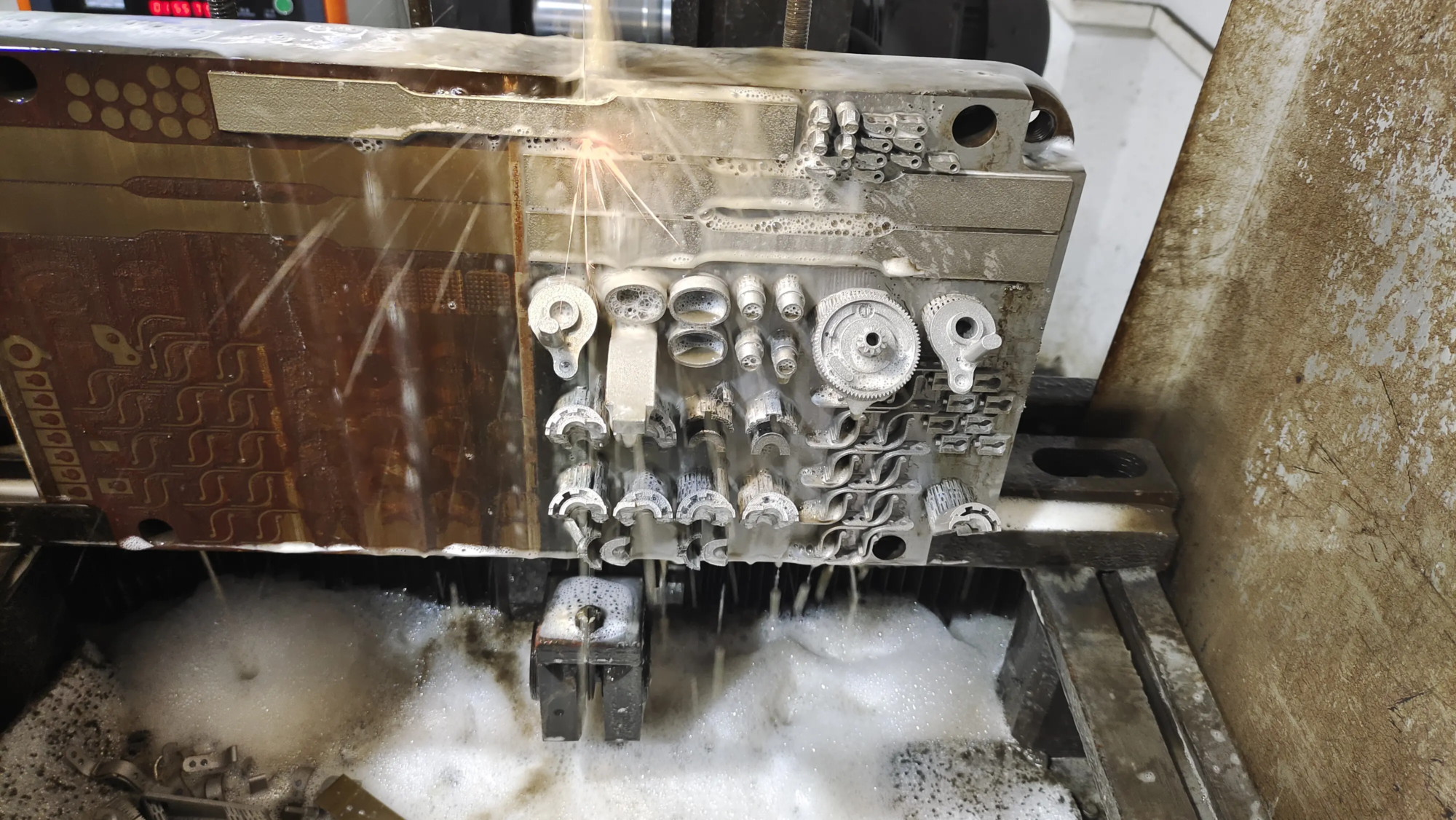
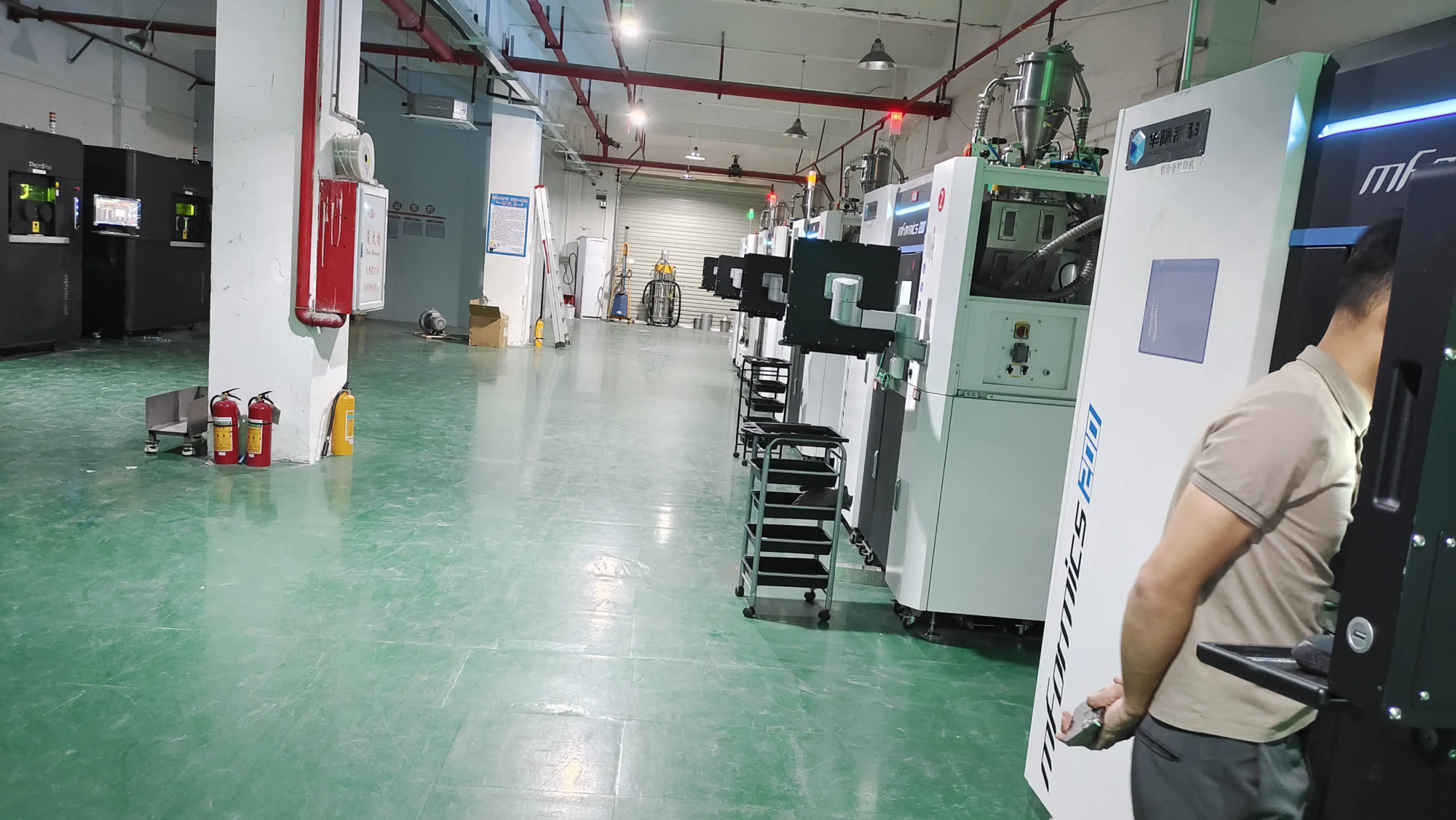
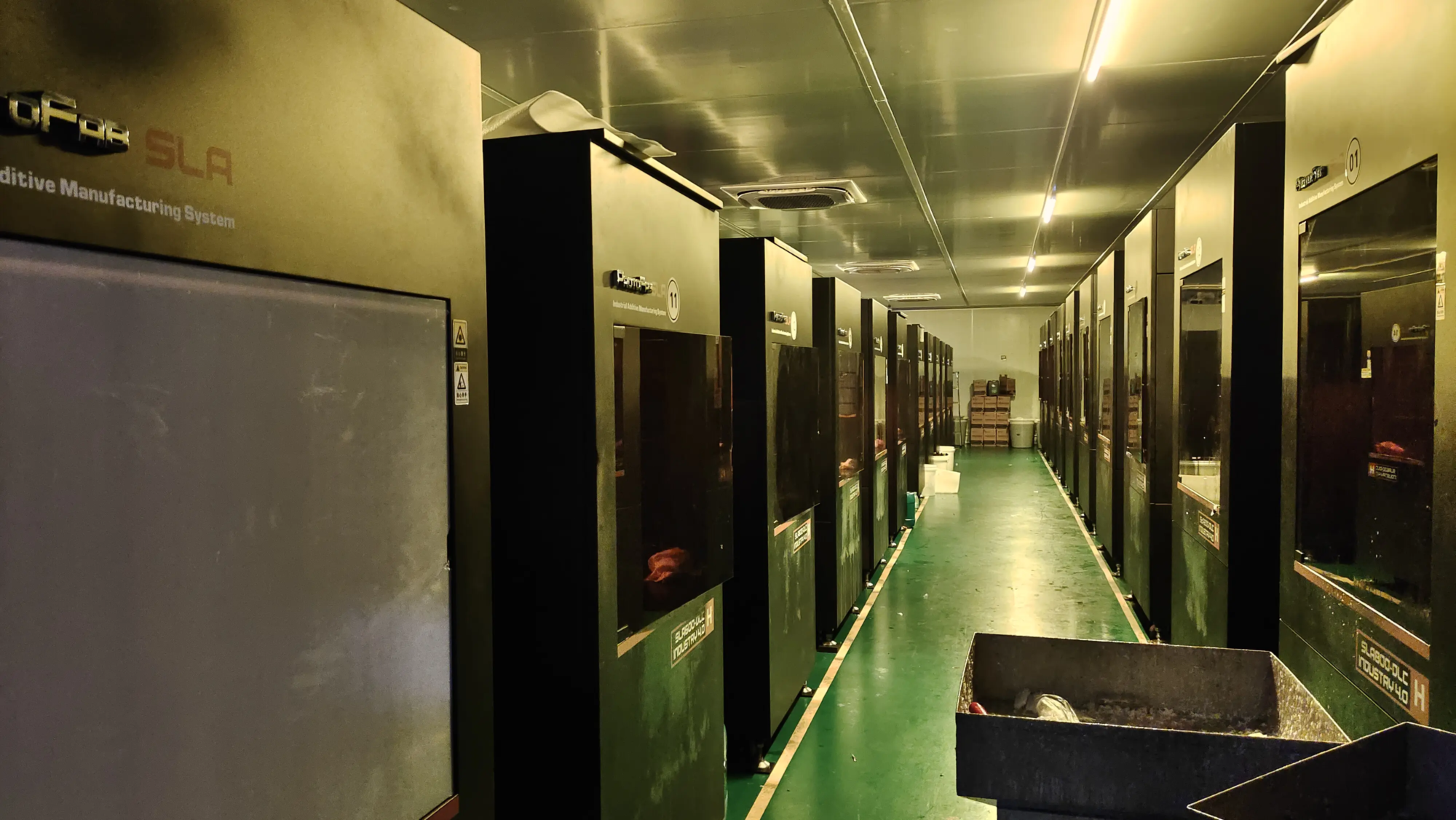
In demanding professional fields Rapid metal prototyping Use a similar process Selective laser melting (SLM)the controlled atmosphere is not only heated – usually inert (filled with argon or nitrogen), precisely controls oxygen, and remains at specific high temperatures throughout the build cycle. This rigorous environmental management is crucial to achieve metallurgical integrity, density, dimensional accuracy, and freedom from the defects required in the ultimate aerospace, medical or automotive components. exist Greatas a full-service Rapid Prototyping Manufacturermaintaining this high-performance building room environment is at the heart of our process. Controlled, heated environments are not convenient for complex metal AMs; this is an important engineering requirement to embed our advanced SLM 3D Printer. This allows us to provide reliable high-quality metal parts and components to meet engineering challenges. Although the scale is different, in principle Remaining: Optimizing the environment optimization results. For materials that need to push desktop printing restrictions (such as Peek, Pekk, or Exotic Composites), working with specialized manufacturers (such as Greatlight) ensures that your prototype meets stringent thermal and structural requirements from the start and is supported with full post-processing capabilities.
in conclusion
Heating your 3D printer housing is a powerful technology for serious manufacturers and professionals. It transforms challenging high-temperature materials from frustrating efforts to viable projects and significantly improves the quality and strength of demanding printing with ABS, PC and Nylon. However, this is not a trivial upgrade. Heating requires an in-depth understanding of thermodynamics, materials science, strong electrical design, and an absolute commitment to safety.
Thinkingly approaching heating. Define your material goals and choose the appropriate heating method Through proper controlcarefully plan the assembly placement and cooling of electronic equipment, integrate effective room air circulation, prioritize ventilation or filtration, and implement rock fixation safety measures. Respect risks, and rewards (no printing quality can be achieved) will be very satisfied.
FAQ: Heat your 3D printer case
-
What is the ideal housing temperature for printing [Material X]?
- PLA: Usually not required (25-35°C is naturally closed).
- ABS: 40-55°C.
- PETG: 40-50°C (usually not strictly necessary, but can help).
- Nylon (PA): 55-70°C (recommended for checking specific grades).
- PC (polycarbonate): 55-75°C.
- ASA: 40-55°C.
- PEEK/PEIK/PEI (UTLEM): 90-120°C+. It is crucial to success. Always refer to your specific filament data sheet.
-
Can I use a regular space heater?
- It is Strongly discouraged Due to the huge risk of fire (overheating, close to plastic/material, drop). if you Absolutely necessaryuse the smallest, lowest wattage possible protected unit, keep it very carefully away from prints and printers, constantly monitor, and then no way Leave it unattended. Dedicated solutions using PID control and SSRS are safer.
-
Do I absolutely need a temperature controller?
- Absolutely, for safety and quality. Plug the heater directly into the power supply or use a simple dialing thermostat without preventing dangerous overheating. PID controller with thermocouple keeps Accurate Temperature you set and automatically adjust the power through the SSR relay.
-
Where should I place the temperature sensor?
- Place the thermocouple detector in the field of general ambient heat inside the fence, away from the direct hot air explosion of the heater fan, rather than touching the bed or nozzle (such as the bed or nozzle). The height is usually good near the center or the lower middle part. Try to protect it from direct radiant heat paths. The goal is to measure Air The temperature around the print.
-
What about my printer’s electronic products? Aren’t they inside?
- This is The biggest challenge. The components have lower tolerance limits (usually up to 50-60°C). Your best choice is:
- move: Move the PSU and control panel completely into the heating chamber. The cable needs to be rerouted.
- Active cooling: Create a dedicated airflow path inside the housing, pull Cool External air The only one On key electronics. Don’t rely solely on the interior air.
- Insulation: Shield electronic devices with insulating materials to prevent radiant heat paths (e.g., mounting with fiberglass or ceramic plates).
- don’t want Rely on passive cooling of electronic devices in high greenhouses.
- This is The biggest challenge. The components have lower tolerance limits (usually up to 50-60°C). Your best choice is:
-
How important is air circulation (fan) in a heated housing?
- Crucial! Without airflow, you can create local hot spots around heaters and cooling areas elsewhere. This breaks the purpose of uniform and stable temperature. Use a low-speed fan located in the position to facilitate a soft cycle of the entire housing amount. This ensures uniform temperature and better print quality.
-
Do I need special ventilation?
- Yes, absolutely. Heating can significantly increase VOC concentration and potentially harmful particle levels emitted from the plastic.
- Exhaust (exhaust): Actively pump water, polluted air external Your building (the best solution for health/safety).
- Efficient filtering: Use high-quality activated carbon + HEPA/E11 + filter units indoors to scrub the VOC and particles before returning to the interior. Avoid cheap "Absorbent". Exhaust is usually superior in terms of health, but loses heat. Filtration retains heat at the expense of continuous filter maintenance and potential final breakthroughs.
- Can I build a heated shell myself?
- Yes, for experienced manufacturers who are able to follow strict electrical safety protocols. You need good design skills, the right thermocouple/PID controller/SSR relay, the right 12V or 24V heater components, indoor circulation fans, potential electronic cooling systems, and strong fire safety precautions. Alternatively, purchase a prefabricated printer with an integrated, engineering heating chamber design.
By understanding these principles and best practices, you can safely leverage the power of a heated fence to conquer challenging prints and take 3D printing capabilities to a professional level.