Silent Finisher: Master Ironing for Perfect 3D Printing Surfaces
In the pursuit of the perfect 3D printed part, we often focus on layer lines on vertical walls. But what about the top—the surface that stares back at you? Achieving a glass-smooth surface can be difficult here, especially on flat surfaces like boxes, panels, or statue bases. where is this ironinga clever slicer feature that’s often overlooked, steps in as a powerful post-print technology period Print itself.
Demystifying Ironing: It’s Not What You Think
Don’t let the name fool you; there’s no actual hot iron involved! Ironing in 3D printing is a slicer-controlled process performed by the hot end of the printer. Once the final solid top layer is deposited, the printer doesn’t stop. Instead, it performs one or more additional passes over the top surface, but with a key twist:
- Minimum squeeze: Rather than depositing large amounts of new filament, the extruder extrudes only a tiny, controlled volume—often barely noticeable or even set to zero flow. Its main function is not to build but to reshape what already exists.
- Heated tip action: The hot nozzle (maintained at printing temperature or slightly cooler) slides slowly and carefully over the printed plastic.
- Pressure and heat: The combination of gentle pressure from the nozzle and residual heat gently melts the plastic and redistributes it over the surface, similar to how an iron smoothes out wrinkles in fabric.
The result? The tiny grooves and ridges between the extrusion paths soften and blend, resulting in a smoother, flatter and more aesthetically pleasing top surface.
Inner Workings: How a Slicer Controls an Iron
Effective ironing relies on understanding and fine-tuning key slicer settings. While the exact names may vary slightly between different software (Cura, PrusaSlicer, Simplify3D, etc.), the core parameters are consistent:
- Ironing enabled: Main switch.
- Ironing pattern: Usually a straight line (same as top padding) or concentric circles. Lines generally produce more uniform results.
- Ironing process: Critical! Define the microvolume of extruded plastic period Ironing, usually between 5-15%. Too much will create ridges; too little may not smooth effectively. 0% flow relies solely on remelting of existing plastic.
- Ironing speed: Significantly slower than print speed – typically 30-100 mm/sec. Slower speeds allow for more heat transfer and smoothing. Too fast and the results will be ineffective; too slow and may cause overheating/burning.
- Ironing temperature: Can match printing temperature or slightly lower (5-10°C). Lower temperatures reduce risk but require slower speeds or higher flows.
- Ironing insert: distance remaining within the outer perimeter. The small inset avoids dragging the nozzle over the edge.
- Fan speed during ironing: Lowering the cooling fan speed helps the smoothing effect by keeping the plastic molten for longer.
Why iron? Compelling benefits
Integrated ironing has clear advantages, especially for parts where the appearance of the top surface is important:
- Enhance aesthetics: Achieve a near-painted smoothness on flat tops to enhance the professional look of prototypes, demo models and functional parts.
- Improve paint readiness: Creates a good base for paint or varnish. Fewer layer lines means less sanding prep and a superior final paint finish.
- Consistent finish in various designs: Provides uniform smoothness regardless of differences underneath the top fill pattern.
- Reduce manual sanding: Especially for complex top surfaces where sanding is difficult or where there is a risk of altering the details.
- Visual enhancement of specific filaments: Works perfectly with materials known for showing layer lines, such as matte PLA, PETG and silk.
Addressing the Challenge: Potential Drawbacks and Mitigations
Like any tool, ironing is not magical and needs to be used with care:
- Increase layer time: The additional passes significantly increase print duration. Use selectively.
- Risk of overheating: Leaving it in too long or applying too much heat can melt the underlying layers, causing warping, bubbling or denting. "plate" The effect is in the center. Relieve this by lowering the temperature, increasing the speed slightly, or starting the cooling fan during ironing.
- Groove/ridge possibilities: Incorrect flow settings (usually too high) can cause the nozzle to deposit tiny unwanted lines instead of being smooth.
- Not suitable for complex topologies: Best for use with fairly flat or slightly curved top surfaces. Avoid steep slopes or surfaces with large gaps/holes that are not firmly filled.
- Substance dependence: Works best on materials that continuously melt (PLA, PETG, ABS). It can be trickier with large particle filled filaments (e.g. wood, marble) or extremely temperature sensitive materials like TPU (risk of tearing/pinching the nozzle).
Pro Tips for Successful Ironing
- Start conservatively: Start with the slicer’s default ironing settings for your material and work your way up.
- Traffic is king: This is usually the most sensitive setting. For PETG, the experimental range is 5%-15%, maybe even 0%.
- Balancing speed and temperature: Use slower speeds for better smoothing, but if overheating occurs, lower the temperature slightly.
- Benchmark with calibration square: Print simple flat squares using different iron settings to quickly evaluate the results without wasting time on large prints.
- Check top padding: Make sure there is a solid top layer underneath the ironing passes. Low fill percentage or gaps don’t provide great benefits.
Ironing and metal precision processing (GreatLight comparison)
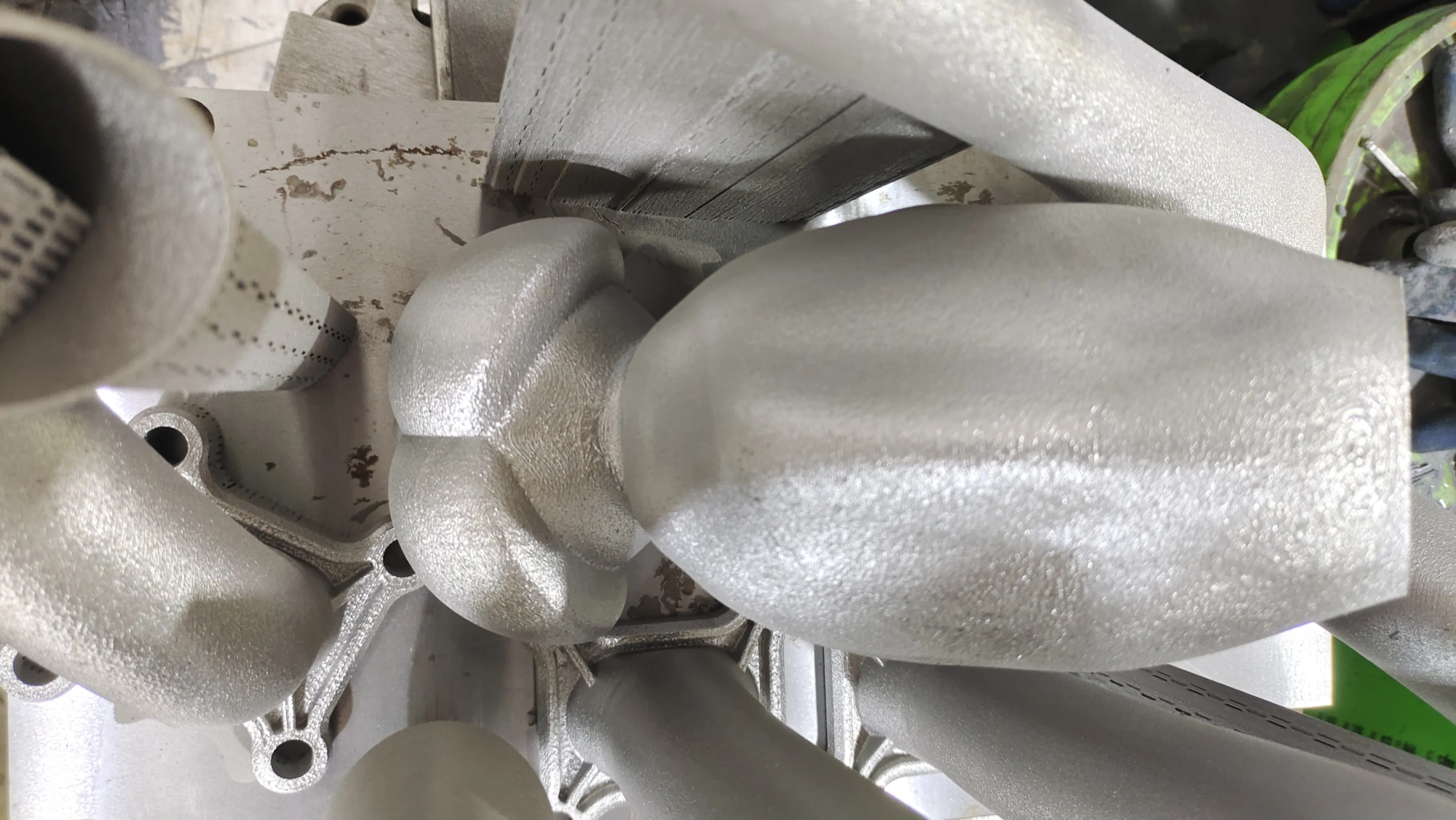
While ironing can smooth the surface of a thermoplastic layer by layer, resulting in a mirror-like effect Metal 3D printed parts (such as GreatLight’s products produced using Selective Laser Melting – SLM) involve fundamentally different advanced post-processing techniques. SLM inherently creates high-density, near-net-shape parts, but requires meticulous finishing:
- Machining and grinding: Precise removal of surface defects.
- Electrolytic polishing: Uses electrochemical dissolution to microscopically uniformly smooth surfaces.
- Abrasive flow machining: Used for smoothing internal channels and complex geometries.
- Grinding/Polishing: Achieve optical grade surface finish.
At GreatLight, we combine our expertise in advanced SLM machining with a comprehensive suite of high-precision post-processing services tailored for demanding metal prototypes and production parts. For metals, implement "ironing"level of smoothness requires robust industrial solutions that go beyond desktop technology.
in conclusion
Iron-on is a sophisticated slicing tool that utilizes the printer’s own hot end to significantly improve the appearance quality of the top surface of FDM/FFF 3D printed parts. It cleverly combines temperature, movement and precise material control. By understanding the principles, carefully experimenting with settings, and selectively applying them to appropriate geometries and materials, manufacturers and professionals alike can improve print quality, reduce reliance on manual trimming, and achieve stunningly smooth results directly from the print platform.
For projects where thermoplastic aesthetics are critical, mastering ironing is a valuable skill. However, when your goals turn to metals and demanding industrial applications that require unparalleled dimensional accuracy and surface finish, partnering with experts like GreatLight ensures your rapid prototyping goes beyond desktop limitations.
FAQs about ironing 3D prints
-
Can all printers be ironed?
Yes, ironing is a slicer feature, not a hardware feature. Any FDM/FFF 3D printer capable of running G-code emitted by an iron-enabled slicer (eg Cura, PrusaSlicer) can do this. The physical printer requires no special modifications.
-
Is ironing better than sanding?
Ironing is not a complete replacement for sanding, but it can greatly improve reduce The top surface needs to be sanded. It can dramatically smooth layer lines, potentially eliminating the need for a rough sanding step. Fine sanding or polishing may still be required to achieve an absolutely perfect finish, but ironing will do the heavy lifting.
-
Why does my ironing leave grooves or make the surface worse?
This is almost always due to Too much ironing flow. The nozzle squeezes out excess plastic during the ironing process, creating new tiny ridges instead of flattening existing ridges. Significantly reduce the ironing flow rate (try 2-5% less). This condition can be exacerbated by high nozzle temperatures or very slow velocities combined with high flow rates.
-
Will ironing damage my prints?
If it’s not set up correctly, it probably is. The main risks are:
- Overheating/Crash: It is caused by the ironing temperature being too high, the speed being too slow, or multiple passes staying in one place for too long.
- Grooves/Ridges: Ironing flow rate is too high.
- Burnt/discolored: Especially for materials that are prone to thermal discoloration due to excessive temperature.
- Nozzle Drilling/Indentation: Caused by insufficient Z-axis runout or incorrect nozzle height during ironing.
-
What materials are best for ironing?
Ironing with thermoplastics that melt predictably produces the best results:
- Outstanding: PLA (especially matte or basic variants), PETG (usually works best at 5-10% flow or 0% flow), ASA, ABS (watch out for warping).
- Possible but tricky: Silk PLA/Silk PETG (be careful when changing flow), TPU (flow is very low, slow, be careful – the nozzle can catch).
- Not recommended: Large Particle Composite Materials (Wood, Metal Filled, Stone Filled) – Particles clog the nozzle or prevent smooth flow. Hygroscopic filaments (nylon, PVA) that require dry storage.
- **Can the bottom layer or side walls be ironed?