

Beyond IKEA: Use 3D printing to create your dream desk drawers
Tired of flimsy particleboard drawers sagging under the weight of essentials? Frustrated by those awkward, slightly small compartments that don’t quite hold your gadgets? Welcome to the world of custom organizing. The solution isn’t another trip to the big box store; It’s right at your desk or accessible through cutting-edge industrial services: 3D printing.
Designing and producing your own desk drawers is more than a practical activity; It’s a statement independent of standard sizes and mediocre designs. Whether you’re a hobbyist with a desktop FDM printer dreaming of custom storage boxes made from vibrant PLA, or an engineer who needs to create ultra-precision metal slides through advanced additive manufacturing (AM), this journey will change the way you interact with your workspace. Let’s dive into how to create the perfect drawers.
Phase One: Planning Your Vision (Digital Design)
The journey begins digitally. Forget cookie-cutter templates; your drawers are unique your.
- Compulsively measure: Accuracy is non-negotiable. Precisely measure openings in Your desk cavity (width, height, depth), leaving critical clearance (usually 2-4mm in width/height and 1-2mm in depth for smooth operation). Don’t forget your existing hardware mounts!
- Sketching and Conceptualization: What lives in this drawer? pen? tool? Electronic components? Planning internal divisions – fixed walls? Modular plugin? How deep should the cubicles be? Jot down ideas.
- Embrace CAD: Convert your sketches into precise digital models. Choose software wisely:
- Beginner friendly: Tinkercad (browser-based, intuitive).
- intermediate: Fusion 360, Onshape (powerful parametric tools, steep learning curve), FreeCAD (open source).
- shape: First design the core box shape. Grip ridges or front panels can be added if desired. Incorporate interior features like dividers. remember Fillets and chamfers! These soften sharp edges, reduce stress concentrations and improve printability. Add a tolerance gap to the blade (usually 0.2-0.5mm is enough).
- Sliding system design: This is crucial. Common DIY methods:
- Integrated slideshow: Design protruding slides on the sides of the drawers and corresponding grooves/channels on the sides of the cabinet. Excellent dimensional accuracy is required taking into account friction/material tolerances.
- Independent rail installation: Design slots/clips to attach commercial metal or hybrid slides. Measure slide size first And its mounting points are precisely integrated into the drawer and cabinet CAD models.
- Simple friction/bootstrap: Less elegant, relying solely on tight tolerances and low-friction materials. Only suitable for light loads and infrequent access.
Phase 2: Prototyping and Refinement
Click to pause before printing!
- mock up: Only core volumes or critical cross-sections are printed. PLA/PETG is cheap and fast. this "quick and dirty" Printing instantly highlights fit issues, interferences or impractical situations that are not visible in CAD. Iterate on designs quickly.
- Material selection matters: Friction, strength, temperature resistance – they all depend on your filament or material:
- People’s Liberation Army: Fits prototype, low friction decorative drawers; fragile and brittle under load/impact.
- PETG/PET: Tougher, more durable, better able to handle slight bends, low warpage. Great for functional drawers.
- ABS/ASA: It has higher temperature resistance, is stronger than PLA/PETG, and has no shell that is easy to warp. Suitable for specialized applications.
- Nylon/PC: Excellent toughness, high strength-to-weight ratio, and wear-resistant. Suitable for drawers with higher requirements. Careful printing is required.
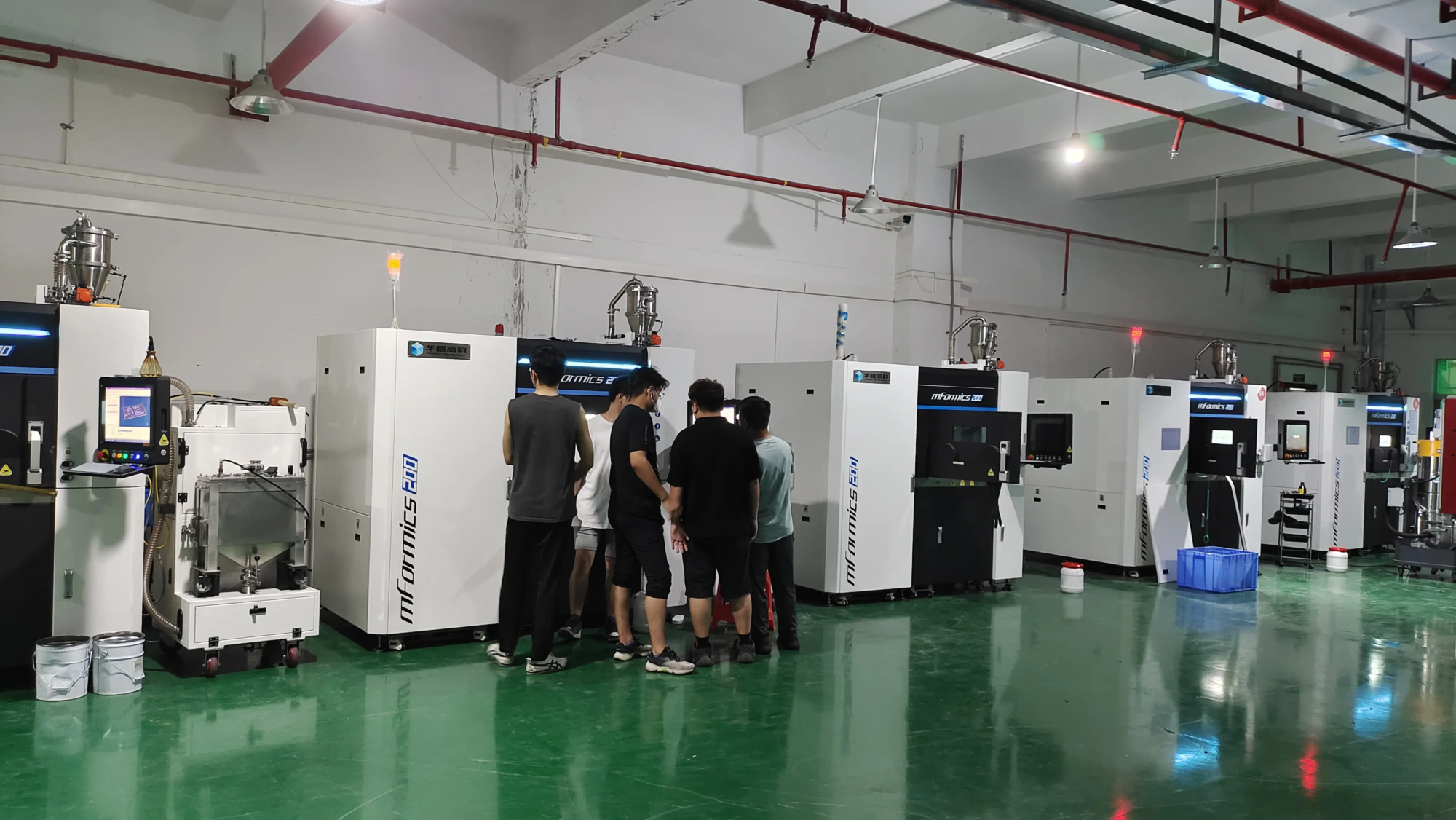
- Metal (SLM/DMLS): Achieve ultimate durability, precision, heat resistance and longevity. Think aerospace grade slides, industrial fixture drawers, scientific instrument compartments.
- Print settings: Dial-in parameters:
- Wall/Perimeter: Increase strength (minimum 3-4).
- filling: Density affects strength and weight. Typical drawers are 20-40% (hexagonal/spiral). Consider a higher sliding mount nearby.
- Floor height: Smaller = smoother surface = potentially less friction. Balance it with printing time.
- tolerance: There are inherent tolerances in printing. Incorporate this into your CAD clearance design. Calibrate your machine carefully.
- support: Required for severe overhang. Minimize them where the slide needs a smooth surface.
Phase Three: Manufacturing and Assembly
Ready for physical build.
- Print: Load the material of your choice and start printing. Monitor the first level closely.
- Post-processing: FDM prints need cleaning:
- Carefully remove the supports and smooth them with sandpaper.
- For Slides/Rails: Sand the mating surface step by step (e.g. 120 grit -> 400+ grit) and polish


