

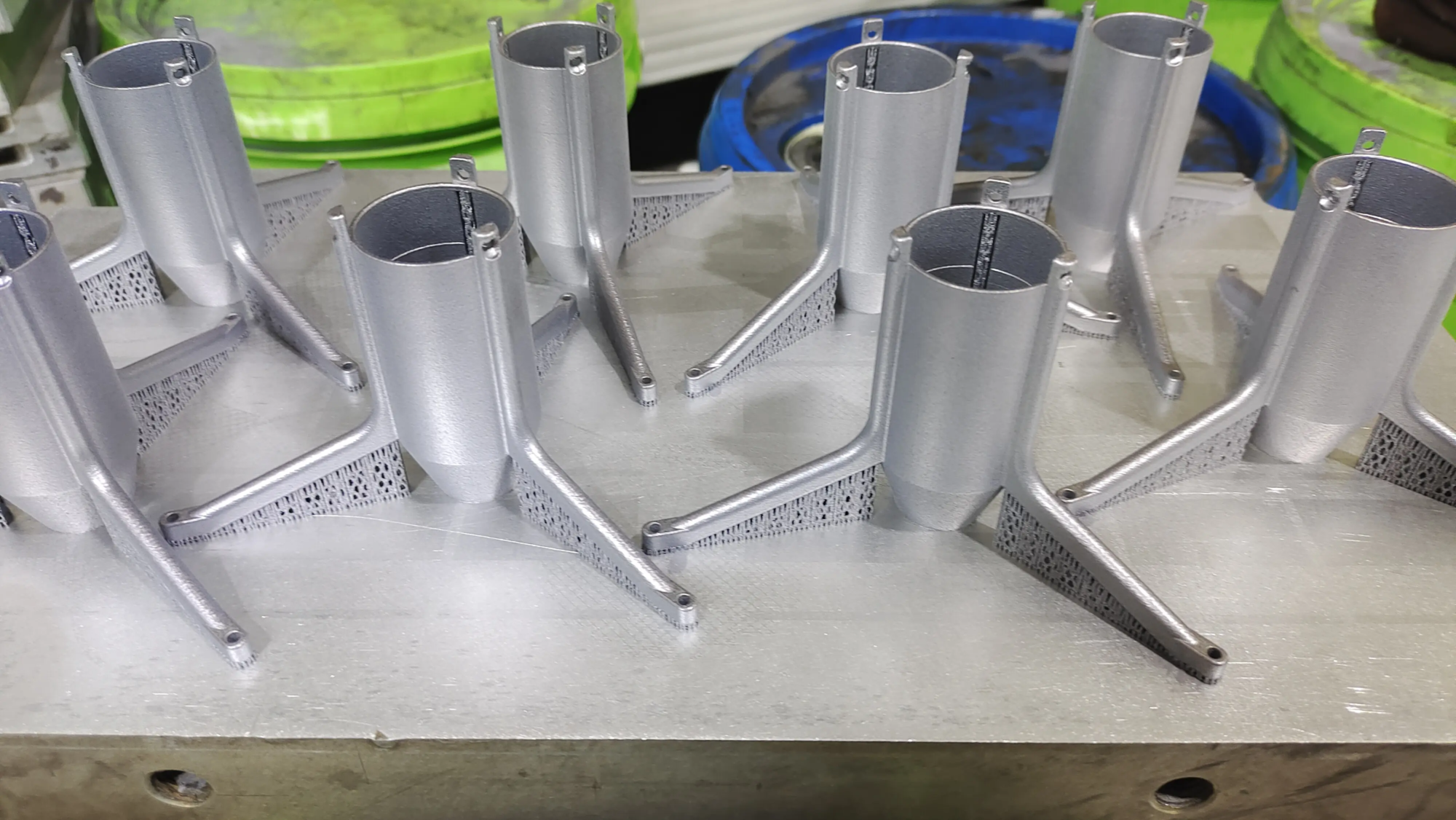
Make your own Keyblade: From digital dream to tactical reality – your complete guide to 3D printing
The Keyblade—the iconic, mystical weapon wielded by Sora and his companions—represents adventure, courage, and the power to shape destiny. For fans, owning one is more than just owning a prop; It’s about embodying a cherished part of the Kingdom Hearts universe. When the copy exists, create your own Keyblade, custom designed and forged (well, printed) according to your vision, takes it to another level. Benefit from easy-to-use 3D printing technology, especially with professional metal printing services such as huge lightcreating a truly unique and durable keyblade is within reach. Let’s take this journey step by step.
1. Conceptualize: Define your dream weapon
Immerse yourself in the design before hitting “Print”:
- Choose your inspiration: Are you recreating classics like Keys to the Kingdom or Road to Dawn? Or maybe design an original Keyblade that reflects your own story? Original designs offer maximum creative freedom.
- Function and display: Is this a lightweight prop that cosplay requires? Need a weighted display piece? Or even a functional core for stress testing? Your end goals can significantly influence material selection and design complexity.
- Size issues: Determine the scale. A life-size Keyblade is spectacular, but requires planning for strength and assembly if your printer has limited print volumes. Smaller copies are faster and cheaper.
- Depth of detail: Consider complex mechanisms (moving parts?), surface textures, embedded elements (e.g. acrylic "crystal"), or the internal channels of electronic products such as LEDs. Sketch these concepts!
2. Digital Sculpting: From Idea to Virtual Blueprint
This is where your vision comes to life in digital form:
- Software selection: Beginners might start with Tinkercad for simpler geometry. For intricate details and organic forms, Blender (free) or Fusion 360 (free for enthusiasts/commercial restrictions apply) are powerful options. ZBrush excels at complex sculpting.
- Accuracy and References: For reproductions, collect high-quality reference images from multiple angles. Orthogonal views (front/side/top) were modeled first to ensure scale accuracy.
- Printability design: This is critical.
- Drape: Avoid severe overhangs (>45 degrees) requiring complex supports that could damage the surface. Strategically design angles or split prints.
- Wall thickness: Make sure the walls are thick enough for strength – usually at least 2-4mm for plastics and much thicker for metals, depending on alloy and printer. Thinner parts run the risk of cracking.
- Clear: Moving parts? Design adequate clearance for FIT (0.2-0.5 mm, depending on material/printer accuracy).
- Manifold geometry: Make sure your model is "water proof" – No gaps or self-intersecting surfaces causing slicing errors. Use the software’s mesh repair tool.
- Meeting point: For large blades, design robust mechanical interlocks (pins, dowels, threaded inserts, overlapping tongues


