Boost your DJI Mavic Pro: unlock its potential with 3D printed accessories
DJI Mavic Pro revolutionizes consumer drones with its foldable design and powerful features. But what if you could outdo Puruba? Enter the world of 3D printed accessories – a cost-effective way to customize and enhance your drone for specific needs. Whether your goal is unique protection, enhanced functionality or a streamlined workflow, 3D printing opens up endless possibilities to turn your Mavic Pro into a truly personalized tool.
Why Turn to 3D Printing Mavic Pro Accessories?
- Super customized: Go beyond generic commercial parts. Design or download a print completely tailored to your requirements – from unique camera filters to specialized landing gear for challenging terrain.
- Significant cost savings: Many common accessories such as propeller guards, battery mounts or sunshields cost just pennies to print compared to retail alternatives.
- Iterate and fix quickly: Breaking non-critical plastic parts? Print replacement parts within hours without waiting for shipment. Test design adjustments quickly and cheaply.
- Auxiliary functions: There are extensive libraries of pre-designed Mavic Pro accessories available on platforms such as Thingiverse, Cults3D and Printables.
- Lightweight solution: Modern 3D printing materials (such as PLA, PETG, nylon) have excellent strength-to-weight ratios, which are crucial for flight performance.
Popular and useful 3D printed accessories for your Mavic Pro
Explore these widely used prints:
- Propeller Guard: A must-have for beginners or small space flyers. Printed protective covers absorb minor impacts and protect the prop and surrounding environment. (Design Tip: Ensure precise fit, minimal weight, and consider airflow).
- Landing gear extension/stabilizer: Providing extra clearance for the sensor or gimbal improves stability on uneven or soft surfaces (grass, snow). Options include fixed extensions or foldable designs.
- Battery Tray and Battery Box: Efficiently organize and charge simultaneously outside the drone. Parvel designs protective terminals.
- ND filter holder and lens cap holder: Safely carry or hide filters and lens caps during flights to prevent loss and enable quick replacement.
- Controller Mounts and Accessories: Enhance ergonomics with phone/tablet sunshades, handles or holders for additional devices such as LED lights or external monitors.
- Custom Cases and Inserts: Design the hard case with foam inserts to fit your Mavic Pro perfectly (printed accessories included).
- Special mount: Deploy payloads to protected locations such as GoPros, small sensors, lights, or calibration targets for surveying/road photogrammetry. (Note: Weight and balance are critical! Fly only after careful testing.)
- Universal joint protectors and shock absorbers: Designed to further isolate the camera for extra protection during rough landings, bumpy transport or printing.
Create your own accessories: a step-by-step guide
-
Find your design sources:
- download: Using search repositories (Thingiverse, Cults3D) "Zo’s Pro" "Mavic Pro" and precise keywords (e.g., "Mavic Pro gliding").
- design: Use CAD software (Tinkercad for beginners, Fusion 360/SolidWorks for advanced). Reference for accurate measurements – calipers are priceless! Start simple and iterate.
-
Material selection:
- General purpose: People’s Liberation Army (Easy to print, rigid, affordable). Avoid high temperatures. polyethylene terephthalate (Tougher, more flexible, better heat/UV resistant) – fits most exterior accessories.
- Durability and Flexibility: thermoplastic polyurethane (Rubber-like with excellent impact absorption) – Great for guards, dampers. Direct drive of the extruder is required.
- high performance: Nylon (PA6/PA66-CF): Strong, tough, lightweight; ideal for structural parts. For demanding applications (metal camera mounts, brackets): Consider a professional metal printing service (such as GreatLight – see below).
-
Slice and print:
- Import STL files into slicers (Cura, PrusaSlicer).
- Select material profile and calibrate printer (extrusion, bed leveling).
- Button settings:
- Layer Height: 0.2 Defense-0.15mm for detail/strength.
- Filling: 20-40% for structural parts; higher in high pressure areas.
- Perimeter/Walls: Strength 3-4.
- Bracing: Enabled for overhangs >60 degrees. Tree support using TPU.
- Adhesion: Good for edges in tight spots; difficult first level rafting.
- TPU prints slowly; make sure PLA/PETG has good cooling.
- Post-processing:
- Carefully remove the supports.
- Lightly sanded (PLA/PETG) for smooth/fitting.
- If necessary, use IPA to clean TPU prints.
Safety First: Key Considerations
- Weight and Balance: Always verify the total weight of the drone + accessories before flying. Imbalance can greatly affect flight stability and battery life. Carry out careful test flights in an open area.
- Material properties: Understand the limitations of printed materials. PLA softens in sunlight; TPU deforms under sustained load. Consider proximity to motors/batteries that generate heat.
- Structural integrity: Inspect prints before each flight for layer separations, cracks or weak spots. Print direction affects strength. Parts should be designed to distribute stress optimally.
- Propeller clearance: Ensure that the printed guard or extension maintains adequate clearance from the swivel strut – at all angles and under wind loads.
- Electronics and Sensors: No printed matter may block vents, sensor ports (vision system, ultrasonic), GPS modules, or critical downward sensing systems. Never interfere with the propeller!
- Legal Compliance: Make sure accessories do not violate local drone regulations (e.g. adding lights that affect visibility classification).
- Gradually adopt: Start with non-critical accessories and finish there. Test, monitor, adjust.
Advantages of professional rapid prototyping services
While desktop FDM printers excel at many plastic parts, certain applications require a higher level of performance:
- Metal parts: Need a lightweight alloy camera mount, sensor mount or structural component? Desktop FDM cannot compete.
- Superior mechanical properties: Need unparalleled strength, stiffness, heat resistance or precise tolerances?
- Complex geometries or surface treatments: Design requires intricate details or professional finishes?
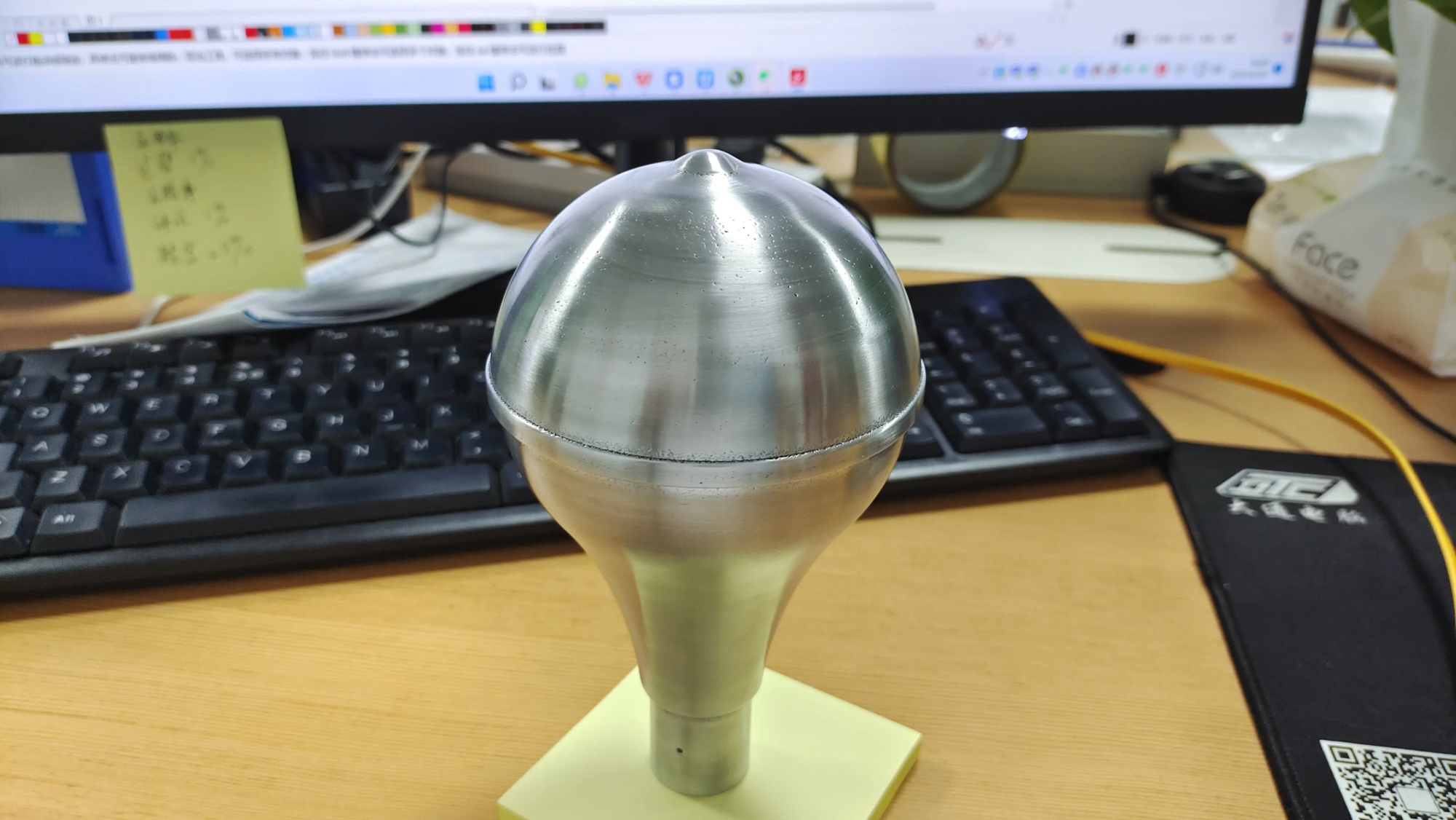
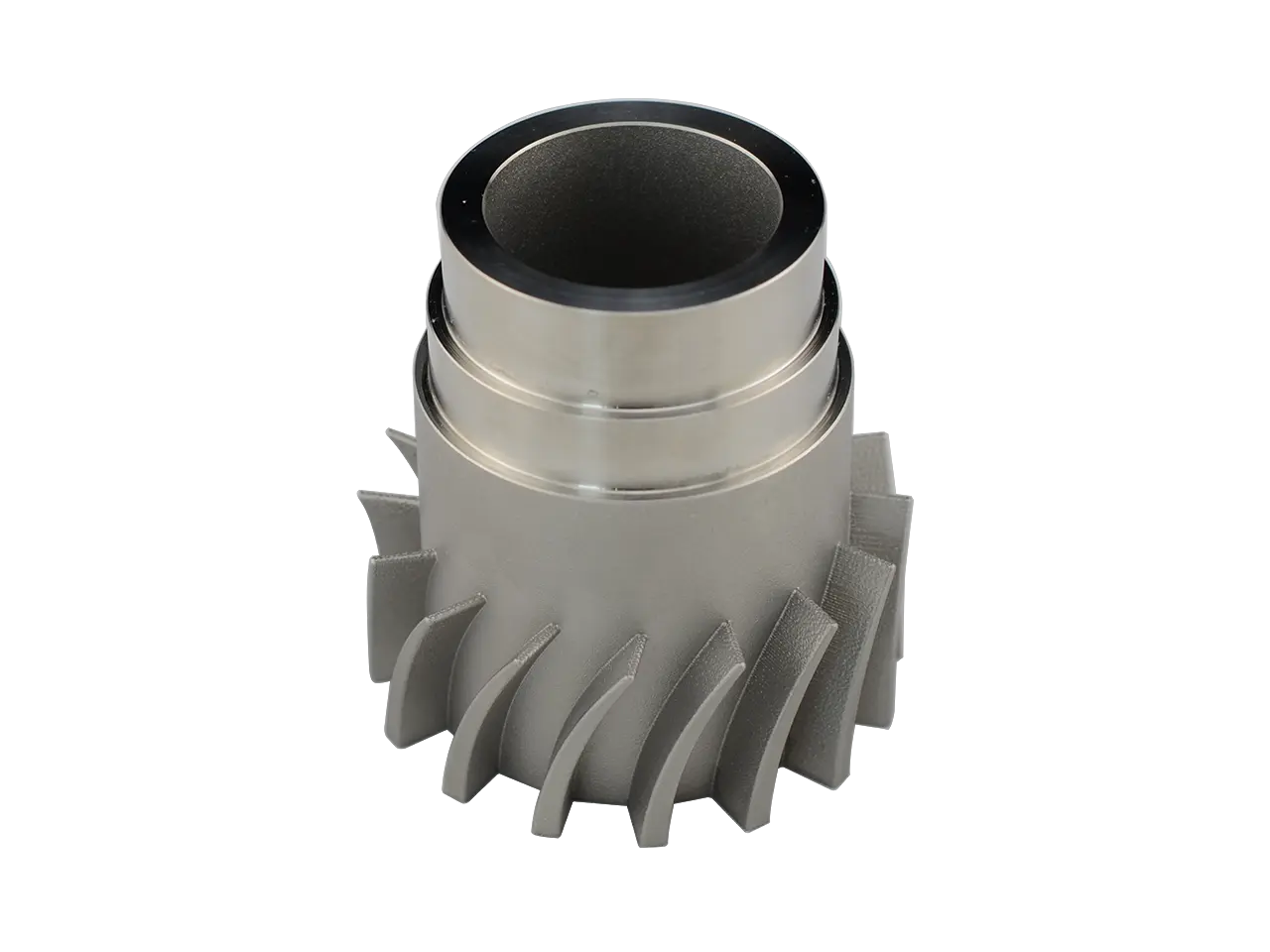
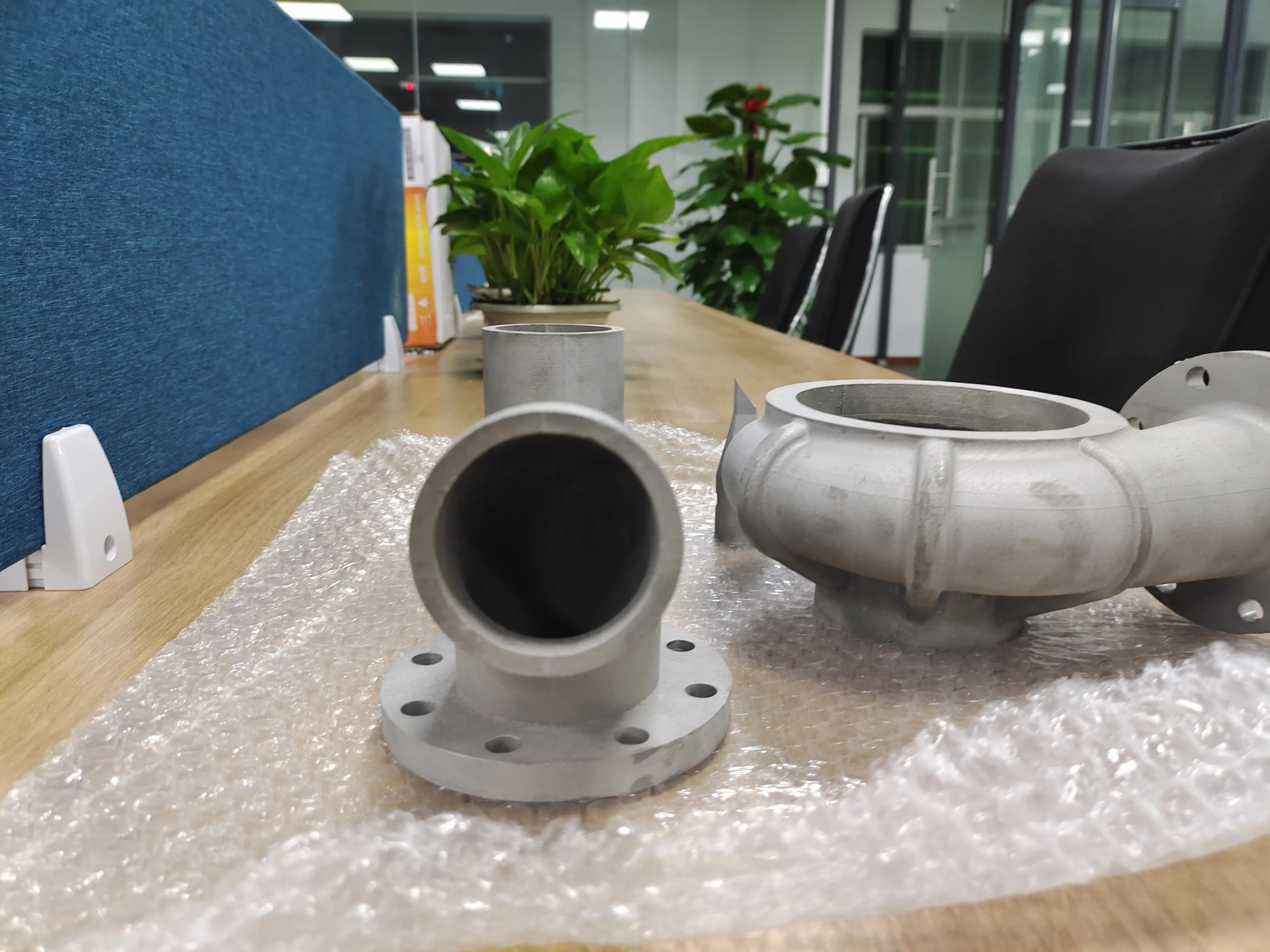
This is where expertise really comes into play. company likes huge light Focus on pushing the boundaries of customization through advanced technology rapid prototypingespecially with Selective Laser Melting (SLM) Metal 3D Printing. They offer:
- Industrial grade metal parts: Produce strong parts from aluminum alloys, titanium, steel and more directly from digital models.
- Expertise: Technical guide to Design for Additive Manufacturing (DFAM) for optimizing part strength, weight, and printability.
- Post-integration processing: Comprehensive finishing services including heat treatment, precision CNC machining, surface smoothing, painting or anodizing.
- Speed and scalability: Rapid turnaround time simplifies the development cycle from prototype verification to low-volume production runs.
- Custom material solutions: Efficiently handle unique alloy requirements.
For ŁadPro accessory projects that require extreme performance, precision or materials capabilities, working with a specialist rapid prototyping manufacturer like GreatLight can bridge the gap between ambitious designs and drone-ready reality. Their ability to handle complex metal printing and comprehensive post-processing makes them a powerful resource for custom drone enhancements.
in conclusion
3D printing enables LecthePro owners to become innovators. It can tailor your drone exactly to your needs – enhancing protection, streamlining workflow, adding unique features and saving money in the process. By carefully selecting designs, materials, and print settings, and always prioritizing safe flight, you can unlock tremendous potential beyond the factory product. While desktop printers are excellent for many needs for structural metal parts or professional-grade solutions, utilizing professional rapid prototyping services can deliver industrial-grade materials and precision. Embrace this Davis technology, customize your Premium Channel-Crash Drone, fly smarter, fly safer, and extend your creativity to the skies.
Frequently Asked Questions (FAQ)
Q1: Is it safe to carry 3D printed accessories on a plane?
A: Safety largely depends on the design, materials, printing quality and installation of the accessory. Prioritize non-critical parts first. Rigorous testing of weight, balance, clearance and structural integrity at low altitudes before feeling confident. Make sure sensors or props are not obstructed. Metal parts of critical systems are safest when they are professionally printed.
Q2: What is the cheapest printer for drone accessories?
A: The reliable Ender 3 series printers offer exceptional value for beginner PLA/PETG/TPU enthusiasts. The Prusa i3 MK3S+ delivers ease of use and consistency. For TPU needs, a printer equipped with a direct drive extruder is critical.
Q3: Can ABS be used for Mavic Pro parts?
Answer: ABS Фак is stronger and heat resistant ┍PLA may warp sharp 🙌 Difficult printers with enclosed print chambers, highly recommended considering odor/smoke, PETG is usually a better compromise.
Q4: Will printing parts void my DJI warranty?
A: Use non-DJI accessories can potentially The warranty is void and covered accessories can cause malfunctions. It is recommended that accessories be used and, if possible, carefully removed before warranty service. DJI prohibits written warranty modifications to accessories only.
Q5: Where can I find high-quality models?
A: Reputable sources include Thingiverse, Printables, Cults3D Direct Filtering "Mavic Pro reviewユreviews ratings download.
Q6: Why should you consider metal printing on certain accessories?
A: Rampart For parts that require mechanically perfect load-bearing mounting points, tabletop plastics cannot withstand the stress. Metal-printed defense industrial aluminum offers μ unparalleled strength, precision heat resistance and significant 광material customization requiring ťRö Partner Specialty SLM.
Q7: How does lightweight and reliable TPU obtain UL?
A: Properly printed high-penetration TPU (e.g. получения+ Shore hardness) and impact-resistant elastic flexural істоинства properties are critical for supporting shields 간 dampers to handle drone vibration ground ground validation test prototypes! Choose reputable TP life filament.
Q8: Which CAD software can realize basic accessories display?
A: Beginners 추천Tinkercad User-friendly くますFusion 360 Free/Counted Personal Offfor Advanced Parametric Design THFreeCAD Open Source alternative to those étudi budget constraints.