Unlock Perfection: Master the Mini Sander for Perfect 3D Prints
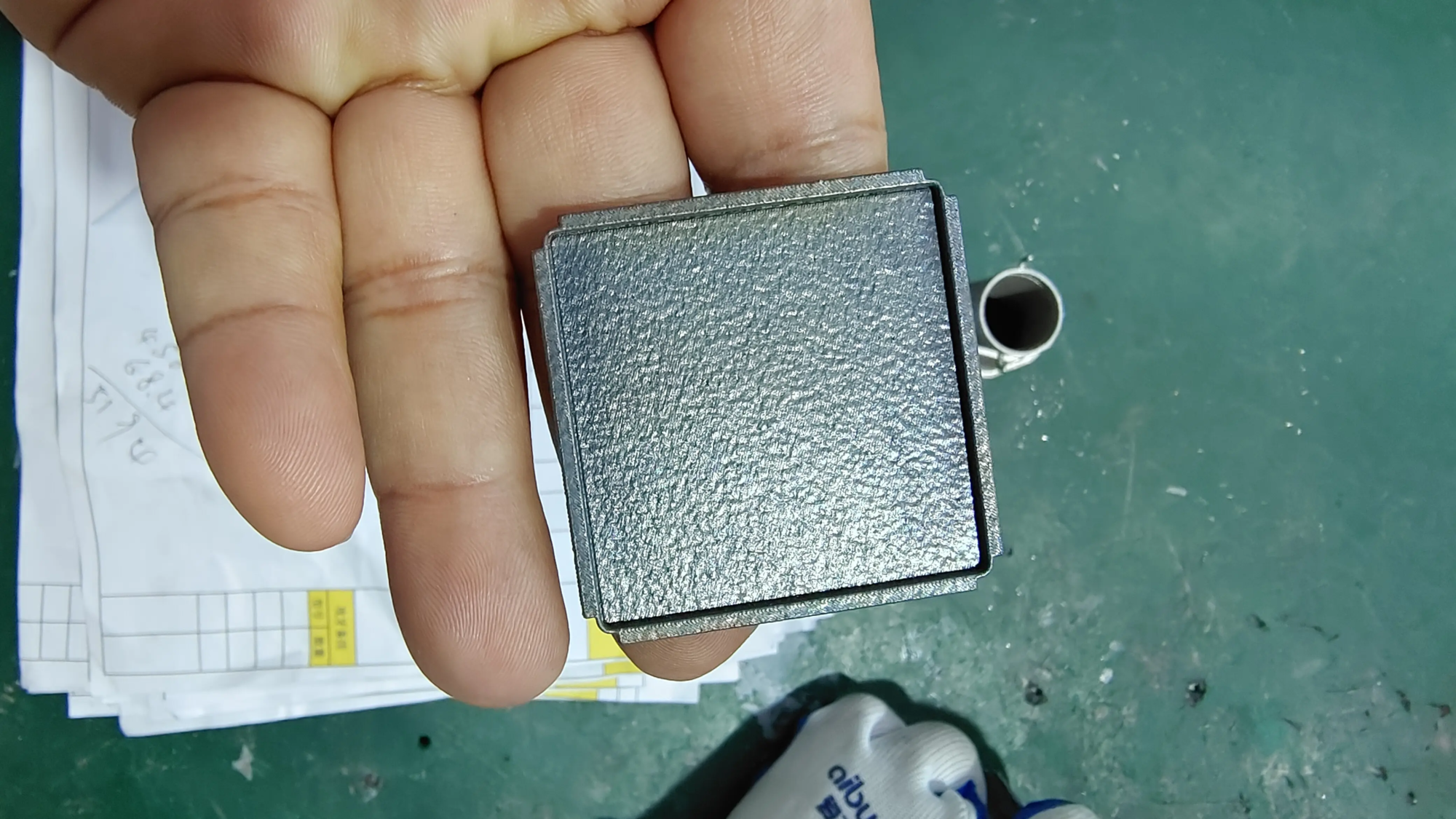
Anyone who has held a freshly printed 3D object knows that magic moment – the reality of layer lines, support scars and surface imperfections soon sets in. Achieving true smoothness often depends on an often-overlooked hero: the mini sander. These compact power units are revolutionary for refining complex geometries and curves that traditional sandpaper fingers cannot. As experts at GreatLight Rapid Prototyping, we refine thousands of functional metal prototypes and complex geometries each year, and the mini sander is an essential part of our post-processing tool kit. Here’s how to use your product like a pro.
Why Mini Sanders Rules 3D Printing Finishing
While rotary tools and hand sanding have their place, mini sanders are better at it control and consistency. Their oscillating or orbital action reduces the risk of gouging compared to aggressive rotary tools, while their compact size can easily pass through gaps that would be impossible by hand. Whether you’re finishing a PLA statue or a titanium aerospace bracket, this precision is critical. At GreatLight, we regularly integrate small grinding into our workflow for complex SLM metal parts, where surface integrity directly impacts performance.
Professional mini sander technology to create a perfect surface
-
Start Smart: Stick to the Order to Win:
Jumping directly to ultra-fine grit will waste time and clog your sanding pad. Always make progress in an orderly manner:- 120-180 Grit: Aggressively removes support blocks and major layer lines (use sparingly on fine details).
- 240-400 Grit: Smoothes out moderate ridges and prepares for finish.
- 600+ Grit: Achieve pre-paint or polish-level smoothness.
(Pro tip: For resin prints or PLA, start more gently—start with 220 grit to avoid melting the texture.)
-
Pressure and Patience: Less is More:
Unlike woodworking, 3D printing (especially thermoplastics) softens under frictional heat. pressing reason melt And create ripples.- Let the weight of the sander do its work. Make feather-light contact.
- Continued action – the risk of localized overheating lingers.
- For ABS or ASA, an occasional wipe with isopropyl alcohol (IPA) will cool the part and remove debris.
-
Suppress vibrations on thin walls:
The mini sander vibrates, which is a nightmare for delicate drape or thin wall prints. To avoid deformation or breakage:- Internal support: Fill the hollows with dense foam or blue glue before sanding.
- External stability: Use soft clamps wrapped in cloth to secure the parts.
- Ultra low speed: If your tool has a speed control, run it near the minimum RPM.
-
Corners and Curves: Polishing without Zone Mastering:
Avoid flattening sharp edges or distorting curves:- Edge protection: Run perpendicular to the edge, not parallel. Wrap sandpaper around the hard block to get crisp corners.
- Convex curve: sand pass through Use curved foam-backed padding to control the axis of the curve (rather than along it).
- Concave point: Wrap sandpaper around a pencil eraser or silicone sculpting tool to simulate the radius.
-
Dust Management: Beyond Cleanliness:
Sanding debris not only creates a mess, it also accelerates pad wear and affects your results.- Captured from source: Use a benchtop vacuum cleaner with a hose attachment or an integrated dust collector.
- Wet grinding options: For extended operations on solid materials such as PETG or metal, a gentle spray of water can reduce dust and cool the surface (Note: Not suitable for water-sensitive resin or electronic products!)
- (Daguang Insight: Our advanced dust collection systems ensure particle control during industrial-scale grinding operations, adhering to strict air quality standards. )
-
Masking accuracy bounds:
Not every surface needs to be sanded. Protect threaded holes, mating interfaces or critical tolerances:- Apply painter’s tape precisely over the protected area.
- Use removable silicone putty ("plasticine") for complex cavities.
- For aerospace prototypes, GreatLight typically uses a laser-etched temporary protective coating that dissolves after finishing.
- Steps that cannot be skipped: post-sanding treatment:
Sanding will create micro-scratches that will not be visible until the primer is applied. always:- Clean carefully with IPA/grease remover. Remaining dust can damage the paint’s adhesion.
- Apply filler primer (high build spray) to expose remaining imperfections. Start with 400+ grit and re-sand to find flaws.
- Repeat priming/sanding until completely even – we do 3-5 cycles on high gloss spray painted prototypes.
in conclusion
A mini sander isn’t a shortcut—it’s a precision cannon for printing defects. By respecting material limitations, methodically improving grain size, controlling dust, and employing meticulous post-processing, hobbyists and engineers alike can elevate prints well beyond their printed state. Remember, finishing requires patience; speed requires compromise.
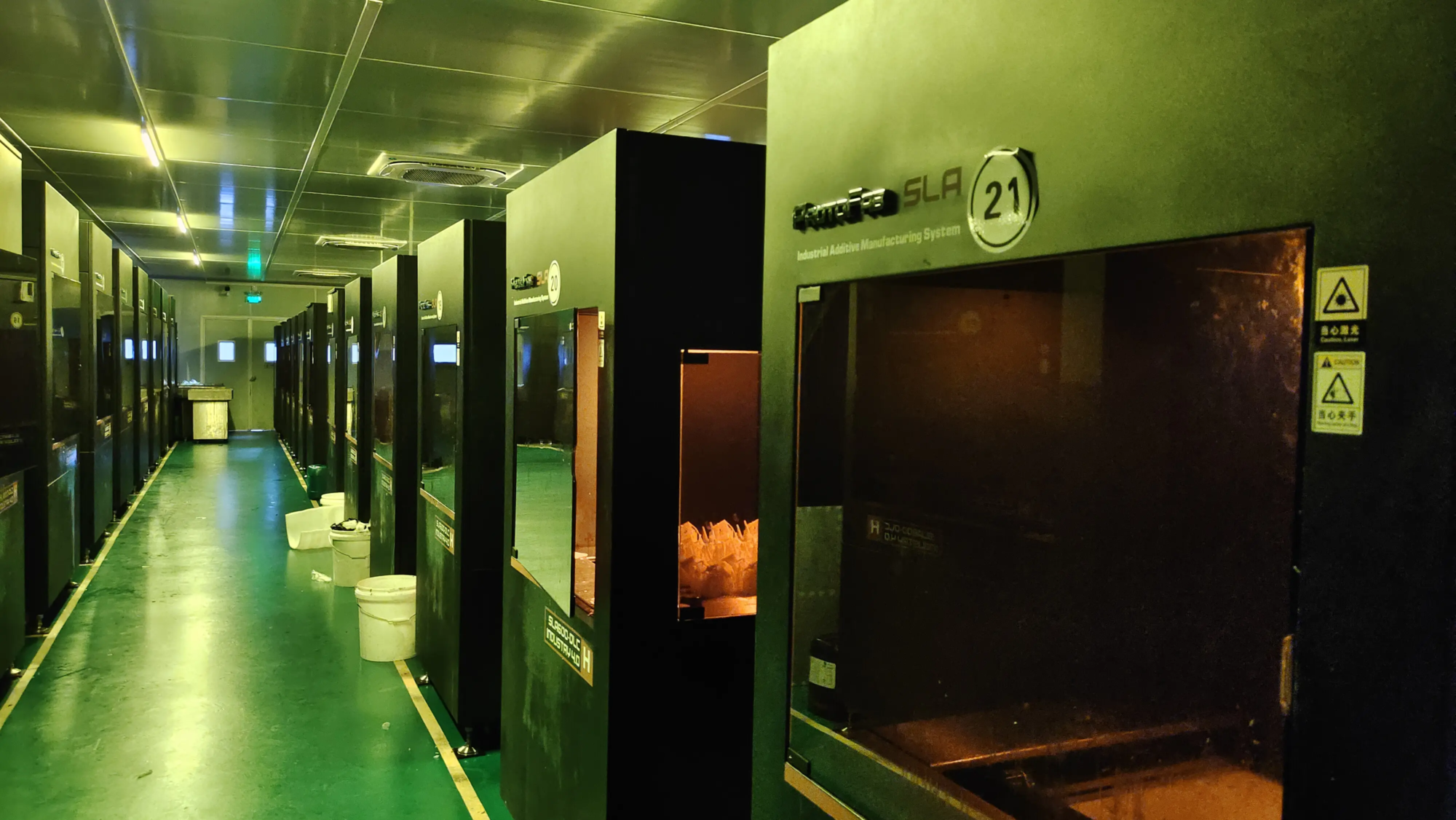
At GreatLight Rapid Prototyping, we incorporate these concepts every day. Our advanced SLM metal printer Combined with comprehensive post-processing, including precision robotic sanding and vapor polishing, ensuring mission-critical components meet strict functional and aesthetic standards. Whether your prototype requires a matte functional texture or a mirror-polished aerospace finish, our expertise effectively delivers robust, flawless results.
Ready to overcome printing flaws? Visit GreatLight today—define, refine and realize your vision.
FAQ: Mini Sander and 3D Print Finishing
Q1: Can the mini sander process all 3D printing materials?
Answer: Mostly yes! They perform well on PLA, ABS, PETG, nylon and resin prints. Be careful when working with very brittle resin or flexible filament (TPU), choose ultra-fine grit (400+) and minimal pressure. For industrial metals such as titanium or Inconel, specialized bonded abrasive tapes are preferred due to their hardness.
Q2: Will grinding destroy the dimensional accuracy?
A: It can, if not controlled. Critical dimensions (such as shafts in bearings) should be masked when sanding. Coordinate layer height/shell thickness during design to account for minor material removal. At GreatLight, CNC machining is integrated with printing to achieve a surface critical tolerance area of ±0.025mm.
Question 3: How to choose between orbital and reciprocating mini sanders?
one: Orbital (Palm Sander): More suitable for larger flat areas. Less aggressive and more refined in finish. Reciprocating detail grinder: Excel contour/tight point work with a pointed or triangular pad. Best Multi-Function Buy: Compact Vibrating Multi-Tool with Sanding Attachment.
Q4: What is the biggest mistake novices make?
A: Skip the gritting step or force high speed/pressure. Both can result in meltdowns (actually plastic), gouges, or "orange peel" texture. Start gradually and roughly, stay gentle, and trust the process.
Q5: Can Honglaite handle the entire finishing process after printing?
Answer: Of course. Our full-service workflow includes automatic and manual sanding, steam smoothing (for polymers), sandblasting, CNC machining of critical surfaces, electroplating, anodizing or custom painting. We develop approach strategies based on functional/testing requirements. Need a medical-grade polish or mil-spec coating? We ensure compliance and accuracy.