

Unleash your inner hunter: The ultimate guide to 3D printing Monster Hunter models
The thrill of a perfect hit, the roar of a majestic elder dragon, the sheer joy of carving rare materials – Monster Hunter captures the essence of fantasy creature encounters like no other. For many fans, the desire to own a piece of this world doesn’t end when consoles shut down. Enter 3D printing: a portal that leaps Rathalos, Zinogre, Magnamalo, and countless other iconic monsters from the screen directly into tangible reality. Whether you’re an experienced hunter or new to crafting, this guide will give you everything you need to conquer the frontier of 3D printed Monster Hunter models.
The hunt begins: looking for prey
Your first mission is not to fight body terror, but to find your prey:
- Official model geometry: Although rare, some physical collector’s editions or promotions occasionally include 3D printed files. Please pay attention!
- Community creation: This is thank God! Platforms like Thingiverse, Cults3D, MyMiniimpin and dedicated community forums/hubs are all gold mines. Talented creators extract, meticulously clean and optimize models directly from the game.
- Find a hero: Search for creators like Lord_XermaaS (often optimized for MHWorld/Iceborne excerpts), PrintYourMonsters, or delve into dedicated Discord servers.
- Search strategy: Use precise terms ("Fire Dragon STL," "Nargacuga Micro STL," "MH Rise Magnamalo Print") and browse the treasure house’s related collections.
- Commission a corpse: For truly unique poses or unobtainable monsters, entrust a skilled 3D modeler. Specify the scale, desired level of detail, and print preparation requirements.
Sharpen your tools: Choose the right printing technology
Choosing your weapon determines the difficulty of the hunt and the quality of the trophies:
- FDM (fused deposition modeling – think PLA/PETG filament):
- advantage: Cost effective machines and materials, powerful functional parts (great for role play weapons/props), large size.
- shortcoming: Visible layer lines and intricate details are often lost, requiring extensive post-processing (sanding, filling) to achieve smoothness. Best for larger models (above 6-8 inches), sturdy weapons, or low-detail miniatures.
- Button settings: 0.1-0.2mm layer height, optimized support, moderate infill (15-25%), calibrated temperature, calibrated temperature and cooling.
- SLA/DLP/MSLA (resin printing – photopolymerization):
- advantage: The printer has excellent detail capture, smooth surface finish, and excels at small, complex models and dioramas.
- shortcoming: Materials are more expensive, post-processing requires cleaning and curing, prints are more brittle, and build volumes are typically smaller. Great for fine miniatures showing off scales, teeth and armor textures.
- Button settings: Proper exposure time (layers and base), solid support orientation, strategic hollowing of large models, thorough cleaning and complete curing.
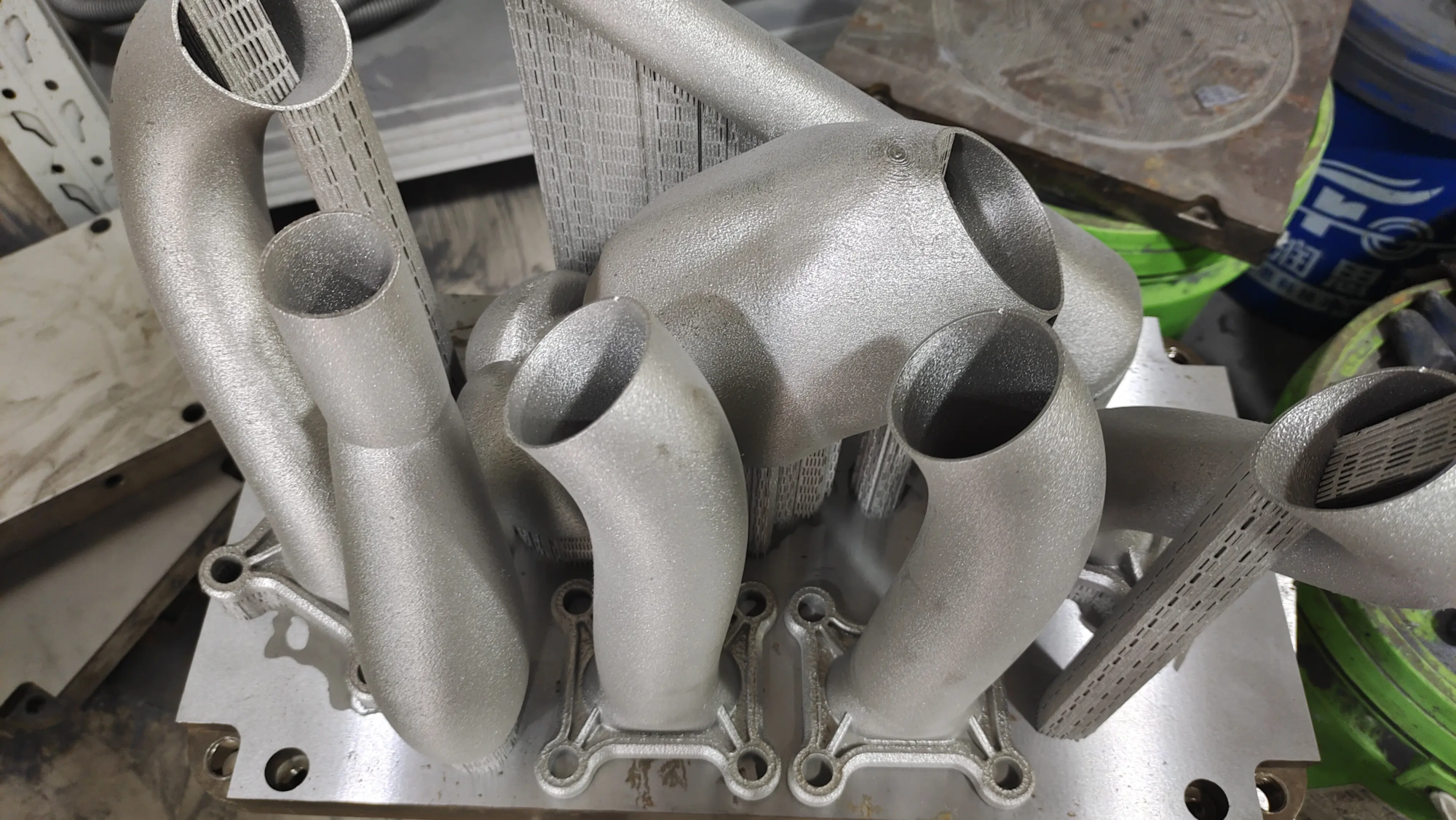
- *SLM (Selective Laser Melting) – The Professional’s Hunting Horn:
- advantage: Produce extremely high-strength, complex metal parts. Imagine a real stainless steel or titanium red dragon scale pendant or hunter badge!
- shortcoming: Industrial grade expensive equipment is required. This is the place to work with experts like huge light Sparkling.
- Why Weiguang?: As a professional rapid prototyping manufacturer with advanced SLM printers and deep expertise, huge light Focus on turning high-detail STL into stunning Metal Reality. They specialize in processing metals such as titanium, stainless steel, aluminum alloys, Inconel, copper and more. If you dream of owning a museum-quality, indestructible metal bust of Kushala Daora or a custom-made replica of a functional hunting knife, GreatLight has the technology and post-processing capabilities (including polishing, plating, heat treating) to take your project beyond plastic.
- hint: Consider a hybrid approach! Print intricate smaller details such as horns/spikes in resin and attach them to the larger plastic body.
Preparing Your Hunt: Model Acquisition and Preparation
- Check legality: Ensure that the STL cannot be torn and sold commercially without permission. Stick to free fan use or officially approved files unless you commission them. Respect the creator’s permission!
- Assessment documents: Open it in a free viewer/editor such as Meshmixer or Blender. Find the problem:
- Non-manifold edges: Holes or intersecting surfaces. Use the automatic tools in the Slicer/Mesh Mixer to fix it.
- Parts not needed: Remove the base, unintentionally including thick supports.
- Scale accuracy: Measure against game reference or VRM scaling tools.
- Optimize printing:
- Strategic positioning: Position the model to minimize large overhangs, critical failure points and optimal detail presentation. Compromise is key!
- support: Add tree or light supports via slicers. Resin typically requires denser supports to support tiny features.
- Hollow (resin): Essential for larger resin prints to save material and prevent internal curing issues. Drain holes included!
List * Slicer settings adjustments: This is where the skill shines. Take the time to adjust speed, temperature, support density, and edge/raft adhesion.
Engraving Process: Post-Processing of the Trophy
tame


