Revealing the Secret of Flawless 3D Printing: Deep Study on Cooling Fan Optimization
In complex 3D printed ballets, molten plastic dances form complex geometric shapes, and the often underrated heroes play a crucial role: cooling fans. At Greatlight, as a leader in providing high-quality rapid prototyping solutions for metals and polymers, we understand closely that mastering part cooling is not only a great option. This is crucial for achieving dimensional accuracy, finish and structural integrity. Although our industrial SLM printers utilize advanced airflow systems as metals, cooling principles are still crucial. For desktop FDM/FFF printing, especially with thermoplastics, an optimised cooling fan can turn mediocre prints into outstanding prints. This guide delves into the science and art of 3D printed cooling fan optimization.
Why can’t the cooling be negotiated
When the thermoplastic filament is extruded from the hot end, it exists in a molten, highly extended state. When it leaves the nozzle, it begins to solidify. Effective cooling accelerates this curing process, achieving several key goals:
- Prevent deformation (warping/sagging): No rapid curing, gravity, heat shrinkage and nozzle resistance can cause overhangs on the layer, bridges and complex details, resulting in cluttered prints and inaccurate dimensions. cool down "freeze" Materials are in place.
- Enhanced functional resolution: Sharp corners, details and small features need to be cured immediately to retain their predetermined shape. Slow cooling causes swelling and softening of details.
- Improved layer adhesion and strength: Counter-intuitive, controlled Cooling reinforced parts. While insufficient cooling can lead to sagging, excessive aggressive cooling on the initial layer prevents the correct molecular bonds between the layers, thereby weakening the structure. The key is precise application cooling.
- Minimize string and ooze: Rapid cooling of the filaments after extrusion reduces the time it melts, which significantly reduces the tendency of strings or whispers during popular processes.
- Achieve better finishes: Consistent cooling minimum "ring" Or ghosts caused by excessive physical movement.
Decode cooling fan hardware: Type and configuration
-
Fan Type:
- Axial Fan: Traditional "propeller" Fans of style. Common on older printers. Advantages: Simple, cheap. Disadvantages: relatively low static pressure (fighting against the back pressure of the catheter), turbulence, undesirable directional cooling.
- Radial (blower/centrifugal) fan: Current high performance cooling standards. The air is emitted axially. Advantages: High static pressure (effectively pushing the air through the pipe), more concentrated airflow, and usually quieter at high pressure. Disadvantages: The efficiency of the original airflow may be slightly lower than that of axial direction without pipes.
-
Pipe design and airflow dynamics: This is where the magic happens. Moving the air is not enough; it must be accurately directed to where it is needed:
- Cold zone: Focus on cooling main back Extrusion point. Blow air directly on the fuse As The nozzle it leaves behind can significantly affect print quality (usually negatively affect layer adhesion).
- Minimize turbulence and maximize laminar flow: Turbulence is chaotic and inefficient. The carefully designed pipes will form a printed layer of high speed, layered (smooth, parallel) airflow. Think of jet nozzles instead of blowers.
- Double and single cooling: Dual cooling ducts (usually paired with dual blowers) have significant advantages. They surround the nozzle symmetrically, ensuring consistent cooling in all aspects is crucial to complex geometry and bridges. Single-sided cooling leaf "shadow" Prone to problems.
- Fan installation and stability: The vibrations of poorly fixed fans can be converted into printed artifacts like ringtones. Rigid installation with anti-vibration pads is essential, especially for high-performance settings.
Mastering cooling in a slicer: Settings and strategies
Even the best hardware requires intelligent software control. Key slice settings include:
-
Fan speed (%): no "Set and forget" 100%! it depends:
- Material: PLA flourishes on high cooling (70-100%). PETG requires moderate intensity (30-70%). ABS & Nylon usually requires minimal cooling (0-40%) and even heating is required to prevent warping/layer separation. The TPU benefits from minimal cooling to maintain elasticity. Always refer to the manufacturer data sheet!
- Function type: Bridges and overhangs require >100% cooling capacity if possible. Solid-filled areas may need fewer. Slow down prints to get complex details and exacerbate cooling.
- Layer time: Small layers are cool. Set the time/speed of the minimum layer to ensure that each layer gets enough cooling before the next layer (usually 10-30 seconds). Automatic cooling function dynamically adjusts the speed.
- Layer height: The higher layers have more mass/melting plastic, while cooling benefits more than very thin layers.
- Key settings:
- Regular fan speed: Baseline cooling percentage.
- Fan speed threshold: Minimum layer time (in seconds), at which time regular fan speed is applied.
- Maximum fan speed threshold: The maximum fan speed (100% or set limit) layer time to start.
- Bridged Fan Speed/Fine: Specific substitutions for overhangs and bridges to maximize cooling.
- Initial fan speed/layer: Avoid cooling the first few layers (usually 3-5) to ensure concentrated adhesion to the build plate. Gradually accelerate it.
Advanced optimization and modification
- After-sales cooling solutions: Many highly optimized pipes designed for specific printer models can be used to upgrade airflow and positioning (e.g. Petsfang, Hero ME, Hydra). Ensure compatibility with probes/inducers before printing/modifying.
- Pipe Materials: Use high temperature materials such as ABS, ASA or PETG for pipes near the heat table. The PLA pipe near the heater block will deform.
- Multiple fans and controls: Upgrading to dual blowers, replacing the axial with high-quality radial fans, or adding separate parts cooling fans and radiator fans can significantly improve cooling capacity. If possible, use a separate PWM channel for independent control.
- Temperature analysis: Use a tool like a thermal camera or a thermocouple In fact Cooling efficiency is measured on printing surfaces of different settings. This provides data-driven optimization. General Rule: The cooling should not cure too quickly (cause brittleness) or be too slow (causing sagging). Material glass transition temperature is a key reference.
- Case factors: A closed printer is essential for prone materials (such as ABS, Nylon, or PC) but trapping heat. To do this, keep cooling minimal or close to prevent twisting and weak layers of bonding (but rely on the part fan for critical overhang/bridge if possible). For PLA and PETG, the shell usually causes overheating. Stay open and rely on active cooling. Monitor room temperature!
- Firmware adjustment and power settings: By checking the connection, use high-quality MOSFETs, ensure stable fan operation if you handle higher amp fans and adjust the PWM frequency in the firmware to eliminate potential tremolo.
Greglight’s promise: built-in precision cooling
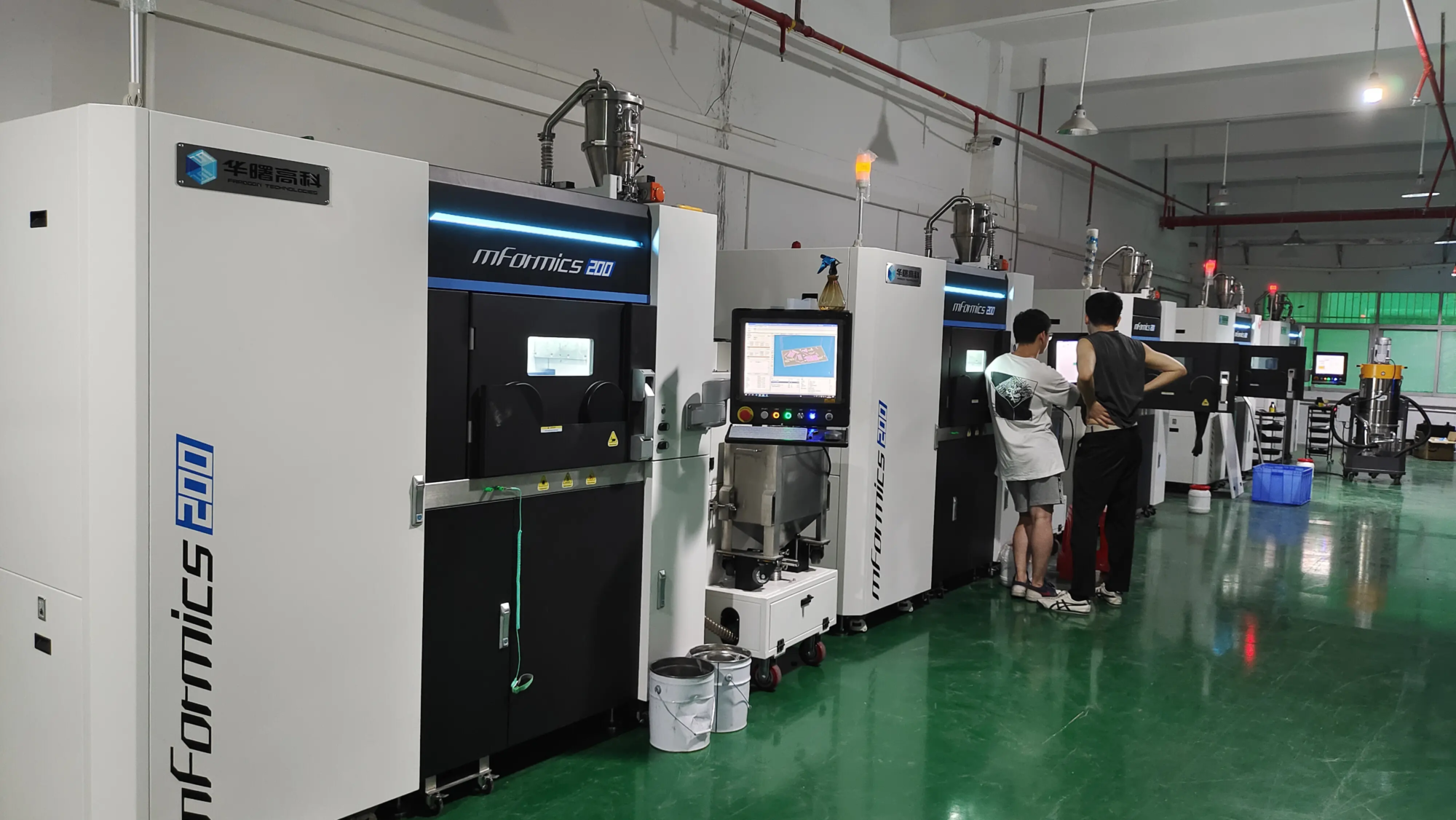
In our professional rapid prototyping environment, cooling management is integrated into our process control at every level. For our advanced SLM metal printers, carefully controlled inert air flow and shielding ensure uniform heat transfer and prevent oxidation on complex metal parts. When processing prototype polymer parts through processes such as SLS or MJF, the indoor temperature and cooling cycle are optimized according to materials scientific specifications. For FDM-based rapid prototypes, requiring the highest surface fidelity and geometric accuracy, we deployed a printer equipped with a high flow dual cooling system that is dynamically controlled by a sophisticated slicer profile. We understand the heat nuances that we offer for each material (from PLA to PEEK) for custom processing, and our post-processing team is the expert in mitigating any secondary defects. This uncompromising focus on thermal management ensures that the prototype of Greatlight is left to meet the strictest functional and cosmetic requirements.
in conclusion
Optimizing the cooling system of 3D printers is the journey of balancing behavior – understand materials science, leverage precise hardware and mastering the slicer setup. Ignoring cooling can lead to overhangs, blurred details, weak adhesion and disappointing printing failures. By spending time understanding airflow dynamics, selecting the right fan and pipe combinations, and carefully configuring the slicing software based on material and geometry, you can unlock new printing quality and reliability. Remember that cooling has nothing to do with brute force; it’s about applying the right amount of cold at the right place at the right time. At Greatlight, we incorporate this principle into every aspect of rapid prototyping services to ensure that your custom parts meet the highest standards. Embrace the power of optimizing cooling – your print will thank you.
FAQ: Your 3D Printing Cooling Questions Answered
-
Q: Should I keep running the cooling fan 100% of the time?
- one: Almost never. Usually only PLA requires 100% overhang/bridge and other functions. For the initial layer, the other materials (PETG, ABS, nylon) require less or even no need. Indiscriminately using maximum cooling can weaken layer adhesion and cause warping of certain materials.
-
Q: Why is my overhang still messy, even 100% of the fan?
- one: Fan speed alone is not the only factor. Check your piping design – is the airflow actually effectively hitting the front edge? Are you printing too fast? Reduce the speed of complex overhangs. Increase layer adhesion strength and ensure extruder calibration. Sometimes a slight decrease in nozzle temperature (~5-10°C) is combined with high cooling.
-
Q: I have a noisy fan on my printer. Can I replace it?
- one: Yes, but the crucial details are important. Determine whether it is a part cooling fan or a Hotelend HeatSink fan. The radiator fan must be continuously running to prevent heat creep and jam. Replace them with only similar or higher airflow (CFM) levels. Parts cooling fans (on PWM connectors) can often be replaced with higher performance or quieter models (e.g. high-quality blowers like Sunon Maglev).
-
Q: How important is double cooling vs single cooling?
- one: It is very important, especially for geometry with multiple directional features. Single-sided cooling creation "The cold side" and "The hot side," Causes asymmetric warping and poor quality away from the fan. Dual cooling provides omnidirectional airflow for uniform curing.
-
Q: Are after-sales cooling pipes worthy of the printer in stock?
- one: Almost always a major upgrade. Shipping ducts are usually a universal tradeoff. Well-designed after-sales pipes, such as custom community designs optimized for your specific printer, will greatly improve the focus of airflow, resulting in better bridges, clearer corners and cleaner overhangs.
-
Q: Why do you need to close the first few floors?
- one: It is crucial to strong initial adhesion of the build board. The cool air hits the freshly extruded first layer, shrinking rapidly as the plastic tries to combine, increasing the shrinkage force that can cause distortion or disengagement. Keep it in the first 3-10 layers (depending on the layer height/material).
-
Q: How are the cooling differences between different materials?
- one: sharp:
- PLA: Like high cooling. Enable sharp details, excellent overhang.
- PETG: Medium cooling (usually 30-70%). Too much weakens the bonding of the layer; too little details can cause strings/spots.
- ABS/ASA/PC/Nylon: Usually minimal cooling (0-40%) depends primarily on the heated chamber for dimensional stability and strength. Use only a small amount of cooling on critical overhangs/bridges.
- TPU: Minimum cooling for flexibility.
- PVA/BVOH (supported): It requires a lot of cooling for quick and clean.
- one: sharp:
- Q: How long should my minimum layer time be?
- one: A good starting point is 10-15 seconds. For very small layers (e.g., small detailed printing), increase it to 20-25 seconds. Observation layer – It should be firm enough that the nozzle does not deform when it moves. Use the slicer to preview the estimated time per layer.
Ready to absorb your prototype from good to special way? Take advantage of Greatlight’s expertise in thermal management and precision manufacturing for your next project. [Get a Free Quote on Custom Rapid Prototyping Parts!]