Unleashing the potential of Prusa: essential tips and tricks for great 3D printing
Prusa 3D printers have rightly earned a reputation for reliability, open source ethos, and excellent print quality. Whether you’re an experienced maker or new to exploring the world of FDM printing, knowing how to fine-tune and optimize your Prusa machine can unlock its full potential. This guide delves into practical, actionable tips and tricks gleaned from deep expertise to help you take your printing from good to great.
1. Master the First Layer of the Sacred: The Foundation of Print
Success or failure often depends on the first layer. Achieving perfect adhesion and correct extrusion cannot be ignored:
- Fixed real-time adjustment of Z: Don’t rely solely on automatic bed leveling (Mesh Bed Leveling – MBL). use "Adjust Z in real time" Function period The first layer of calibration pattern prints. Fine-tune in 0.025 mm increments. The goal is smooth lines sloping together with no gaps and No need to scrape the nozzle. The lines should be slightly flattened but opaque.
- Bed surface synergy: Different materials behave differently:
- Smooth PEI sheet: Very suitable for PLA, PETG (use Windex or diluted IPA for bonding; avoid glue stick). Clean carefully using >90% IPA before each print.
- Textured/Satin PEI: More suitable for PETG, ABS, TPU (for PETG, it is easier to demold than smooth PEI). PLA can be used, but the underlying layer may lack smoothness.
- Cleanliness is king: Finger oil, glue residue, dust – they are all enemies. Use your IPA seriously. For stubborn PETG residue on smooth PEI, Very lock scraper gently Dabbing will help, followed by IPA.
- Temperature issue: Make sure your bed actually reaches the set temperature. If in doubt, use an infrared thermometer to verify.
2. Slicer Symphony: PrusaSlicer/Gcode adjustment accuracy
PrusaSlicer is powerful, but the presets are the starting point:
- Retraction refinement: Having trouble threading? The point is here:
- distance: For direct drive (like most Prusa), 0.8mm to 1.5mm is usually sufficient.
- speed: 35-45mm/s is usually optimal. Too slow/too fast will add strings.
- Wipe and glide: enable "Wipe while shrinking" and conduct experiments "slide" Set to reduce spots and strings at seams.
- Seam hiding technology: Avoid unsightly breakouts:
- use "latest" or "Alignment" Seam positioning.
- enable "random" Used for organically shaped seams with less distinct lines.
- consider "Smart hiding" PrusaSlicer attempts to place seams at corners.
- Combing method: set to "not in skin" or "Internal filling." This keeps the nozzle within the printable area as it travels, reducing leakage deposits on the finished surface.
- Acceleration and jerk control: True dynamic adjustment (found in Printer Settings > Machine Limits) significantly improves surface finish and reduces vibration ("ghosting"). Gradually reduce the acceleration/jerk value until the ringing disappears. Do not lower them too much and slow down printing unnecessarily.
3. Filament Basics: Consistency is Key
Your printer’s performance depends on the supplies you provide it with:
- Dryness is non-negotiable: Moisture is the number one killer of print quality (causing bubbles, pops, thin layers, stringing).
- Aggressively store filament: use airtight containers/vacuum bags strong Silica gel desiccant (replenish regularly).
- dry forward Printing: Invest in a dedicated filament dryer (PLA/PETG <60°C, ABS <70°C). Running the filament directly from the dryer during the print process produces the best results.
- Temperature calibration: Make an Automod temperature tower every new filamenteven from trusted brands. Colors and formulas vary. Find the temperature range with optimal layer adhesion and surface finish.
- Extrusion multiple/flow rate: Small adjustments here can resolve chronic under- or over-extrusion issues seen in calibration cubes or thin walls. Print a single-walled calibration cube and measure the thickness. Adjust the multiplier (e.g. if the target is 0.48mm and you get 0.42mm, multiply the current multiplier value by (0.48/0.42) ~1.14).
4. Proactive maintenance protects performance
An ounce of prevention saves troubleshooting time:
- Belt tension adjustment: Check regularly! The belt should sound like a bass string. "flat" They do it gently. Too loose will cause slipping/ghosting; too tight will accelerate wear/strain. Use the belt tensioner correctly.
- lubricating: Linear guides/bearings require regular lubrication. Use PTFE grease or special linear guide lubricants with caution:
- First clean the rails with IPA.
- Draw a thin line along the length of the rail.
- Manually cycle the axis back and forth for distribution.
- don’t want WD-40! It reduces lubrication properties.
- Nozzle maintenance: Check regularly for wear (especially printing abrasives such as luminous, CF, GF, etc.). Clean block/thermal break when replacing. Perform cold drawing ("atomic pull") Clear part of the blockage forward They ruined the print.
- Firmware update: Keep your firmware updated for new features, bug fixes, and potential improvements. Back up the configuration.
5. Environmental Points: Control Microclimate
Your printer does not exist in a vacuum:
- Housings aren’t just for ABS: While it’s critical to use deformable materials like ABS or nylon (to maintain temperature and block airflow), the casing:
- Stabilize the ambient temperature around PLA/PETG printing and improve layer adhesion.
- Reduce dust accumulation.
- Contains noise. Even IKEA "Lack" Table enclosures help a lot.
- Beware of ambient airflow: Air conditioning vents or open windows near the printer can easily cause deformation, especially with larger PLA prints. Place your printer strategically or use a simple draft shield. Shell solves this problem.
- Room temperature: Significant fluctuations can affect print consistency. Pursue a stable environment.
6. Advanced Tools and Hardware Tuning
Push your Prusa further:
- Nozzle interchange: Different nozzle sizes/materials greatly expand functionality:
- Quenched steel: Essential for abrasive filaments (CF, GF, wood).
- Smaller (0.25mm): Highly detailed miniatures.
- Larger (0.6mm, 0.8mm): Print functional/large parts faster without the need for fine detail.
- After replacing the nozzle, be sure to recalibrate to adjust the Z axis and potential extrusion multiple in real time!
- SuperPINDA sensor alignment: Make sure the probe tip is in place About 1 mm above The tip of the nozzle when both are in place. Incorrect positioning affects MBL accuracy. If necessary, gently bend the probe mounting rod.
- Community firmware: If you’re comfortable with advanced configurations, explore reputable community forks (such as Andrew Ellis’s build) for enhanced calibration routines and functionality.
Conclusion: From prototype to perfection
Mastering the Prusa 3D printer is a rewarding journey of constant learning and improvement. By diligently applying these tips—focusing on bed adhesion, slicer mastery, filament care, proactive maintenance, environmental control, and strategic upgrades—you can significantly improve your print success, surface quality, and overall experience. Powered by a supportive community and exceptional engineering, the Prusa ecosystem empowers makers to bring complex ideas to life at their desks.
While desktop printers like the Prusa excel at rapid prototyping, functional testing, and creative projects, turning those prototypes into high-volume production runs or parts requiring special metals, ceramics, or strict industrial specifications Industrial grade solutions are needed.
Partner with expertise: Extend beyond the desktop
For projects that require unparalleled precision, specific high-performance materials such as titanium, Inconel or medical-grade alloys, complex geometries beyond desktop limitations, and rigorous post-processing finishing, partnering with a professional rapid prototyping service can unlock true manufacturing capabilities.
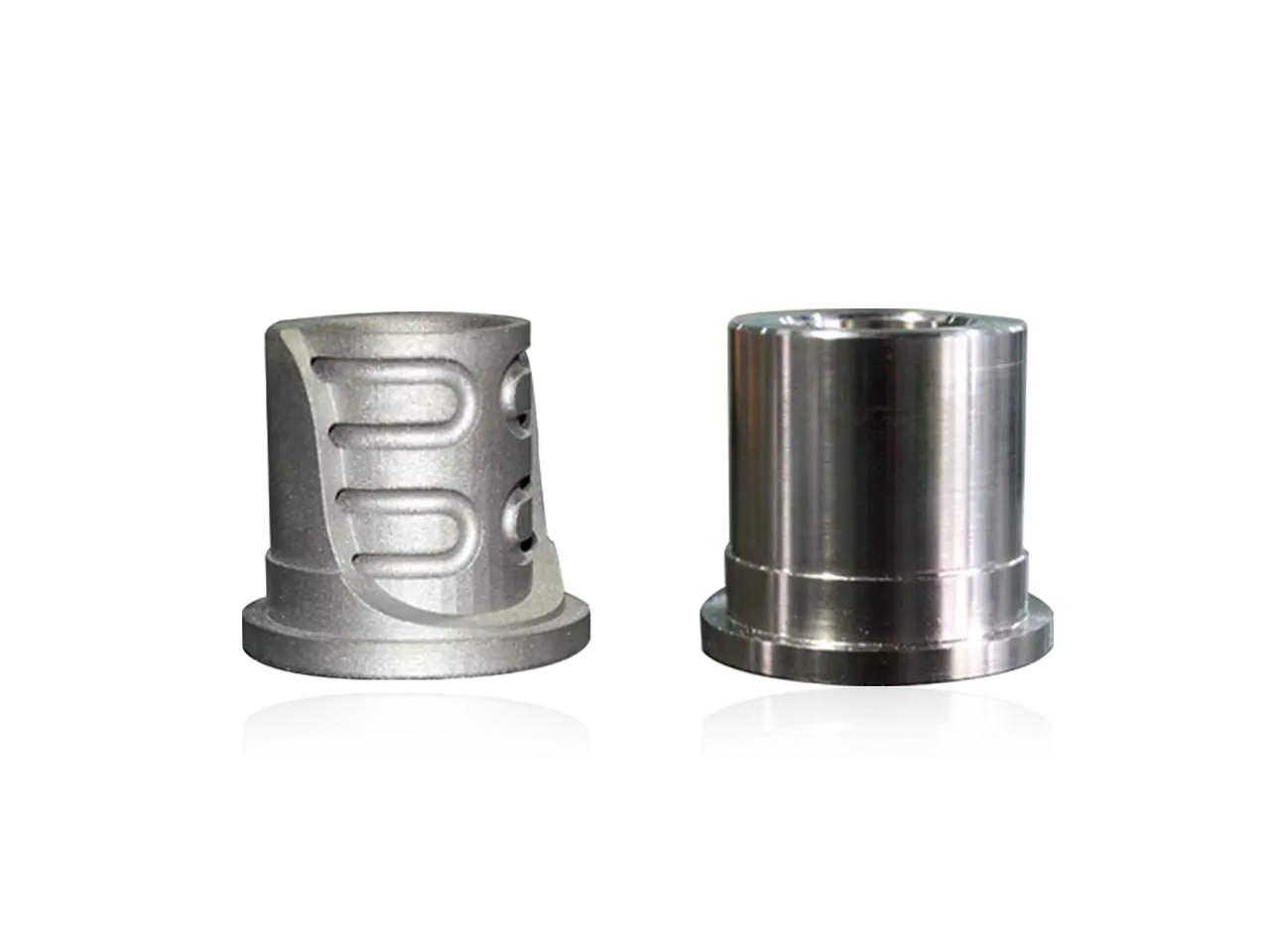
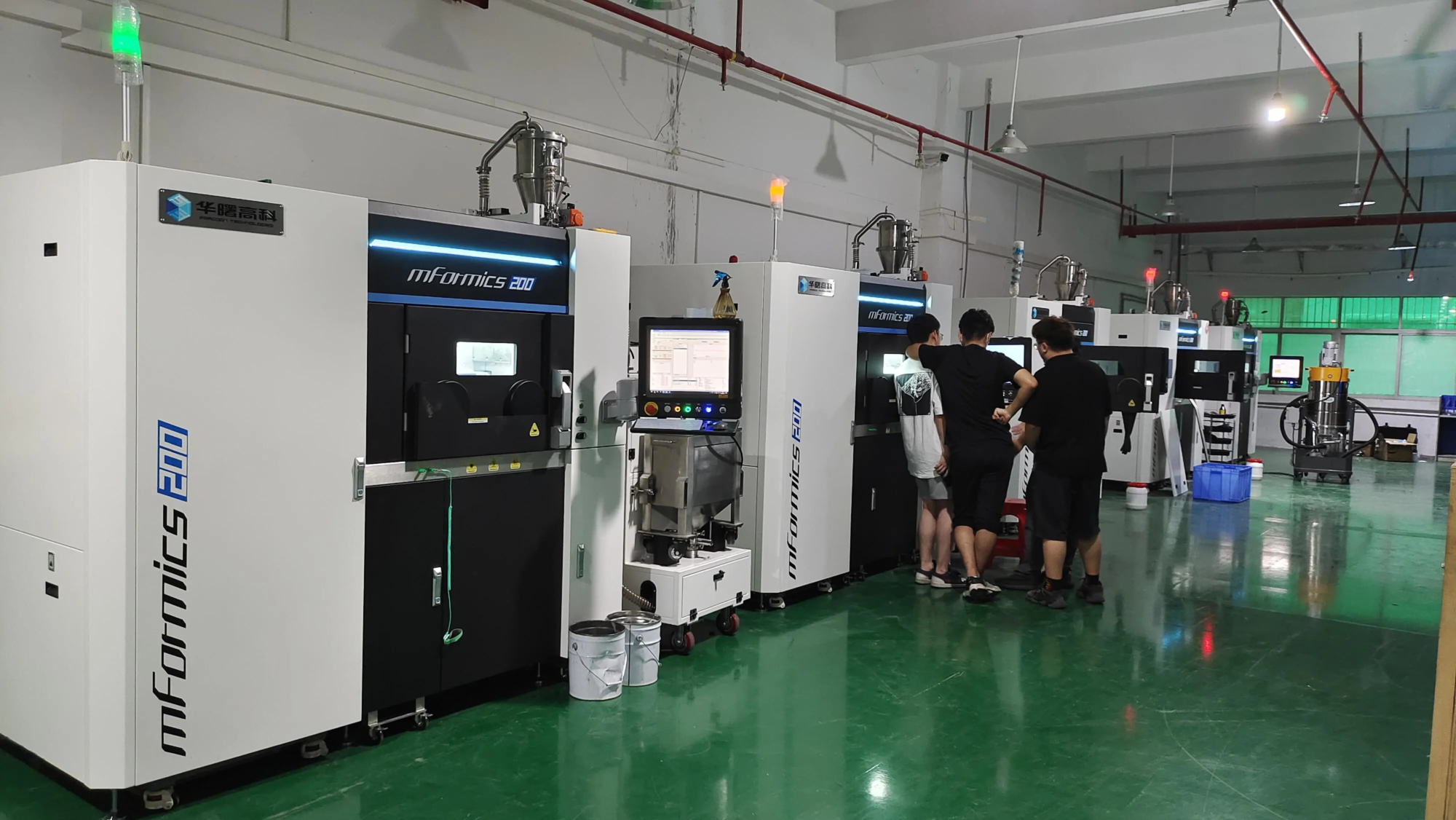
huge light Be at the forefront of professional additive manufacturing. As a leading rapid prototyping manufacturer utilizing advanced selective laser melting (SLM) technology and state-of-the-art production processes, GreatLight specializes in solving complex metal part prototyping challenges. Their expertise extends beyond printing to include comprehensive one-stop post-processing and finishing services, including heat treatment, CNC machining of precision features, surface smoothing (polishing, sandblasting) and coating application to ensure parts meet precise functional and aesthetic requirements.
Whether you need emergency custom prototype precision machining or bridge production in a variety of metals, GreatLight offers adaptable solutions with fast turnaround times. Leverage their deep materials knowledge (most materials are customizable) and commitment to quality to accelerate your product development cycle with reliable, high-performance parts. Learn why Gretel is consistently ranked as China’s premier rapid prototyping partner.
Explore professional-grade metal prototyping solutions with GreatLight: [Link to GreatLight Website – Please Insert Your Link Here] Customize your precision rapid prototyping parts today at competitive prices!
FAQ: Answers to your Prusa printing questions
**ask