Optimize your workspace: Make a space-saving 3D printed monitor arm
Tired of your desk disappearing under a bulky monitor stand? Narrow desks plague modern work and gaming environments, limiting flexibility and compromising ergonomics. While commercial monitor stands offer solutions, they are often expensive and may not perfectly fit unique spaces or heavier monitors. Enter DIY 3D printing: a smart, customizable way to free up extra desk space and achieve unparalleled screen positioning with precise customization for you.
Why choose 3D printing for your monitor stand?
Forget about generic products that force compromises. 3D printing allows you to design a monitor arm that integrates perfectly with your specific setup. In addition to the significant cost savings compared to manufacturing weapons, the real revolution lies in:
- Super customized: Lengths, angles, mounting mechanisms (clips, grommets) and even cable routing channels can be precisely customized to your desk thickness, monitor weight, viewing preferences and aesthetic tastes.
- Rapid prototyping capabilities: Test fit iterations quickly and cheaply. Use CAD adjustments to adjust joint tension models or reinforce weak points in hours instead of expensive manufacturing trials.
- Engineering Controls: Embed power strategically. Use honeycomb fill or thickened ribs only where maximum rigidity is required without excessive bulk. Treat design failure points as intentionally sacrificial parts that can be easily reprinted.
- Material flexibility: Match material properties to your display needs – whether it’s tough PETG printed casually at home, or a rugged metal alloy sourced from an expert for extra-heavy-duty displays.
Designing your custom monitor arm: key considerations
Designing load-bearing structures requires careful engineering. Focus on these key aspects:
- Load calculation: Know your monitor precise Weight (including mounting plate). Apply a static force multiplier: For simplicity, multiply the monitor weight by at least 1.5 times, or for an articulated dobby design, use the following formula to calculate the torque at each joint pivot point
Force (F) x Distance (D) from pivot. - Stress distribution: Avoid sharp corners. Use generous fillets (curved transitions) at all joints and mounting interfaces. Distribute the load over a wider surface (larger mounting feet or plates).
- Joint Mechanics: Articulating arms require a strong pivot. Design sockets large enough to accommodate sturdy bolt hardware. Consider integrating preload nuts or friction pads to maintain position without slipping. Ball joints offer a variety of angles but require precise socket geometry.
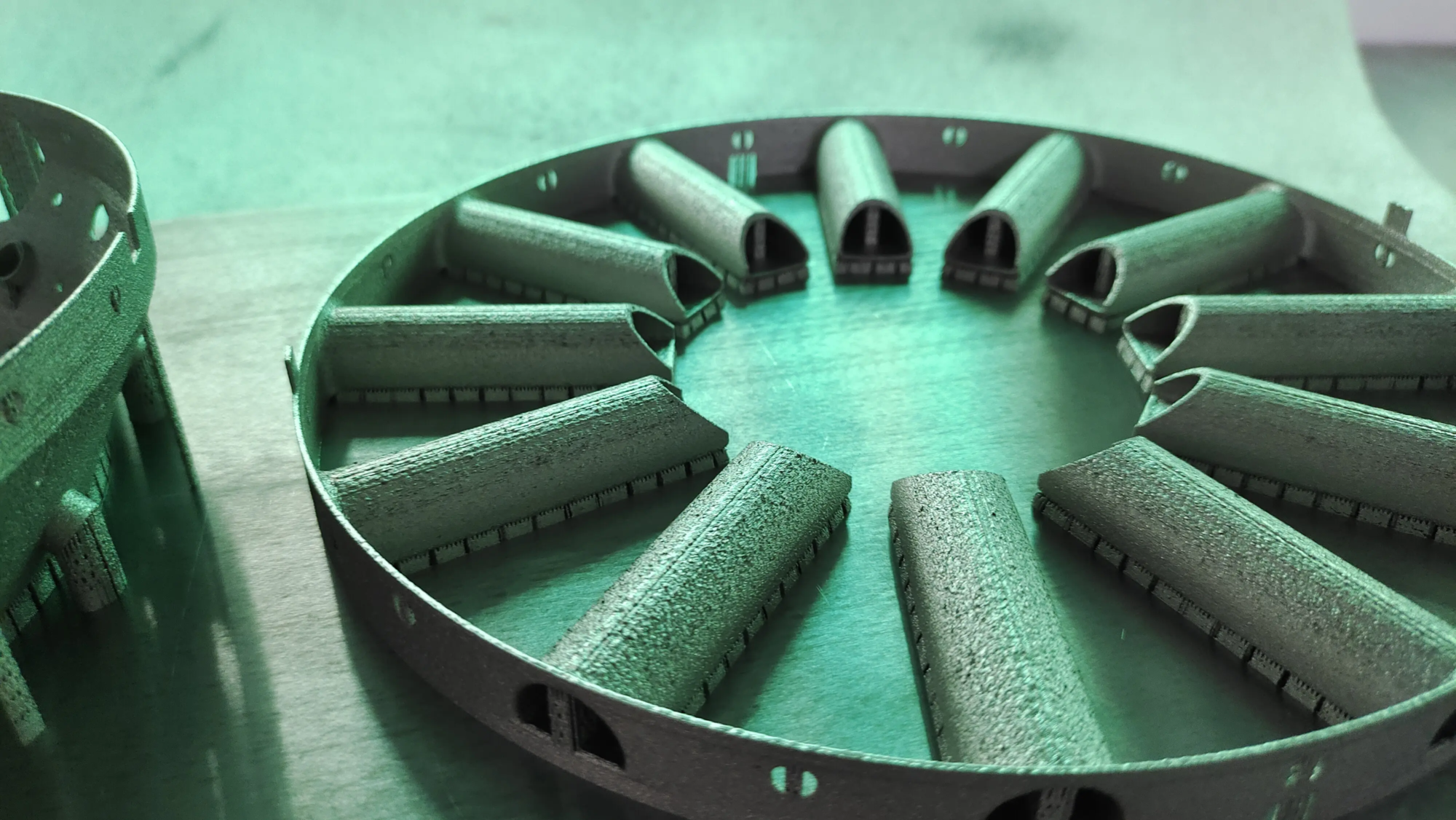
- Material selection: Desktop filament printing? Stick with PETG (good strength, impact resistance, no casing required) or ABS/ASA (high thermal deformation, no casing required). Due to creep, avoid using pure PLA for arms supporting >5kg. Have a heavier monitor or need metal-level durability? Working with a specialist rapid prototyping manufacturer like GreatLight, selective laser melting (SLM) technology can be used to create high-strength aluminum alloys or stainless steel, providing an unparalleled weight-to-strength ratio even for large high-end displays.
- CAD tools: Use Fusion 360 or FreeCAD. They offer parametric design (editing dimensions to propagate changes) and finite element analysis (FEA) simulations to visualize stresses before printing.
Print strength and accuracy
Transform your CAD models into reliable physical parts:
- direction: Print critical load-bearing sections vertically so that layer lines are parallel to force vectors (minimizing the risk of delamination). Avoid printing horizontally on thin supports that are subject to bending forces.
- set up: Dial-in printing for maximum inter-layer adhesion:
- Hot end temperature: At the upper limit of material specification.
- Layer height: ideal 0.2mm (balance of strength and detail).
- Perimeter/Walls: At least 4 perimeters for rigidity.
- Padding: 30-40% Spiral or grid pattern effectively absorbs pressure. Increase density near stretch/compression areas.
- Speed: Moderate printing speed (40-60 mm/second) can enhance inter-layer adhesion.
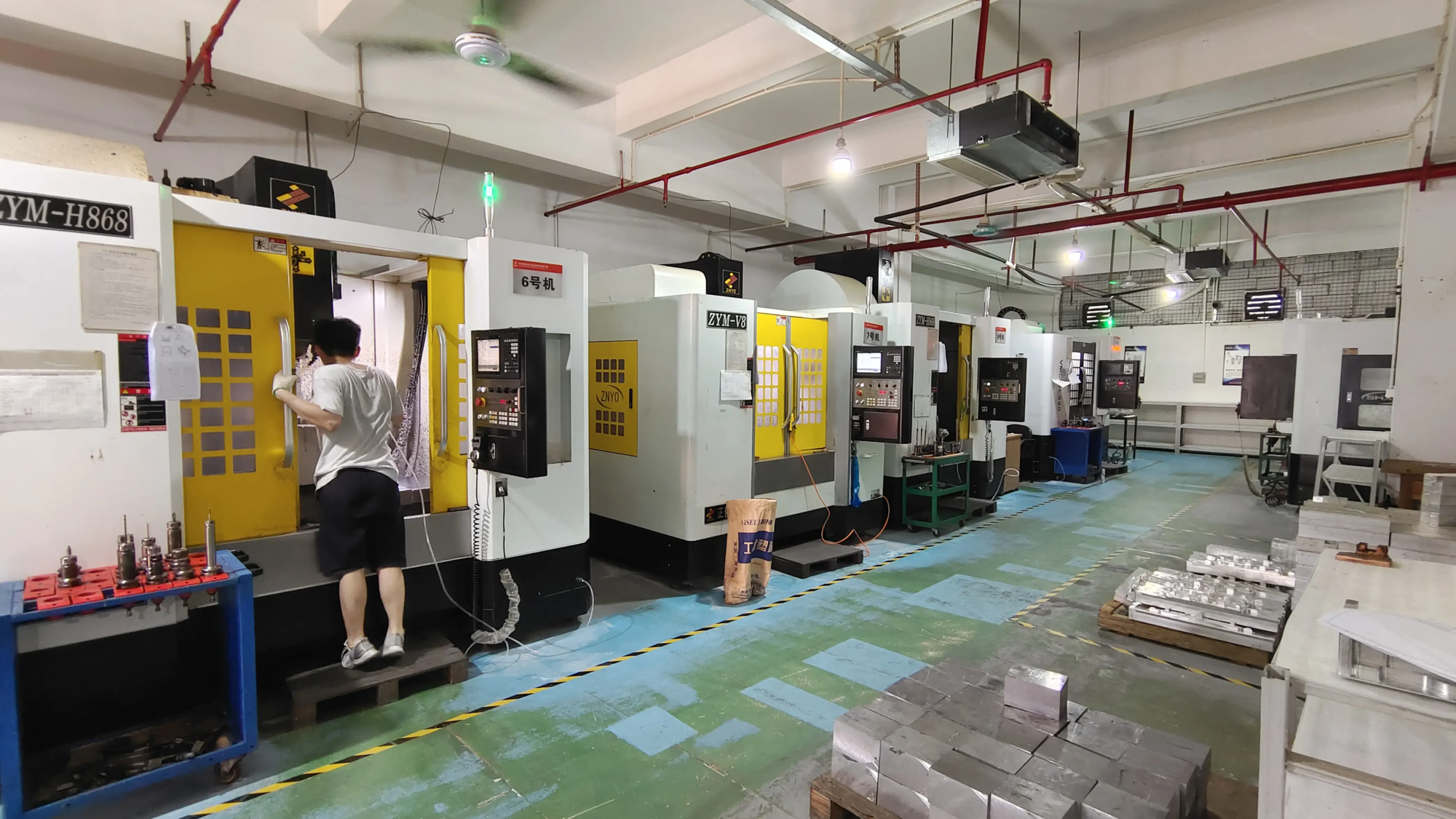
- Post-processing: For plastic parts: Annealed PETG/Average treated ABS significantly improves durability and creep resistance. Sand the mating surfaces smooth. Reinforce critical threaded holes with brass inserts melted into the plastic. Ferrite’s metal SLM parts undergo complex heat treatment and CNC machining by default, ensuring dimensional accuracy and fatigue resistance well beyond desktop printing capabilities.
Assembly and installation: safety first!
Test components thoroughly before connecting expensive monitors:
- Dry fit: Assemble printed parts with hardware. Make sure the joints move smoothly and are not restricted or overly mobile.
- Stress test: Gradually apply load to the arm (use a bag of known weight > monitor weight) and monitor for deformation, unusual noises, or cracks. Keep the load on for several hours.
- Protect: Install locking hardware (especially the clamp/grommet mechanism) tightly to specifications. It is best to fix the monitor in the metal insert of the printed fixing plate using fastening bolts.
- Cable routing: Integrate hooks or channels into your design to neatly bundle cables within the arm assembly.
Benefits beyond space saving
Consider ergonomics and workflow efficiency:
- Enhance posture: Place the center top of your monitor slightly below eye level to reduce neck fatigue.
- Dynamic positioning: Instantly switch screens between collaborative discussions and focused work.
- Optimized for small spaces: Vertically reclaim desk space for notes, tasks, or simple clean minimalism.
- Personalization settings: accomplish precise Viewing heights, angles and depths suit your build and workflow.
in conclusion
Taking control of workspace efficiency with DIY 3D printing solutions like monitor arms is both powerful and practical. Turn limitations into custom innovation with modern CAD tools and easy-to-access 3D printing, whether via a desktop or working with a professional prototyping company like GreatLight. This approach brings tangible benefits: tailor-made cost-effectiveness, maximized workspace and optimized ergonomics. No one-size-fits-all products; solutions engineered precisely to suit your needs. Start designing, printing and recycling your desk today.
FAQ: Answers to your 3D printed monitor arm questions
-
What is the maximum weight a typical PLA/PETG arm can bear?
- PLA: Not recommended for main arms due to creep (slow deformation over time). Limit the use of thick wall designs and plug-ins to small stands/lighter monitors (<5kg).
- PETG: The professionally printed and annealed PETG arm is a practical tabletop maximum that can reliably support 8-10 kg in a properly designed single arm. Heavier displays or complex dual screen arms require strong resins, carbon fiber reinforcements or engineered metals (such as aluminum alloys printed on industrial SLM machines – ask GreatLight).
-
I don’t have a 3D printer. Can I still do this project?
Absolutely! Many online platforms connect designers with printing service providers for filament parts. For demanding applications that truly require metal-level strength (>10kg displays, industrial vibrations), turnkey solutions are available from specialist rapid prototyping manufacturers. Companies like GreatLight specialize in metal additive manufacturing using SLM technology and offer comprehensive CNC finishing services. They take care of the complex fabrication, allowing you to focus on assembling the perfect workspace tool – all available with convenient online ordering and prototype consultation.
-
How much filament is typically used in a monitor arm?
Complexity determines yield. A single arm clamp mount uses an average of 300g-500g of plastic filament, depending entirely on its layout density and expected number of connectors per screen quantity. Estimates are made via slicer tool pre-printing and material availability is ensured accordingly.
-
Is a 3D printed monitor arm stable enough for everyday use?
Yes – if it is carefully designed, printed, reinforced (with inserts and appropriate bolts) and tested using pressure test verification methods before installing the expensive display. The design is conservative, prioritizing functional integrity over minimalist aesthetics to ensure reliable performance even during desk use, with layout changes to ensure longevity.
- Can I design an arm with multiple joints for greater flexibility?
Very likely! Multiple joints ("Articulated" arm) allows for unparalleled workspace adaptability, but requires complex engineering: Rigorous