Take Control of Mobile Design: Top Tablets to Enhance Your 3D Printing Workflow
The world of 3D printing isn’t limited to printers humming on the shop floor. Increasingly, the spark of creativity—designing complex models, preparing files, remotely monitoring prints, or exploring vast repositories—happens away from the desktop. This is where tablets shine. Its portability and touch interface make it a powerful companion for 3D printing enthusiasts and professionals. But not all tablets are up to the task. Choosing the right product can significantly streamline your workflow and unleash creativity.
This guide takes an in-depth look at the best tablets for 3D printing in 2023/2024, focusing on performance, compatibility, and usability that are critical for CAD modeling, slicing, and printer management.
Why your tablet choice matters for 3D printing
Modern tablets transcend simple consumer devices. For 3D printing, they often deal with:
- CAD and modeling: Running complex applications such as Shapr3D, AutoCAD mobile or Blender (via remote desktop or cloud) requires a lot of CPU/GPU processing power.
- Slicing software: Applications such as PrusaSlicer, Cura or Bambu Studio require processing power for efficient slicing calculations, especially for complex models.
- STL file processing and repair: Viewing, rotating, inspecting, and sometimes repairing STL files requires a responsive interface and a powerful processor.
- Remote monitoring: Connect via OctoPrint, Klipper interface or proprietary applications such as Bambu Handy to monitor printing and initiate operations.
- Browse and study in the library: Accessing community or educational content like Thingiverse, Printables, Cults3D, etc. requires a good screen and a stable connection.
- Photography/Scanning: Recording photos or doing simple scans using photogrammetry applications benefits from a good camera and processing.
Main selection criteria:
- Processing capacity: A powerful multi-core processor (CPU) and powerful graphics unit (GPU) are not to be ignored for smooth slicing and CAD performance. Look for flagship CPUs (Apple A/M series, Qualcomm Snapdragon 8 series, Samsung Exynos equivalent).
- Memory: Essential for multitasking (running CAD, slicing, web browsers) and working with large STL files. It is recommended to use at least 8GB, and for heavy tasks, 12GB or more is preferred.
- exhibit: High resolution (preferably pure black OLED), excellent color accuracy, and cruciallygood brightness/anti-reflective coating for improved visibility in a variety of lighting conditions. Size matters too – larger screens (10"+ Usually preferred) to help operate complex models.
- Software and application compatibility: Make sure your tablet is running critical apps your Workflow. iOS has excellent professional CAD apps like Shapr3D, while Android offers a wider selection of devices and deeper file system access.
- Connectivity: Powerful Wi-Fi 6/6E is essential for file transfer and remote printer control. USB-C (preferably with support for connecting external storage/monitors) is a huge plus. Bluetooth is handy for accessories.
- Battery life: Prioritize tablets that can last for long periods of time designing or monitoring prints without requiring frequent charging.
- Storage: Sufficient internal storage (256GB+ recommended) to store applications, CAD projects, STL libraries and slice files. Expandable storage (microSD) can be a lifesaver for Android tablets.
Elite Contender: Best 3D Printed Tablet
After extensive evaluation based on these criteria, here are the top performers:
-
Apple iPad Pro (M2/M4 chip, 11" or 12.9"):
- advantage: Unparalleled processing power and GPU performance; stunning Liquid Retina XDR display (12.9") or standard liquid retina (11") – Bright and color-accurate; excellent battery life; best-in-class ecosystem for CAD apps like Shapr3D (subscription required) and Nomad Sculpt; excellent build quality; seamless integration with other Apple devices.
- shortcoming: Cost is high; file management flexibility is limited compared to Android; the operating system can sometimes feel restrictive; the iOS version of the slicing software can be limited or have fewer features than the desktop version; Apple Pencil sold separately (a must-have for CAD).
- judgment: The undisputed king of performance. Ideal for professional designers who need top-notch CAD performance and display quality on iOS/macOS workflows. This is the best choice if your main tasks are intensive modeling and rendering.
-
Samsung Galaxy Tab S9 series (S9/S9+/S9 Ultra, Snapdragon 8 Gen 2):
- advantage: Great Dynamic AMOLED 2X display (bright, vivid, smooth refresh rate); Powerful Snapdragon 8 Gen 2 chip for smooth slicing and CAD; Features S Pen (great for CAD/stylus input); Great multitasking capabilities (Dex mode turns it into a near-desktop experience); Expandable storage via microSD; Powerful USB-C (generally supported by USB-C hubs/monitors); Excellent Android file management.
- shortcoming: Complex CAD apps often lag slightly behind their iPadOS counterparts; Ultra models can be clunky; and the battery is slightly less optimized than the latest iPads under heavy CAD loads.
- judgment: The first choice for Android. A great all-rounder that combines top performance, a stunning display (including S Pen) and unparalleled flexibility with Dex Mode. Best for those who prioritize Android operating system flexibility, file access, multitasking, and a more desktop-like experience without the need for a PC.
-
Microsoft Surface Pro 9 (Intel 12th/13th Gen/Evo or SQ3):
- advantage: Runs full Windows 11; works any Windows CAD software (Fusion 360, SolidWorks, CATIA), slicers (PrusaSlicer, Cura) and specialized tools; detachable keyboard making it a laptop replacement; excellent active stylus support; very good productivity performance (Intel i5/i7/Evo); flexible connectivity (USB-C/USB-A/Surface Connect).
- shortcoming: Tablet form factor less ergonomic than a dedicated tablet suitable for extended handheld drawing; well-equipped and cost-effective; battery life has significant impact on running heavy CAD/slicers; fan noise under sustained load; ARM variant (SQ3) runs emulated x64 applications, but has potential compatibility/performance issues.
- judgment: The ultimate powerhouse for running complete desktop software. Essential for professionals Require Specific Windows-only CAD packages, or require one device for both tablet and heavy desktop workflows. Prioritize Intel Evo models over SQ3 for maximum compatibility.
-
Apple iPad Air (M2 chip):
- advantage: Powered by the same powerful M2 chip as the iPad Pro; stunning Liquid Retina display; support for Apple Pencil 2 (a must-have); more affordable than the Pro model; long battery life; access to the powerful iOS CAD/app ecosystem.
- shortcoming: Smaller display options (10.9") higher than the Pro max; no ProMotion high refresh rate display (affects Apple Pencil lag perception); storage options may feel limited; speakers/camera are worse than the Pro.
- judgment: a great "iPad Pro Lite." Provides near-Pro processing power at a lower cost. If the Air’s screen size is adequate and ProMotion/XDR isn’t required, it’s great for serious CAD work and slicing.
- Samsung Galaxy Tab S9 FE+ (Snapdragon):
- advantage: Large 12.4" Shows ideal viewing models/stats; includes S Pen; solid performance with slicing apps, light to moderate CAD (Shapr3D Basic), browsing library, and remote monitoring; good battery life; powerful Android OS; expandable storage; more affordable than flagship S series.
- shortcoming: For intensive CAD/rendering, performance lags behind S9/iPad Air; display specs (LCD, brightness, color gamut) are not up to flagship levels; processor throttles faster under heavy load.
- judgment: Best Budget Flagslet: Great value for money for hobbyists and education. Handles most core tasks well and has a large screen for viewing/operating without the flagship price tag.
Beyond the tablet: GreatLight brings your designs to life
Designing on tablets is exciting, but reliably realizing these designs with high-quality metal requires expertise and industrial-grade technology. This is the advantage of GreatLight.
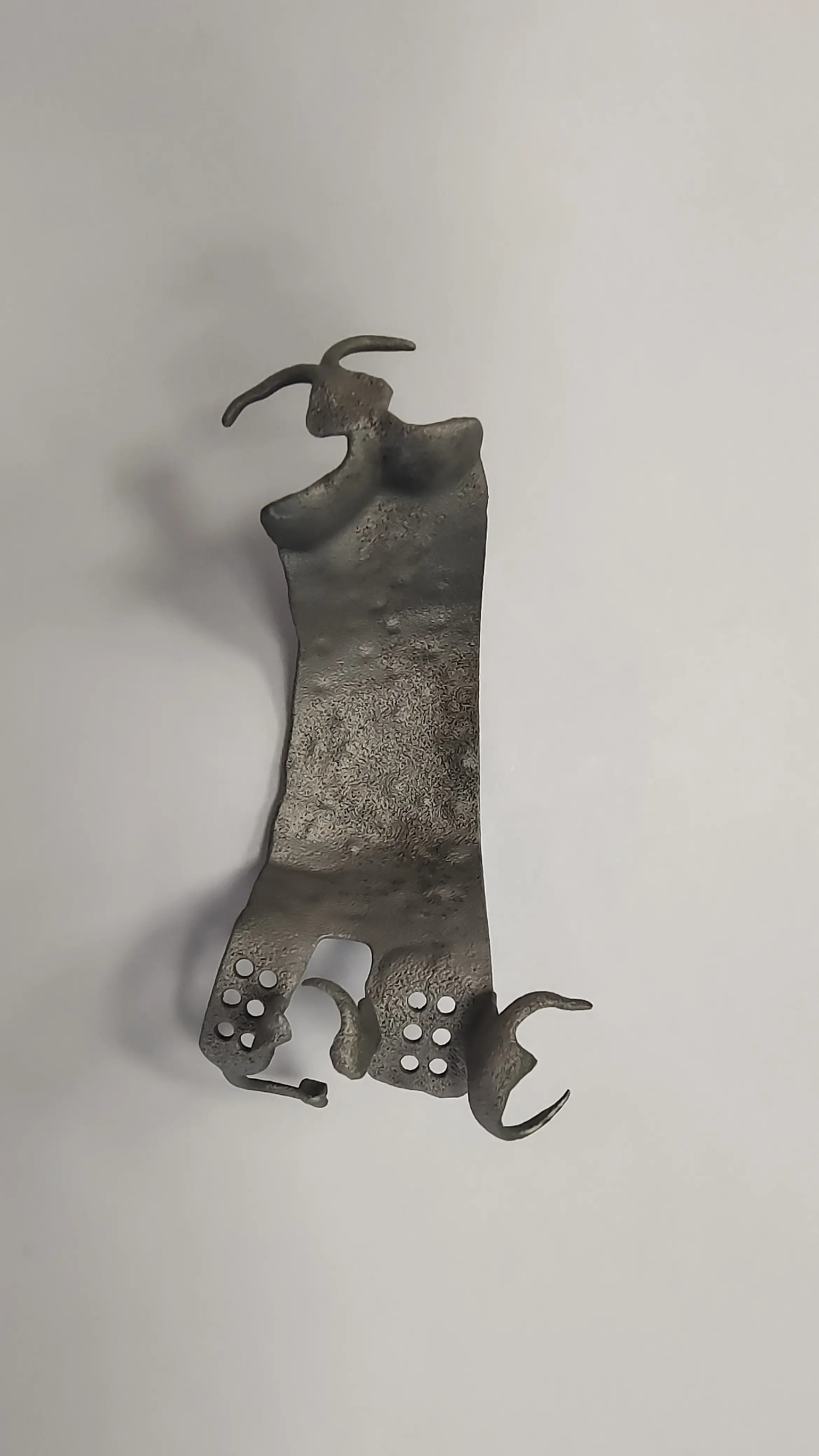
As a professional rapid prototyping manufacturer in China, Honglaite has cutting-edge technology Selective Laser Melting (SLM) Metal 3D printing technology. Our advanced SLM printers push the boundaries of metal part manufacturing, creating complex geometries with a precision unachievable with traditional methods.
We specialize in solving challenging metal part rapid prototyping problems. Whether you’re testing a new design on iPad Pro or iterating on a feature prototype on Galaxy Tab S9+, Gretel provides one-stop solution:
- Advanced SLM Metal Printing: Utilize optimized process parameters of titanium, stainless steel, aluminum alloy, Inconel and other materials.
- Comprehensive post-processing and finishing: Your prototypes don’t just print out; They are perfect. We offer machining, heat treatment, support removal, surface finishing (grinding, polishing, sandblasting), electroplating and more – all under one roof. Prepare parts for form, fit and function testing.
- Customization and speed: Most materials can be quickly customized and machined to meet specific project requirements and tight deadlines.
- Cost-effective precision: As one of China’s leading rapid prototyping companies, we utilize efficient processes to provide Customize precision rapid prototyping parts at the best prices.
Turn your tablet concept into a tangible metal reality. Customize and order your precision rapid prototyping parts with GreatLight today!
in conclusion
Choosing the best tablet for 3D printing depends on your primary mission, budget, and preferred ecosystem:
- Absolute CAD Features/Quality (iOS): iPad Pro (12.9") is unparalleled.
- Android flexibility/features: Samsung Galaxy Tab S9/S9 Ultra leads the way.
- Complete desktop CAD/Slicer Windows application: Microsoft Surface Pro 9 (Intel Evo).
- Professional power at a lower cost: iPad Air (M2) balances performance and price.
- Great value and big screen: The Galaxy Tab S9 FE+ is great for basic tasks/enthusiasts.
Investing in the right tablet can enhance your mobile design potential. Combining digital capabilities with GreatLight’s industrial-grade SLM metal 3D printing and comprehensive finishing services provides an unparalleled path from innovative concepts to durable, high-precision metal prototypes and end-use parts. Let GreatLight handle the complexities of metal fabrication while you focus on creating the next breakthrough design.
FAQ: Tablets and 3D Printing
- Q: Can a tablet replace a computer for serious 3D printing?
- one: it depends. Laptops/desktops are still the best choice for complex CAD, intensive slicing calculations and managing complex print farms. Tablets excel at design/modelling (especially with a stylus), remote monitoring, library browsing, and lighter slicing tasks. For demanding workflows (FEA simulations, complex fillets in CAD) computers are often still indispensable. Surface Pro running at full capacity