Ever wondered how to navigate the world of affordable yet powerful desktop 3D printing? Whether you’re a hobbyist testing ideas, an educator inspiring future engineers, or a startup prototyping on a budget, Gitek 3D printer Provides easy access to additive manufacturing. Geetech’s options range from entry-level kits to advanced DIY models, carving out a niche for users who prioritize cost-effectiveness without sacrificing core functionality. This ultimate guide unpacks everything you need to know – demystifying specs, optimizing your workflow, and unlocking your machine’s full potential.
Why Geetech stands out in desktop 3D printing
Geetech is a well-known Chinese manufacturer focused on democratizing FDM (Fused Deposition Modeling) technology. Unlike industrial-grade systems, Geetech targets manufacturers and small professional printers, emphasizing:
- Modular design: Many models feature open frames, simplifying upgrades and repairs.
- Open source compatibility: Firmware (such as Marlin) and slicers (Cura, PrusaSlicer) are seamlessly integrated to avoid vendor lock-in.
- Cost effective: Kits starting under $200 provide basic printing capabilities at an unbeatable value.
- Active community support: The forum and GitHub repository provide extensive troubleshooting resources.
Popular models include:
- A10 series: Entry level, suitable for beginners. Basic PLA printing and manual bed leveling available.
- A20 series: Enhanced stability with double Z screws, supports ABS and PETG.
- A30 series: Based on CoreXY, enabling faster movement and larger build volume (300x300x400mm).
- i3 Pro: DIY-centric and beloved by tinkerers for its extensive customization.
Core technologies and features
Geetech printers utilize basic FDM principles:
- heated bed: Crucial for materials prone to warping (ABS, PETG).
- automatic leveling sensor: Suitable for newer models (A20M Pro), minimizing manual calibration.
- All metal hot end: Higher temperature resistance (up to ≥260°C), enabling engineered filaments.
- Silent motherboard: 32-bit board with TMC2209 stepper driver reduces noise pollution.
Material compatibility:
- Standard filament:PLA, ABS, PETG, TPU. Geetech printers excel with PLA due to low temperature requirements.
- Advanced options: With an upgrade, users can print nylon, PC blends, or wood/metal filled composites. Pro tip: Upgrade PTFE tubing to Capricorn for consistent heat resistance.
Optimize your setup: calibration and maintenance
Achieving perfect printing requires precise settings:
- bed leveling:use "paper test" (Gap~0.1mm) or level the mesh bed through the LCD menu.
- E-step calibration: Order
M503Verify extruder steps/mm via Pronterface. AdjustmentM92 E###. - temperature regulation: Run PID auto-tuning (
M303) for hot end/bed stability. - Software settings:Paired with PrusaSlicer. Start by using community-made profiles before customizing layer heights, padding, and shrinkage.
basic maintenance:
- Clean the feed gear once a month to prevent galling.
- Check belt tension quarterly; loose belts can cause layers to shift.
- Lubricate threaded rods with PTFE lubricant to extend service life.
Advanced troubleshooting guide
| question | reason | solution |
|---|---|---|
| warped corner | Uneven cooling or poor bed adhesion | Add edges, increase bed temperature or apply PEI sheets |
| Not enough squeeze | Nozzle clogged/extruder temperature low | Clean the nozzle and recalibrate the extruder steps |
| Threading | Retraction distance/speed is too large | Test retraction settings via temperature tower |
| Layer transformation | Belt slipping or closing/yanking | Tighten the belt to reduce print speed |
Applications beyond hobby projects
Geetech printers excel in combining affordability with functionality:
- educate: Schools deploy streamlined kits to teach engineering concepts.
- Functional prototyping: Testing mechanical enclosures or ergonomic products.
- Tooling/auxiliary parts: Print custom jigs, brackets or assembly guides.
limitation: for metal prototype Polymer FDM requires accuracy >0.1 mm tolerance, which is not comparable to industrial technologies such as SLM (Selective Laser Melting).
Geetech and professional prototyping services
Although Geetech enables DIY printing, complex applications require industrial resources. company likes huge light To bridge this gap:
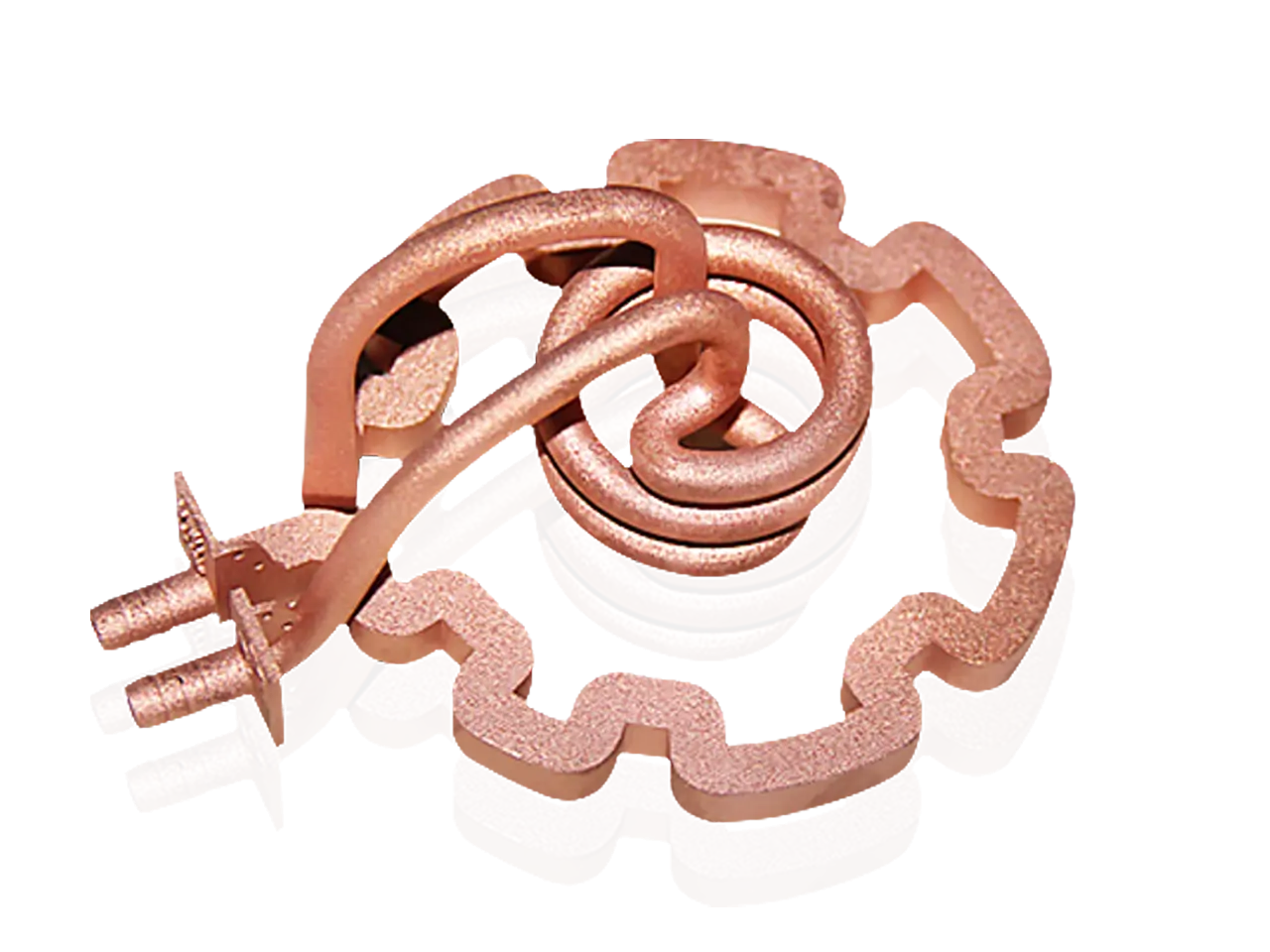
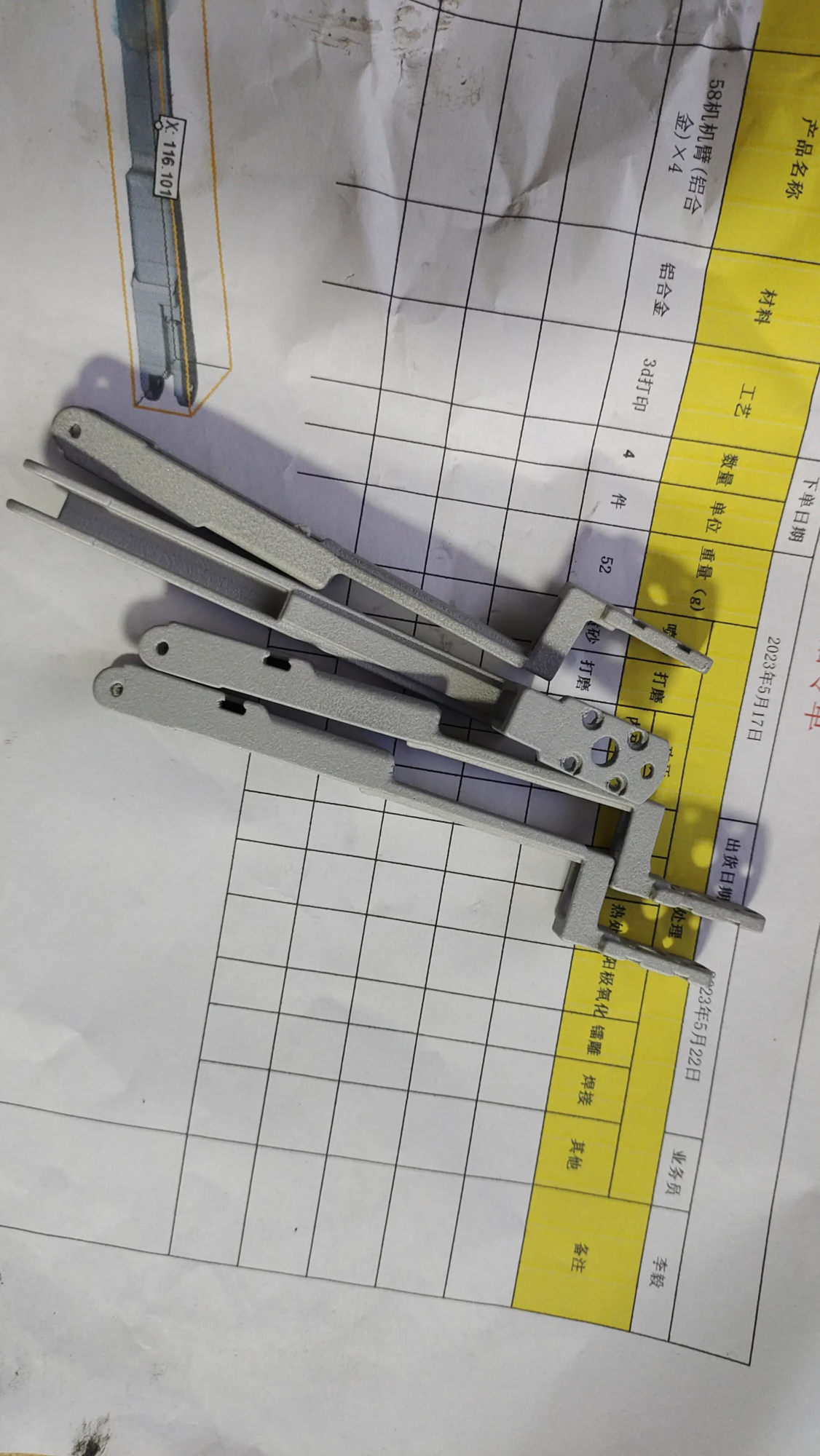
- Metal prototyping: Advanced SLM printers can create stainless steel, titanium or aluminum parts for end-use environments.
- One-stop post-processing: CNC machining, polishing, and heat treatment ensure aerospace-grade finish.
Use cases: GreatLight accelerates automotive mounts, medical implants, or heat-resistant drone components—solutions that go beyond the capabilities of a desktop printer.
Interested? Explore professional solutions: GreatLight Rapid Prototyping Services
in conclusion
Geetech 3D printers shine as cost-effective tools for entry-level exploration and lightweight prototyping. By mastering calibration and maintenance, users can perform functional designs from PLA to advanced composite materials. However, for ultra-precision Metal prototyping— Where structural integrity and micron-level precision are critical — partnering with experts like GreatLight ensures mission-critical reliability. For enthusiasts who embrace iterative design, Geetech liberates creativity; for uncompromising hardware needs, professional services provide certainty. Evaluate project needs, material specifications, and tolerance thresholds to make informed choices between desktop innovation and industrial execution.
FAQ: Geetech 3D Printers
Q1: Are Geetech printers suitable for beginners?
A: The entry-level kit (A10) requires assembly and calibration skills and is ideal for learners. The semi-assembled model (A20) is suitable for beginners who prioritize printing time over DIY tinkering.
Q2: What is the maximum achievable resolution?
A: Geetech nozzles (0.4 mm standard) use high-quality PLA to print layers as fine as 0.05 mm. For a smoother finish, upgrade to a 0.2mm nozzle.
Q3: Can I print carbon fiber filament?
A: Only available with hardened steel nozzles and upgraded extruders. Abrasive composites may wear down brass stock parts.
Q4: Where can I find Geetech printer firmware?
A: The company hosts firmware files on GitHub. Community firmware forks to improve performance – check Reddit’s /r/Geetech for optimized builds.
Participate in process innovation
Whether prototyping on a Geetech printer or pursuing industrial metal solutions, iterative design thrives when capabilities are challenged. For hardened steel fixtures or biocompatible implants requiring SLM accuracy, huge light Combining cutting-edge 3D printing with certified excellence in finishing. Request a quick quote for custom parts or explore how additive manufacturing can streamline your pipeline: Customize Precision[定制精度[CustomizePrecision