Why your first 3D printer should probably be enclosed (and which ones to choose)
It’s so exciting to step into the world of 3D printing! Watching your digital creations transform into tangible objects never gets old. But as a beginner navigating the vast ocean of printers, a critical decision looms: Should you choose an open-frame printer or invest in a closed-frame printer? For most newbies, especially those trying to go beyond basic PLA filament, Enclosed 3D printers are often the smarter, safer, and more versatile option. Here’s why, and our top picks to start your journey.
Beginner case for enclosed printer:
- Enhanced safety and comfort: The casing contains fine particles (which may even be emitted by filaments such as PLA) and minimizes contact with airborne particles. They also significantly reduce noise levels – a major advantage if your printer shares space with your living area. Best of all, they prevent accidental burns from hot surfaces and actively keep curious hands (and paws!) away from moving parts.
- Improve print quality, especially for tricky filaments: Want to print on ABS, PETG, Nylon or ASA? These popular engineering-grade materials require a stable, warm environment to prevent warping and cracking as they cool. The housing absorbs heat to create a micro-printing chamber, which is critical for achieving consistent, high-quality results with these advanced materials.
- Reduce draft and improve consistency: Even with PLA, sudden drafts from open windows, vents, or people passing by can disrupt the print bed temperature and surrounding environment, causing warping or layer adhesion issues. The casing protects your prints and ensures greater consistency even with slight fluctuations in the room.
- Dust and Debris Protection: The enclosed frame prevents dust, pet hair, and other airborne debris from settling on the print bed or filament path during the printing process, reducing the chance of failed prints and nozzle clogs.
Top enclosed 3D printers for beginners (FDM/FFF technology):
We’ve carefully curated this list to focus on User-friendliness, reliability, supportive community, and value for beginnersprioritizing the included printer:
-
Creality Ender-3 V3 SE (or KE)
- Why it’s great: V3 SE builds on the legendary Ender-3 legacy Pre-assembled (huge advantage!)features dual Z-axis for stability, automatic bed leveling (CR-Touch), and excellent print quality at an affordable price. Its semi-enclosed design provides excellent wind protection and noise reduction, right out of the box.
- advantage: Incredibly affordable, very easy to set up, great print quality, huge community and parts availability, direct drive (SE and KE), fast printing (especially KE).
- shortcoming: The Sprite extruder design is proprietary, shell stiffness varies from frame to frame, and the KE option is significantly more expensive.
- Best for: Absolute beginners prioritize budget, plug-and-play convenience, and a closed door to printing basics. KE is for speed seekers.
-
Flashforged Adventurers 4
- Why it’s great: A true desktop approach. Fully enclosed, with Active filteringself-leveling, camera for remote monitoring, touchscreen UI and removable build plate. Provides high printing reliability and predictable results.
- advantage: Great for beginners, operation is quiet, printing is reliable and consistent, and integrated filtration removes odors/particles. Maintenance costs are very low.
- shortcoming: Smaller build volume than some competitors, slightly limited slicer compatibility (FlashPrint works well, but not everyone’s cup of tea), and proprietary nozzle design. More expensive than the base Ender model.
- Best for: Beginners value plug-and-play simplicity, minimal setup/maintenance, and consistent results in a clean package, whether it’s a home office or school.
-
Elegoo Neptune 4 Pro
- Why it’s great: Brings impressive speed and functionality to beginner/intermediate levels. Features out-of-the-box Klipper firmware, ultra-fast printing, dual gear direct drive extruder, automatic bed leveling and Rigid metal housing. Excellent value for money.
- advantage: Extremely fast print speeds, excellent print quality (especially at speed), sturdy enclosed frame, user-replaceable nozzles, Klipper firmware advantage.
- shortcoming: Fast printing requires optimal fine-tuning of the slicer settings. The unit fan is noticeably loud when running at full speed. Requires slightly more initial tinkering than super appliance models. The community is growing rapidly.
- Best for: Beginners are excited by speed, willing to do more setup/tuning for great performance, and want a rock solid closed frame without spending too much money.
-
Prusa Mini+ (with optional case)
- Why it’s great: Prusa is synonymous with reliability and print quality. Mini+ is compact and well designed, with best-in-class software (PrusaSlicer) and unparalleled customer support. While not a completely closed stock, Prusa offers Excellent optional acrylic housing kit (Light or HEPA) can change it perfectly.
- advantage: Outstanding reliability and print quality, excellent software integration, excellent support and community, rugged construction, easy to securely package. The king of benchmarks.
- shortcoming: The highest upfront cost on this list (especially adding the casing). Smaller build volume. The enclosure needs to be purchased/possibly assembled separately, which adds to the cost.
- Best for: Beginners prioritize quality and reliability, are willing to invest upfront, and appreciate the company’s strong support. one "Buy once, cry once" choose.
- TusTech X-Smart 3
- Why it’s great: Flexibility with multiple materials was considered from day one. Rugged metal housing, high-efficiency filtration (optional HEPA), heated bed capable of withstanding high temperatures, compatibility with filaments requiring temperatures up to 300°C (such as certain nylons), and easy dual-extruder upgradeability.
- advantage: Excellent build quality and rigidity, quieter than some competitors, built-in camera, and advanced materials compatibility out of the box for easy future upgrades.
- shortcoming: The starting price is slightly higher, Qidi Slicer works well, but the community resources are smaller than Creality/Prusa. Cooling is effective, but leaves something to be desired for high-detail PLA.
- Best for: Anticipate beginners who quickly need to reliably and safely print engineering grade materials (ABS, ASA, Nylon) without the need to upgrade later.
Conclusion: Attached = a confident start
For starters, enclosed 3D printers can alleviate severe frustrations—print distortion, operational noise, safety concerns, and limitations in material selection. Starting in a closed environment provides a more controlled environment, resulting in improved first-time success rates and the freedom to explore a wider range of material early on. While options like the Creality Ender-3 V3 SE offer incredible value and ease of use, spending a little more for the Flashforge Adventurer 4 or Prusa Mini+ (with case) offers device-like simplicity and reliability. The Elegoo Neptune 4 Pro offers a closed powerhouse for speed enthusiasts, while the QIDI X-Smart 3 is ideal for those targeting engineered plastics immediately.
Remember, your first printer is the learner. Prioritize features that reduce hassle and maximize success: enclosures, automatic bed leveling, and a strong user community. Master the basics, experiment safely, and enjoy the creative journey! As your skills and aspirations extend far beyond the desktop – into functional prototypes, complex designs or demanding materials like metal – expertise becomes critical.
Enclosed 3D Printer FAQs for Beginners
-
Q: Can’t I buy an open printer first and then add an enclosure?
- one: Yes, usually you can! Kits or DIY solutions are available for popular open frames, such as the older Ender-3 models. However, properly integrating power, ensuring unobstructed airflow/cooling, and dealing with cable management add complexity. Start with the printer designed Enclosed is usually easier and ensures better thermal management and safe integration.
-
Q: Are enclosed printers much more expensive?
- one: Historically, yes. But more and more companies are offering beginner-oriented enclosed models (such as the Ender-3 V3 SE) at very competitive prices. While you’ll typically pay slightly more than a completely open base model, the advantages in security, material flexibility, and print reliability provide excellent value for beginners.
-
Q: Should I buy a printer with built-in filtering?
- one: For beginners who focus on PLA/TPU/PETG in a well-ventilated area, a built-in filter (like the Flashforge Adventurer 4 or Qidi X-Smart 3) is a great option to give you peace of mind and reduce odors. If you anticipate doing a lot of printing with ABS or other high-emitting materials, you’ll need strong filtration (preferably HEPA + activated carbon) a lot of What’s more. Remember, filtration can supplement but not replace indoor ventilation!
-
Q: Is the shell not conducive to printing PLA? Won’t it cause thermal creep?
- one: PLA typically prints at lower temperatures and does not require a heat chamber like ABS. However, making the housing completely sealed during long PLA printing able This can sometimes lead to heat buildup in the extruder components ("thermal creep"), may cause blockage. The solution is simple: when printing PLA, leave the enclosure door slightly open or close the top for best results.
- Q: Besides the casing, what is the most important beginner feature?
- one: Automatic bed leveling (ABL). This eliminates the biggest headache for new users and greatly improves the success rate of the first layer of bonding. Combined with a good nozzle primer strip it makes setting up and printing very smooth. Look for CR-Touch, BLTouch or strain gauge sensors.
Take your prototyping to the next level with professional metal solutions
As a leading rapid prototyping manufacturer, huge light Specializing in transforming complex designs into functional metal realities. We understand the thrill of desktop creation; it’s where great ideas are often ignited! But when your project requires strength, precision, durability, or unique thermal/electrical properties Metaltransitioning from FDM prototyping requires specialized expertise and equipment.
In addition to desktop prototyping, huge light Ready to be your premium partner:
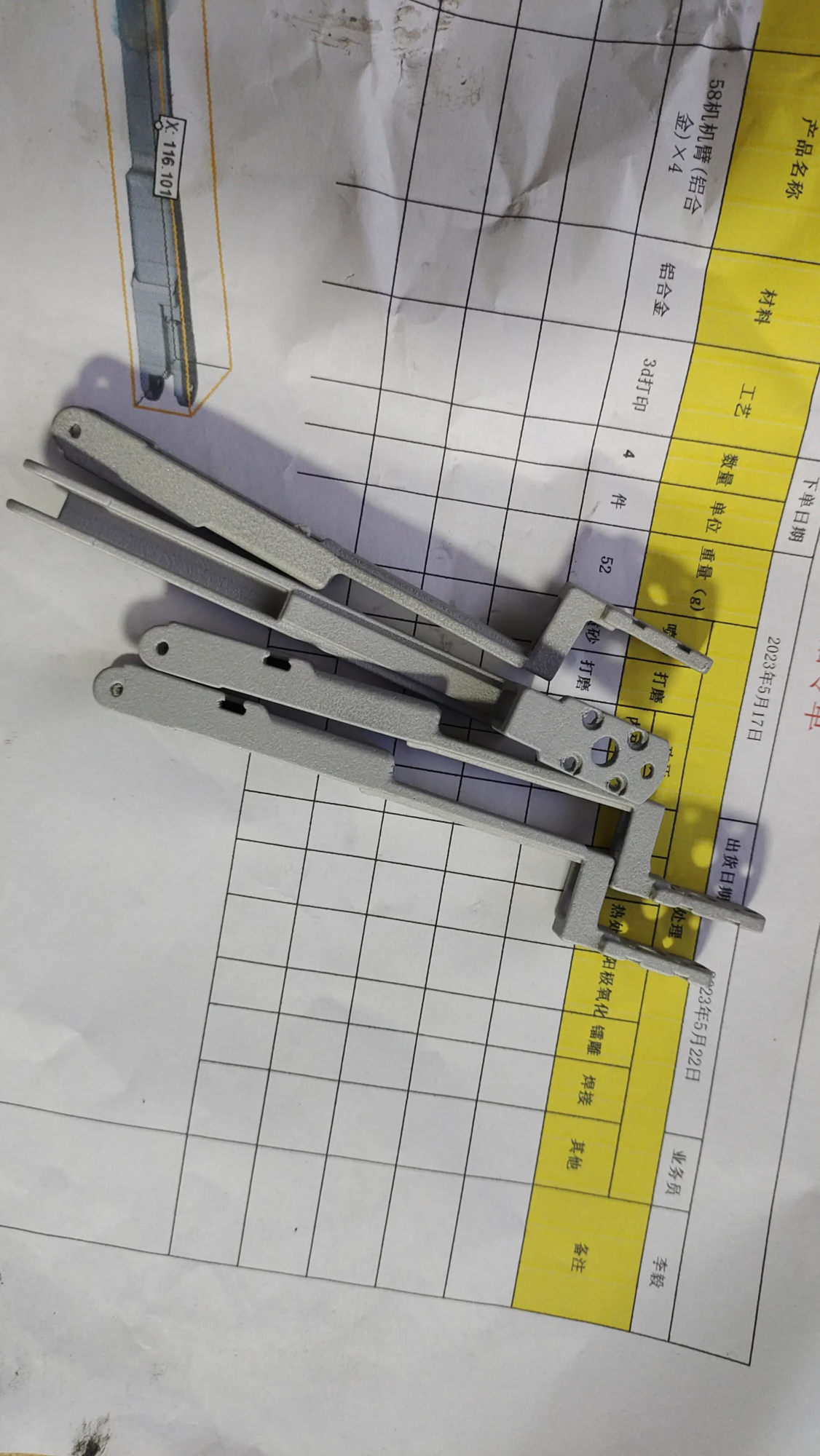
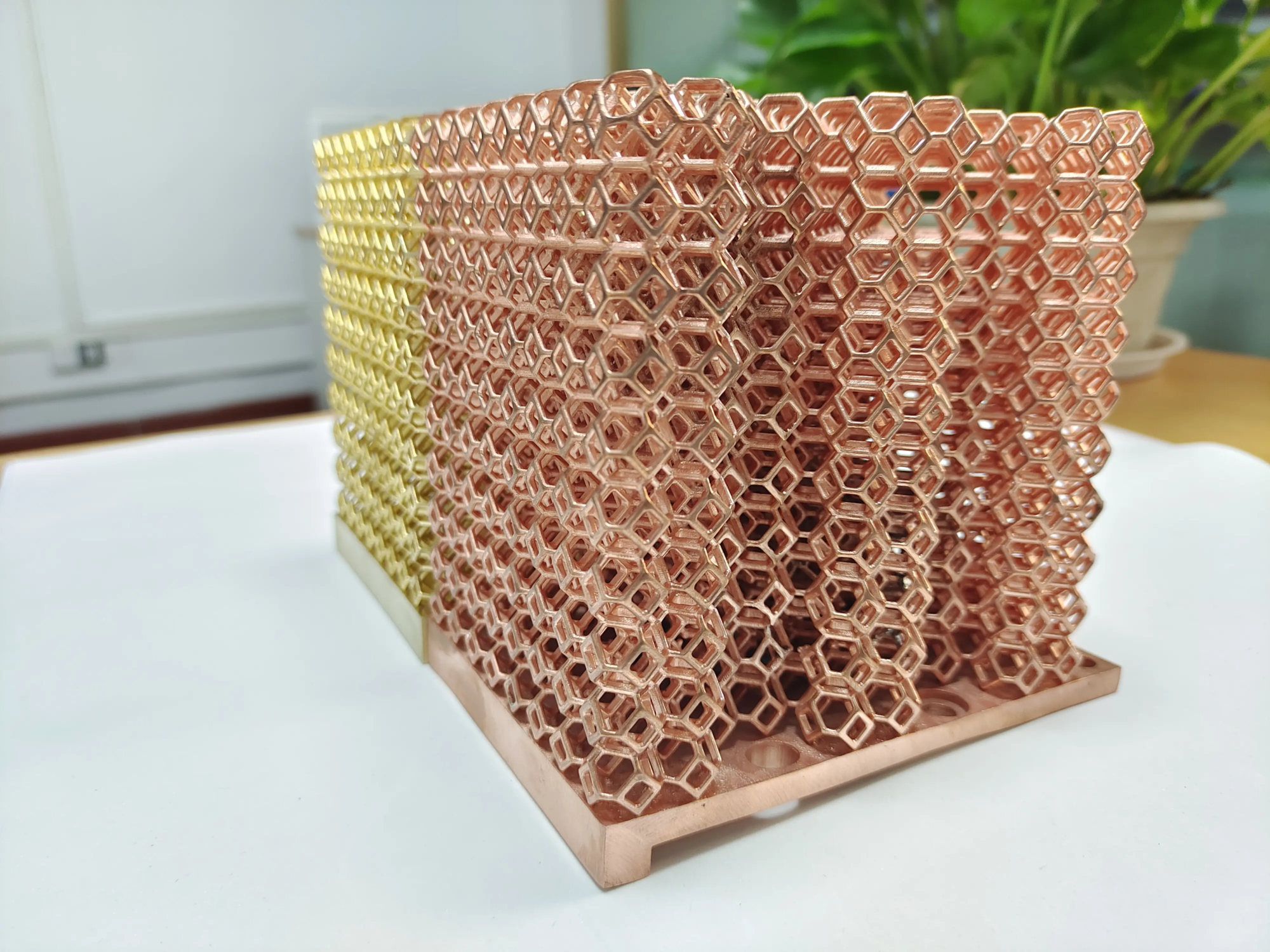
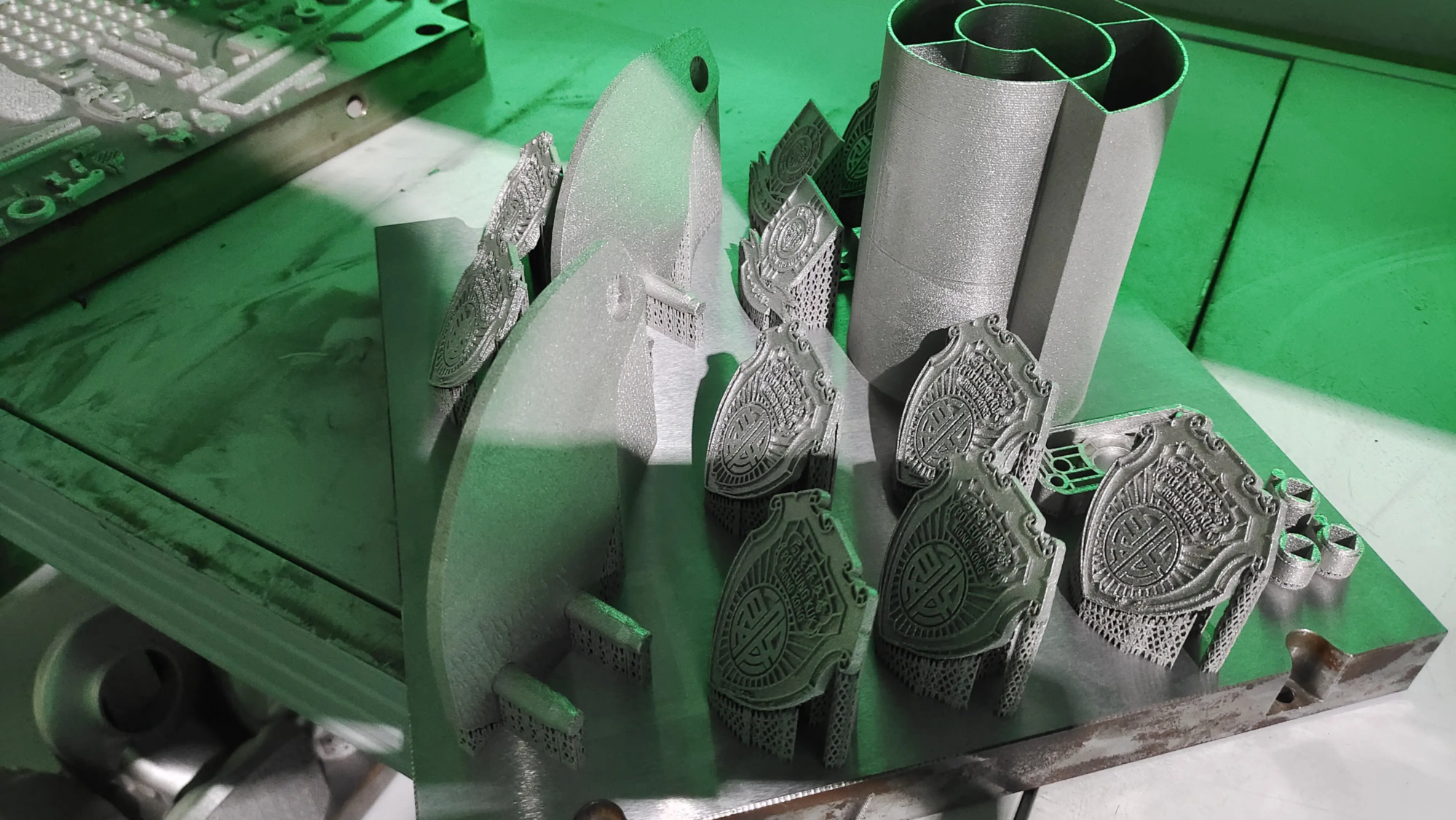
- Industrial-grade metal 3D printing: Utilize state-of-the-art technology Selective Laser Melting (SLM) technology, we create complex, high-density, fully functional metal parts directly from your CAD data.
- One-stop post-processing: From complex support removal and precision machining (turning, milling) to specialized heat treatments (annealing, stress relief), advanced surface treatments (polishing, sandblasting, coating), stringent inspections and even complex assembly, we handle the entire process chain seamlessly.
- Extensive materials expertise: We machine a variety of engineering alloys including tool steel, stainless steel, aluminum, titanium alloys, cobalt chromium and more. Need something specific? Most materials can be quickly custom machined.
- Customization and speed: We cater to different industries that require customized precision components. Our efficient processes are designed to quickly deliver superior quality prototypes and end-use parts.
If your path to innovation goes beyond plastics, huge light Providing advanced manufacturing expertise and reliable production to realize ambitious metal prototypes efficiently and cost-effectively.
Explore custom precision metal prototyping solutions: [Insert Call to Action – e.g., "Request a Quote", "Contact Us", "Explore Our Capabilities"]