Troubleshooting 3D Printer Thermistor Issues: A Comprehensive Troubleshooting Guide
Thermistors are the unsung heroes of 3D printing, acting as tiny temperature sentinels to ensure your hot end and bed stay within a precise temperature range. When they fail—whether due to wiring faults, calibration drift, or physical damage—your printer’s performance can be thrown into disarray. Temperature fluctuations, failed prints, and even printer lockups become common. Knowing how to quickly diagnose and resolve thermistor problems is critical to uninterrupted printing. This guide distills expert insights to help you approach these issues methodically.
Symptoms of a thermistor failure
Watch out for these red flags:
- "minimum temperature" or "maximum temperature" mistake: Abrupt shutdown triggered by untrustworthy temperature readings.
- Severe temperature fluctuations: Readings jump erratically for no reason.
- Heating failed: Despite full power, the hot end struggled to reach target temperature.
- eternal "heating…" status: Printing stops during startup.
Step-by-step troubleshooting protocol
1. Check wiring and connections
- question: Fragile thermistor wires wear out at stress points (for example, near the path of printhead movement).
- Solution:
- Turn off the printer and disconnect it.
- Traces from the thermistor to the motherboard. Check for rips, crimped or loose connectors.
- If damaged, repair or replace the harness with solder. Use cable chains to secure cables to prevent strain.
2. Test the thermistor resistance
- question: The resistance value drifts outside the operating specifications (for example, the resistance value of an NTC thermistor varies within 100kΩ).
- Solution:
- Use a multimeter to measure the resistance at room temperature (usually about 100kΩ at 25°C).
- Use a hair dryer to gently heat the thermistor – the resistance should drop smoothly. If stuck or unstable, replace it.
3. Verify thermistor location
- question: Poor contact with the hot end/heater block will cause inaccurate readings.
- Solution:
- Make sure the thermistor bead fits snugly into its mounting hole.
- Use high temperature thermal paste to increase conductivity. Avoid using thermal pads—they degrade quickly.
4. Check for electronic interference
- question: EMI from the motor or power lines can corrupt the low voltage thermistor signal.
- Solution:
- Reroute the thermistor wires away from the motor cables.
- Shield wires with aluminum foil or purchase EMI-resistant cables.
5. Calibrate temperature settings
- question: Software settings do not match hardware.
- Solution:
- Update Firmware: Verify your thermistor type (e.g. EPCOS 100kΩ) matches MARLIN
#define THERMISTOR_TYPE. - PID Tuning: Run Autotune (G code:
M303) to calibrate the heating response capability.
- Update Firmware: Verify your thermistor type (e.g. EPCOS 100kΩ) matches MARLIN
6. Physical damage inspection
- question: Microcracks can develop in the thermistor glass bead after a printhead impact or over-tightening.
- Solution:
- Check under a magnifying glass. If the bead/bit breaks, replace it immediately. Handle the thermistor with care – avoid pinching the screws.
7. Replace the thermistor
- If all else fails: Purchase a compatible thermistor. Main specifications:
- Resistance: Match original (e.g., 100kΩ NTC).
- Beta/thermal coefficient: Verify data table values.
- After replacement: Perform PID tuning again.
prevention strategies
- Stress relief: Add pipe sleeves to cables near exercise areas.
- Cold draw: Clear nozzle blockages regularly to avoid damaging the thermistor during the cleaning process.
- Firmware Guarantee: enable
#define THERMAL_PROTECTIONIn firmware, it is possible to stop printing during critical failures.
in conclusion
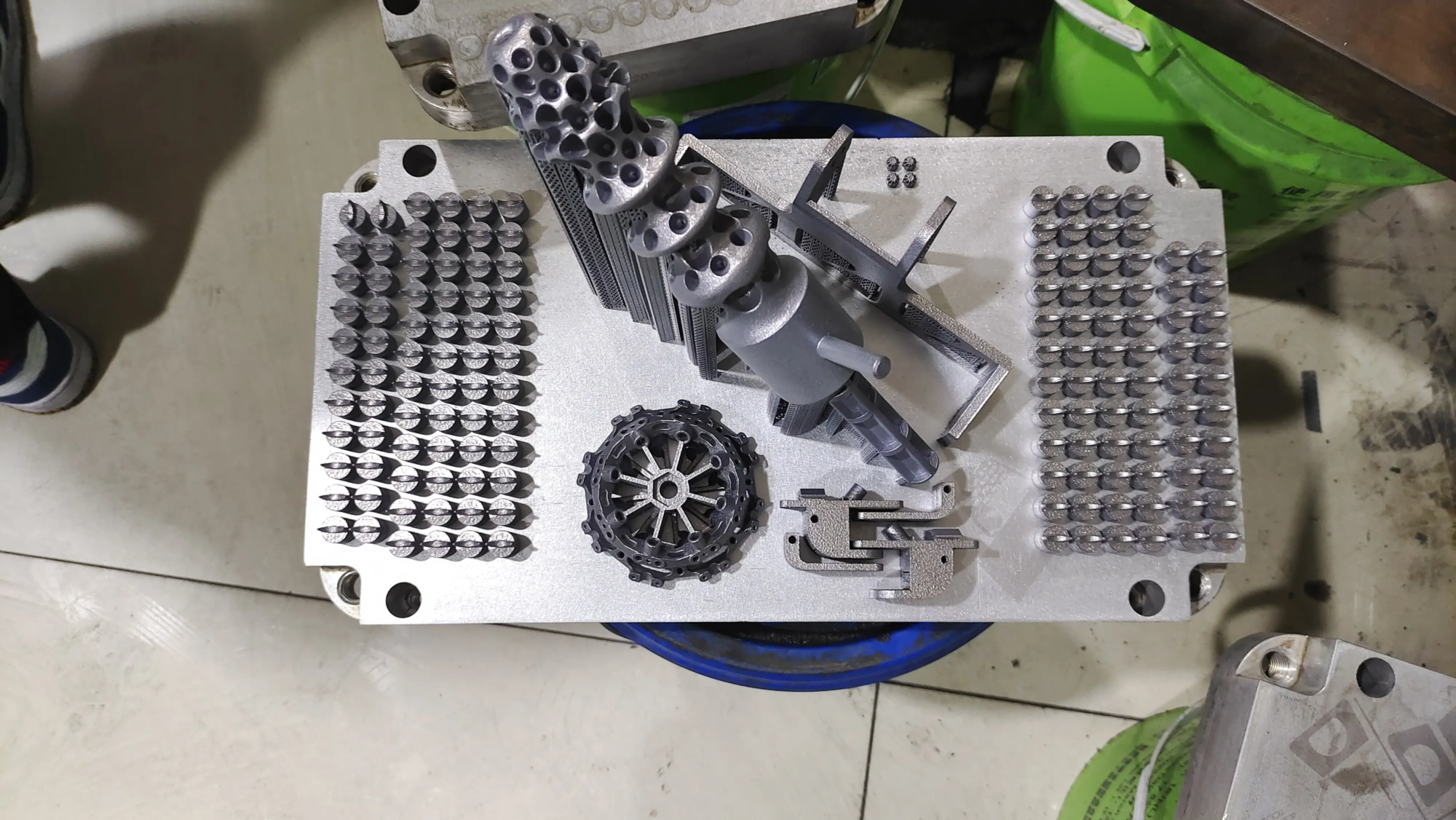
Thermistor problems can abruptly stop printing operations, but system troubleshooting can minimize downtime. For amateurs, mastering these steps ensures recovery. However, when accuracy and reliability cannot be compromised (especially in metal prototyping or industrial settings), utilizing professional-grade equipment becomes critical. exist huge lightour advanced SLM 3D printers come with an industry-calibrated thermal system that ensures perfect temperature stability and complete protection against thermistor-related failures. Combined with expert post-processing and material customizability, we seamlessly solve complex prototyping challenges.
📞 Need flawless prints? believe huge light—China’s largest rapid prototyping partner for metal and composite materials. Customize your parts for maximum efficiency: Explore Gretel’s services
Frequently Asked Questions About 3D Printer Thermistors
Question 1: How long do thermistors typically last?
A: With proper care, they can live for 1-2 years. Aggressive handling or impact may significantly shorten service life.
Q2: Can I temporarily bypass a faulty thermistor?
one: no way. Bypassing may result in overheating and fire. Be sure to replace a damaged thermistor immediately.
Q3: Why does the printer display display "-14" or "999" Spend?
Answer: These are firmware error codes. "-14" means a short circuit in the wiring; "999" Indicates the thermistor is damaged.
Q4: Are all 100kΩ thermistors interchangeable?
Answer: No. Beta values (eg, 3960 vs. 4090) affect response accuracy. Always meet specifications within manufacturer’s guidelines.
Q5: How to prevent thermistor errors when printing high temperature materials?
A: Use a thermistor rated above the target temperature (for example, PC/PEKK ≥350°C). Double check the firmware temperature limit.
Equip yourself with the knowledge and precision tools, and when in doubt, work with an expert who prioritizes perfection. Happy printing! 🛠️🔥